
Produs terminatview
The Linkind Matter Smart Plug is designed to bring smart home automation to your devices, allowing for remote control, voice commands, and scheduled operations. It supports multiple smart home ecosystems through Matter, providing seamless integration and control.

Image: The Linkind Matter Smart Plug, a compact white device with a standard US electrical outlet on the front and a small LED indicator. It features branding for Linkind, Matter, Apple Home, Alexa, Google Home, and SmartThings compatibility.
Caracteristici cheie
- Compatibilitatea materiei: Easy setup and control across certified smart home platforms like Apple Home, Alexa, Google Home, and SmartThings.
- Control offline: Devices communicate directly on your LAN, allowing control even without an internet connection.
- Telecomanda: Manage electronics from anywhere using the associated app.
- Control vocal: Hands-free operation via Apple HomeKit, Siri, Amazon Alexa, Google Assistant, and SmartThings.
- Programare și temporizator flexibile: Automate device power on/off to save energy.
- Caracteristici de siguranță: FCC certified, fire-resistant materials, 1800W 15A max capacity, short-circuit and overload protection.
- Design compact: Small form factor that does not obstruct adjacent outlets.

Image: An infographic highlighting the key features of the Linkind Smart Plug, including Matter-enabled, Simplicity, Interoperability, Reliability, Security, App Control, Timer & Schedule, Voice Control, Remote Control (Sold Separately), and Group Control. A smart plug is shown plugged into a wall outlet.
Ghid de instalare
Înainte de a începe
- Asigurați-vă că rețeaua dvs. Wi-Fi este 2.4GHz și susține IPv6Wi-Fi-ul de 5 GHz nu este acceptat.
- A Matter-certified hub or controller (e.g., HomePod, Echo Dot, Nest, SmartThings Hub) is required for control via Apple Home, Alexa, Google Home, or SmartThings platforms.
- Alternatively, the AiDot app can be used without a separate hub.
- Update both your smart home apps and hubs to their latest versions for enhanced compatibility.
Pași inițiali de configurare
- Lansați aplicația: Open your preferred smart home app (Apple Home, Alexa, Google Home, SmartThings, or AiDot).
- Activați Bluetooth și Wi-Fi de 2.4 GHz: Ensure Bluetooth is enabled on your mobile device and you are connected to a 2.4GHz Wi-Fi network.
- Pair with Smart Speaker/Hub (if applicable): Follow the app's instructions to pair the smart plug with your Matter-compatible smart speaker or hub.
- Pornire: Plug the Linkind Matter Smart Plug into a wall outlet.
- Codul materiei scanate: Use your app to scan the Matter QR code located on the product or its packaging. Alternatively, you may hold your iPhone near the accessory if it supports NFC pairing.
- Succes: Once the device is recognized and added, you can begin controlling it.
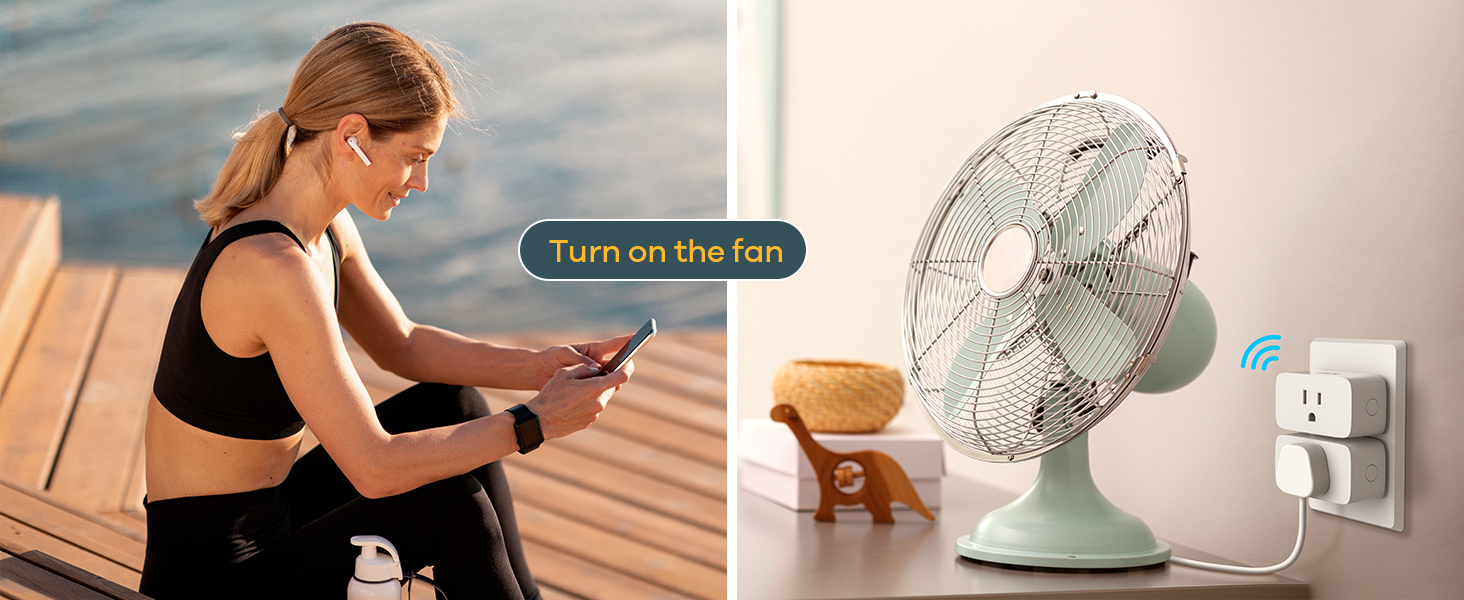
Image: A six-step visual guide demonstrating how to connect the Linkind Smart Plug, including launching the app, enabling Bluetooth and Wi-Fi, pairing with a smart speaker, powering on the plug, scanning the Matter code, and successful connection.

Image: An illustration explaining Matter hub requirements. It shows that a Matter-compatible hub (like Alexa, Google Home, Apple Home, SmartThings devices) is required for those platforms, while the AiDot app can be used without a hub. Important notes about 2.4GHz Wi-Fi and IPv6 are included.
Instrucțiuni de operare
Telecomanda
Once set up, you can control the smart plug from anywhere using your chosen smart home app. This allows you to turn connected devices on or off remotely, helping to manage power usage and save energy.

Image: A woman using a smartphone to remotely control a lamp plugged into a Linkind Smart Plug, illustrating the app remote control feature.
Control vocal
The Linkind Matter Smart Plug integrates with major voice assistants. Use simple voice commands to control your connected devices.
- For Apple HomeKit/Siri: Say, "Hey Siri, turn off the TV."
- For Amazon Alexa: Say, "Alexa, turn on the lamp."
- For Google Assistant: Say, "Hey Google, turn on the humidifier."

Image: A visual representation of voice control, showing speech bubbles with commands like "Hey Siri, turn off the TV" and "Hey Google, turn on the humidifier" next to a smart plug and connected devices.
Funcții de programare și cronometru
Automate your devices by setting schedules and timers through the app. This feature is ideal for energy saving and convenience.
- Set devices to turn on/off at specific times (e.g., TV off at 9 PM, Lamp on at 6 PM).
- Use the timer function to automatically shut down devices after a set duration.

Image: A smartphone screen displaying an "Add Schedule" interface, with examples of scheduled actions for a TV (off at 9 PM), lamp (on at 6 PM), and humidifier (off at 7 AM), demonstrating the timer and scheduling capabilities.
Întreținere și îngrijire
- Keep the smart plug clean by wiping it with a dry, soft cloth. Do not use liquid cleaners.
- Ensure the plug is used within its specified voltage (120 Volts) and maximum load (15A/1800W) to prevent damage.
- Evitați expunerea dispozitivului la umiditate excesivă sau la temperaturi extreme.
- Do not attempt to disassemble or repair the smart plug yourself. Contact customer support for assistance.
Depanare
| Problemă | Cauza posibila | Soluţie |
|---|---|---|
| Dispozitivul nu se conectează la Wi-Fi. | Bandă Wi-Fi incorectă (5 GHz), semnal slab, parolă incorectă. | Ensure you are connected to a 2.4GHz Wi-Fi network. Move the plug closer to the router. Double-check Wi-Fi password. |
| Comanda vocală nu funcționează. | Incorrect voice command, hub not connected, app/hub outdated. | Use precise commands. Verify your Matter-compatible hub is properly connected. Update smart home apps and hub firmware. |
| Telecomanda nu răspunde. | Internet connection issue, device offline. | Check your home internet connection. Ensure the smart plug is powered on and within Wi-Fi range. |
| Plug is hot to the touch. | Overloaded circuit, faulty device. | Unplug the device immediately. Ensure the connected appliance does not exceed 15A/1800W. Contact customer support if the issue persists. |
Pentru asistență suplimentară, vă rugăm să consultați resursele oficiale de asistență Linkind sau să contactați serviciul clienți.
Specificații
- Număr de model: LC09003256
- Vol. De intraretage: 120 volți
- Ieșire maximă: 15 A / 1800 W
- Conectivitate: 2.4GHz Wi-Fi (IEEE 802.11 b/g/n), Matter
- Material: Copper (internal components), Fire-resistant materials (housing)
- Culoare: Alb
- Dimensiuni: Aproximativ 3.27 x 2.52 x 1.93 inci
- Certificari: Certificat FCC

Image: A diagram illustrating the safety features and dimensions of the Linkind Smart Plug, including input 15A 120V, max output 1800W, fire-resistant 750°C, short-circuit protection, and overloaded protection, along with its compact size (2.7in x 1.5in x 1.3in).
Garanție și suport
Linkind products typically come with a Acoperire de 1 an warranty. For detailed warranty information, product support, or technical assistance, please visit the official Linkind website-ul sau contactați serviciul pentru clienți.
Serviciu clienți: Live customer service is generally available Monday-Friday, 9 AM - 5 PM PST.
Puteți găsi mai multe informații și date de contact pe Linkind Amazon Store.
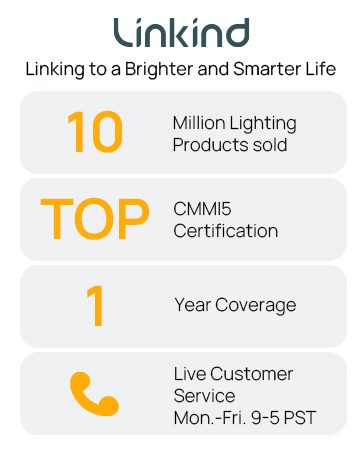
Image: A graphic highlighting Linkind's commitment, including "10 Million Lighting Products sold", "TOP CMMI5 Certification", "1 Year Coverage", and "Live Customer Service Mon.-Fri. 9-5 PST".