
Jeecoo M40
Jeecoo M40 Bluetooth Computer Speakers Instruction Manual
Model: M40 | Brand: Jeecoo
Introducere
Thank you for choosing the Jeecoo M40 Bluetooth Computer Speakers. This manual provides essential information for the proper setup, operation, and maintenance of your speakers. Please read it thoroughly before use to ensure optimal performance and longevity of your product.
Ce este în cutie
- Jeecoo M40 Speakers (2 units)
- Control Unit (wired)
- Manual de utilizare (acest document)
Instrucțiuni de configurare
Follow these steps to set up your Jeecoo M40 speakers:
- Plasare: Position the two speaker units on either side of your monitor or laptop for optimal stereo sound. Ensure the control unit is within easy reach.
- Connect Speakers to Control Unit: Connect the cables from each speaker unit to the corresponding ports on the control unit.
- Conexiune de alimentare: Connect the USB power cable from the control unit to a USB port on your computer, laptop, or a 5V/1A~2A USB power adapter (not included).
- Conexiune audio: Choose your preferred audio connection method:
- 3.5 mm AUX: Connect the 3.5mm AUX cable from the control unit to the headphone jack of your device (computer, laptop, tablet, smartphone, gaming console).
- Bluetooth: Ensure the speakers are powered on. Switch the mode to Bluetooth using the control unit. On your device, search for "Jeecoo M40" in the Bluetooth settings and pair.
- Pornire: Press and hold the power button on the control unit for 3 seconds to turn on the speakers.
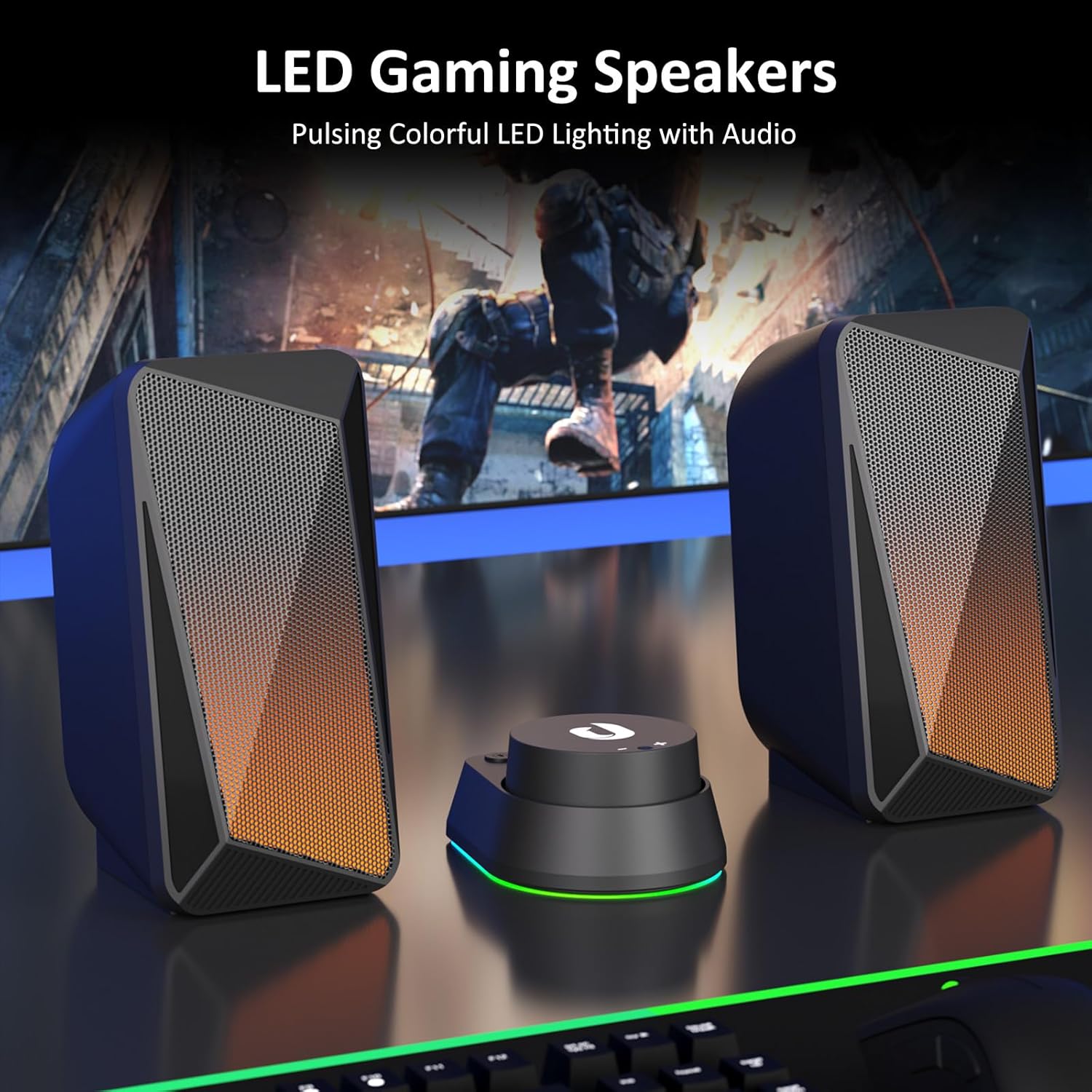
Image: Jeecoo M40 speakers and control unit connected to a laptop, illustrating the setup.

Image: Diagram showing 3.5mm AUX connection for Nintendo, Laptop, PC, and Bluetooth connection for Mobile, Laptop, iPad.
Instrucțiuni de operare
The convenient in-line control unit allows for easy management of your speaker functions:
- Pornire/Oprire: Țineți apăsat butonul ON/OFF button (labeled with a power symbol) for 3 seconds.
- Controlul volumului: Rotate the large dial on the control unit to adjust the volume. Turn clockwise for volume up (+), and counter-clockwise for volume down (-).
- Switch Audio Input Mode: Apăsați tasta MOD button (labeled with "O/M") to switch between Bluetooth and 3.5mm AUX input modes.
- Change LED Lighting Mode: Apăsați tasta APRINDE button (labeled with a light bulb symbol) to cycle through the three available lighting modes: Pulsing, LED Flame, and Lights Off.
- Reset Bluetooth Connection: When in Bluetooth mode, press and hold the APRINDE button for 3 seconds to wipe off the current Bluetooth connection and reset.

Imagine: Detaliată view of the control unit, highlighting the volume dial, mode switch, and LED lighting control.
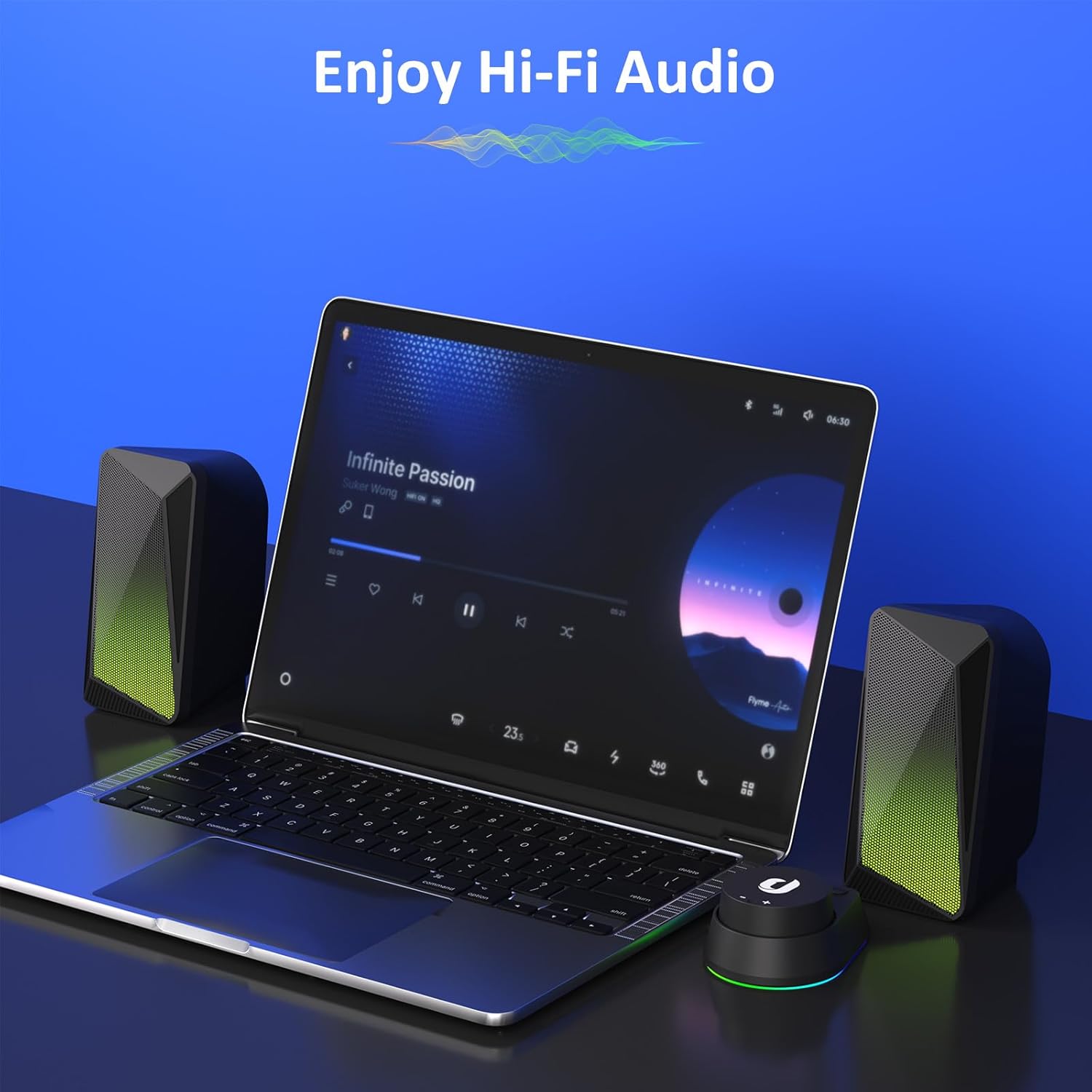
Image: Speakers in use with a laptop, demonstrating the audio experience.
Moduri de iluminare LED
The Jeecoo M40 speakers feature three distinct LED lighting modes to enhance your audio experience:
- Mod pulsatoriu: The LED lights change colors and pulse in sync with the beat of your audio, creating a dynamic visual effect.
- LED Flame Mode: The lights display a warm, flickering flame-like effect, ideal for a relaxed or gaming atmosphere.
- Luminile stinse: For a distraction-free listening experience, the LED lights can be turned off completely.
To cycle through these modes, press the APRINDE button on the control unit.

Image: Speakers showcasing the LED flame lighting in a typical PC gaming environment.
Caracteristici audio
The Jeecoo M40 speakers are designed to deliver a balanced and clear audio experience:
- Enhanced 2.0 Channel Stereo Sound: Equipped with custom-tuned 2-inch driver units, these speakers provide clear and crisp stereo audio.
- Balanced Audio Profile: Enjoy well-balanced highs and mids, complemented by a noticeable bass response for a full sound.

Image: Illustration of the speaker's internal driver unit and sound projection for enhanced stereo audio.
Întreţinere
Pentru a asigura longevitatea și performanța optimă a difuzoarelor, urmați aceste instrucțiuni de întreținere:
- curatenie: Use a soft, dry cloth to wipe down the speaker surfaces. Avoid using abrasive cleaners or solvents.
- Depozitare: Când nu le utilizați pentru perioade lungi de timp, depozitați difuzoarele într-un loc răcoros și uscat, ferit de lumina directă a soarelui și de temperaturi extreme.
- Organizare de cabluri: Evitați curburile bruște sau tragerea excesivă a cablurilor pentru a preveni deteriorarea.
- Evitați lichidele: Do not expose the speakers to water or other liquids, as they are not waterproof.
Depanare
If you encounter any issues with your Jeecoo M40 speakers, refer to the following common solutions:
| Problemă | Soluţie |
|---|---|
| Niciun sunet de la difuzoare. |
|
| Probleme de conexiune Bluetooth. |
|
| LED lights are not working or stuck. |
|
| Sunetul se întrerupe intermitent. |
|
Specificații
| Caracteristică | Detaliu |
|---|---|
| Marca | Jeecoo |
| Numărul de model | M40 |
| Putere maximă de ieșire difuzor | 12 wați |
| Raspuns in frecventa | 18000 Hz |
| Tehnologia de conectivitate | Auxiliar, Bluetooth |
| Mod ieșire audio | Stereo (2.0 canale) |
| Dimensiunea difuzorului | 2 Inches (Driver Units) |
| Sursa de alimentare | USB-powered (5 Volts Input Voltage) |
| Gama Bluetooth | 10 metri |
| Dimensiuni articol (D x L x H) | 3.5"D x 3.1"W x 6.5"H (9.0*7.8*16.5cm) per speaker |
| Cable Length (3.5mm Aux) | 4.9 picioare (150 cm) |
| Cable Length (between L/R units) | 3.9 picioare (120 cm) |
| Metoda de control | Buton, Rotație |
| Caracteristici suplimentare | Unique Pulsing & LED Flame Lighting |
| Dispozitive compatibile | PC Desktop Computers; Macbook Air/Pro, iMac, laptops; iPad, Tablet, Smartphones; PS4/PS5 Nintendo Switch Game Consoles (Not for Xbox) |

Image: Visual representation of speaker dimensions and key product specifications.
Garanție și suport
The Jeecoo M40 speakers come with a 6 luni garantie from the date of purchase. This warranty covers manufacturing defects and ensures reliable performance of your product.
For warranty claims, technical support, or any inquiries, please contact Jeecoo customer service through the retailer where you purchased the product or visit the official Jeecoo website pentru informații de contact.
Vă rugăm să păstrați dovada achiziției pentru validarea garanției.
Ask a question about this manual
Ask about setup, troubleshooting, compatibility, parts, safety, or missing instructions. Manuals+ will review the question and use this page’s manual context to help answer it.