
HiFuture EVENT
Manual de utilizare pentru difuzorul Bluetooth HiFuture EVENT
Model: EVENT | Brand: HiFuture
Introducere
Thank you for choosing the HiFuture EVENT Bluetooth Speaker. This powerful and portable speaker is designed to deliver exceptional audio quality with vibrant RGB lighting, making it perfect for any event or gathering. This manual provides detailed instructions to help you set up, operate, and maintain your speaker for optimal performance.
Produs terminatview

Figura 1: Față view of the HiFuture EVENT Bluetooth Speaker, showcasing its sleek black design and dynamic RGB light ring.

Figure 2: An illustrative diagram highlighting the main features of the HiFuture EVENT speaker, including dual DSP, multiple audio inputs, dual-directional sound system, 50W woofer + 30W tweeter, RGB lights, TWS connection option, bass boost function, and power bank functionality.

Figura 3: Prim-plan view of the speaker's internal components, specifically pointing out the 50W Woofer and 30W Tweeter, which contribute to its powerful 80W sound output.

Figure 4: An internal diagram demonstrating the speaker's optimized acoustic design for deep and impactful bass, including the bass port and vibration suppression features.
Caracteristici cheie
- Ieșire audio puternică: Equipped with a 50W woofer and 30W tweeter for a total of 80W RMS output, with a maximum peak power of 180 Watts, delivering rich and clear stereo sound.
- Conectivitate Bluetooth: Seamless wireless connection to your devices.
- Iluminare RGB dinamică: Enhance your listening experience with vibrant, rhythm-synced RGB lights.
- Dual DSP & Multiple Audio Inputs: Advanced Digital Signal Processing for optimized sound and versatile connectivity options.
- True Wireless Stereo (TWS) Support: Connect two EVENT speakers for an immersive stereo sound experience.
- Funcție de amplificare a basului: Dedicated feature to amplify low frequencies for deeper bass.
- Funcționalitate Power Bank: Use the speaker to charge your other devices on the go.
- Design portabil: Durable acrylic material and table-mount type for easy placement and transport, designed for parties and various events.
Ghid de instalare
1. Despachetare și încărcare inițială
- Scoateți cu grijă difuzorul și toate accesoriile din ambalaj.
- Inspect the speaker for any signs of damage.
- Before first use, fully charge the speaker using the provided charging cable. The battery life is approximately 4 hours on a full charge.
2. Pornire/Oprire
- To power on, press and hold the Power button (location typically on the back or top panel) for a few seconds until you hear an audible prompt or see the indicator lights illuminate.
- Pentru a opri difuzorul, apăsați și țineți apăsat din nou butonul de pornire/oprire până când acesta se oprește.
Instrucțiuni de operare
1. Asociere Bluetooth
- Ensure the speaker is powered on and in Bluetooth pairing mode (usually indicated by a blinking LED light). If not, press the Bluetooth button to activate pairing mode.
- Pe dispozitivul dvs. (smartphone, tabletă, computer), accesați setările Bluetooth și activați Bluetooth.
- Caută available devices. You should see "HiFuture EVENT" in the list.
- Select "HiFuture EVENT" to connect. Once connected, the speaker will provide an audible confirmation, and the LED light will become solid.
- Acum poți reda sunet de pe dispozitiv prin difuzor.
2. Împerechere stereo True Wireless (TWS)
To pair two HiFuture EVENT speakers for a stereo experience:
- Asigurați-vă că ambele difuzoare sunt pornite și nu sunt conectate la niciun alt dispozitiv Bluetooth.
- On one speaker (this will be the primary speaker), press and hold the TWS button (refer to your speaker's button layout if unsure).
- Difuzorul principal va căuta difuzorul secundar. Odată conectat, ambele difuzoare vor emite o confirmare sonoră.
- Acum, conectați dispozitivul la difuzorul principal prin Bluetooth, așa cum este descris în secțiunea „Împerechere Bluetooth”. Sunetul se va reda stereo prin ambele difuzoare.
3. Comenzi și funcții
- Controlul volumului: Use the volume buttons (+/-) on the speaker or your connected device.
- Redare/Pauză: Apăsați butonul Redare/Pauză o dată pentru a reda sau a întrerupe sunetul.
- Sări peste piese: Double-press the Next Track button to skip forward, or the Previous Track button to skip backward.
- Controlul luminii RGB: Press the Light button to cycle through different lighting modes or turn the lights off.
- amplificare a basului: Press the Bass Boost button to activate or deactivate the enhanced bass mode.
- Funcția Power Bank: Connect your device to the speaker's USB output port to charge it.

Figure 5: The HiFuture EVENT speaker displaying its vibrant RGB lighting, which can be controlled to match your mood or music.
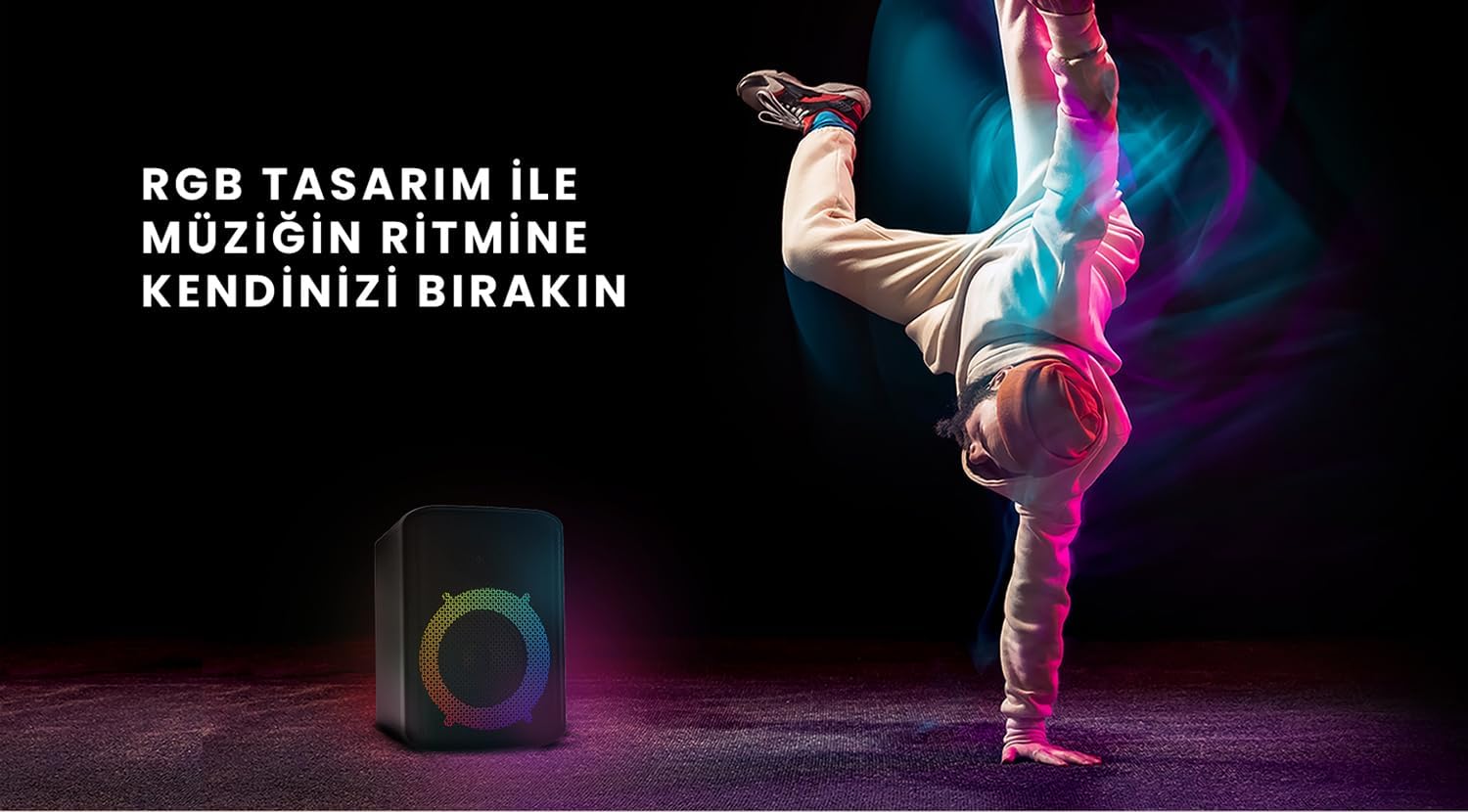
Figure 6: The HiFuture EVENT speaker in a dynamic setting, emphasizing how its RGB lighting enhances the atmosphere for parties and events.
Întreţinere
- curatenie: Folosiți o lavetă moale și uscată pentru a șterge suprafața difuzorului. Nu utilizați substanțe de curățare abrazive sau solvenți.
- Depozitare: Depozitați difuzorul într-un loc răcoros și uscat, ferit de lumina directă a soarelui și de temperaturi extreme.
- Îngrijirea bateriei: Pentru a prelungi durata de viață a bateriei, evitați descărcarea completă frecventă a acesteia. Încărcați bateria în mod regulat, chiar dacă nu este utilizată pentru perioade lungi de timp.
- Rezistenta la apa: While designed for portability, avoid exposing the speaker to excessive moisture or submerging it in water unless explicitly stated as waterproof.
Depanare
| Problemă | Soluție posibilă |
|---|---|
| Difuzorul nu pornește. | Asigurați-vă că difuzorul este complet încărcat. Conectați-l la o sursă de alimentare și încercați din nou. |
| Nu se poate conecta prin Bluetooth. |
|
| Niciun sunet sau volum redus. |
|
| Luminile RGB nu funcționează. | Press the Light button to cycle through modes or turn them on. Ensure the speaker is powered on. |
Specificații
| Caracteristică | Detaliu |
|---|---|
| Marca | HiFuture |
| Model | EVENIMENT |
| Putere maximă de ieșire a difuzorului | 180 Watts (Peak), 80W RMS (50W Woofer + 30W Tweeter) |
| Tehnologia de conectivitate | Bluetooth |
| Mod ieșire audio | Stereo |
| Tip de montare | Suport de masă |
| Material | Acril |
| Tip difuzor | Multimedia |
| Dispozitive compatibile | Bluetooth-enabled devices (e.g., smartphones, tablets) |
| Culoare | Negru |
| Durata de viață a bateriei | Până la 4 ore |
Garanție și suport
The HiFuture EVENT Bluetooth Speaker comes with a standard manufacturer's warranty. Please refer to the warranty card included in your product packaging for specific terms and conditions. For technical support, troubleshooting assistance, or warranty claims, please contact HiFuture customer service through their official website-ul sau comerciantul de unde ați achiziționat produsul.
Ask a question about this manual
Ask about setup, troubleshooting, compatibility, parts, safety, or missing instructions. Manuals+ will review the question and use this page’s manual context to help answer it.