
Introducere
This manual provides detailed instructions for the safe and efficient operation of your Acogedor HRD-787 Portable Full Band Radio. Please read this manual thoroughly before using the device and retain it for future reference. The HRD-787 is a versatile multi-band radio featuring FM, VHF, AM, SW, and WB reception, Bluetooth connectivity, and memory card playback, designed for both indoor and outdoor use.

Image: The Acogedor HRD-787 Portable Full Band Radio, showcasindesignul său compact și interfața cu utilizatorul.
Conținutul pachetului
La despachetare, vă rugăm să verificați dacă toate articolele enumerate mai jos sunt prezente și în stare bună:
- 1 x Full Band Radio (HRD-787)
- 1 x căști
- 2 x Eartips
- 1 x Geanta de depozitare
- 1 x Snur
- 1 x cablu de încărcare
- 1 x Manual de instrucțiuni (acest document)
- 1 x APP Instruction Manual

Image: The Acogedor HRD-787 radio displayed with its complete set of accessories, including earphones, eartips, a storage bag, a lanyard, and a charging cable.
Produs terminatview
The Acogedor HRD-787 is a compact and versatile portable radio designed for a wide range of listening experiences. Key features include:
- Recepție cu trupa completă: Supports FM (64-108MHz), VHF (30.000-199.975MHz), AM (520-1710KHz), SW (4.750-21.850MHz), and WB (162.400-162.550MHz).
- Conectivitate Bluetooth 5.0: Pentru redarea audio wireless de pe dispozitive compatibile.
- Redare card de memorie: Supports MP3, WAV, WMA formats with up to 256GB capacity (card not included).
- Audio de înaltă calitate: Features a 40mm speaker with 3W output for clear sound.
- Funcție de alarmă SOS: Pentru situații de urgență.
- Lanterna incorporata: Oferă iluminare atunci când este nevoie.
- Durată lungă de viață a bateriei: Baterie litiu integrată de 1000 mAh.
- APP Remote Operation: Control the radio via a smartphone application.
- Controale intuitive: Easy-to-use buttons for tuning and volume.
- Afișaj cu iluminare de fundal: Color-coded backlights for different modes (Green for FM/VHF, Color for AM, Yellow for SW, Red for WB, Blue for Bluetooth, Light Blue for Memory Card).
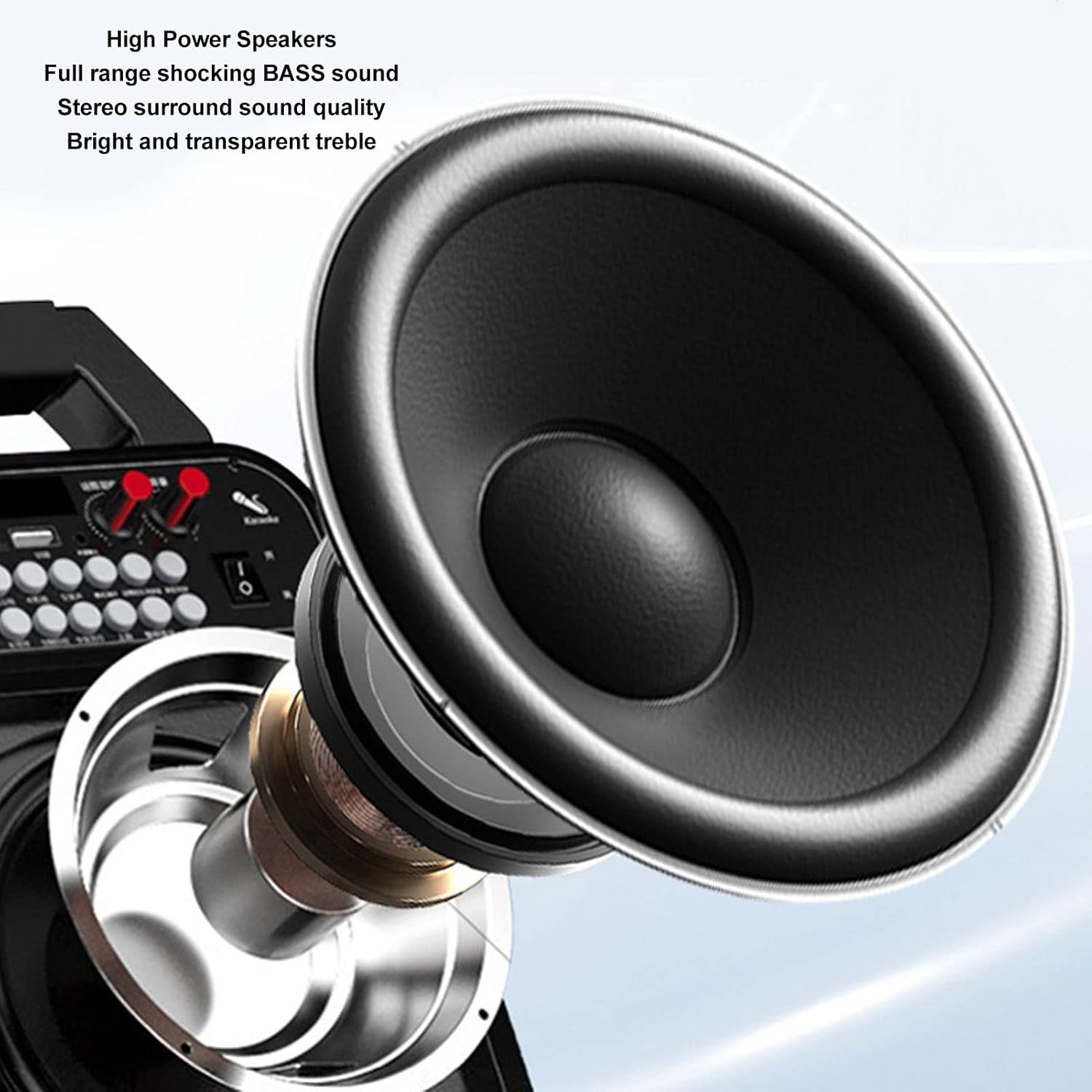
Imagine: O imagine detaliată view of the high-power speaker, highlighting the full-range shocking bass sound and stereo surround sound quality of the HRD-787 radio.
Înființat
1. Încărcarea inițială
Before first use, fully charge the radio's built-in 1000mAh lithium battery. Connect the provided charging cable to the radio's charging port and a standard USB power adapter (not included). The charging indicator will show the charging status. A full charge typically takes a few hours.
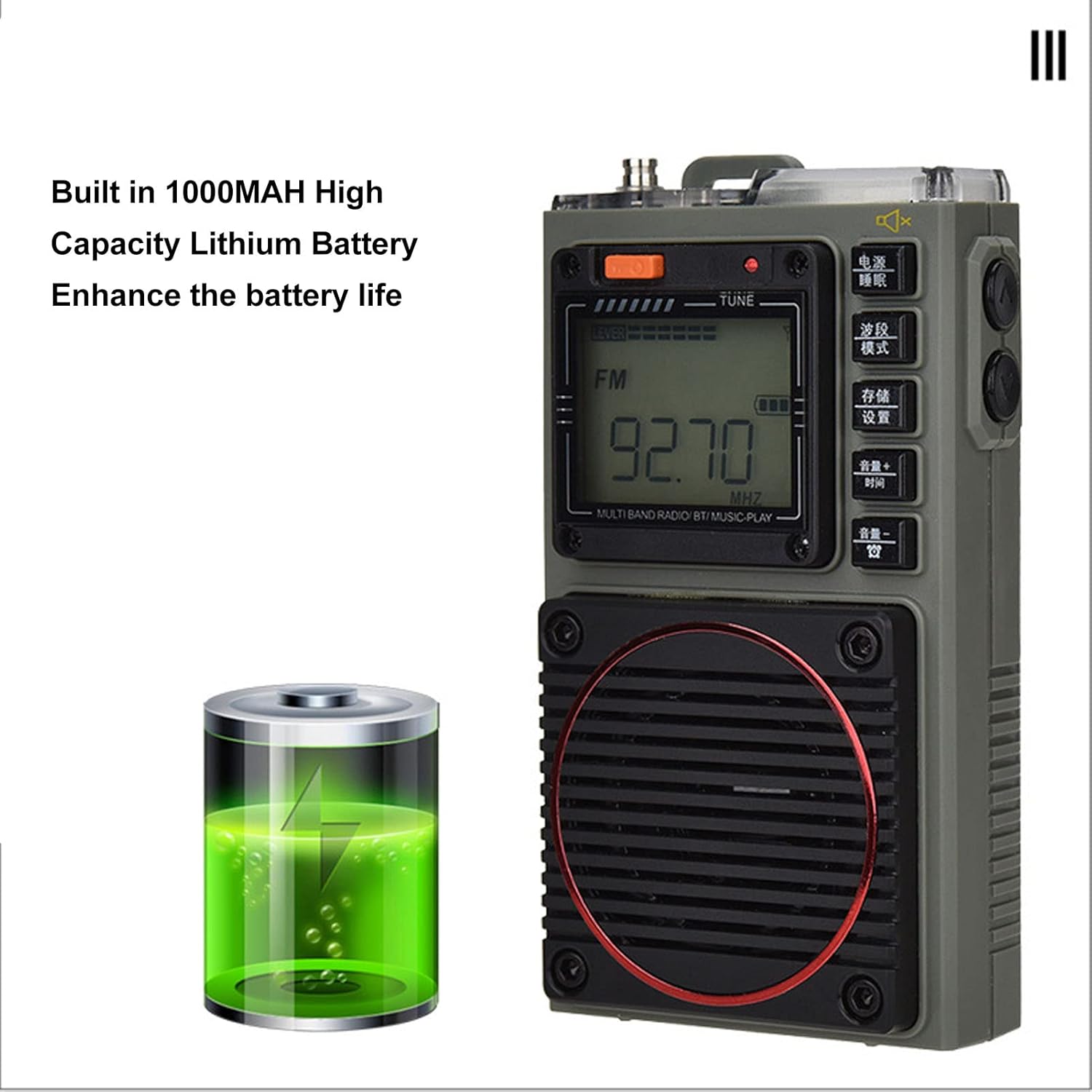
Image: The Acogedor HRD-787 radio is shown alongside a visual representation of its internal 1000mAh high-capacity lithium battery, emphasizing its long battery life.
2. Pornire/Oprire
Pentru a porni radioul, apăsați și țineți apăsat butonul Putere button (usually located on the top or side). To power off, press and hold the same button again.
3. Introducerea unui card de memorie (opțional)
If you wish to use the memory card playback feature, insert a compatible memory card (up to 256GB, formatted to FAT32) into the designated slot. Ensure the card is inserted correctly until it clicks into place.
Instrucțiuni de operare
1. Basic Key Operations

Imagine: O imagine detaliată view of the Acogedor HRD-787 radio's control buttons, highlighting their clear labeling for easy operation of radio tuning and volume adjustments.
- Buton de alimentare: Apăsați lung pentru a porni sau opri radioul.
- BAND/MOD. Button: Short press to cycle through radio bands (FM, VHF, AM, SW, WB) or switch to Bluetooth/Memory Card mode.
- MEMO/SET Button: Used for saving radio stations or accessing settings.
- VOL+/TIME Button: Short press to increase volume. Long press for time settings (if applicable).
- VOL-/LOCK Button: Short press to decrease volume. Long press to lock/unlock buttons.
- TUNE Knob/Buttons: Use the tuning knob or dedicated tuning buttons (if present) to adjust frequency.
2. Radio Tuning
- Selectați banda: Apăsați tasta BAND/MOD. button to select your desired frequency band (FM, VHF, AM, SW, WB). The display backlight color will change accordingly.
- Scanare automată: În modul radio, apăsați lung pe butonul MEMO/SET button to initiate an automatic scan for available stations. The radio will save found stations automatically.
- Reglare manuală: Utilizați TON knob or the frequency adjustment buttons (if available) to manually tune to a specific frequency.
- Recalling Saved Stations: Use the tuning buttons or a dedicated preset button (if available) to cycle through saved stations.
3. Redare Bluetooth
- Intrați în modul Bluetooth: Apăsați tasta BAND/MOD. button until "BT" or "Bluetooth" appears on the display, and the backlight turns blue. The radio will enter pairing mode.
- Asociere: On your mobile device, enable Bluetooth and search for "HRD-787" (or similar device name). Select it to pair. A confirmation sound will indicate successful pairing.
- Redare: Once paired, you can play audio from your device through the radio's speaker. Use your device or the radio's volume controls.
4. Memory Card Playback

Image: The Acogedor HRD-787 radio's display shows a radio frequency, illustrating its capability for memory card playback of MP3, WAV, and WMA formats.
- Introduceți cardul de memorie: Ensure a memory card with MP3, WAV, or WMA files is inserted into the slot.
- Enter Memory Card Mode: Apăsați tasta BAND/MOD. button until the display indicates memory card playback (e.g., "CARD" or a music icon), and the backlight turns light blue.
- Comenzi de redare: Use the radio's playback controls (e.g., Play/Pause, Next/Previous Track buttons, if available) to manage your music.
5. SOS Alarm Function
In an emergency, activate the SOS alarm by pressing and holding the dedicated SOS button (if present) or a combination of buttons as indicated on the device. This will emit a loud alarm sound and activate the flashlight for signaling.
6. Funcționarea lanternei
To turn on the built-in flashlight, locate the flashlight button or switch (often on the side or top). Press it once to turn on, and again to turn off.
7. Earphone Output

Imagine: Un prim-plan view of the Acogedor HRD-787 radio, highlighting the earphone output jack for private listening and the integrated flashlight.
For private listening, plug the included earphones into the 3.5mm earphone jack located on the side of the radio. The internal speaker will automatically mute when earphones are connected.
8. APP Remote Operation

Image: A smartphone screen shows the dedicated application for remote control of the Acogedor HRD-787 radio, allowing users to select stations and change modes wirelessly.
Download the official Acogedor HRD-787 control application from your smartphone's app store. Follow the instructions in the separate APP Instruction Manual to pair your radio with the app. This allows for remote control of station selection, mode switching, and other functions.
Întreţinere
- curatenie: Use a soft, dry cloth to clean the radio's exterior. Do not use abrasive cleaners, solvents, or strong chemicals, as these can damage the finish.
- Depozitare: Când nu îl utilizați pentru perioade lungi de timp, depozitați radioul într-un loc răcoros și uscat, ferit de lumina directă a soarelui și de temperaturi extreme.
- Îngrijirea bateriei: To prolong battery life, avoid fully discharging the battery frequently. Recharge the radio regularly, even if not in active use, to maintain battery health.
- Rezistenta la apa: The HRD-787 is not waterproof. Avoid exposing it to rain, splashes, or high humidity.
Depanare
| Problemă | Cauza posibila | Soluţie |
|---|---|---|
| Radioul nu pornește. | Bateria este epuizată. | Încărcați radioul folosind cablul USB furnizat. |
| Recepție radio slabă. | Weak signal area; antenna not extended. | Extend the telescopic antenna fully. Try moving to an open area or adjusting the radio's position. |
| Dispozitivul Bluetooth nu se poate conecta. | Radio not in pairing mode; device too far; Bluetooth off on device. | Ensure the radio is in Bluetooth mode (blue backlight). Keep devices within 10 meters. Check Bluetooth settings on your device. |
| Cardul de memorie nu este recunoscut. | Card inserted incorrectly; unsupported format; card capacity too large. | Reinsert the memory card correctly. Ensure it is formatted to FAT32 and contains MP3, WAV, or WMA files. Max capacity is 256GB. |
| Nu se aude sunet din difuzor/căști. | Volume too low; earphones not fully inserted; mute activated. | Increase volume. Ensure earphones are fully plugged in. Check if mute function is active. |
Specificații
| Caracteristică | Detaliu |
|---|---|
| Model | HRD-787 |
| Material | ABS (acrilonitril butadien stiren) |
| Frequency Band - FM | 64-108MHz |
| Frequency Band - VHF | 30.000-199.975MHz |
| Frequency Band - AM | 520-1710KHz |
| Frequency Band - SW | 4.750-21.850MHz |
| Frequency Band - WB | 162.400-162.550MHz |
| Receiving Sensitivity - FM | ≤8dB |
| Receiving Sensitivity - VHF | ≤8dB |
| Receiving Sensitivity - AM | ≤86dB |
| Receiving Sensitivity - SW | ≤40dB |
| Curentul static | ≤70uA |
| Curent maxim | ≤820mA |
| Difuzor | Diameter: Approx. 40mm/1.57in, 4Ω, 3W |
| SNR - FM, VHF | ≥40dB |
| SNR - AM | ≥30dB |
| SNR - SW | ≥40dB |
| Stored Radios | 396 |
| Versiune Bluetooth | VER 5.0 |
| Bluetooth Reception Range | Până la 10 de metri (33 de picioare) în zone deschise |
| Tip baterie | Baterie cu litiu |
| Capacitatea bateriei | 1000mAh |
| Memory Card Playback Format | MP3, WAV, WMA |
| Memory Card Max Capacity | 256GB (Not Included) |
| Caracteristici speciale | Built-In Flashlight, SOS Alarm, Portable, APP Remote Control |
Garanție și suport
Acogedor products are designed for reliability and performance. For information regarding warranty coverage, technical support, or service inquiries, please refer to the warranty card included with your product or visit the official Acogedor website. Please have your model number (HRD-787) and purchase details ready when contacting support.