
MARK ADLER Xeno 4.1
MARK ADLER Xeno 4.1 Electric Height-Adjustable Desk Frame
Model: Xeno 4.1 | Brand: MARK ADLER
Introducere
This manual provides essential instructions for the assembly, operation, and maintenance of your MARK ADLER Xeno 4.1 Electric Height-Adjustable Desk Frame. Please read this manual thoroughly before use to ensure safe and efficient operation.
The MARK ADLER Xeno 4.1 desk frame offers a flexible workspace solution, allowing you to switch between sitting and standing positions. Its robust construction and intuitive controls are designed for comfort and stability in various work environments.
Informații de siguranță
- Asigurați-vă că toate componentele sunt bine fixate înainte de utilizare.
- Nu depășiți capacitatea maximă de încărcare de 70 kg (154 lbs).
- Țineți copiii și animalele de companie departe de birou în timpul ajustărilor înălțimii.
- Avoid placing liquids directly on the control panel or motor components.
- Deconectați alimentarea cu energie electrică înainte de curățare sau efectuarea oricărei operațiuni de întreținere.
- Folosiți doar adaptorul de alimentare și componentele furnizate.
- If any unusual noise or malfunction occurs, immediately stop operation and disconnect power.
Conținutul pachetului
Verify that all parts are present before beginning assembly. Refer to the included assembly guide for a detailed list of components.
- Electric Height-Adjustable Desk Frame components
- Control Panel with Memory Function
- Adaptor de alimentare
- Ghid de asamblare
- Necessary Screws and Tools (Screwdriver recommended for assembly)
Configurare și asamblare
Follow these general steps for assembling your MARK ADLER Xeno 4.1 desk frame. A detailed assembly guide is included with your product.
- Despachetați componente: Scoateți cu grijă toate piesele din ambalaj și așezați-le pe o suprafață curată și plană.
- Asamblați picioarele și tălpile: Attach the desk legs to the feet using the provided screws. Ensure they are stable and level.
- Conectați bara transversală: Attach the adjustable crossbar between the two leg assemblies. Adjust the width to match your desired tabletop size (90 to 160 cm).
- Instalați motorul și cutia de control: Secure the motor and control box to the frame according to the assembly guide.
- Atașați panoul de control: Mount the LED control panel in an accessible location on the frame.
- Cablaj: Connect all cables from the motor, control panel, and power adapter to the control box. Ensure all connections are secure.
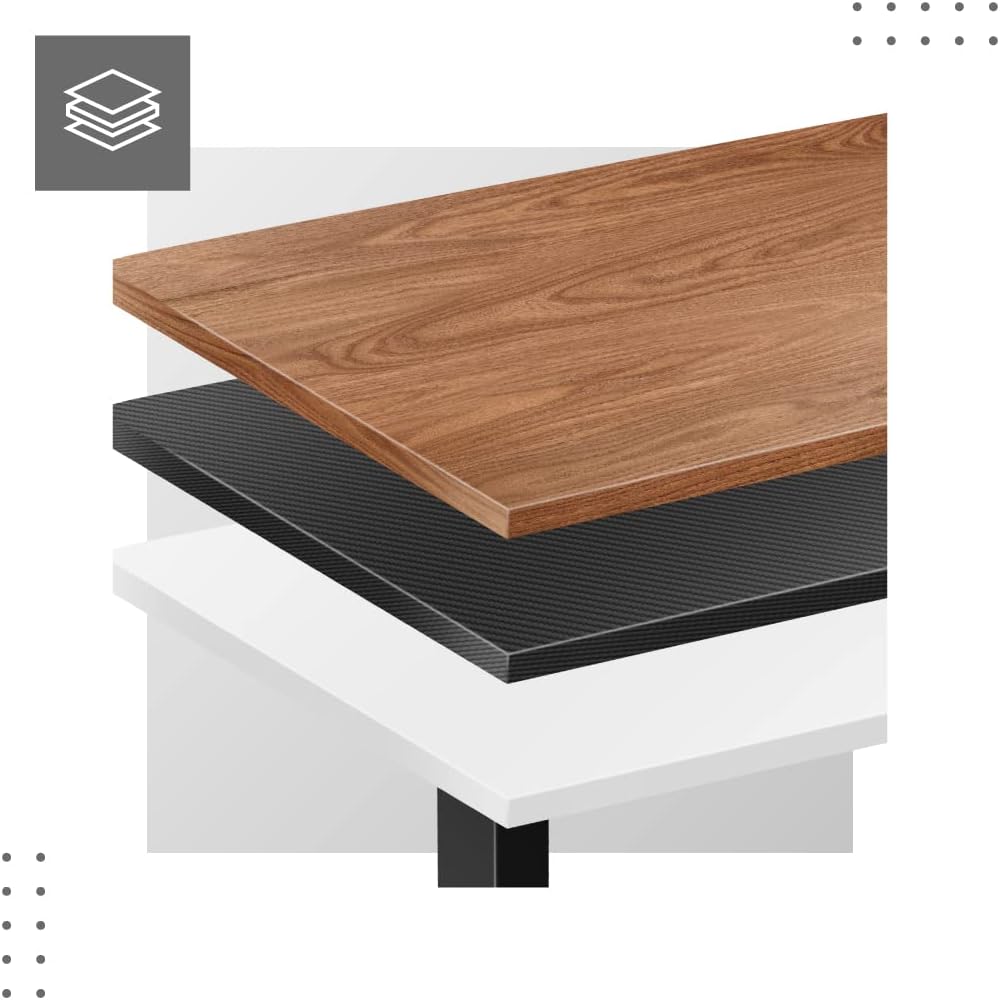
- Attach Tabletop (Not Included): Place your tabletop (90-160 cm width recommended) onto the assembled frame and secure it using appropriate screws (not included with frame).
- Pornire inițială: Plug the power adapter into a wall outlet. The desk is now ready for calibration.
Dimensiuni și compatibilitate:

Instrucțiuni de operare
The MARK ADLER Xeno 4.1 features an intuitive LED control panel for easy height adjustment and memory functions.


Reglarea de bază a înălțimii
- Utilizați Sus (▲) arrow button to raise the desk to your desired standing height.
- Utilizați Jos (▼) arrow button to lower the desk to your desired sitting height.
- The current height will be displayed on the LED screen.
Setarea presetărilor de memorie
The desk allows you to save up to three preferred height settings.
- Reglați biroul la înălțimea dorită folosind butoanele Sus/Jos.
- Apăsați tasta "S" (Save) button. The display will show "S-".
- Within 3 seconds, press one of the memory buttons („1”, „2”, sau „3”). The current height is now saved to that preset.
Recalling Memory Presets
- Simply press the desired memory button („1”, „2”, sau „3”Biroul se va muta automat la înălțimea salvată.
Initial Calibration / Reset
If the desk does not operate correctly or displays an error code, a reset may be required.
- Țineți apăsat butonul Jos (▼) button until the desk reaches its lowest position and then slightly rises. Release the button.
- If the issue persists, disconnect the power for 10 seconds, then reconnect and attempt the reset procedure again.
Întreţinere
- curatenie: Ștergeți cadrul biroului cu o lavetă moale șiamp cloth. Avoid abrasive cleaners or solvents. Ensure the control panel and electrical components remain dry.
- Organizare de cabluri: Regularly check and organize cables to prevent tangles or damage, especially during height adjustments.
- Verificarea elementelor de fixare: Verificați periodic toate șuruburile și bolțurile pentru a vă asigura că sunt strânse. Strângeți-le din nou dacă este necesar.
- Lubrifiere: The electric lifting mechanism is generally maintenance-free. Do not attempt to lubricate internal components unless specifically instructed by the manufacturer.
Depanare
| Problemă | Cauza posibila | Soluţie |
|---|---|---|
| Biroul nu se mișcă. | Power cable disconnected; Overload; Motor overheating; Control panel issue. | Check power connection. Reduce load. Allow motor to cool down. Perform a reset (see Operating Instructions). |
| Uneven movement or desk tilting. | Uneven load distribution; Loose fasteners. | Distribute weight evenly on the tabletop. Check and tighten all assembly screws. |
| Cod de eroare afișat pe panoul de control. | System malfunction; Overload; Sensor issue. | Perform a reset (see Operating Instructions). If the error persists, contact customer support. |
| Presetările de memorie nu funcționează. | Presetările nu au fost salvate corect. | Re-save your desired height presets (see Operating Instructions). |
Specificații
| Caracteristică | Detaliu |
|---|---|
| Numele modelului | Xeno 4.1 Black |
| Marca | MARK ADLER |
| Interval de reglare a înălțimii | 72 cm - 118 cm (28.3 in - 46.5 in) |
| Interval de ajustare a lățimii | 84 cm - 129 cm (33.1 in - 50.8 in) |
| Recommended Tabletop Width | 90 cm - 160 cm (35.4 in - 63 in) |
| Capacitate maximă de încărcare | 70 kg (154 lbs) |
| Material cadru | Metal |
| Culoare | Negru |
| Panoul de control | LED with 3 Memory Presets |
| Tip motor | Electric, Smooth Operation |
| Asamblare necesară | Da |
| Instrumente recomandate | Şurubelniţă |
| Greutatea articolului | 17 kg (37.5 lbs) |
| Producător | Meester Group sp. z o.o. |
Garanție și suport
For warranty information and customer support, please refer to the official MARK ADLER website-ul web sau contactați distribuitorul. Păstrați bonul fiscal ca dovadă a achiziției pentru orice reclamații în garanție.
Producător: Meester Group sp. z o.o.
ASIN: B0C66DP9NT
Pentru asistență suplimentară, vă rugăm să vizitați pagina produsului pe Amazon or contact MARK ADLER customer service.
Ask a question about this manual
Ask about setup, troubleshooting, compatibility, parts, safety, or missing instructions. Manuals+ will review the question and use this page’s manual context to help answer it.