
Introducere
This manual provides detailed instructions for the installation, operation, and maintenance of your UNITOPSCI 10.36 Inch Portable Wireless CarPlay/Android Auto Car Stereo. Please read this manual thoroughly before using the device to ensure proper functionality and safety.
Informații de siguranță
- Utilizați întotdeauna dispozitivul în mod responsabil și în conformitate cu legile locale privind traficul. Condusul distras poate duce la accidente.
- Asigurați-vă că dispozitivul este montat în siguranță și nu vă obstrucționează view sau interferează cu comenzile vehiculului.
- Nu încercați să dezasamblați sau să modificați dispozitivul. Acest lucru poate anula garanția și poate reprezenta un risc pentru siguranță.
- Nu expuneți dispozitivul la temperaturi extreme, la lumina directă a soarelui pentru perioade lungi de timp și la umiditate.
- Folosiți doar cablul de alimentare și accesoriile furnizate.
Conținutul pachetului
Verificați dacă toate articolele enumerate mai jos sunt incluse în pachetul dumneavoastră:
- 1 x Portable Car Stereo
- 1 x Cablu de alimentare
- 1 x Accessories (Mounting Bracket)
- 1 x Autocolant de fixare a suportului
- 1 x 3M AUX Cable
- 1 x Manual de utilizare

Figura 1: Conținutul pachetului și dimensiunile produsului
Caracteristicile produsului
- Apple CarPlay și Android Auto fără fir: Seamless integration with your smartphone for navigation, calls, music, and more.
- Control vocal: Folosește Siri sau Google Assistant pentru operare hands-free.
- Funcția Mirror Link: Display your phone's screen (Android Cast for Android, Airplay for iOS) directly on the stereo.
- Hands-free Bluetooth: Make and receive calls, stream music wirelessly.
- Opțiuni multiple de ieșire audio: Built-in speaker, FM radio transmitter, AUX output.
- High-Resolution Touch Screen: 10.36-inch HD capacitive touch screen with 1600*720 resolution for clear visuals and responsive interaction.
- Intrare cameră marșarier: Supports connection to a backup camera (not included) for enhanced parking safety.
- Compatibilitate largă: Compatible with 7-32V DC vehicles, suitable for cars, taxis, trucks, and vans.

Figure 2: Vehicle Compatibility

Figure 3: High-Resolution Touch Screen and Backup Camera View
Înființat
1. Montare
The UNITOPSCI car stereo is designed for dash mounting. Use the provided accessories and bracket fixing sticker to securely attach the device to your car's center dashboard in a position that does not obstruct your view or access to vehicle controls.
2. Conexiune la alimentare
Connect the provided power cord to the device and your vehicle's power outlet (e.g., cigarette lighter socket). The device is compatible with 7-32V DC vehicle power systems.
3. Opțiuni de ieșire audio
Dispozitivul oferă trei metode pentru ieșirea audio:
- Difuzor încorporat: The unit has an integrated speaker for direct audio playback.
- Transmițător FM: Transmit audio to your car's original stereo system by tuning both the car stereo and the UNITOPSCI unit to the same FM frequency.
- Ieșire AUX: Connect the provided 3M AUX cable from the UNITOPSCI unit's AUX jack to your car's AUX input for a wired audio connection.

Figura 4: Metode de ieșire audio
Instrucțiuni de operare
1. Conexiune wireless CarPlay / Android Auto
Pentru a conecta smartphone-ul fără fir:
- Asigurați-vă că Wi-Fi și Bluetooth sunt activate pe smartphone-ul dvs.
- On the UNITOPSCI unit, navigate to the Apple CarPlay or Android Auto section.
- On your smartphone, search for and connect to the device's Bluetooth name (e.g., T86-170EED).
- Confirm the pairing request on both devices.
- Once connected via Bluetooth, the system will automatically initiate the wireless CarPlay or Android Auto connection.
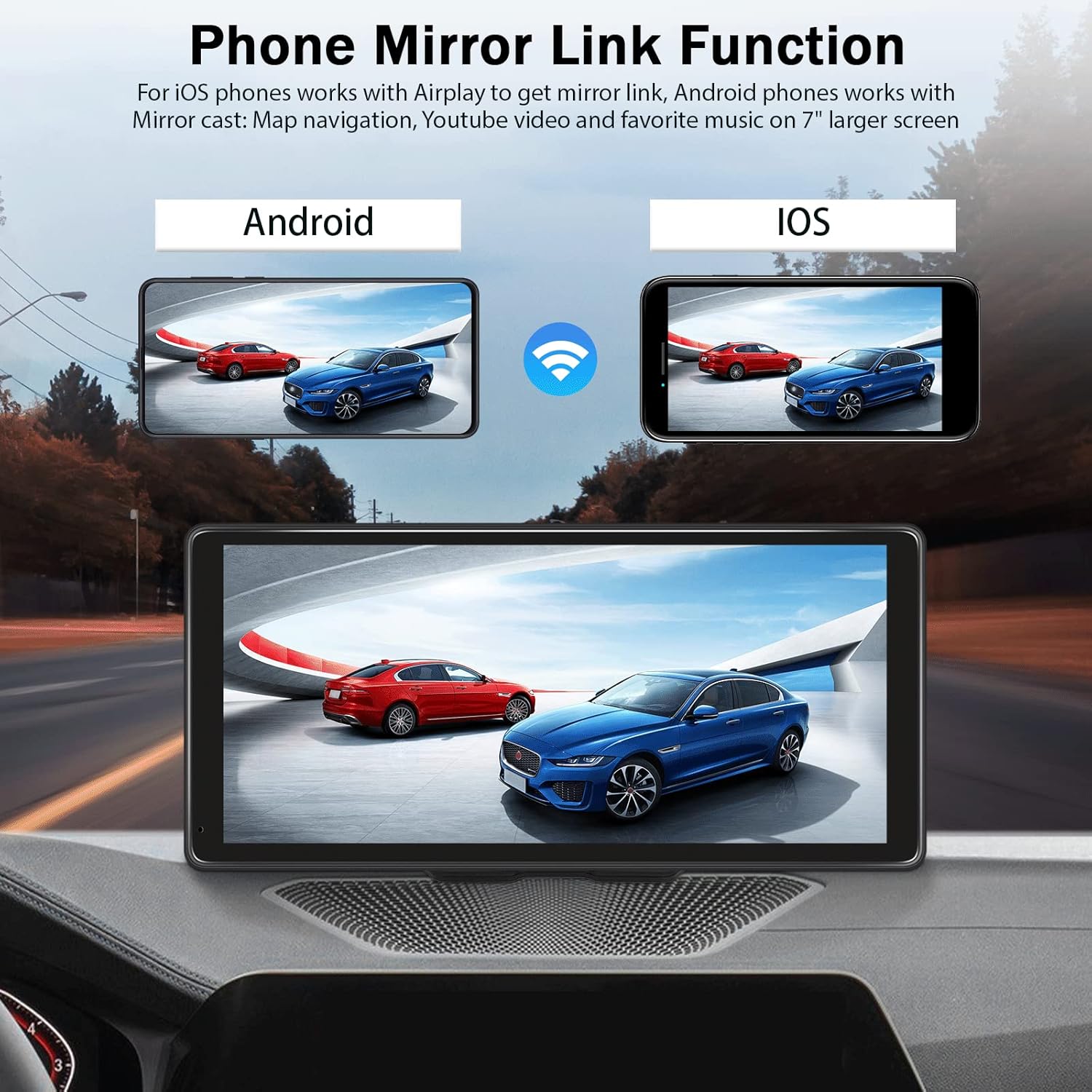
Figura 5: Interfață CarPlay fără fir
Video 1: Demonstration of Wireless CarPlay and Android Auto connection and functionality on the 10.36-inch screen.
2. Funcția de legătură în oglindă
The Mirror Link feature allows you to display your smartphone's screen on the UNITOPSCI unit.
- Pentru telefoanele iOS: Use Airplay to mirror your screen.
- Pentru telefoanele Android: Use Android Cast to mirror your screen.
Connect via Bluetooth, then follow the on-screen prompts or your phone's mirroring instructions to synchronize content like maps, videos, or music.

Figure 6: Phone Mirror Link Function
3. Control vocal
Once connected to CarPlay or Android Auto, you can use voice commands for various functions:
- Navigare: "Hey Siri, navigate home" or "OK Google, go to the nearest gas station."
- Apelare: "Hey Siri, call Mom" or "OK Google, message Nelson."
- Muzică: "Hey Siri, play music on Spotify."

Figure 7: Voice Control and GPS Navigation
4. Hands-free Bluetooth Calling
With your phone paired via Bluetooth, you can make and receive calls directly through the UNITOPSCI unit, enhancing driving safety.
5. Intrare cameră de rezervă
If you have a compatible backup camera (not included), connect it to the designated camera input on the UNITOPSCI unit. When reversing, the screen will automatically display the rear view with calibration lines.
Depanare
- Fără putere: Ensure the power cord is securely connected to both the device and the vehicle's power outlet. Check the vehicle's fuse for the power outlet.
- Fără audio: Verify your selected audio output method (built-in speaker, FM, AUX). If using FM, ensure the frequencies match. If using AUX, confirm the cable is properly connected and your car's stereo is set to AUX input.
- Bluetooth/CarPlay/Android Auto Disconnection: Ensure your phone's Bluetooth and Wi-Fi are active. Try re-pairing the device. Check for any software updates for your phone or the car stereo.
- Screen Visibility with Polarized Sunglasses: Due to the screen technology, visibility may be reduced when wearing polarized sunglasses. This is a characteristic of some display types and not a defect.
- Ecranul tactil nu răspunde: Restart the device. If the issue persists, ensure the screen is clean and free from debris.
Specificații
| Dimensiunea afișajului | 10.36 inchi |
| Rezoluţie | 1600*720 |
| Greutatea articolului | 2.4 lire sterline |
| Dimensiunile produsului | 10.6 x 3.7 x 5.2 inci |
| Tehnologia de conectivitate | Auxiliar, Bluetooth, USB, Wi-Fi |
| Tip de montare | Suport tablou de bord |
| Tipul de service al vehiculului | Mașină, camion |
| Mod ieșire audio | Stereo |
garanție
The UNITOPSCI 10.36 Inch Portable Wireless CarPlay/Android Auto Car Stereo comes with a 1-year warranty from the date of purchase. Please retain your proof of purchase for warranty claims. The warranty covers manufacturing defects but does not cover damage caused by misuse, accidents, or unauthorized modifications.
Sprijin
For further assistance, technical support, or warranty inquiries, please contact UNITOPSCI customer service through the retailer where the product was purchased or refer to the contact information provided on the official UNITOPSCI website-ul.

