
Introducere
This manual provides essential instructions for the proper setup, operation, and maintenance of your Airbition 8-Inch Small Wall Mount Fan Remote Control. Please read this manual thoroughly before using the product to ensure safe and efficient operation. Keep this manual for future reference.
Conținutul pachetului
- Airbition Remote Control (Model: AIR301-Y)
- 1 x baterie CR2 (preinstalată sau inclusă separat)
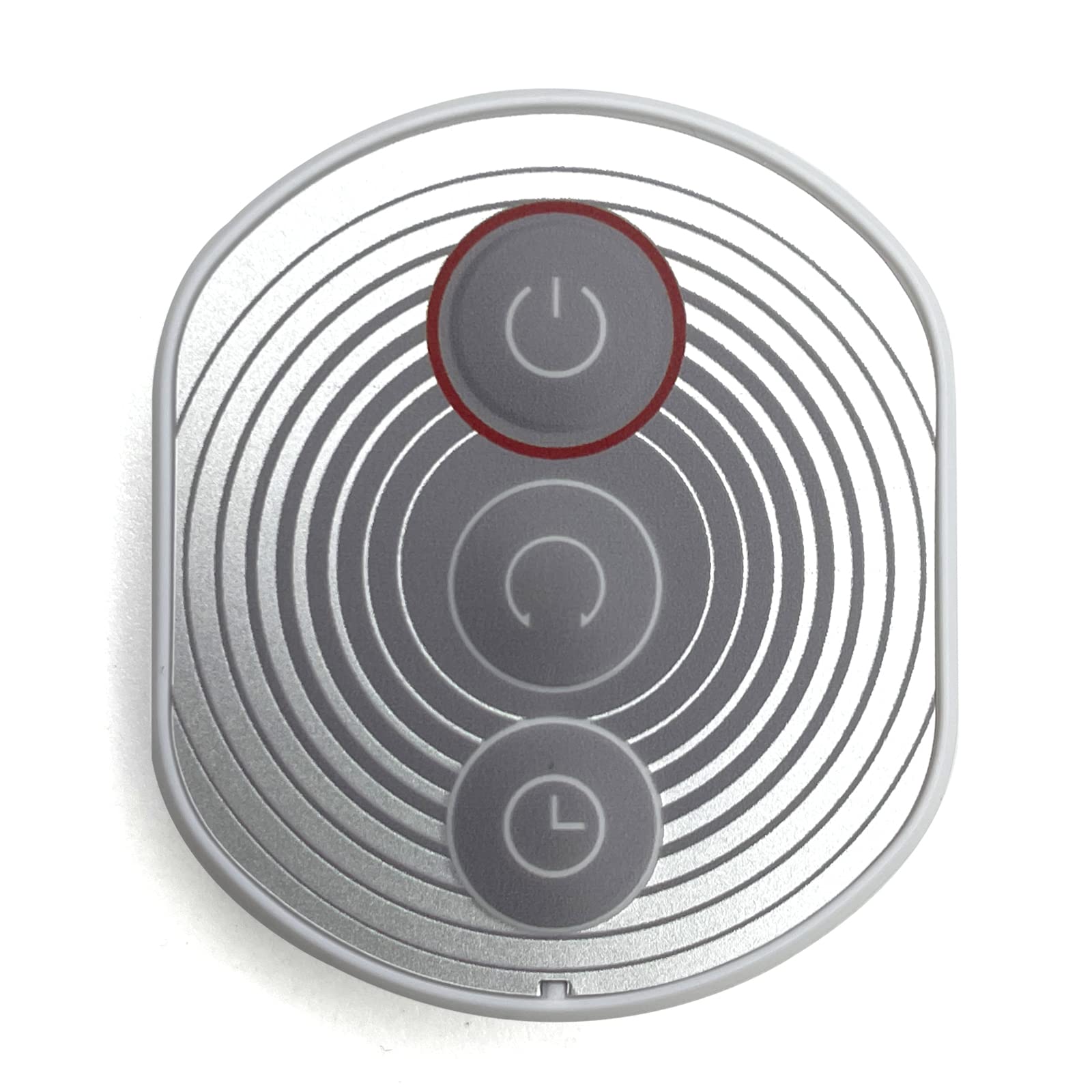
Image: Airbition Remote Control. This image displays the white remote control unit, highlighting its compact design and button layout.
Instrucțiuni de siguranță
Pentru a preveni deteriorarea sau vătămarea corporală, respectați următoarele măsuri de siguranță:
- Nu expuneți telecomanda la apă sau umiditate excesivă.
- Evitați să scăpați telecomanda sau să o supuneți la impacturi puternice.
- Nu lăsați bateriile la îndemâna copiilor și a animalelor de companie.
- Nu amestecați baterii vechi cu noi sau diferite tipuri de baterii.
- Aruncați bateriile uzate conform reglementărilor locale.
- Do not attempt to open or modify the remote control.
Înființat
Instalarea bateriei
- Localizați compartimentul bateriei de pe spatele telecomenzii.
- Deschideți capacul compartimentului bateriei.
- Insert one CR2 battery, ensuring the positive (+) and negative (-) terminals align correctly with the markings inside the compartment.
- Închideți bine capacul compartimentului bateriei.
The remote control is now ready for use with your compatible Airbition wall mount fan.
Instrucțiuni de operare
The Airbition remote control uses infrared (IR) technology. Ensure there is a clear line of sight between the remote control and the fan's IR receiver for optimal performance.
Remote Control Functions (Button Control)
- Buton de alimentare: Apăsați pentru a porni sau opri ventilatorul.
- Butoane de viteză: Adjust the fan speed (e.g., Low, Medium, High).
- Butonul de mod: Cycle through different fan modes (e.g., Normal, Natural, Sleep).
- Buton cronometru: Setați un cronometru pentru ca ventilatorul să se oprească automat după o anumită durată.
- Buton de oscilație: Activate or deactivate the fan's oscillation feature.
Refer to your Airbition wall mount fan's manual for specific functions and compatibility.
Întreţinere
Curatenie
Wipe the remote control with a soft, dry cloth. Do not use abrasive cleaners, solvents, or harsh chemicals, as these may damage the surface or internal components.
Înlocuirea bateriei
If the remote control's range decreases or it becomes unresponsive, replace the battery following the battery installation steps in the 'Setup' section.
Depanare
- Telecomanda nu funcționează:
- Verificați dacă bateria este introdusă corect, respectând polaritatea.
- Înlocuiți bateria cu o nouă baterie CR2.
- Ensure there is a clear line of sight between the remote control and the fan's IR receiver. Remove any obstructions.
- Make sure you are within the effective operating range of the fan's IR receiver.
- Fan not responding to specific buttons:
- Verify that the fan supports the specific function you are trying to activate.
- Ensure the remote control is pointed directly at the fan's IR receiver.
Specificații
| Marca | Airbition |
| Numărul de model | AIR301-Y |
| Dispozitive compatibile | Ventilator |
| Tehnologia de conectivitate | infraroșu (IR) |
| Tip controler | Buton de control |
| Tip baterie | CR2 |
| Numărul de baterii | 1 (inclus) |
| Culoare | Alb |
Garanție și suport
For warranty information or technical support, please refer to the documentation provided with your Airbition wall mount fan or visit the official Airbition webPăstrați bonul fiscal ca dovadă a achiziției pentru reclamații în garanție.