
1. Introducere
The Nexxt 2K Indoor Camera provides advanced home security with high-resolution video, intelligent detection features, and seamless smart home integration. Designed for indoor use, this camera offers comprehensive monitoring for your home, children, or pets, ensuring peace of mind with its robust capabilities.

Image: Two Nexxt 2K Indoor Cameras, showcasing the compact design of the product.
Caracteristici cheie:
- 2K Ultra Clarity: Full 2K resolution for impressive image quality and color accuracy.
- Lat Viewunghi: 100° viewing angle with a versatile 360° rotatable stand/bracket.
- Detecție avansată a mișcării: Detects human motion and crying babies, minimizing false alerts.
- Vedere de noapte: Six high-power infrared LEDs provide clear images in low light conditions.
- Comunicare bidirecțională: Microfon și difuzor încorporate pentru comunicare interactivă.
- Depozitare flexibilă: Supports microSD cards up to 128GB (sold separately) and optional cloud storage.
- Compatibilitate Smart Home: Works with Amazon Alexa, Google Assistant, and Siri for voice control.
2. Conținutul pachetului
Vă rugăm să verificați pachetul pentru următoarele articole:
- Nexxt 2K Indoor Camera (2 units for 2PK model)
- Adaptor de alimentare
- Cablu USB
- Stand de montare
- Manual de utilizare (acest document)
3. Ghid de instalare
Follow these steps to set up your Nexxt 2K Indoor Camera:
- Download the Nexxt Home App: Caută "Nexxt Home" in the Apple App Store (for iOS devices) or Google Play Store (for Android devices) and install the application.
- Creați un cont: Open the Nexxt Home app and register for a new account or log in if you already have one.
- Porniți camera: Connect the camera to a power source using the provided USB cable and power adapter. The camera's indicator light will begin to flash, indicating it is ready for pairing.
- Adăugați dispozitiv: In the Nexxt Home app, tap the "+" icon or "Add Device" to begin the pairing process. Select your camera model from the list of available devices.
- Scanați codul QR: The app will prompt you to scan a QR code. Position your phone's screen with the QR code in front of the camera lens at a distance of 6-8 inches (15-20 cm) until you hear a confirmation sound from the camera.
- Conectați-vă la Wi-Fi: Enter your Wi-Fi network name and password when prompted by the app. Ensure your camera is connected to a 2.4GHz Wi-Fi network.
- Plasare: Place the camera on a flat surface or mount it using the included stand. Ensure it has a clear view of the area you wish to monitor. The 360° rotatable stand allows for flexible positioning.

Image: A smartphone displaying the Nexxt Home app interface, illustrating the home automation capabilities and ease of use.
4. Instrucțiuni de utilizare
4.1 În direct View
Access the live feed of your camera anytime through the Nexxt Home app. This allows you to monitor your space in real-time from anywhere with an internet connection.
4.2 Detectarea mișcării și alertele
The camera is equipped with advanced motion detection, capable of identifying human shapes and even crying sounds. When motion or sound is detected, the camera will send real-time notifications to your smartphone.

Image: A baby playing on the floor, with a motion detection icon overlaid, demonstrating the camera's ability to detect movement in a monitored area.
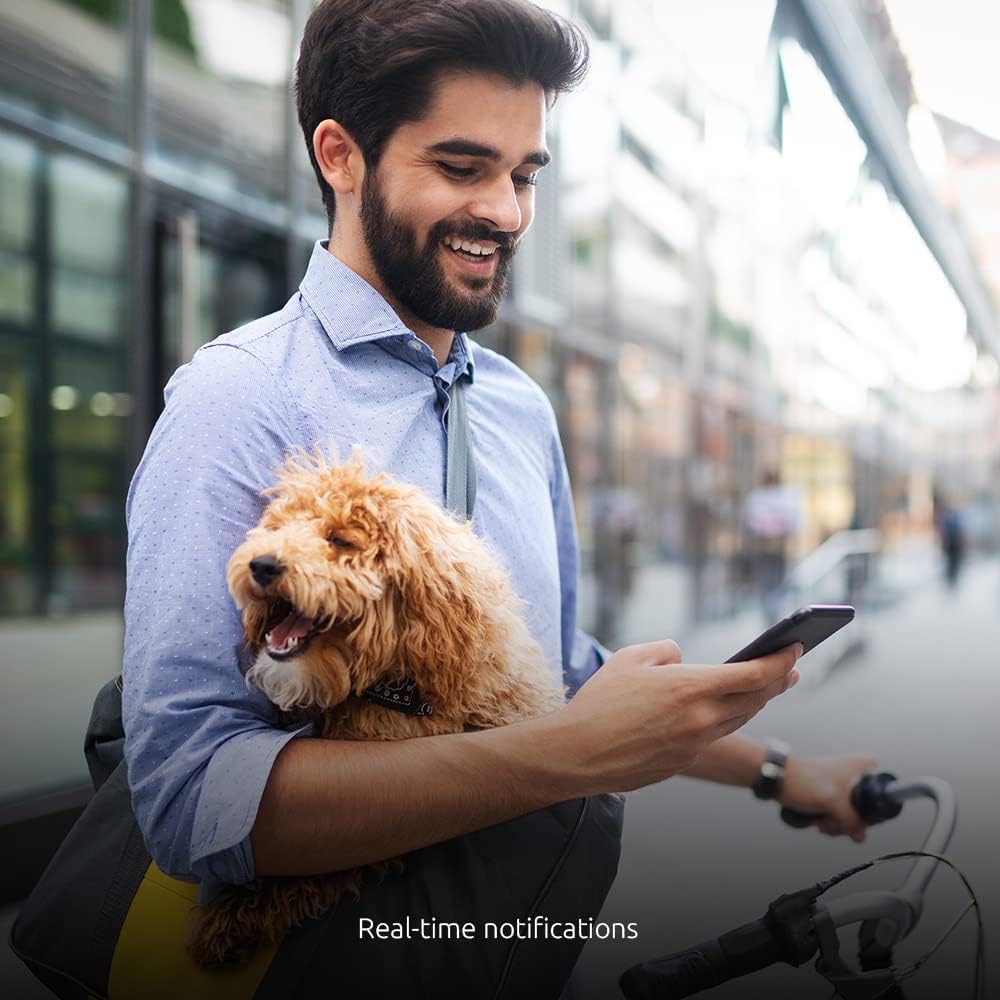
Image: A man with a dog checking his phone, illustrating the convenience of receiving real-time notifications from the camera.
4.3 Vedere nocturnă
The camera automatically switches to night vision mode in low-light conditions, utilizing six high-power infrared LEDs to provide clear black-and-white video footage up to 32 feet (10 meters).

Image: A split image demonstrating the camera's night vision capability, showing a living room scene in both daylight and infrared night vision.
4.4 Comunicare bidirecțională
Use the built-in microphone and speaker to communicate with individuals in the camera's vicinity. This feature is ideal for checking in on pets, children, or communicating with family members.

Image: A woman using headphones and a smartphone, symbolizing the two-way communication feature of the camera.
4.5 Opțiuni de stocare
- Card MicroSD: Introduceți un card microSD (până la 128 GB, se vinde separat) în slotul camerei pentru stocarea locală a înregistrărilor.
- Stocare în cloud: Optional cloud storage plans are available through the Nexxt Home app for secure, off-site video backup.
4.6 Integrarea controlului vocal
Integrate your Nexxt 2K Indoor Camera with popular voice assistants for convenient control:
- Amazon Alexa: Link your Nexxt Home account to Alexa for voice commands.
- Asistent Google: Connect your camera to Google Home for hands-free operation.
- Siri: Utilize Siri shortcuts for quick access to camera functions.

Image: The Nexxt camera positioned alongside Google Home and Amazon Alexa devices, illustrating its compatibility with various smart home ecosystems.
5. Întreținere
To ensure optimal performance and longevity of your Nexxt 2K Indoor Camera, follow these maintenance guidelines:
- curatenie: Gently wipe the camera lens and body with a soft, dry cloth. Avoid using liquid cleaners or abrasive materials, as they may damage the lens or casing.
- Plasare: Asigurați-vă că așezați camera într-un loc stabil pentru a preveni căderile accidentale. Evitați plasarea ei în lumina directă a soarelui sau în apropierea surselor de căldură, deoarece acestea pot afecta performanța și durata de viață.
- Actualizări de software: Regularly check the Nexxt Home app for firmware updates. Keeping your camera's software up-to-date ensures you have the latest features and security enhancements.
- Alimentare electrică: Use only the original power adapter and USB cable provided with the camera. Using unauthorized power sources may cause damage or malfunction.
6. Depanare
If you encounter issues with your Nexxt 2K Indoor Camera, refer to the following common troubleshooting steps:
| Problemă | Soluție posibilă |
|---|---|
| Camera nu se conectează la Wi-Fi |
|
| No image or poor image quality |
|
| Motion detection alerts are not received |
|
| Audio bidirecțional nu funcționează |
|
7. Specificații
Technical specifications for the Nexxt 2K Indoor Camera (Model NHC-I7102PK):
| Caracteristică | Detaliu |
|---|---|
| Numele modelului | NHC-I7102PK |
| Utilizare în interior/exterior | De interior |
| Rezoluție captură video | 2K |
| Frame Rate | 20 fps |
| Tehnologia de conectivitate | Wireless (Wi-Fi) |
| Protocol de conectivitate | Wifi |
| Sursa de alimentare | Electric cu fir |
| Dispozitive compatibile | iPhone, Android |
| Tip controler | Amazon Alexa, Asistent Google |
| Tip de montare | Suport de masă |
| Tehnologie cu lumină scăzută | Night Color (Infrared Night Vision) |
| Tip de alertă | Doar mișcare |
| Dimensiunile produsului | 3 x 7 x 3 inci |
| Greutatea articolului | 13.6 uncii |
| Evaluarea internațională de protecție | IP67 |
8. Garanție și asistență
Nexxt Solutions products are designed for reliability and performance. For specific warranty information regarding your Nexxt 2K Indoor Camera, please refer to the warranty card included in your product packaging or visit the official Nexxt Solutions website-ul.
For technical support, troubleshooting assistance, or any inquiries about your product, please contact Nexxt Solutions customer service through their official website-ul sau informațiile de contact furnizate în documentația produsului.
Resurse online: For additional support, FAQs, and product updates, please visit the Nexxt Solutions Store on Amazon.