
1. Introducere
This manual provides essential instructions for the SOLTECH CCTV Remote Control, model RCWN00001B (also identified as EP10-001090A). This remote is specifically designed for use with various Samsung Wisenet Security & Surveillance Camera Systems, including DVRs and NVRs. Please read this manual thoroughly to ensure proper use and functionality of your remote control.
2. Produs terminatview
The SOLTECH CCTV Remote Control is a dedicated device for managing your Samsung Wisenet security system. It replicates the functionality of the original remote control included with Wisenet All-In-One systems, providing convenient access to your DVR or NVR functions.
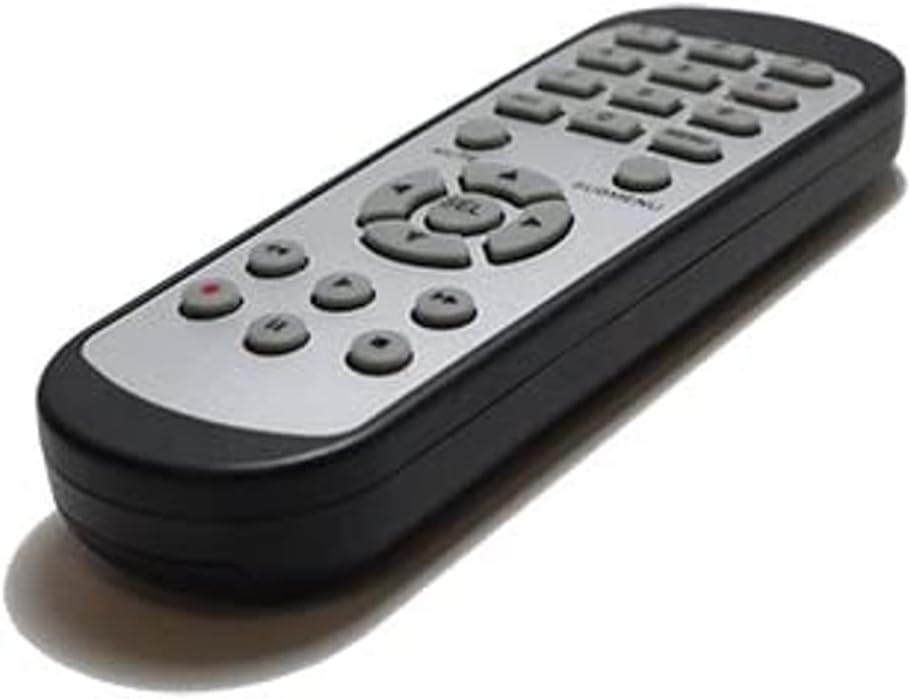
Imaginea 2.1: Față view of the SOLTECH CCTV Remote Control (Model RCWN00001B / EP10-001090A).
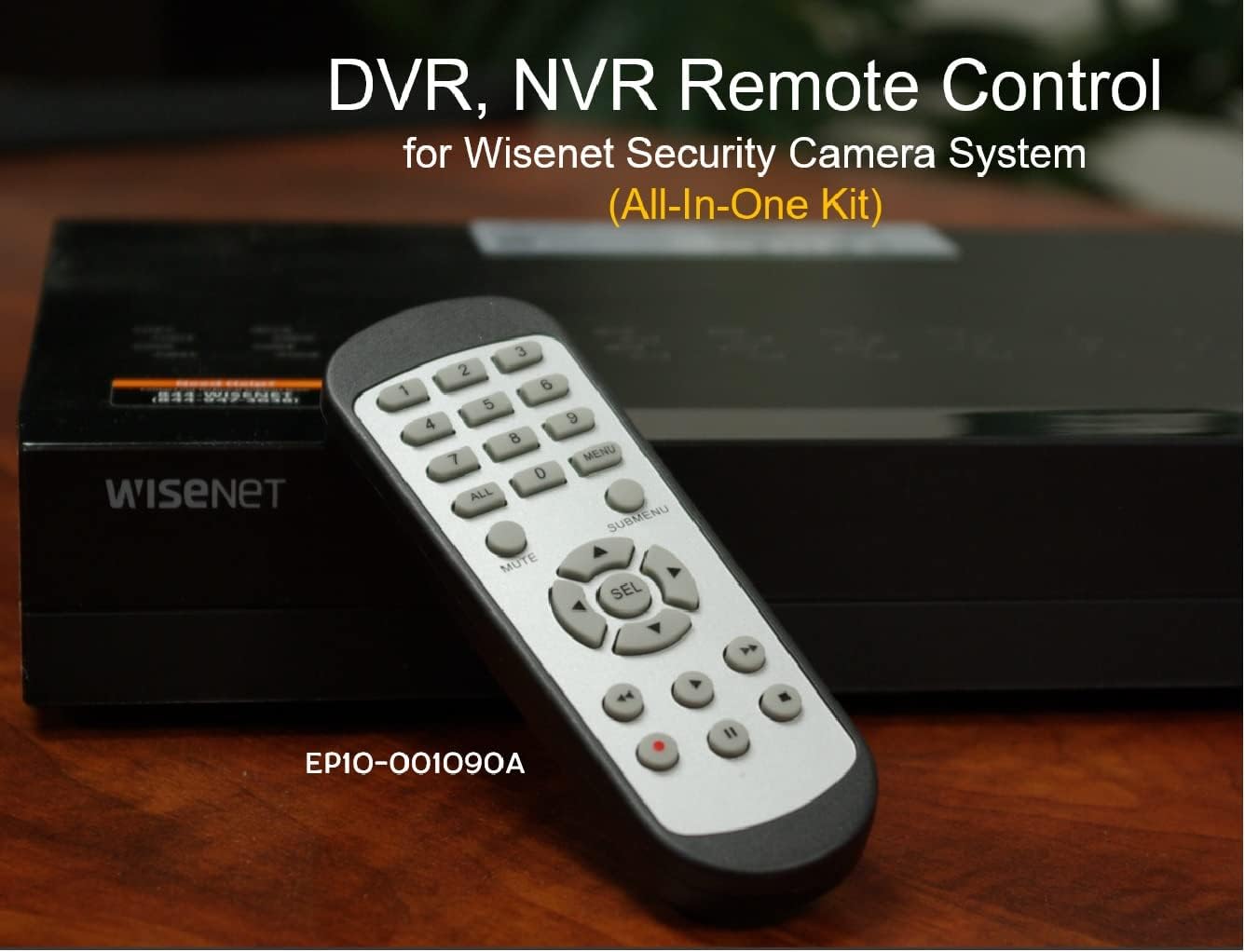
Image 2.2: The remote control positioned on a Wisenet Digital Video Recorder (DVR).
3. Configurare
This remote control requires two AAA batteries for operation. Batteries are not included with the product and must be purchased separately.
3.1 Instalarea bateriei
- Localizați compartimentul bateriei de pe spatele telecomenzii.
- Glisați capacul compartimentului bateriei în jos și ridicați-l.
- Introduceți două baterii AAA, asigurându-vă că polaritatea este corectă (+ și -), așa cum este indicată în interiorul compartimentului.
- Puneți la loc capacul compartimentului bateriei glisându-l înapoi în poziție până când se aude un clic sigur.

Imaginea 3.1: Spate view a telecomenzii cu compartimentul bateriilor deschis, indicând unde se introduc bateriile AAA.
3.2 Conectarea inițială
The SOLTECH CCTV Remote Control is pre-configured for Samsung Wisenet All-In-One System DVRs and NVRs. No additional setup, programming, or pairing is required. Once batteries are installed, the remote is ready for immediate use with compatible systems.
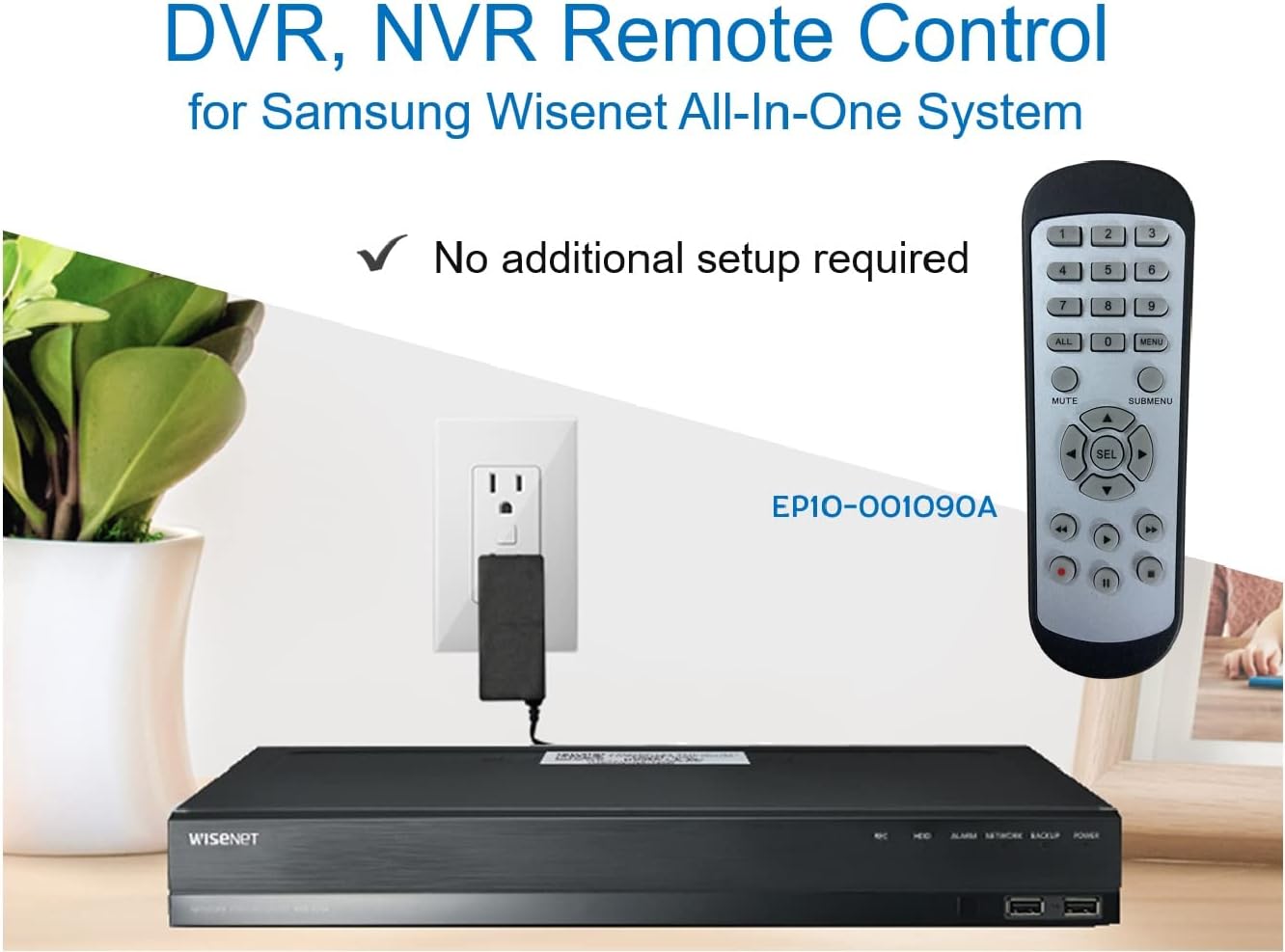
Image 3.2: The remote control shown alongside a Wisenet DVR, illustrating the 'no additional setup required' feature.
4. Instrucțiuni de utilizare
Point the remote control directly at your Samsung Wisenet DVR or NVR. Press the desired buttons to navigate menus, control playback, switch camera views, and access other functions of your security system. The button layout is standard for Wisenet systems, allowing for intuitive operation.
- Butoane numerice (0-9): Used for direct camera selection or data entry.
- Directional Pad (Up, Down, Left, Right, SEL): Pentru navigarea și selecția meniurilor.
- MUT: Dezactivează ieșirea audio.
- SUBMENU: Accesses sub-menus within the system interface.
- Comenzi de redare (Redare, Pauză, Oprire, Derulare rapidă înainte, Derulare înapoi): Manages recorded footage redare.
- ÎNREG. (Înregistrare): Initiates manual recording.
5. Compatibilitate
This remote control is compatible with various Samsung Wisenet All-In-One System Series. It is designed to function as a direct replacement for the original remote controls supplied with these systems.
5.1 Compatible System Series
The remote control is compatible with, but not limited to, the following Samsung Wisenet All-In-One System Series:
- SDH-E95127
- SDH-B94047
- SDH-C94087
- SDH-B73043
- SDH-C85080
- SDH-SF440
- SDH-B74043
- SDH-B74083
- SDH-B74041
- SDH-B74081
- SDH-C85100
- SDR-C85300
- SNK-B73047
- SDH-B74086
- SDH-C73043
- SDR-C73303
- SDH-C74043DF
- SDR-C74303N1T
- SDR-B74301

Image 5.1: The remote control displayed alongside a partial list of compatible Samsung Wisenet All-In-One System Series.

Image 5.2: An illustration showing the remote control's compatibility with a range of Samsung Wisenet security camera systems.
6. Întreținere
6.1 Înlocuirea bateriei
When the remote control's performance diminishes or it stops responding, replace the AAA batteries. Always replace both batteries at the same time with new ones. Do not mix old and new batteries, or different types of batteries.
6.2 Curățare
Pentru a curăța telecomanda, folosiți o lavetă moale și uscată. Pentru murdăria persistentă, ștergeți ușorampen the cloth with water. Avoid using harsh chemicals, abrasive cleaners, or solvents, as these can damage the remote's surface or internal components.
6.3 Depozitare
Depozitați telecomanda într-un loc răcoros și uscat, ferit de lumina directă a soarelui și de temperaturi extreme. Dacă telecomanda nu va fi utilizată pentru o perioadă lungă de timp, este recomandabil să scoateți bateriile pentru a preveni scurgerile.
7. Depanare
If you experience issues with your SOLTECH CCTV Remote Control, refer to the following common troubleshooting steps:
- Telecomanda nu răspunde:
- Verificați dacă bateriile sunt introduse corect, respectând polaritatea.
- Înlocuiți bateriile cu baterii AAA noi.
- Ensure there is a clear line of sight between the remote control and the infrared receiver on your Wisenet DVR/NVR. Obstructions can block the signal.
- Verify that the remote control is pointed directly at the Wisenet system.
- Funcționalitate intermitentă:
- Acest lucru indică adesea un nivel scăzut al bateriei. Înlocuiți bateriile.
- Ensure no strong light sources (like direct sunlight or bright fluorescent lights) are interfering with the infrared signal.
- Remote Does Not Control My System:
- Confirm that your security system is a Samsung Wisenet All-In-One System and is listed as compatible in Section 5.1. This remote is specifically designed for these systems and may not work with other brands or models.
- As this remote requires no additional setup, if it is not working with a confirmed compatible system after battery replacement, contact customer support.
8. Specificații
| Caracteristică | Detaliu |
|---|---|
| Numărul de model | RCWN00001B (EP10-001090A) |
| Dimensiunile produsului | 5 x 1.75 x 0.75 inci |
| Greutatea articolului | 1.76 uncii |
| Bateriile necesare | 2 baterii AAA (nu sunt incluse) |
| Producător | SOLTECH |
| Culoare | Gri |
| Numărul maxim de dispozitive acceptate | 1 (Wisenet DVR/NVR) |
| Dispozitive compatibile | Samsung Wisenet Security Camera Systems (DVR/NVR) |

Image 8.1: The remote control with its physical dimensions (length, width, thickness) indicated.
9. Garanție și asistență
For information regarding product warranty, please refer to the documentation provided with your purchase or contact the seller directly. The seller for this product is SOLTECH America.
For further assistance or technical support, please reach out to the manufacturer or seller through their official contact channels.