
1. Introducere
Thank you for choosing the Yeedi k950 Robot Vacuum and Mop Combo. This manual provides essential information for the safe operation, maintenance, and troubleshooting of your device. Please read it thoroughly before use and retain it for future reference.
The Yeedi k950 is designed to provide efficient and comprehensive floor cleaning, combining powerful vacuuming with an oscillating mopping system. Its advanced features include 3D obstacle avoidance, smart visual mapping, and automatic carpet detection.
2. Produs terminatview
2.1 Caracteristici cheie
- Oscillating Mopping System: Scrubs off dried-on stains from hard floors.
- Putere de aspirație de 3000Pa: Effectively picks up dirt from carpets and hard floors.
- 3D Obstacle Avoidance: Detects and navigates around common household objects.
- Smart Visual Mapping & Navigation: Creates and saves home layouts for efficient cleaning paths.
- Detectarea covorului: Avoids carpets in mopping mode and boosts suction in vacuuming mode.
- Controlul aplicației: Customizable cleaning settings, sequence, and area selection via the yeedi app.
- Self-Empty Station Compatibility: (Optional) Automatically empties the dustbin for up to 30 days.
2.2 Componentele robotului

Imagine: Top view of the Yeedi k950 robot vacuum. This image shows the overall design of the robot, including the main power button and visual sensor on top.

Imagine: Partea inferioară view of the Yeedi k950 robot vacuum. This image highlights the main brush, side brushes, and the oscillating mop pad module, which are crucial for cleaning.
3. Configurare
3.1 Despachetarea și plasarea
- Carefully remove all packaging materials from the robot and its accessories.
- Așezați stația de încărcare lângă un perete într-o zonă deschisă, asigurându-vă că nu există obstacole la o distanță de 1 metru (3 picioare) în față și 0.5 metri (1.5 picioare) în lateral.
- Conectați adaptorul de alimentare la stația de încărcare și conectați-l la o priză.
3.2 Încărcare inițială
Place the robot onto the charging dock, ensuring the charging contacts align. The robot will begin charging automatically. For first-time use, fully charge the robot before operation (approximately 6 hours).
3.3 Instalarea și conectarea aplicației
- Download the 'yeedi' app from your mobile device's app store (iOS or Android).
- Deschideți aplicația și urmați instrucțiunile de pe ecran pentru a crea un cont.
- Add your Yeedi k950 robot by scanning the QR code on the device or selecting it from the list.
- Connect the robot to your home Wi-Fi network as prompted by the app.
4. Funcționare
4.1 Pornirea unui ciclu de curățare
Puteți începe un ciclu de curățare în două moduri:
- Prin intermediul robotului: Press the main power button on the robot once.
- Via the App: Open the yeedi app and tap the 'Clean' button.
4.2 moduri de curățare
The Yeedi k950 supports various cleaning modes, which can be selected via the yeedi app:
- Curățare automată: Robotul curăță inteligent întreaga casă.
- Curățenie în zonă: Selectați anumite camere sau zone de curățat.
- Curățare personalizată: Draw a custom cleaning zone on the map.

Imagine: Illustration of the Yeedi k950's oscillating mopping system. The image shows the robot actively scrubbing a floor, demonstrating its ability to remove dried stains more effectively than traditional mopping.
Imagine: Depiction of the Yeedi k950's carpet detection feature. The robot avoids carpets in mopping mode and automatically increases suction power when vacuuming on carpets, ensuring optimal cleaning for different floor types.
4.3 Funcții inteligente
- 3D Obstacle Avoidance: The robot uses advanced sensors to detect and avoid common household obstacles like shoes, pet bowls, and toys, reducing the need for pre-cleaning.
- Visual Mapping: The robot creates a detailed map of your home, allowing for efficient navigation and customized cleaning plans. It can save up to three maps for multi-level homes.
- Customizable Cleaning via App: Use the yeedi app to adjust vacuum power, water flow levels, set cleaning sequences for different rooms, and define no-go zones or virtual walls.

Imagine: Visual representation of the Yeedi k950's 3D obstacle avoidance technology. The robot is shown detecting and navigating around various objects on the floor, such as shoes and toys.

Imagine: Diagram illustrating the Yeedi k950's ability to create and save multiple maps. This feature is beneficial for homes with multiple floors, allowing the robot to adapt to different layouts.

Imagine: Screenshots of the yeedi mobile application interface. This image demonstrates how users can set cleaning sequences, clean specific areas, and customize settings like vacuum power and water flow levels.
5. Întreținere
Regular maintenance ensures optimal performance and extends the lifespan of your Yeedi k950.
5.1 Coș de gunoi și filtru
- Golire: Empty the dustbin after each cleaning cycle. If using the optional self-empty station, the dustbin will be emptied automatically.
- curatenie: Rinse the dustbin with water as needed. Allow it to air dry completely before reinserting.
- Filtra: Tap the filter to remove dust. Replace the high-efficiency filter every 3-6 months, depending on usage.
5.2 Perii principale și perii laterale
- Perie principală: Remove the main brush cover and lift out the brush. Use the cleaning tool to cut and remove tangled hair. Clean the brush bearings.
- Perii laterale: Check side brushes for tangled hair or debris. If damaged, replace them.
5.3 Lavetă de ștergere și rezervor de apă
- Lavetă de șters: Remove the mopping pad after each use and wash it. Air dry completely.
- Rezervor de apă: Empty any remaining water from the tank after mopping. Clean the tank regularly to prevent mold or odors.
5.4 Senzori și contacte de încărcare
- Wipe all sensors (cliff sensors, anti-collision sensors, visual mapping sensor) and charging contacts on both the robot and the charging dock with a clean, dry cloth.
6. Depanare
If your Yeedi k950 encounters an issue, refer to the following common solutions:
| Problemă | Cauza posibila | Soluţie |
|---|---|---|
| Robotul nu pornește | Low battery; Main switch off | Încărcați robotul; Porniți întrerupătorul principal. |
| Robotul se blochează frecvent | Obstacole; Senzori murdari | Clear obstacles; Clean cliff and anti-collision sensors. |
| Performanță slabă de curățare | Full dustbin; Clogged brushes; Dirty filter | Goliți recipientul de praf; Curățați periile principale/laterale; Curățați/înlocuiți filtrul. |
| Robotul nu găsește stația de încărcare | Dock obstrucționat; Dock deconectat | Ensure clear area around dock; Plug in charging dock. |
| Mopping is ineffective | Dry mop pad; Empty water tank | Wet the mop pad; Fill the water tank. |
For more detailed troubleshooting or persistent issues, please refer to the yeedi app or contact customer support.
7. Specificații
| Caracteristică | Detaliu |
|---|---|
| Marca | yeedi |
| Numele modelului | k950 |
| Caracteristica specială | Obstacle Avoidance, Oscillating Mopping |
| Culoare | Alb |
| Durata de viață a bateriei | Up to 30 Days (with self-empty station) |
| Sursa de alimentare | Alimentat cu baterie |
| Dispozitive compatibile | Amazon Echo |
| Factor de formă | Robotic |
| Greutatea articolului | 5 kg 920 g |
| Dimensiuni articol (Lxlxh) | 61 x 40.6 x 12.7 centimetri |
| Recomandare de suprafață | Covor, podea tare |
8. Garanție și asistență
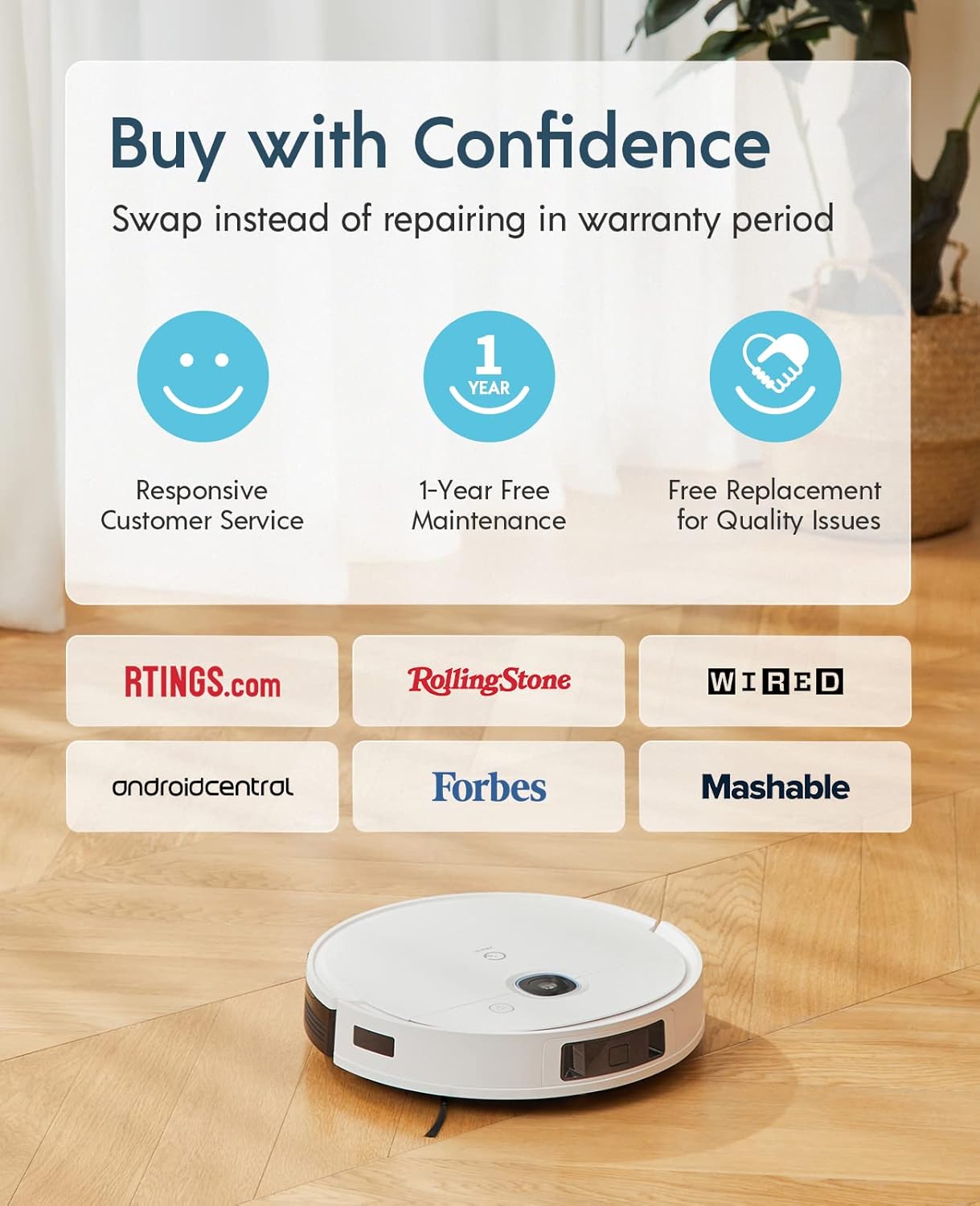
The Yeedi k950 Robot Vacuum and Mop Combo comes with a Garanție de 1 ani fără griji. This warranty includes:
- Responsive Customer Service.
- 1-Year Free Maintenance.
- Free Replacement for Quality Issues within the warranty period.
For warranty claims, technical support, or any inquiries, please contact yeedi customer service through the yeedi app or visit the official yeedi website-ul.

Imagine: Information regarding yeedi's customer support and warranty policy, highlighting responsive service, free maintenance, and replacement for quality issues.