
Introducere
This manual provides essential instructions for the operation and maintenance of your Creative Sensemore Air True Wireless In-Ear Headphones. These headphones are designed to deliver a versatile audio experience with advanced features for various listening environments.

Image: Creative Sensemore Air earbuds shown with their charging case.
Caracteristici cheie:
- Sensemore Mode: Amplifies surrounding sounds for enhanced awareness.
- Modul ambiental: Îți permite să auzi împrejurimile în timp ce te bucuri de sunet.
- Anularea activă a zgomotului (ANC): Reduce zgomotul extern pentru o ascultare captivantă.
- Quad Microphones: Asigură o preluare clară a vocii pentru apeluri și comenzi vocale.
- Durată de viață extinsă a bateriei: Up to 10 hours per charge, with a total of 35 hours using the charging case.
- Rezistență la transpirație IPX5: Designed to withstand sweat and light splashes.
- Încărcare fără fir: Supports Qi-certified wireless charging for convenience.
- Bluetooth 5.2: Oferă conectivitate wireless stabilă și eficientă.
- Customizable Touch Controls: Personalize earbud functions via the Creative app.
Înființat
1. Încărcarea dispozitivului
Before first use, fully charge the Creative Sensemore Air earbuds and their charging case.
- Via USB-C Cable: Conectați cablul de încărcare USB-C furnizat la portul de încărcare de pe carcasă și la o sursă de alimentare.
- Încărcare fără fir: Place the charging case on a Qi-certified wireless charging pad.
The LED indicators on the front of the charging case will show the charging status. A full charge provides up to 10 hours of playtime for the earbuds and up to 35 hours total with the case. A 10-minute quick charge provides up to 2 hours of playtime.

Image: The charging case showing LED indicators for battery status.
2. Asocierea cu un dispozitiv
- Asigurați-vă că căștile sunt în carcasa de încărcare și că capacul carcasei este deschis.
- Pe dispozitivul dvs. (smartphone, tabletă etc.), activați Bluetooth și căutați dispozitivele disponibile.
- Select "Creative Sensemore Air" from the list of detected devices to pair.
- Odată asociate, căștile se vor conecta automat la dispozitiv atunci când sunt scoase din husă.
3. Installing the Creative App
For full functionality and customization, download the Creative app from your device's app store. The app allows you to:
- Switch between Sensemore Mode, Ambient Mode, and Active Noise Cancellation.
- Personalizați comenzile tactile.
- Adjust audio settings with a graphic equalizer.
- Efectuați actualizări de firmware.

Image: Creative app icon for mobile devices.
Utilizarea căștilor
Moduri de control al zgomotului
The Creative Sensemore Air headphones offer three distinct noise control modes to adapt to your environment:
- Sensemore Mode: This proprietary technology enhances ambient sound beyond conventional transparency modes. It focuses on vocals and amplifies surrounding sounds for improved hearing and clearer conversations.
- Modul ambiental: Allows you to hear your surroundings naturally, useful for staying aware in busy environments.
- Anularea activă a zgomotului (ANC): Blocks out unwanted external noise, providing a more immersive audio experience.
Switch between these modes using the customizable touch controls on the earbuds or through the Creative app.

Image: A person on a bus using the Creative Sensemore Air earbuds, illustrating the noise control features.
Video: Un pesteview of the Creative Sensemore Air True Wireless in-Ear Headphones, demonstrating key features like Sensemore Mode, Ambient Mode, and Active Noise Cancellation.
Funcționalitatea apelului
Equipped with four microphones, the earbuds provide enhanced voice pickup and call clarity. You can also activate voice assistants like Siri or Google Assistant with ease.

Image: A woman using the earbuds to interact with a voice assistant, highlighting the quad mic feature.
Atingeți Comenzi
The earbuds feature intuitive touch controls for managing playback, calls, and noise control modes. These controls can be customized through the Creative app to suit your preferences.

Image: Screenshot of the Creative app showing customizable touch control settings.
Întreţinere
Curățare și îngrijire
To ensure longevity and optimal performance, regularly clean your earbuds and charging case.
- Ștergeți căștile și carcasa de încărcare cu o lavetă moale, uscată și fără scame.
- Scoateți dopurile de urechi și curățați-le cu apă și săpun delicat, apoi uscați-le bine înainte de a le fixa la loc.
- Evitați utilizarea agenților de curățare abrazivi sau a solvenților.
Rezistență la apă (IPX5)
The Creative Sensemore Air earbuds are rated IPX5 sweatproof, meaning they are protected against low-pressure water jets from any direction. This makes them suitable for workouts and use in light rain.
Important: Carcasa de încărcare este nu water-resistant. Do not expose it to water or moisture.
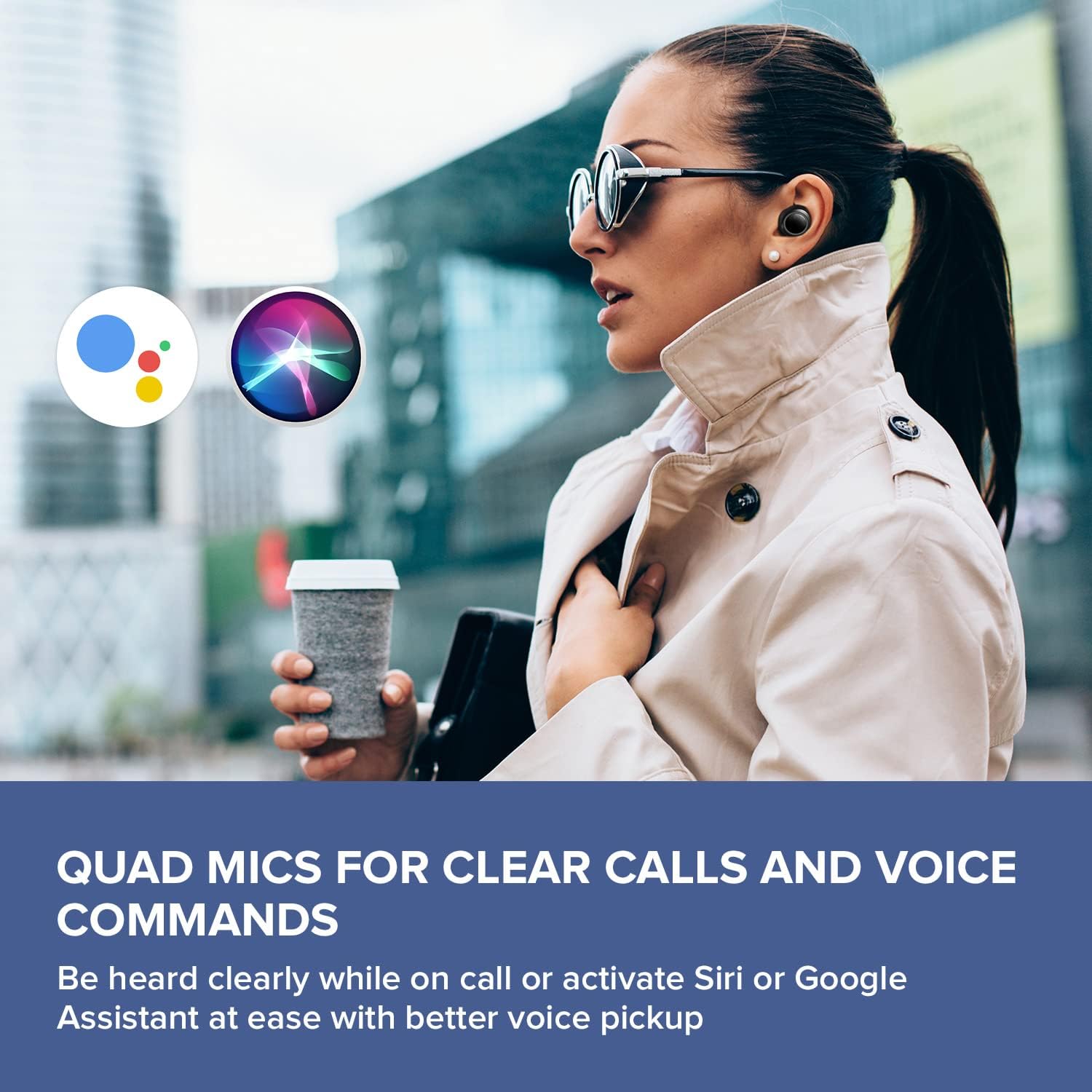
Image: A woman running outdoors, demonstrating the IPX5 sweatproof feature of the earbuds.
Depanare
Probleme comune și soluții
- Fără sunet/Calitate slabă a sunetului:
- Asigurați-vă că căștile sunt complet încărcate.
- Verificați conexiunea Bluetooth și repetați asocierea dacă este necesar.
- Reglați volumul atât pe căști, cât și pe dispozitivul conectat.
- Clean ear tips and earbud nozzles to remove any debris.
- Încercați dopuri de urechi de diferite dimensiuni pentru o etanșare mai bună.
- Căștile nu se împerechează:
- Place earbuds back in the case, close the lid, then open it again to reset.
- Asigurați-vă că Bluetooth este activat pe dispozitiv și în raza de acțiune.
- Eliminați dispozitivul din setările Bluetooth ale telefonului și încercați să îl reconectați.
- Probleme de încărcare:
- Verify the USB-C cable is securely connected to both the case and power source.
- If using wireless charging, ensure the case is correctly positioned on the Qi-certified pad.
- Verificați dacă contactele de încărcare de pe căști și din interiorul carcasei sunt curate.
- Probleme de conectare la aplicație:
- Ensure the Creative app is updated to the latest version.
- Reporniți aplicația sau dispozitivul mobil.
- Confirm Bluetooth is active and the earbuds are connected to your device.
Specificații
| Caracteristică | Detaliu |
|---|---|
| Numele modelului | EF1020 |
| Conectivitate | Bluetooth 5.2 |
| Gama Bluetooth | 10 metri |
| Codecuri audio | AAC, SBC |
| Șoferii | 6 mm Bio-cellulose Dynamic Drivers |
| Microfoane | Microfoane Quad |
| Controlul zgomotului | Sensemore Mode, Ambient Mode, Active Noise Cancellation |
| Timp total de joacă | Până la 35 de ore (cu carcasă de încărcare) |
| Timp de redare per încărcare | Până la 10 ore |
| Timp de încărcare | 2 de ore |
| Interfață de încărcare | USB-C, Wireless (Qi-certified) |
| Rezistenta la apa | IPX5 (numai căști) |
| Metoda de control | Atingere |
| Greutatea articolului | 1.76 uncii |
| Dimensiunile produsului | 2.7 x 1.9 x 1.3 inci (cutie de încărcare) |
Garanție și suport
Creative products are designed for reliability and performance. For warranty information and customer support, please refer to the official Creative website-ul sau documentația inclusă împreună cu produsul dumneavoastră.
- Inregistrarea produsului: Înregistrați-vă produsul online pentru a primi actualizări și asistență.
- Suport tehnic: Visit the Creative support page for FAQs, troubleshooting guides, and contact information.
Nota: Warranty terms may vary by region and retailer. Please retain your proof of purchase.