
1. Introducere
Welcome to the Nokia T10 Wi-Fi Tablet user manual. This guide provides essential information to help you set up, operate, maintain, and troubleshoot your new device. The Nokia T10 is an 8-inch HD Android 12 tablet designed for everyday use, offering a balance of performance and portability.
Please read this manual carefully to ensure proper use and to maximize the lifespan of your tablet.
2. Ce se află în cutie
Upon unboxing your Nokia T10 tablet, please verify that all the following items are included:
- Nokia T10 Tablet Device
- Cablu USB de tip C
- Încărcător
- Ghid de pornire rapidă (QSG)
- Broșură de siguranță
- User Guide Band
- Plastic Bag (packaging material)
If any items are missing or damaged, please contact your retailer or Nokia customer support immediately.
3. Configurare
3.1 Încărcarea tabletei
Before first use, fully charge your Nokia T10 tablet. Connect the provided Type-C USB cable to the tablet's charging port and the other end to the charger. Plug the charger into a power outlet. The battery indicator on the screen will show the charging status.
3.2 Pornire/Oprire
- Pentru a porni: Apăsați și mențineți apăsat butonul de pornire/oprire până când apare sigla Nokia.
- Pentru a opri: Press and hold the Power button until the power options appear on the screen. Select "Power off" and confirm.
- Pentru a reporni: Press and hold the Power button until the power options appear. Select "Restart" and confirm.
3.3 Configurare inițială
When you power on your tablet for the first time, you will be guided through an initial setup process:
- Selectarea limbii: Alegeți limba preferată.
- Conexiune Wi-Fi: Connect to a Wi-Fi network to access the internet. This is crucial for downloading updates and setting up your Google account.
- Cont Google: Sign in with your existing Google account or create a new one. This is necessary for accessing the Google Play Store, Gmail, and other Google services.
- Data și ora: Setați data și ora corecte sau permiteți rețelei să le seteze automat.
- Securitate: Set up a screen lock (PIN, pattern, password) and consider enabling AI Face Unlock for convenient access.
3.4 Introducerea unui card MicroSD
The Nokia T10 supports expandable storage via a MicroSD card. Locate the SIM/SD card tray on the side of the tablet. Use the provided SIM ejector tool to open the tray. Carefully place the MicroSD card into the designated slot with the gold contacts facing down, then reinsert the tray firmly.
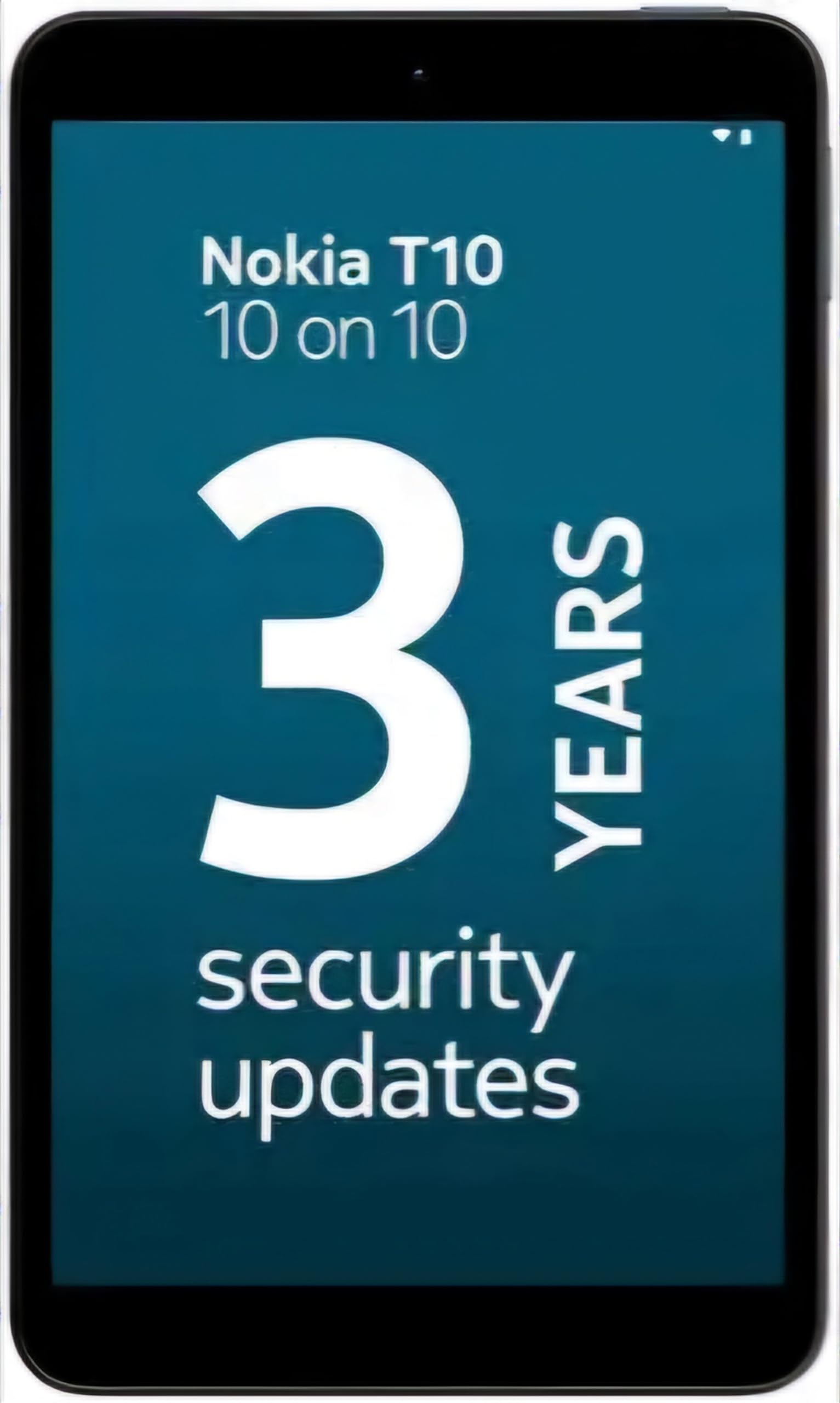
Image: Nokia T10 tablet, showcasing its sleek design and the rear camera module.
4. Instrucțiuni de utilizare
4.1 Afișaj și navigare
The Nokia T10 features an 8-inch HD display (1280x800 pixels). Navigate the interface using touch gestures:
- Robinet: Selectați un element sau deschideți o aplicație.
- Beţivan: Derulați prin ecrane, liste sau conținut.
- Ciupire pentru zoom: Măriți sau micșorați fotografiile și web pagini.
- Apasare prelungită: Accesați meniurile contextuale sau mutați pictogramele aplicațiilor.
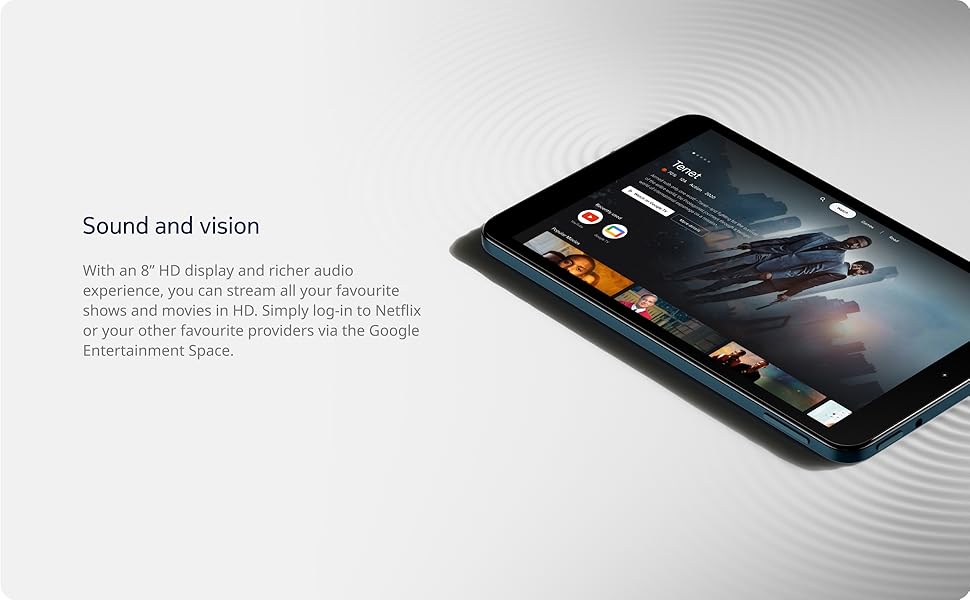
Image: The Nokia T10 tablet showcasing its 8-inch HD display with streaming video content.
4.2 Funcțiile camerei
Your tablet is equipped with an 8MP rear camera with autofocus and flash, and a 2MP front camera.
- Realizarea de fotografii: Deschide aplicația Cameră, încadrează fotografia și atinge butonul declanșator.
- Înregistrarea videoclipurilor: Switch to video mode in the Camera app and tap the record button to start/stop. The tablet supports FHD 1080p video capture.
- Camera frontală: Tap the camera switch icon to use the front camera for selfies or video calls.

Image: A Nokia T10 tablet displaying a video call, highlighting its front camera functionality.
4.3 Managementul bateriei
The Nokia T10 has a 5250 mAh battery designed for all-day use. To optimize battery life:
- Reduceți luminozitatea ecranului.
- Dezactivați Wi-Fi-ul și Bluetooth-ul atunci când nu le utilizați.
- Închide aplicațiile din fundal.
- Enable battery saver mode in Settings.
4.4 Conectivitate
- Wifi: Connect to wireless networks via Settings > Network & internet > Wi-Fi. The tablet supports 802.11a/b/g/n/ac standards.
- Bluetooth: Pair with Bluetooth devices (headphones, speakers) via Settings > Connected devices > Bluetooth. The tablet features Bluetooth 5.0.
- USB tip C: Folosește portul USB-C pentru încărcare și transfer de date.
4.5 Deblocare facială prin inteligență artificială
For quick and secure access, set up AI Face Unlock:
- Go to Settings > Security > Face unlock.
- Urmați instrucțiunile de pe ecran pentru a vă înregistra chipul.
- Ensure you are in a well-lit environment during setup and use.
4.6 Software și actualizări
The Nokia T10 runs on Android 12. Nokia provides 2 years of OS updates and 3 years of monthly security updates to keep your device secure and up-to-date. You will receive notifications when updates are available. It is recommended to install updates over a Wi-Fi connection.
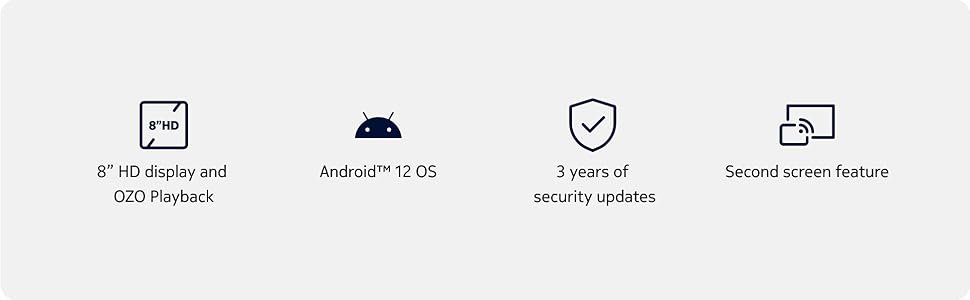
Image: Visual representation of Nokia T10 features including Android 12 OS and 3 years of security updates.
5. Întreținere
5.1 Curățarea tabletei
- Folosiți o lavetă moale, fără scame, pentru a curăța ecranul și carcasa.
- Evitați utilizarea substanțelor chimice dure, a agenților de curățare abrazivi sau a spray-urilor cu aerosoli.
- Do not expose the tablet to excessive moisture.
5.2 Actualizări de software
Verificați și instalați periodic actualizări de software pentru a asigura performanță și securitate optime. Accesați Setări > Sistem > Actualizare sistem.
5.3 Managementul stocării
To maintain performance, periodically manage your tablet's storage:
- Ștergeți aplicațiile inutile și files.
- Mută mare files (photos, videos) to a MicroSD card or cloud storage.
- Clear app cache regularly via Settings > Apps > [App Name] > Storage & cache.
6. Depanare
If you encounter issues with your Nokia T10 tablet, try the following solutions:
| Problemă | Soluţie |
|---|---|
| Tableta nu pornește | Asigurați-vă că bateria este încărcată. Conectați încărcătorul și așteptați câteva minute înainte de a încerca să porniți din nou. |
| Probleme de conexiune Wi-Fi | Restart your Wi-Fi router. Go to Settings > Network & internet > Wi-Fi, turn Wi-Fi off and then on again. Forget the network and reconnect. |
| Performanță lentă | Close unused apps. Clear app caches. Restart the tablet. Check for available software updates. |
| Aplicațiile se blochează sau se blochează | Force stop the app (Settings > Apps > [App Name] > Force stop). Clear the app's cache and data. Reinstall the app. |
| Bateria se descarcă rapid | Reduce screen brightness. Disable unnecessary features like GPS, Bluetooth, and Wi-Fi when not in use. Check battery usage in Settings to identify power-hungry apps. |
If the problem persists after trying these steps, please contact Nokia customer support.
7. Specificații
Below are the key technical specifications for the Nokia T10 Wi-Fi Tablet:
- Nume model: Nokia T10 TA-1472 WIFI 3/32
- Sistem de operare: Android 12
- Procesor: Unisoc T606 (Octa-core, 1.6 GHz)
- Coprocesor grafic: Mali-G57
- RAM: 3 GB
- Stocare internă: 32 GB
- Stocare extensibilă: Yes, via MicroSD card (up to 512GB, sold separately)
- Afişa: 8-inch HD (1280 x 800 pixels) TFT, 16:10 aspect ratio
- Camera spate: 8 MP with AF and Flash
- Camera frontală: 2 MP
- Rezoluția capturii video: FHD 1080p at 30 fps
- Baterie: Litiu polimer de 5250 mAh
- Conectivitate: Wi-Fi (802.11a/b/g/n/ac), Bluetooth 5.0, USB Type-C, 3.5mm Audio Jack
- Caracteristici de securitate: AI Face Deblocare
- Audio: Stereo Speakers, OZO Playback
- Dimensions (L x W x Thickness): 20.8L x 12.3W x 0.9Th Centimeters
- Greutate: 375 grame
- Culoare: Albastru
8. Informații despre garanție
The Nokia T10 tablet comes with a 1 ani garanție producător for the device and battery from the date of purchase. In-box accessories are covered by a 6 luni garantie producator from the date of purchase. Please retain your proof of purchase for warranty claims. For detailed terms and conditions, refer to the warranty card included in your product packaging or visit the official Nokia support website-ul.
9. Suport
Pentru asistență suplimentară, asistență tehnică sau pentru a găsi centre de service, vă rugăm să vizitați site-ul oficial de asistență Nokia. website or contact their customer service. You can typically find support contact information on the Nokia website or in the safety booklet provided with your tablet.
Suport online: Asistență Nokia Website-ul