
Introducere
Thank you for choosing the DIZO Watch 2 Smartwatch. This manual provides essential information and instructions to help you get started, operate, and maintain your device effectively. Please read this manual thoroughly before using your smartwatch to ensure proper function and safety.
Conținutul pachetului
- DIZO Watch 2 Smartwatch
- Cablu de încărcare
- Manual de utilizare
Înființat
1. Încărcarea ceasului inteligent
Before initial use, fully charge your DIZO Watch 2. Connect the charging cable to the charging port on the back of the watch and plug the USB end into a power adapter (not included) or a computer's USB port. A full charge typically takes approximately 2 hours.
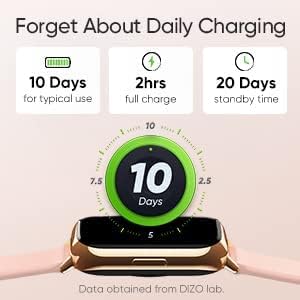
Image: The DIZO Watch 2 displaying its battery life, indicating 10 days for typical use, 2 hours for a full charge, and 20 days standby time.
2. Downloading the DIZO App
To unlock all features and synchronize data, download the official DIZO app on your Android smartphone. Caută "DIZO App" in the Google Play Store.
3. Împerecherea cu smartphone-ul
- Asigurați-vă că Bluetooth-ul smartphone-ului dvs. este activat.
- Open the DIZO app and follow the on-screen instructions to create an account or log in.
- Selectați „Adăugați dispozitiv” sau o opțiune similară în cadrul aplicației.
- The app will search for your DIZO Watch 2. Select your watch from the list of available devices.
- Confirmați solicitarea de asociere atât pe ceas, cât și pe smartphone.
Instrucțiuni de operare
Navigare de bază
- Touch screen: Glisați în sus, în jos, la stânga sau la dreapta pentru a naviga prin meniuri și notificări. Atingeți pentru a selecta o opțiune.
- Buton lateral: Press the side button to return to the home screen or wake up the display.

Image: A close-up of the DIZO Watch 2's 1.69-inch bright full touch screen, highlighting its sharp display.
Monitorizarea sănătății
The DIZO Watch 2 offers comprehensive health tracking features:
- Monitor de oxigen din sânge (SpO2): Measures your blood oxygen saturation levels throughout the day and during sleep.
- Real-time Heart Rate Monitor: Continuously tracks your heart rate, providing insights into your cardiovascular health and workout intensity.
- Monitorizare avansată a somnului: Analizează tiparele de somn, inclusiv somnul ușor, profund și REMtages, along with heart rate, stress, and breathing data.
- Urmărirea ciclului menstrual: Provides tracking and predictions for the menstrual cycle.
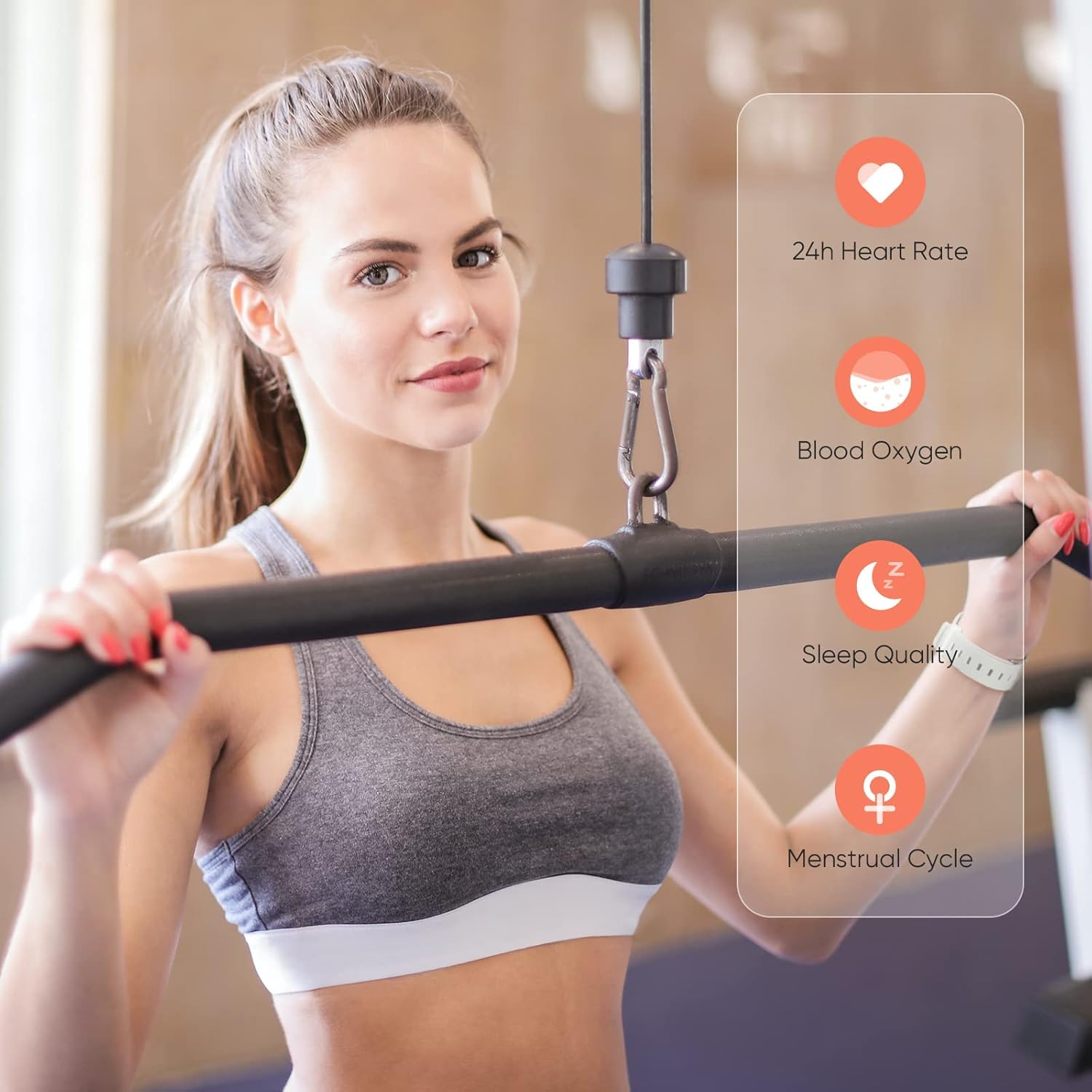
Image: A user wearing the DIZO Watch 2, with an overlay showing the watch's ability to monitor 24-hour heart rate, blood oxygen, sleep quality, and menstrual cycle.
Moduri sportive
The watch supports 15 dedicated sports modes to accurately track your workouts. Select your activity from the watch's menu to record data such as duration, calories burned, and heart rate.

Image: The DIZO Watch 2 screen showing "15 Sports Modes" with icons representing different activities like running, cycling, and swimming, surrounded by images of people engaging in these sports.
Fețe de ceas personalizabile
Choose from over 100 watch faces available through the DIZO app. You can also customize a watch face using your own pictures.

Image: The DIZO Watch 2 displaying a custom watch face with a personal photo, surrounded by other available watch face designs and a smartphone screen showing customization options.
Smart Controls and Notifications
Connect your smartwatch to the DIZO app to enable smart features:
- Controlul muzicii: Controlează redarea muzicii pe smartphone direct de pe ceas.
- Controlul camerei: Folosește ceasul ca declanșator de la distanță pentru camera smartphone-ului tău.
- Notificări inteligente: Primește alerte pentru apeluri, mesaje și notificări din aplicații.
- Calls Reject: Refuzați apelurile primite de pe ceas.
- Contor de pași: Track your daily steps and activity.
- Alarma: Setează alarme direct pe ceas.

Image: The DIZO Watch 2 displaying icons for various smart controls, including Music Control, Camera Control, Smart Notifications, Calls Reject, Steps Counter, and Alarm.
Rezistență la apă (5ATM)
The DIZO Watch 2 is 5ATM water resistant, meaning it can withstand pressures equivalent to a depth of 50 meters (164 feet). This allows for use during swimming, showering, or other shallow water activities. Avoid hot water, steam, or high-velocity water streams.

Image: A person swimming while wearing the DIZO Watch 2, with text indicating its 5ATM (164 ft./50 meters) waterproof rating.
Întreţinere
- curatenie: Curățați regulat ceasul și cureaua cu o cârpă moale și uscată. Dacă este necesar, folosiți o cârpă ușor uscată.amp o lavetă cu săpun delicat, apoi clătiți și uscați bine.
- Încărcare: Use only the provided charging cable. Avoid exposing the charging contacts to water or sweat.
- Depozitare: Depozitați ceasul într-un loc răcoros și uscat atunci când nu îl utilizați.
- Rezistenta la apa: While 5ATM water resistant, avoid prolonged submersion in saltwater or chemical liquids, which can degrade seals over time.
Depanare
- Ceasul nu se pornește: Asigurați-vă că ceasul este complet încărcat. Conectați-l la încărcător timp de cel puțin 10 de minute.
- Nu se poate conecta la telefon: Check if Bluetooth is enabled on your phone. Ensure the watch is within range and the DIZO app is open. Try restarting both the watch and your phone.
- Date inexacte privind sănătatea: Asigurați-vă că ceasul este purtat strâns pe încheietura mâinii, nici prea strâns, nici prea lejer. Curățați senzorii în mod regulat.
- Notificări neprimite: Check app permissions on your phone to ensure the DIZO app has access to notifications. Verify notification settings within the DIZO app.
- Ecranul nu răspunde: Încearcă să repornești ceasul apăsând și ținând apăsat butonul lateral până când se oprește, apoi pornește-l din nou.
Specificații
| Numele modelului | Uita-te 2 |
| Referința producătorului | DW-123 |
| Marca | DIZO |
| Afişa | 1.69 inch (4.3cm) Bright Full Touch Screen |
| Rezistenta la apa | 5ATM (up to 50 meters / 164 feet) |
| Monitorizarea sănătății | Blood Oxygen (SpO2), Heart Rate, Sleep Tracking, Menstrual Cycle |
| Moduri sportive | 15 de moduri |
| Durata de viață a bateriei | Până la 10 zile (utilizare tipică), 20 zile (în așteptare) |
| Timp de încărcare | Aproximativ. 2 ore |
| Conectivitate | Bluetooth, USB (pentru încărcare) |
| Compatibilitate | Android |
| Dimensiuni | 21.49 x 2.01 x 1.22 cm |
| Greutate | 191 de grame |
Garanție și suport
The DIZO Watch 2 Smartwatch comes with a standard manufacturer's warranty. Please refer to the warranty card included in your package for specific terms and conditions. For technical support, troubleshooting assistance, or warranty claims, please contact DIZO customer service through their official website-ul sau informațiile de contact furnizate în documentația garanției.