
Introducere
The TRENDnet AC1200 WiFi EasyMesh Kit is engineered to provide seamless WiFi coverage throughout your home or small office. This AC1200 WiFi EasyMesh System offers extensive coverage for areas up to 4,000 square feet. For larger spaces, additional AC1200 WiFi Mesh Nodes can be integrated to further expand WiFi coverage. The kit features an intuitive app-based installation process, ensuring a straightforward setup using the TRENDnet WiFi Mesh app. Your AC1200 WiFi EasyMesh System can be fully operational, delivering whole-home WiFi coverage, within minutes.
Conținutul pachetului
Verificați dacă toate articolele sunt prezente în colet:
- 2 x TEW-832MDR (1 x Main, 1 x Remote Node)
- 1 x Ghid de instalare rapidă
- 1 x Network cable (1.5m / 5 ft.)
- 2 x Power adapter (12V DC, 1A)
- Șuruburi de montare pe perete

Image: The TRENDnet AC1200 WiFi EasyMesh Kit includes two white mesh nodes, two power adapters, an Ethernet cable, and a quick installation guide.
Caracteristici
- AC1200 Dual Band WiFi: Offers 867Mbps on 5GHz (WiFi AC) and 300Mbps on 2.4GHz (WiFi N).
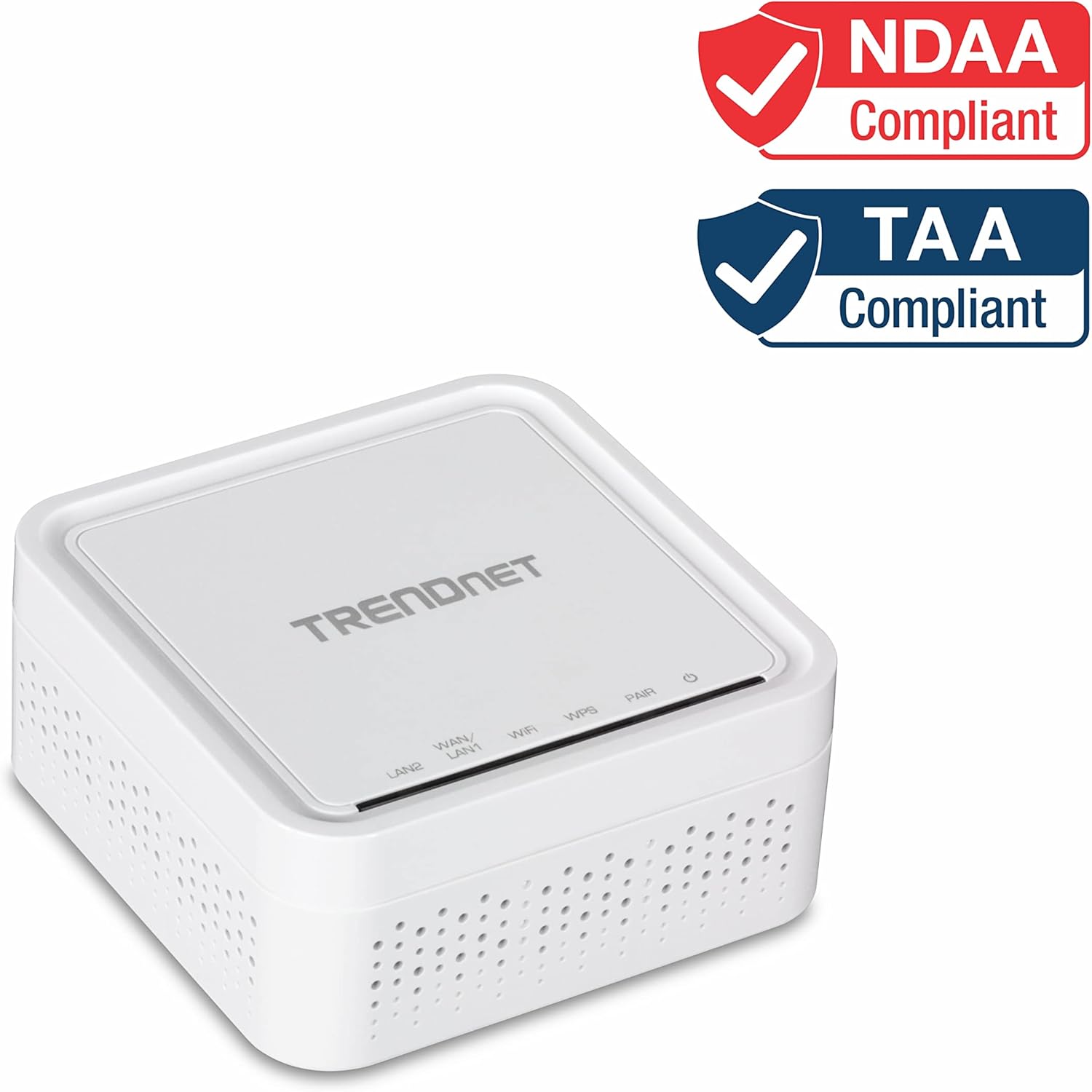
- NDAA + TAA Compliant: Suitable for government and enterprise networking solutions (U.S. and Canada Only).
- Auto Optimizing WiFi: Designed to replace traditional WiFi routers, extenders, and signal boosters for improved performance.
- Intelligent WiFi Mesh Technology: Automatically connects users to the strongest signal from the nearest WiFi EasyMesh Node.
- Acoperire extensibilă: Easily increase WiFi coverage by adding additional AC1200 EasyMesh Nodes for larger home applications.
- Echitatea timpului de antenă: Balances wireless client bandwidth resources to ensure fair allocation.
- LAN/WAN IPv6 Support: Features multiple Gigabit Ethernet ports for flexible network configurations.
- Multi-User MIMO: Enhances bandwidth efficiency and user experience by allowing multiple devices to communicate simultaneously.
- Seamless Smart WiFi Roaming: Enables devices to move freely throughout your home without losing connection.
- Implicit/Explicit Beamforming: Directs WiFi signals towards connected devices for stronger, more reliable connections.

Image: An illustration demonstrating how the TRENDnet EasyMesh Kit provides simple home WiFi coverage with convenient app-based setup, showing WiFi signals extending from nodes across different rooms.

Image: A diagram depicting true seamless roaming, where devices like laptops and tablets maintain a continuous WiFi connection as they move between different mesh nodes in a home environment.

Image: An illustration demonstrating expanded WiFi coverage, showing how additional TEW-832MDR nodes can be added to the system, with each node extending coverage by up to 2,000 square feet.

Image: A diagram illustrating Band Steering Technology, showing how the system balances network traffic by utilizing both 2.4GHz and 5GHz WiFi frequencies simultaneously to reduce congestion and optimize performance.
Înființat
The TRENDnet AC1200 WiFi EasyMesh Kit is designed for easy setup using the dedicated TRENDnet WiFi Mesh app. Follow these general steps:
- Descărcați aplicația: Caută the 'TRENDnet WiFi Mesh' app on your smartphone's app store (iOS or Android).
- Conectați nodul principal: Plug in the main TEW-832MDR node to a power outlet and connect it to your internet modem using the provided Ethernet cable.
- Urmați instrucțiunile din aplicație: Open the app and follow the on-screen prompts to configure your main node and establish your mesh network.
- Add Remote Nodes: Once the main node is set up, plug in the remote TEW-832MDR nodes in desired locations within your home. The app will guide you through adding them to your existing mesh network.
- Plasare: For optimal coverage, place remote nodes strategically to eliminate WiFi dead zones, ensuring they are within range of another node or the main router.
Imagine: O imagine detaliată view of the rear panel of a TRENDnet mesh node, highlighting the power input (12V DC, 1A), WPS/Reset button, and two Gigabit Ethernet ports (WAN/LAN1 and LAN2) for network connections.
Ghid video de configurare
Video: An official TRENDnet video demonstrating the setup process for the AC1200 Dual Band WiFi EasyMesh Kit (TEW-832MDR2K / TEW-832MDR), guiding users through initial configuration and node placement.
Instrucțiuni de operare
Once your TRENDnet EasyMesh system is set up, it operates automatically to provide optimal WiFi performance. Here are key aspects of its operation:
- Roaming fără întreruperi: Your devices will automatically switch to the strongest WiFi signal as you move around your home, ensuring an uninterrupted connection.
- Direcționarea benzii: The system intelligently directs your devices to the optimal WiFi band (2.4GHz or 5GHz) to balance network load and reduce congestion.
- Multi-User MIMO (MU-MIMO): This technology allows the mesh nodes to communicate with multiple devices simultaneously, improving efficiency and speed for all connected users.
- Rețea de oaspeți: You can create a separate guest network through the TRENDnet WiFi Mesh app, providing secure internet access for visitors without compromising your main network.
- Control parental: Manage internet access times and content for specific devices using the app's parental control features.
Întreţinere
To ensure the longevity and optimal performance of your TRENDnet AC1200 WiFi EasyMesh Kit, consider the following maintenance tips:
- Păstra curat: Regularly dust the mesh nodes to prevent dust buildup from obstructing ventilation.
- Plasare optimă: Ensure nodes are placed in open areas, away from obstructions and other electronic devices that could cause interference.
- Actualizări firmware: Check the TRENDnet WiFi Mesh app periodically for firmware updates. Keeping your devices updated ensures you have the latest features, security patches, and performance improvements.
- Evitați supraîncălzirea: Do not place nodes in enclosed spaces or near heat sources. Adequate airflow is crucial for stable operation.
Depanare
If you encounter issues with your EasyMesh Kit, try these basic troubleshooting steps:
- Fără conexiune internet:
- Check if your main node is properly connected to your modem.
- Restart your modem and then your main mesh node.
- Verificați conexiunea furnizorului dvs. de servicii de internet (ISP).
- Semnal slab/Zone inactive:
- Relocate remote nodes closer to the main node or other nodes to improve signal strength.
- Ensure there are no major physical obstructions (thick walls, large appliances) between nodes.
- Dispozitivul nu se conectează:
- Reporniți dispozitivul problematic.
- Ensure the device is within range of a mesh node.
- Check the WiFi password in the app.
- Resetting a Node: If a node is unresponsive, use a paperclip to press and hold the reset button on the back of the node for about 10 seconds until the LED indicator changes. This will restore factory settings.
For further assistance, refer to the Quick Installation Guide or contact TRENDnet Technical Support.
Specificații
| Caracteristică | Detaliu |
|---|---|
| Tip fără fir | 802.11ac |
| Numele modelului | TEW-832MDR2K |
| Wireless Speed (5GHz) | 867Mbps (WiFi AC) |
| Wireless Speed (2.4GHz) | 300Mbps (WiFi N) |
| Clasa de bandă de frecvență | Dual-Band |
| Porturi Ethernet | 2 x Gigabit Ethernet ports (LAN/WAN or 2x LAN) |
| Dimensiuni (Lxlxh) | 3.75 x 3.75 x 1.97 inci |
| Greutatea articolului | 0.01 uncii |
| Culoare | Multicolor (White) |
| Caracteristica specială | WPS/Reset button, LED indicators |
| Conformitate | NDAA & TAA Compliant |
Garanție și suport
TRENDnet stands by the quality of its products. The TEW-832MDR2K AC1200 WiFi EasyMesh Kit is backed by a 3-year TRENDnet Manufacturer Protection.
For technical assistance, TRENDnet offers reliable tech support with English-speaking advisors and experts available during normal business hours. Please refer to the Quick Installation Guide for contact information or visit the official TRENDnet website pentru resurse de asistență.