
1. Produs terminatview
The ELRO DV477W-M is an additional indoor monitor designed to expand your existing ELRO DV477W or DV477IP series video intercom system. This 7-inch color monitor allows for clear two-way communication with visitors at your door and provides convenient door opening functionality.
Caracteristici cheie:
- 7-inch (18 cm) color display for clear video.
- High-quality microphone and speaker for two-way audio communication.
- Door opening function for convenient access control.
- Modern design with brushed aluminum finish.
- Compatible with ELRO DV477W and DV477IP series video intercoms.
Continutul pachetului:
- ELRO DV477W-M 7-inch Indoor Monitor
- Suport de fixare
- 15m 4-wire Electrical Cable
- Adaptor de alimentare
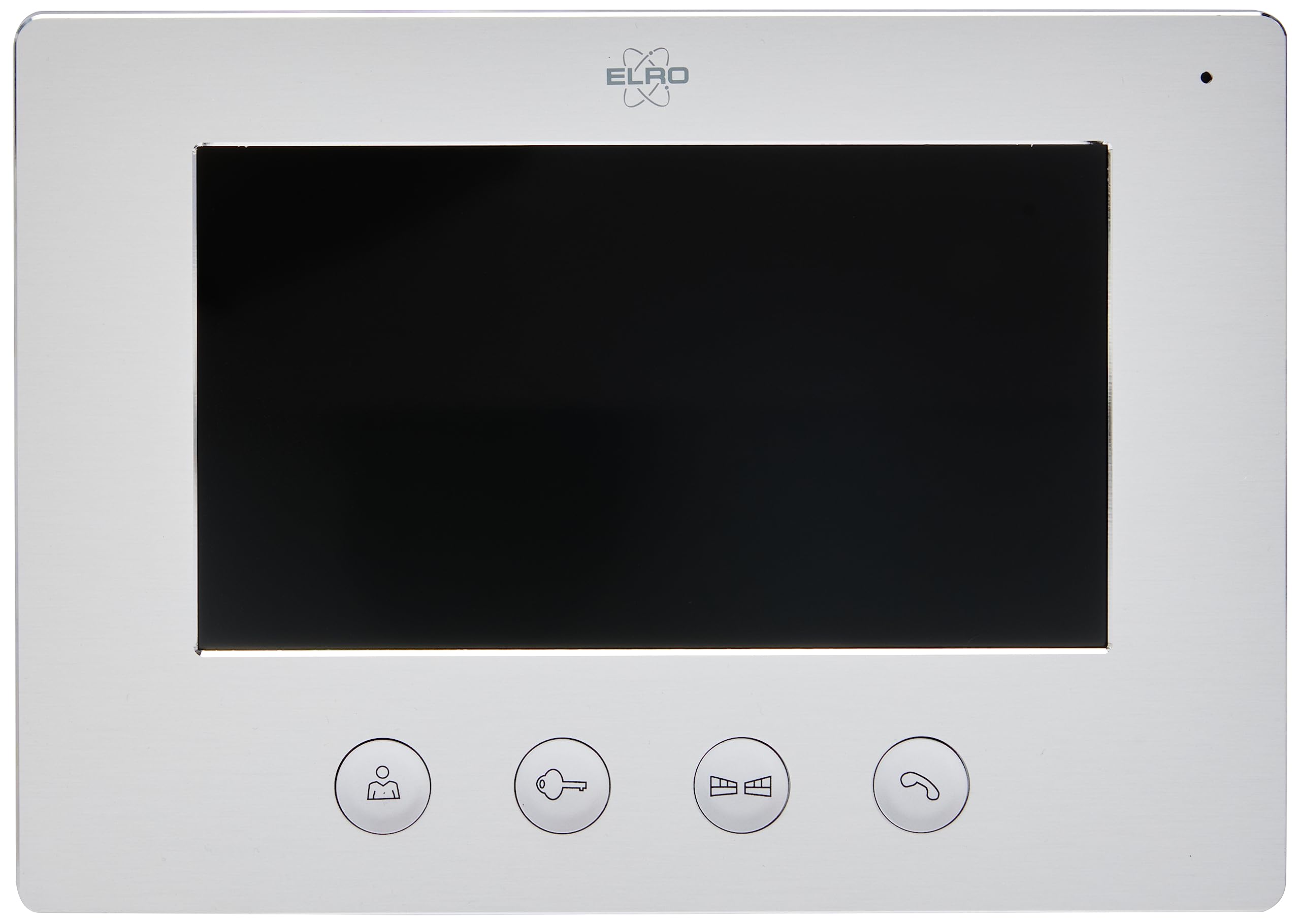
Image 1.1: The ELRO DV477W-M 7-inch indoor monitor, featuring a sleek design and control buttons.
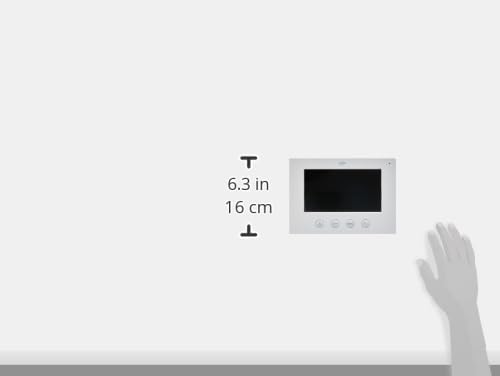
Image 1.2: Diagram showing the dimensions of the ELRO DV477W-M monitor, approximately 6.3 inches (16 cm) in height.
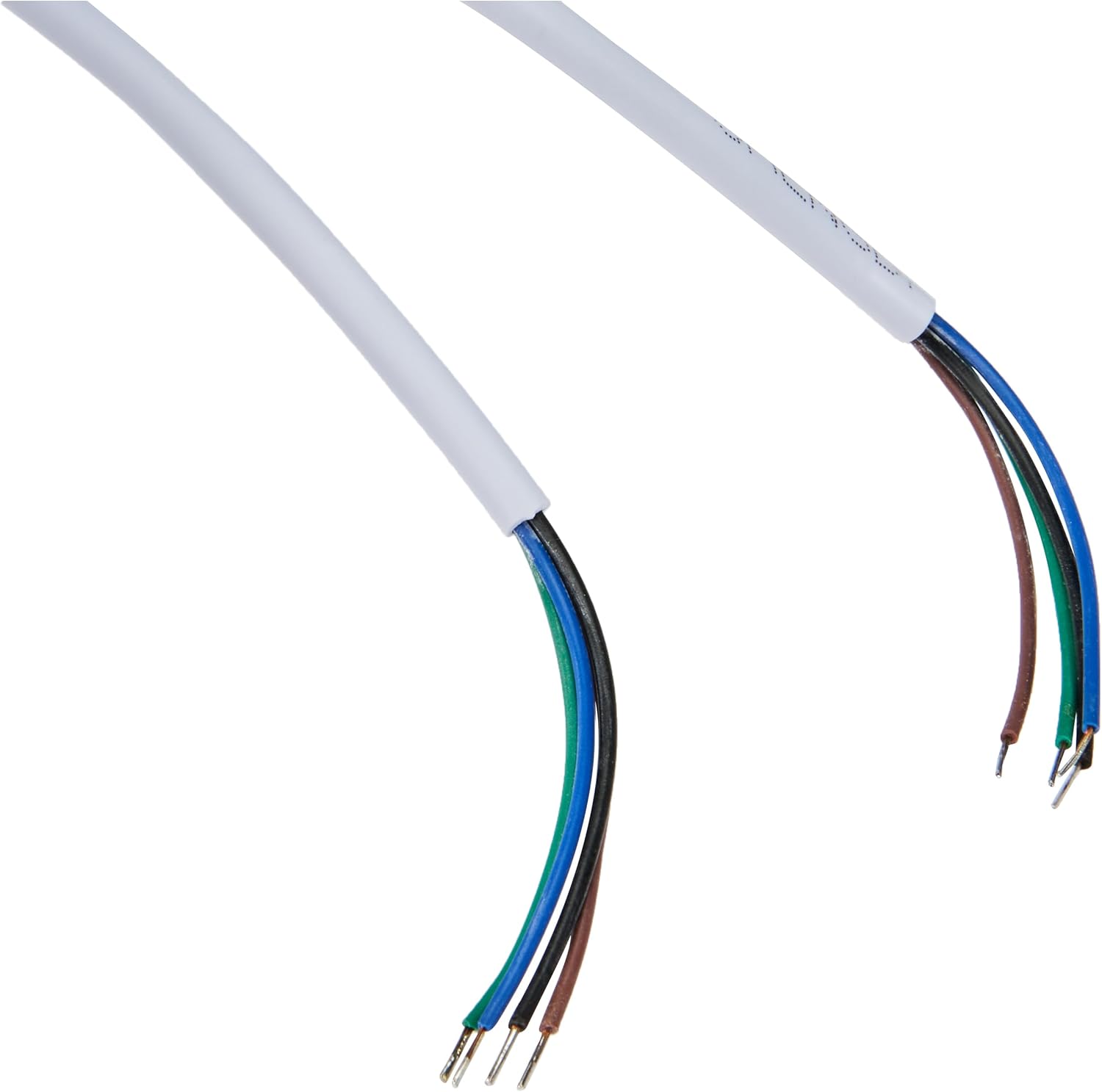
Image 1.3: The included 15-meter 4-wire electrical cable for connecting the monitor to the intercom system.
2. Configurare și instalare
This section provides instructions for installing your ELRO DV477W-M additional indoor monitor. Ensure all power is disconnected from your existing intercom system before beginning installation.
2.1 Măsuri de siguranță:
- Deconectați întotdeauna alimentarea înainte de instalare sau întreținere.
- Consultați un electrician calificat dacă nu sunteți sigur de procedurile de cablare.
- Do not expose the monitor to moisture or extreme temperatures.
2.2 Mounting the Monitor:
- Choose a suitable indoor location for the monitor, ensuring it is within reach of the 15m cable and a power outlet.
- Use the provided mounting bracket as a template to mark drilling points on the wall.
- Dați găuri și introduceți dibluri de perete, dacă este necesar.
- Fixați suportul de montare pe perete folosind șuruburile corespunzătoare.
2.3 Conexiuni de cablare:
- Connect the 4-wire electrical cable from your existing ELRO DV477W or DV477IP outdoor unit/main monitor to the corresponding terminals on the back of the DV477W-M additional monitor. Ensure correct polarity for each wire (e.g., power, ground, audio, video). Refer to your main intercom system's manual for specific wiring diagrams.
- Conectați adaptorul de alimentare la intrarea de alimentare a monitorului, apoi introduceți-l într-o priză de perete.
- Atașați cu grijă monitorul la suportul montat.
Nota: The 4-wire cable typically carries power, ground, audio, and video signals. Incorrect wiring can damage the device or prevent proper operation.
3. Instrucțiuni de utilizare
Once installed and powered on, the ELRO DV477W-M monitor is ready for use. It functions as an extension of your main intercom system.
3.1 Receiving a Call:
- When a visitor presses the doorbell button on the outdoor unit, the monitor will ring and display the visitor's image.
- Apăsați tasta Răspuns button (usually indicated by a telephone icon) to initiate two-way audio communication.
- Pentru a încheia conversația, apăsați tasta Terminați apelul buton.
3.2 Opening the Door:
- During a call, or when viewing the visitor, press the Deblocarea ușii button (often depicted as a key or unlock icon) to activate the electronic door lock connected to your main intercom system.
- The door will unlock for a short period, allowing the visitor to enter.
3.3 Monitoring:
- Some systems allow you to manually activate the camera on the outdoor unit to view the entrance area without a visitor pressing the doorbell. Refer to your main intercom system's manual for this feature.
4. Întreținere
Proper maintenance ensures the longevity and optimal performance of your ELRO DV477W-M monitor.
4.1 Curățare:
- Wipe the monitor screen and casinștergeți cu o lavetă moale, uscată și fără scame.
- Pentru pete persistente, d puținampClătiți cârpa cu apă. Evitați utilizarea substanțelor chimice dure, a produselor de curățare abrazive sau a solvenților, deoarece acestea pot deteriora finisajul.
- Do not spray cleaning liquids directly onto the monitor.
4.2 Îngrijire generală:
- Keep the monitor away from direct sunlight, heat sources, and areas with high humidity.
- Ensure ventilation openings (if any) are not blocked.
- Evitați să scăpați monitorul sau să îl supuneți la impacturi puternice.
5. Depanare
If you encounter issues with your ELRO DV477W-M monitor, refer to the following common problems and solutions.
| Problemă | Cauza posibila | Soluţie |
|---|---|---|
| No image or sound on the monitor. |
|
|
| Image is distorted or unclear. |
|
|
| Fără sunet în timpul comunicării. |
|
|
| Door unlock function does not work. |
|
|
If these solutions do not resolve the issue, please contact ELRO customer support.
6. Specificații
| Caracteristică | Detaliu |
|---|---|
| Numărul de model | DV477W-M |
| Producător | ELRO |
| Dimensiunea afișajului | 7 inchi (18 cm) |
| Dimensiuni produs (L x l x H) | 21.5 x 2.5 x 15 cm |
| Greutate | 386 de grame |
| Material | Aluminiu |
| Componente incluse | Monitor, Mounting Bracket, 15m 4-wire Electrical Cable, Power Adapter |
| Bateriile necesare | Nu |
| Compatibilitate | ELRO DV477W and DV477IP series video intercom systems |
7. Garanție și asistență
ELRO products are designed for reliability and performance. For specific warranty information, please refer to the documentation included with your original ELRO video intercom system or visit the official ELRO website-ul.
If you require technical assistance, have questions about installation, or need to report a fault, please contact ELRO customer support. Contact details can typically be found on the ELRO webpe site sau în ambalajul produsului.
Nota: Informațiile despre disponibilitatea pieselor de schimb nu sunt disponibile în prezent.