
Introducere
Thank you for choosing the MEDION MD 10319 Tower Fan. This manual provides essential information for the safe and efficient operation of your new fan. Please read these instructions carefully before use and keep them for future reference.
Instrucțiuni importante de siguranță
Respectați întotdeauna măsurile de siguranță de bază atunci când utilizați aparate electrice pentru a reduce riscul de incendiu, electrocutare și vătămare corporală.
- Asigurați-vă că sursa de alimentare voltagcorespunde cu eticheta de specificații de pe ventilator.
- Nu folosiți ventilatorul cu un cablu sau un ștecher deteriorat. Dacă cablul este deteriorat, acesta trebuie înlocuit de producător, de agentul său de service sau de persoane cu calificare similară pentru a evita un pericol.
- Nu lăsați ventilatorul să intre în contact cu apa sau alte lichide. Nu scufundați ventilatorul în apă.
- Nu introduceți degetele sau obiecte străine în grilă în timp ce ventilatorul funcționează.
- Deconectați ventilatorul de la priză atunci când nu îl utilizați, când îl mutați dintr-un loc în altul și înainte de curățare.
- Acest aparat nu este destinat utilizării de către persoane (inclusiv copii) cu capacități fizice, senzoriale sau mentale reduse sau cu lipsă de experiență și cunoștințe, cu excepția cazului în care acestea au fost supravegheate sau instruite cu privire la utilizarea aparatului de către o persoană responsabilă pentru siguranța lor.
- Copiii trebuie supravegheați pentru a se asigura că nu se joacă cu aparatul.
- Așezați ventilatorul pe o suprafață stabilă și plană pentru a preveni răsturnarea acestuia.
Conținutul pachetului
Vă rugăm să verificați pachetul pentru următoarele componente:
- MEDION MD 10319 Tower Fan
- Bază (două jumătăți)
- Piuliță de asigurare
- 4 Mounting Screws for Base
- Remote Control (with 2 x AAA batteries)
- Manual de instructiuni
Asamblare și configurare
Urmați acești pași pentru a asambla ventilatorul turn:
- Scoateți cu grijă toate componentele din ambalaj.
- Assemble the two halves of the base by interlocking them.
- Align the assembled base with the bottom of the fan unit. Ensure the power cord passes through the designated slot in the base.
- Secure the base to the fan unit using the 4 mounting screws provided.
- Tighten the securing nut from underneath the base to firmly attach it to the fan body.
- Insert the 2 AAA batteries into the remote control, observing polarity.
- Așezați ventilatorul pe o suprafață fermă și plană.
- Conectați cablul de alimentare la o priză electrică adecvată (220 V).
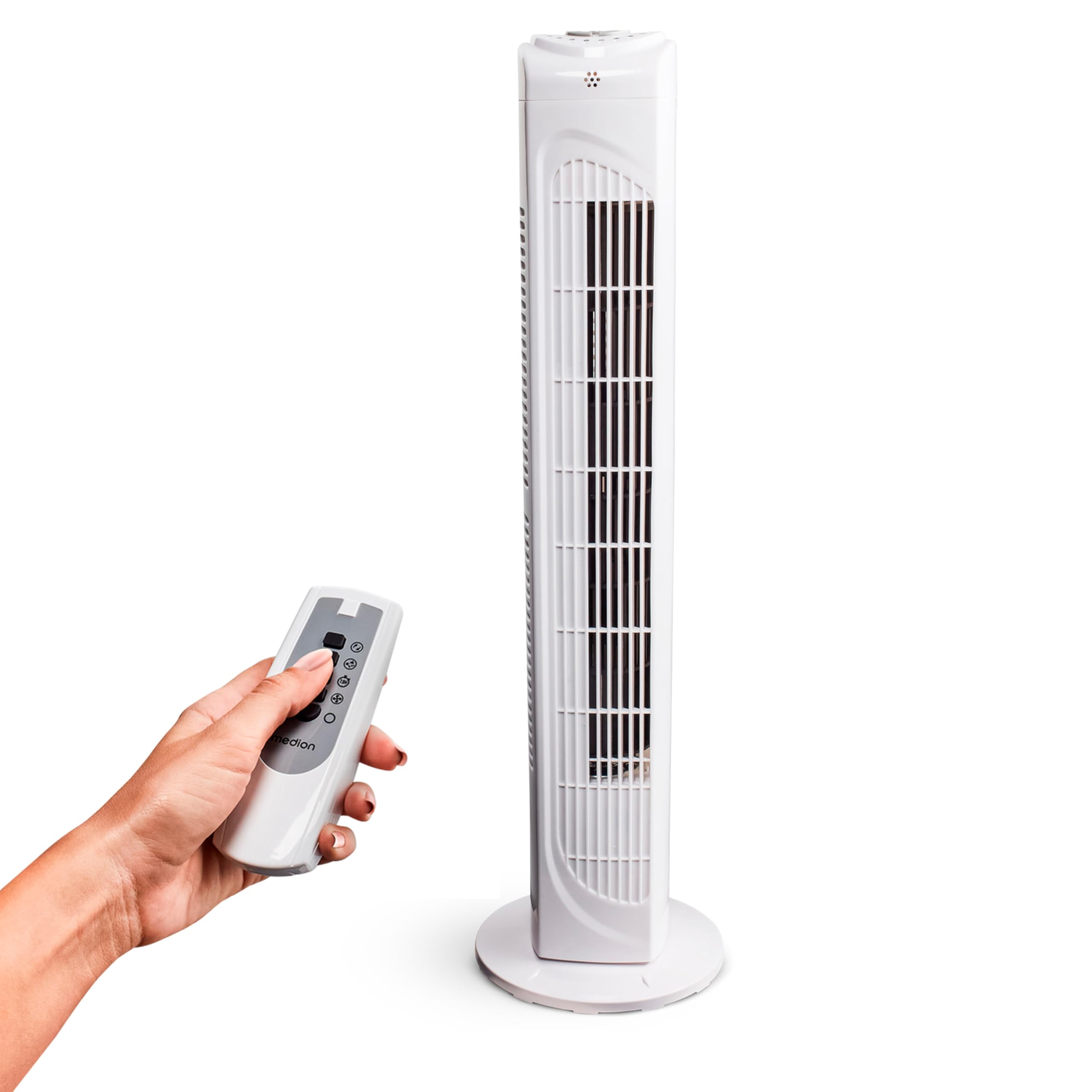
Image: The MEDION MD 10319 Tower Fan, fully assembled with its base, ready for use.
Image: A hand demonstrating the integrated carrying handle on top of the fan for easy portability.
Produs terminatview
Panoul de control
The control panel is located on the top of the fan unit. It features buttons for power, speed, oscillation, and timer functions.

Imagine: Detaliată view of the fan's top control panel, showing buttons for power, speed settings (3 levels), timer, and oscillation.
Telecomanda
The included remote control allows you to operate all fan functions from a distance.
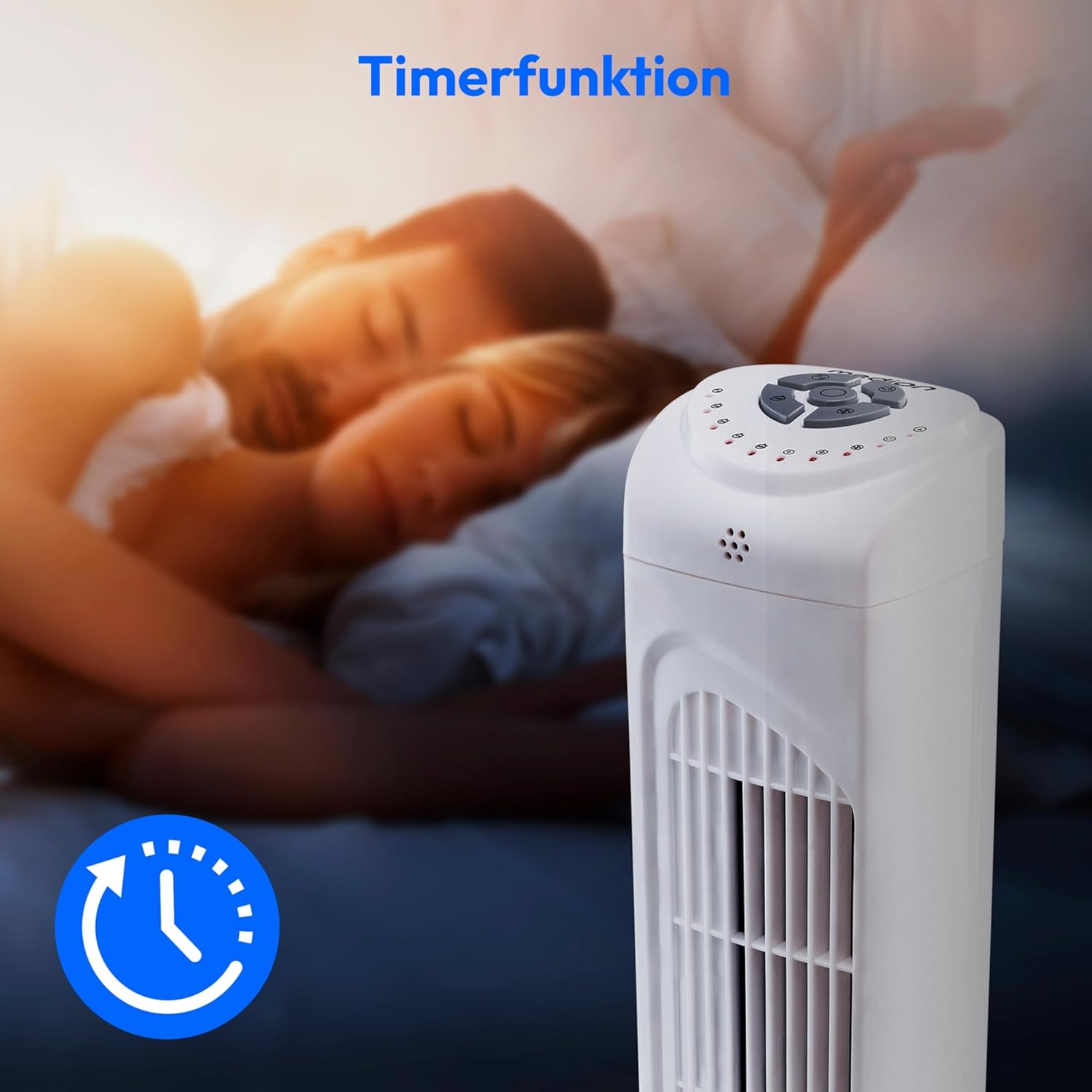
Image: A hand holding the remote control, which features buttons for power, speed, oscillation, and timer, mirroring the main control panel.
Instrucțiuni de operare
Pornire/Oprire
- Apăsați tasta PUTERE button on the control panel or remote control to turn the fan ON.
- Apăsați tasta PUTERE button again to turn the fan OFF.
Reglarea vitezei ventilatorului
The fan has 3 speed settings: Low, Medium, and High.
- Apăsați tasta VITEZĂ button repeatedly to cycle through the speed settings.
- The current speed level will be indicated by LED lights on the control panel.
Funcția de oscilație
The oscillation function allows the fan to rotate horizontally, distributing air over a wider area.
- Apăsați tasta OSC button on the control panel or remote control to activate oscillation. The fan will rotate approximately 60 degrees.
- Apăsați tasta OSC button again to stop oscillation. The fan will stop in its current position.

Image: The tower fan oscillating, indicated by blue arrows showing a 60-degree rotation for wider air distribution.
Funcția de cronometru
The timer function allows you to set the fan to automatically turn off after a specified period, up to 7.5 hours.
- Apăsați tasta TIMER button repeatedly to set the desired operating time (e.g., 0.5h, 1h, 2h, 4h, up to 7.5h).
- The selected timer duration will be indicated by LED lights on the control panel.
- To cancel the timer, cycle through the settings until no timer LEDs are illuminated, or turn the fan off.

Image: The fan with a timer icon, illustrating its use for setting automatic shut-off, ideal for use during sleep.
Întreţinere
Regular cleaning will help maintain the performance and extend the lifespan of your fan.
- Deconectați întotdeauna ventilatorul de la priză înainte de curățare.
- Folosiți un moale, damp o lavetă pentru a șterge suprafețele exterioare ale ventilatorului. Nu utilizați substanțe de curățare abrazive sau solvenți.
- Folosiți un aspirator cu perie pentru a îndepărta ușor praful de pe grilele de admisie și evacuare a aerului.
- Nu lăsați apa să picure în interiorul ventilatorului.
- Depozitați ventilatorul într-un loc răcoros și uscat atunci când nu îl utilizați pentru perioade lungi de timp.
Depanare
If you encounter any issues with your MEDION MD 10319 Tower Fan, please refer to the following common problems and solutions:
| Problemă | Cauza posibila | Soluţie |
|---|---|---|
| Ventilatorul nu pornește. | Fără alimentare. Butonul de pornire nu a fost apăsat. | Verificați dacă cablul de alimentare este conectat corect la o priză funcțională. Press the POWER button on the fan or remote. |
| Telecomanda nu funcționează. | Bateriile sunt descărcate sau introduse incorect. Obstrucție între telecomandă și ventilator. | Înlocuiți bateriile (2 x AAA) și asigurați-vă că polaritatea este corectă. Remove any objects blocking the signal path. Ensure you are within range. |
| Ventilatorul face un zgomot neobișnuit. | Fan is not on a level surface. Obstruction in the fan grille. | Așezați ventilatorul pe o suprafață stabilă, plană. Unplug the fan and carefully check for any foreign objects in the grilles. |
| Funcția de oscilație nu funcționează. | Oscillation button not activated. | Press the OSC button on the control panel or remote control. |
Specificații
| Caracteristică | Detaliu |
|---|---|
| Marca | MEDIU |
| Numele modelului | MD 10319 |
| Tip | Tower Fan / Floor Fan |
| Culoare | Alb |
| Sursa de alimentare | Electric cu fir |
| Wattage | 45 W |
| Voltage | 220 volți |
| Numărul de viteze | 3 |
| Caracteristici speciale | Oscillating, Timer Function |
| Unghiul de oscilație | 60° |
| Funcția de cronometru | Până la 7.5 ore |
| Metoda de control | Telecomandă, butoane pe unitate |
| Nivel de zgomot | 50 de decibeli |
| Dimensiuni produs (D x L x H) | 28 cm x 28 cm x 79 cm |
| Greutatea articolului | 2.5 kilograme |
| Material | Plastic |
| Tip conector de alimentare principal | CEE 7/7 (Schuko) |

Image: The MEDION MD 10319 Tower Fan with its height (79 cm) and base width (28 cm) clearly indicated.
Garanție și suport
Your MEDION MD 10319 Tower Fan comes with a manufacturer's warranty. Please refer to the warranty card included in your package for detailed terms and conditions, including the warranty period and coverage.
Pentru asistență tehnică, service sau piese de schimb, vă rugăm să contactați serviciul clienți MEDION. Informațiile de contact pot fi găsite de obicei pe site-ul oficial MEDION. webla fața locului sau în documentația de garanție.


