
1. Introducere
The Poly Voyager Focus 2 UC USB-A Headset is designed to create a focused audio environment, blocking out background noise for clear communication. Featuring three levels of hybrid Active Noise Canceling (ANC) and Poly Acoustic Fence technology, it ensures you hear your calls clearly and are heard without distractions. This headset offers all-day comfort and versatile connectivity for computers (via BT700 USB-A adapter) and mobile devices (via Bluetooth v5.1). This Microsoft Teams certified version includes a dedicated Teams button for enhanced collaboration.
2. Ce se află în cutie
- Voyager Focus 2 UC USB-A Headset
- Geanta de transport
- BT700 USB-A Adapter
- Cablu de încărcare
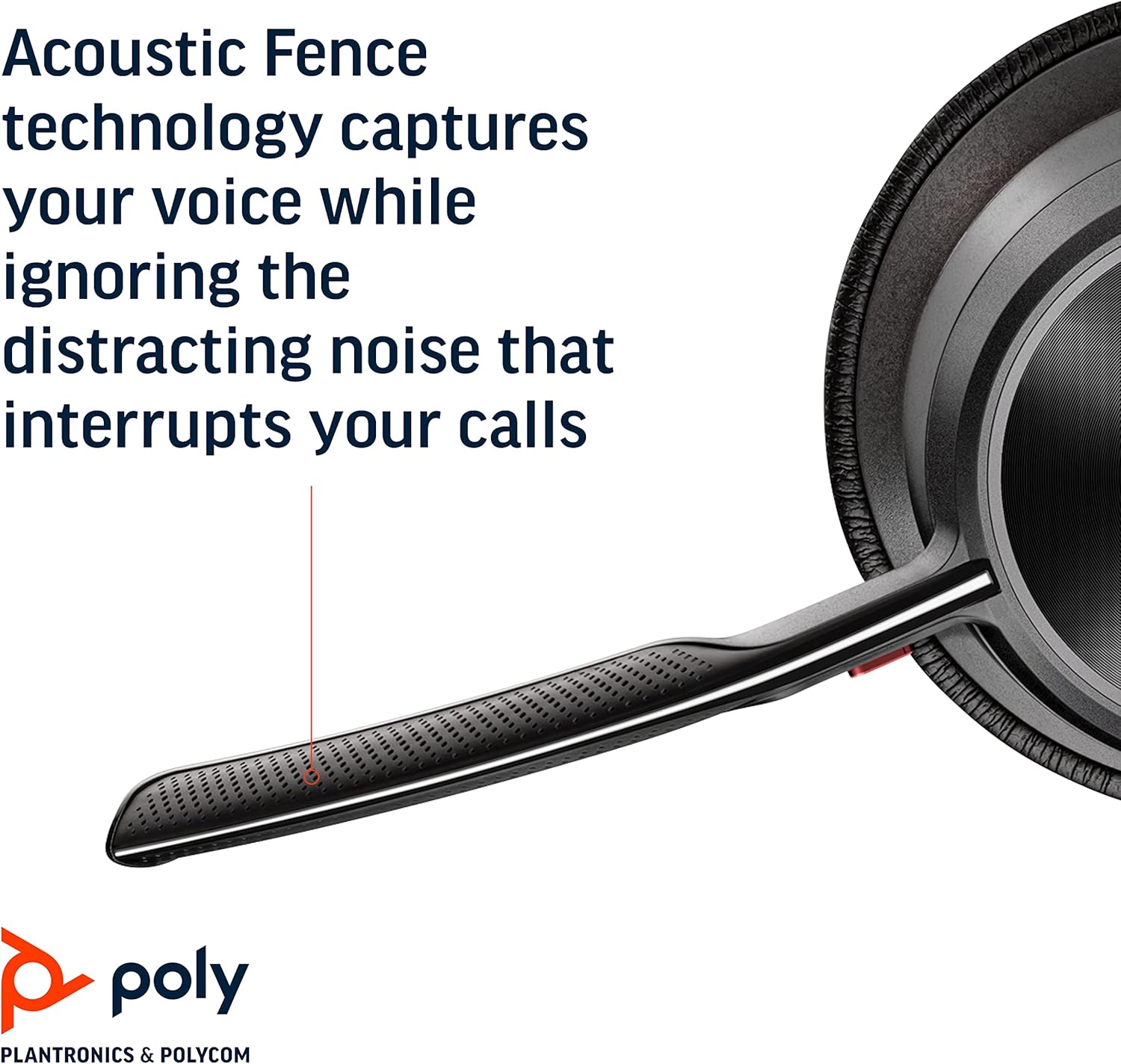
Image: Headset components including the BT700 USB-A adapter and charging cable.
3. Configurare
3.1 Încărcarea căștilor
Connect the charging cable to the headset's USB port and to a power source. A full charge provides up to 19 hours of talk time. If using an optional charging stand, simply place the headset on the stand to charge.

Image: The Poly Voyager Focus 2 UC USB-A Headset placed on its charging stand.
3.2 Connecting to a Computer (USB-A Adapter)
- Introduceți adaptorul USB-A BT700 într-un port USB-A disponibil al computerului.
- Porniți-vă căștile.
- The adapter's LED will flash blue, then turn solid blue when connected to the headset.
3.3 Connecting to a Mobile Device (Bluetooth)
- With the headset powered off, slide and hold the Power switch towards the Bluetooth icon until the LED flashes red and blue.
- On your mobile device, go to Bluetooth settings and select "Poly Voyager Focus 2" from the list of available devices.
- Once successfully paired, the headset LED will stop flashing.
3.4 Reglarea căștilor
Adjust the headband for a comfortable fit. Position the boom microphone approximately two finger-widths from the corner of your mouth. The microphone boom is flexible and can be rotated to either the left or right side, automatically adjusting audio channels.

Image: A woman wearing the headset, demonstrating a comfortable fit for work.
4. Instrucțiuni de utilizare
4.1 Pornire/Oprire
Slide the Power switch to the 'On' position to power on the headset. Slide it to 'Off' to power off.
4.2 Controlul volumului
Use the volume up (+) and volume down (-) buttons located on the earcup to adjust the listening volume.

Image: Close-up of the headset earcup with visible volume controls.
4.3 Dezactivare/Activare sunet
Press the dedicated mute button on the microphone boom to mute or unmute your microphone. The Dynamic Mute Alert feature will notify you if you speak while muted.

Imagine: Detaliată view of the headset's boom microphone.
4.4 Anulare activă a zgomotului (ANC)
Adjust the noise canceling level (High, Low, or Off) using the ANC switch on the earcup to suit your environment and personal preference.
4.5 Gestionarea apelurilor
Press the Call button on the earcup to answer or end a call. For Microsoft Teams calls, use the dedicated Teams button for instant access to the Teams App and notifications.
5. Caracteristici
- Performanță audio: Three options of Advanced Digital Hybrid Active Noise Canceling (ANC) – high, low, and off – for personalized noise control.
- Poly Acoustic Fence Technology: Advanced multi-microphone noise canceling ensures callers hear only your voice, not your surroundings.
- Tehnologie inteligentă: Dynamic Mute Alert notifies you if you speak while your microphone is muted.
- All-Day Wearing: Lightweight headband with a sling and plush ear cushions provide comfort for extended use. Up to 19 hours of talk time.
- Multiple Device Connections: Connects to a computer via the included BT700 USB-A adapter and to a mobile device via Bluetooth v5.1.
Video: Un oficial s-a terminatview of the Poly Voyager Focus 2 headset, highlighting its key features and design.
6. Întreținere
6.1 Curățare
Ștergeți căștile cu o lavetă moale șiamp cloth. Avoid using harsh chemicals or abrasive materials. Ensure the microphone and earcup surfaces are free from debris.
6.2 Depozitare
When not in use, store the headset in its provided carry case to protect it from dust and damage. Avoid storing in extreme temperatures.
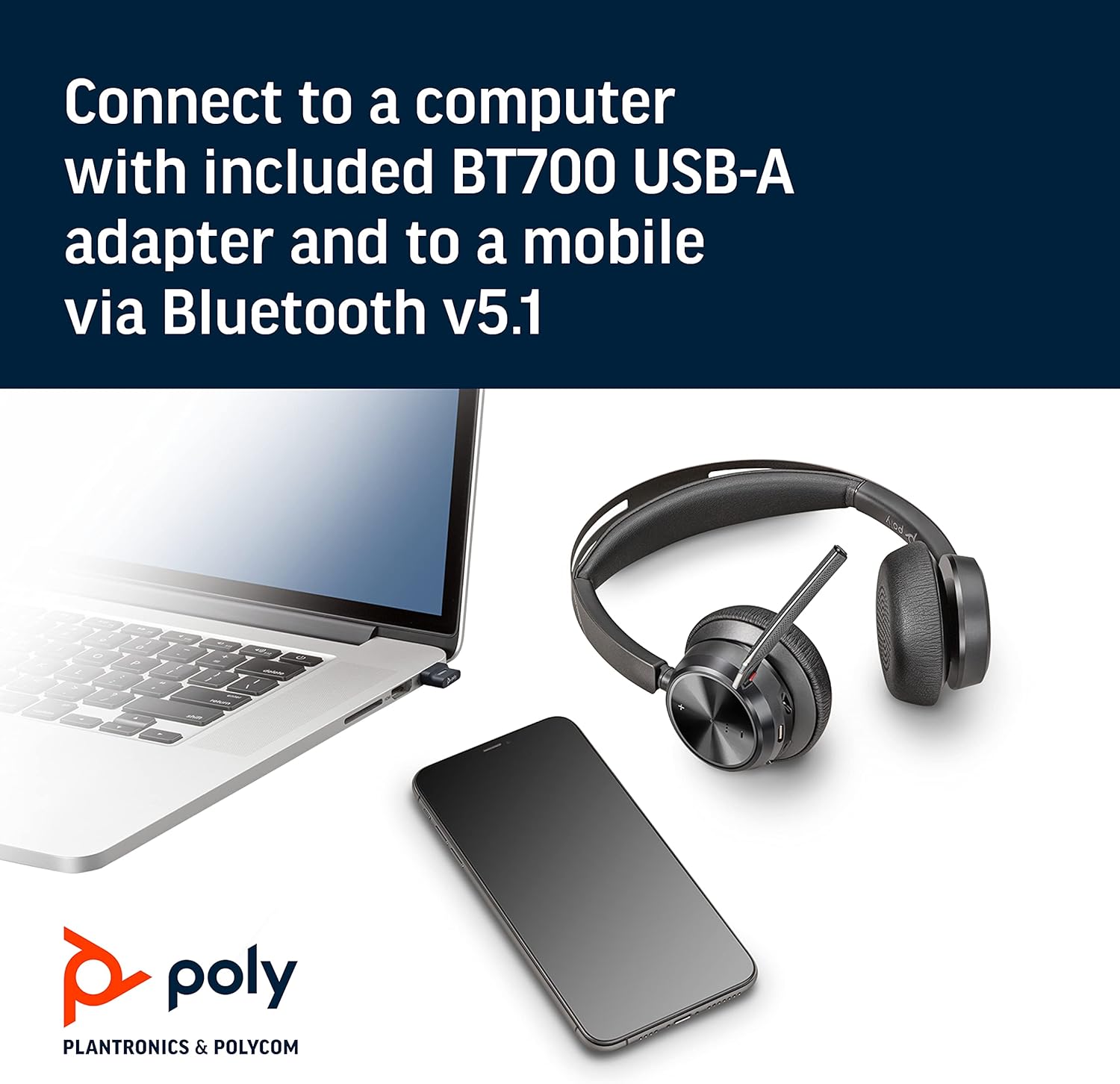
Image: The headset neatly folded and stored inside its carry case.
7. Depanare
7.1 No Sound/Poor Audio Quality
- Asigurați-vă că setul cu cască este pornit și complet încărcat.
- Check that the headset is correctly paired with your device (computer via USB adapter or mobile via Bluetooth).
- Verify the volume levels on both the headset and your connected device.
- If connected to a computer, ensure the Poly BT700 adapter is recognized as the default audio device in your system settings.
7.2 Microfonul nu funcționează
- Confirm the microphone is not muted (check the mute button and Dynamic Mute Alert).
- Asigurați-vă că brațul microfonului este poziționat corect lângă gură.
- Verificați setările audio ale dispozitivului pentru a vă asigura că microfonul căștilor este selectat ca dispozitiv de intrare.
7.3 Probleme de conectivitate
- Reporniți atât setul cu cască, cât și dispozitivul conectat.
- Move closer to your connected device to ensure you are within the Bluetooth range (up to 10 meters for mobile, 50 meters for BT700 adapter).
- If using the BT700 adapter, try plugging it into a different USB port.
- Unpair and re-pair the headset with your device.
8. Specificații
| Numele modelului | Voyager Focus 2 UC-M USB-A |
| Numărul de model al articolului | 213726-02 |
| Tehnologia de conectivitate | Bluetooth 5.1 |
| Controlul zgomotului | Active Noise Cancellation (Hybrid Digital) |
| Tehnologia microfonului | Poly Acoustic Fence |
| Durata de viață a bateriei (timp de convorbire) | Până la 19 ore |
| Mufă pentru căști | USB |
| Greutatea articolului | 175 de grame (6.2 uncii) |
| Dimensiunile produsului | 4 x 6 x 2.8 inci |
| Dispozitive compatibile | PCs, Smartphones, Tablets, Laptops |
| Componente incluse | Headset, carry case, BT700 USB adapter and charging cable |
9. Garanție și asistență
For warranty information, technical support, or to register your product, please visit the official Poly website or refer to the documentation included with your purchase. You can also visit the POLY Store on Amazon pentru resurse suplimentare și informații despre produse.