
Commax Doorbell and Intercom Set
Commax Doorbell and Intercom Set User Manual
Model: Doorbell and Intercom Set
1. Introducere
Thank you for choosing the Commax Doorbell and Intercom Set. This manual provides detailed instructions for the proper installation, operation, and maintenance of your new intercom system. Please read this manual thoroughly before installation and use to ensure optimal performance and safety.
2. Informații de siguranță
- This product operates on electrical power and does not require batteries.
- Ensure all wiring is performed by a qualified electrician in accordance with local electrical codes.
- Do not expose the outdoor unit to direct water spray or extreme weather conditions beyond its intended design.
- This product is not classified as hazardous material.
- Deconectați alimentarea înainte de a efectua orice instalare, întreținere sau depanare.
3. Conținutul pachetului
La deschiderea ambalajului, verificați dacă toate componentele sunt prezente și nedeteriorate:
- Indoor Intercom Unit
- Outdoor Doorbell Unit
- Șuruburi și ancore de montare
- Manual de utilizare (acest document)
4. Configurare și instalare
Proper installation is critical for the functionality of your Commax Doorbell and Intercom Set. Follow these steps carefully.
4.1 Identificarea componentelor
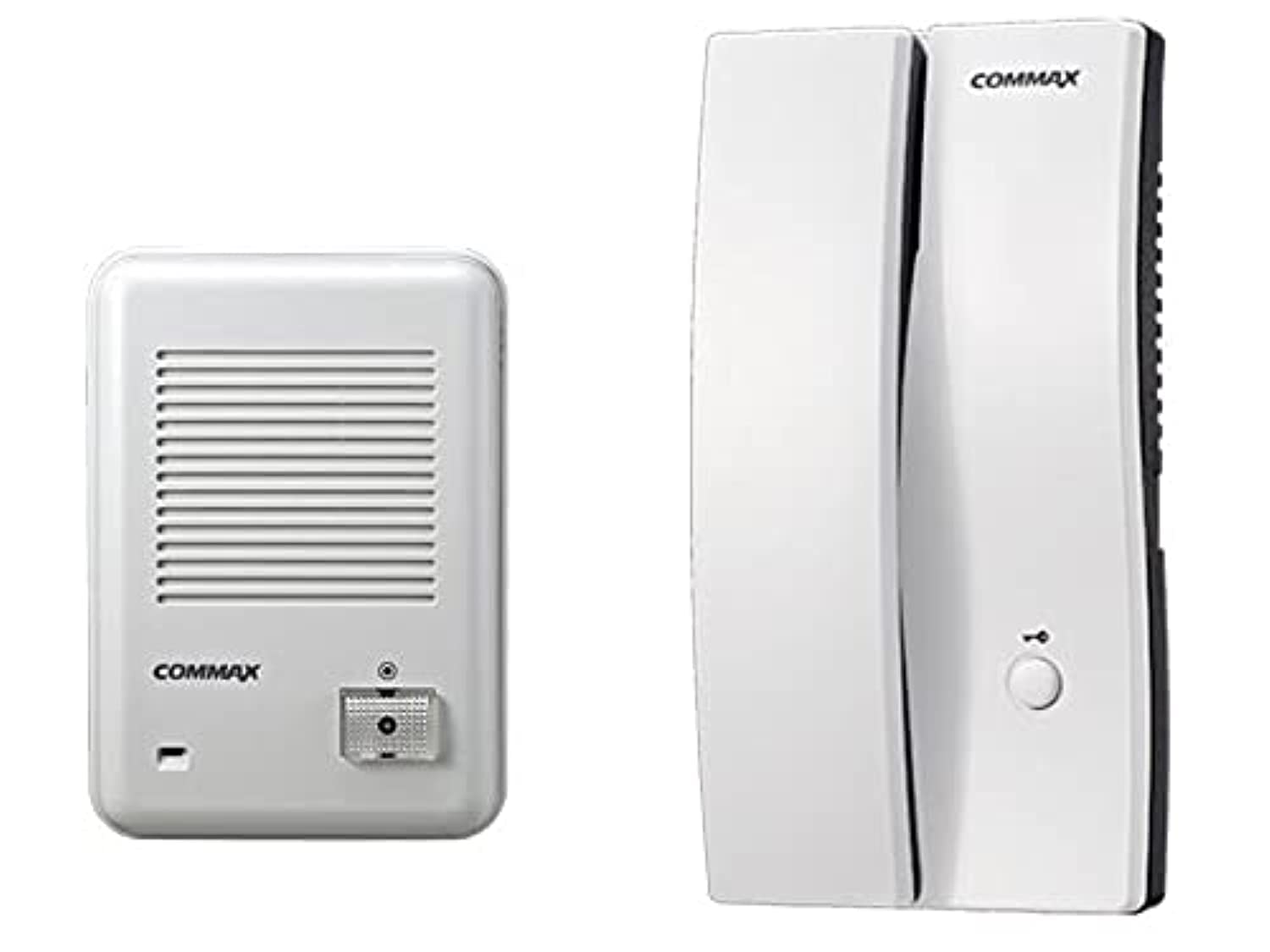
Figura 1: Commax Indoor Intercom Unit. This unit is typically mounted inside the building and features a handset for communication and a button for door release (if connected).
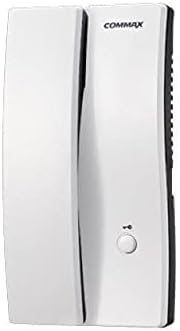
Figura 2: Commax Outdoor Doorbell Unit. This unit is installed outside the door and includes a call button and a speaker/microphone for two-way communication.
4.2 Schema electrică
Refer to the following diagram for connecting the indoor and outdoor units. Ensure power is disconnected before wiring.

Figura 3: Wiring Diagram. This diagram illustrates the connections between the outdoor unit (left), the indoor unit (right), and an optional electric door strike with its power source. The green line (labeled '2') represents the communication and power line between the outdoor and indoor units. The blue and black lines connect the indoor unit to the optional electric door strike and its power source.
- Pasul 1: Mount the outdoor unit at a suitable height near the entrance.
- Pasul 2: Mount the indoor unit in a convenient location inside the building.
- Pasul 3: Connect the outdoor unit to the indoor unit using the appropriate wiring (represented by the green line in Figure 3). This typically carries both power and audio signals.
- Pasul 4 (Opțional): If using an electric door strike, connect it to the indoor unit and its dedicated power source as shown by the blue and black lines in Figure 3.
- Pasul 5: Once all connections are secure, restore power to the system.
5. Instrucțiuni de utilizare
5.1 Making a Call from Outdoor Unit
- A visitor presses the call button on the outdoor doorbell unit (refer to Figure 2).
- The indoor intercom unit will ring, indicating an incoming call.
5.2 Answering a Call and Communication
- When the indoor unit rings, lift the handset (refer to Figure 1).
- You can now speak with the visitor at the outdoor unit.
- To end the conversation, replace the handset.
5.3 Door Release (Optional)
If an electric door strike is connected and powered:
- During a conversation, press the door release button on the indoor intercom unit (refer to Figure 1).
- This will momentarily unlock the connected electric door strike, allowing the visitor to enter.
6. Întreținere
- curatenie: Folosiți o lavetă moale și uscată pentru a curăța suprafețele ambelor unități. Nu utilizați substanțe de curățare abrazive sau solvenți.
- Inspecţie: Periodically check wiring connections for any signs of wear or damage.
- Unitate exterioară: Ensure the outdoor unit's speaker/microphone grille is free from obstructions like dirt or spiderwebs.
7. Depanare
| Problemă | Cauza posibila | Soluţie |
|---|---|---|
| No sound from indoor unit when doorbell is pressed. | No power to the system; Loose wiring connection; Faulty outdoor unit. | Check power supply; Verify all wiring connections are secure (refer to Figure 3); Contact customer support if problem persists. |
| Cannot hear visitor or visitor cannot hear me. | Loose wiring connection; Obstruction in speaker/microphone; Volume too low (if adjustable). | Check wiring; Clear any obstructions from speaker/microphone grilles; Ensure handset is properly lifted. |
| Deblocarea ușii nu funcționează. | Electric door strike not connected; No power to door strike; Faulty door strike or indoor unit. | Verify door strike is correctly wired and powered (refer to Figure 3); Test door strike independently if possible; Contact customer support. |
8. Specificații
- Marca: Commax
- Model: Doorbell and Intercom Set
- Culoare: Alb
- Material: Plastic
- Greutatea articolului: 850 g
- Dimensiuni de livrare: 34 x 19.2 x 7 cm
- ASIN: B09238JPML
- Prima dată disponibilă: 8 aprilie 2021
9. Garanție și asistență
Specific warranty information for this product is not provided in the available data. Please refer to your purchase documentation or contact your retailer for details regarding warranty coverage.
For technical support or further assistance, please contact Commax customer service or your local distributor. Contact information can typically be found on the product packaging or the official Commax website-ul.
Documente conexe - Doorbell and Intercom Set
 |
Commax Color Door Camera DRC-4PIP User Manual User manual for the Commax DRC-4PIP Color Door Camera. Includes installation instructions, wiring diagrams, specifications, and volume adjustment guide. |
 |
Commax TP-6RC / TP-12RC Intercom Product Overview Technical specifications and features for the Commax TP-6RC and TP-12RC intercom systems, including system composition, paging functions, and installation details. |
 |
COMMAX DP-ML Apartment House Intercom User Manual User manual for the COMMAX DP-ML Apartment House Intercom system, detailing its controls, operation, installation, wiring, and specifications. Includes information for roomstation and guardhouse communication. |
 |
Commax Wire Intercom CM-810 and CM-800S User Manual User manual for Commax CM-810 master unit and CM-800S sub-unit wire intercom systems, covering installation, operation, and safety instructions. |
 |
Sistem interfon COMMAX DP-2K, DP-201R, DP-20H/20HR: Manual de instalare și utilizare Manual de instalare și utilizare pentru sistemele de interfon audio COMMAX DP-2K, DP-201R, DP-20H și DP-20HR. Include avertismente de siguranță, descrieri ale componentelor, diagrame de conectare, specificații tehnice, informații de compatibilitate, instrucțiuni de eliminare a DEEE și Declarația de conformitate UE. |
 |
Manual de utilizare pentru interfonul COMMAX DR-201D Manual de utilizare pentru interfonul COMMAX DR-201D, care detaliază specificațiile, cablarea, instalarea și funcționarea. |
Ask a question about this manual
Ask about setup, troubleshooting, compatibility, parts, safety, or missing instructions. Manuals+ will review the question and use this page’s manual context to help answer it.