
Introducere
Thank you for choosing the Showasaki USB 1080P Dash Camera. This manual provides detailed instructions for the installation, operation, and maintenance of your dash camera. Please read this manual thoroughly before use to ensure proper functionality and to maximize your driving recording experience.
Conținutul pachetului
Verificați dacă toate articolele enumerate mai jos sunt prezente în colet:
- Showasaki USB 1080P Dash Camera
- Cablu USB
- Card Micro SD de 32 GB
- Manual de utilizare

Caracteristicile produsului
The Showasaki Dash Cam is equipped with several features designed to enhance your driving safety and recording experience:
- 1080P Clear Recording: Captures high-definition video for clear and detailed footage.
- Viziune nocturnă ultra-clară: Utilizes Super Vision technology to record clear videos and images in low-light conditions.
- Unghi larg de 170° View: Provides an extra-large wide-angle vision, covering multiple lanes to capture more events.
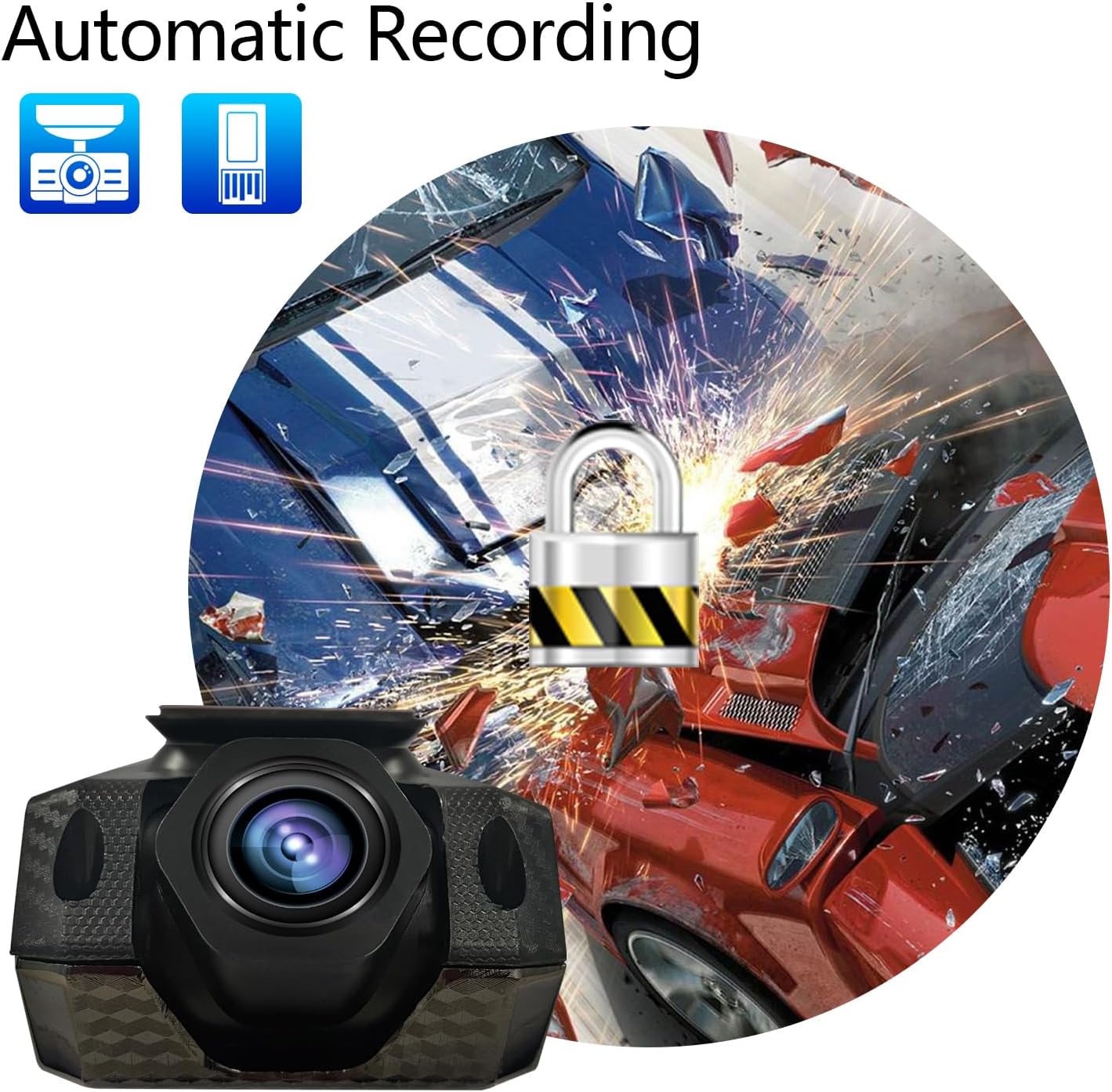
- Înregistrare automată: Initiates recording automatically when powered on and supports cyclic covering recording.
- Senzor G: Detects sudden movements or impacts and automatically locks the current video file pentru a preveni suprascrierea.
- Card Micro SD de 32 GB inclus: Provides immediate storage for recordings.


Ghid de instalare
Follow these steps to properly install your Showasaki Dash Cam:
- Pregătiți suprafața de montare: Clean the area on your windshield where you intend to mount the dash cam. Ensure it is free from dust and grease for optimal adhesion.
- Atașați camera de bord: Remove the protective film from the adhesive pad on the dash cam mount. Firmly press the dash cam onto the chosen spot on your windshield, typically behind the rearview oglindă, asigurându-vă că nu vă obstrucționează vederea view.
- Introduceți cardul Micro SD: Gently insert the provided 32GB Micro SD card into the designated slot on the dash cam until it clicks into place.
- Conectare alimentare: Connect the USB cable to the dash cam and route the cable neatly along the edge of the windshield and dashboard to your car's USB port or cigarette lighter adapter (if using a USB adapter, not included).
- Pornire și testare: Start your vehicle. The dash cam should power on automatically and begin recording. Adjust the camera angle to ensure it captures the desired view a drumului.

Instrucțiuni de operare
Înregistrare automată
The Showasaki Dash Cam is designed for convenience. Once connected to power and your vehicle starts, the camera will automatically power on and begin recording. When the vehicle is turned off, the camera will save the current recording and power down.
Înregistrare în buclă
The dash cam features loop recording, which means it continuously records. When the Micro SD card is full, the oldest unlocked video fileÎnregistrările noi vor fi suprascrise. Acest lucru asigură înregistrarea continuă fără intervenție manuală.
Senzor G (Înregistrare de urgență)
In the event of a sudden impact or collision, the built-in G-Sensor will detect the event and automatically lock the current video segment. This prevents the footage from being overwritten by loop recording, preserving critical evidence.
Vedere de noapte
The Super Night Vision technology automatically adjusts to low-light conditions, ensuring clear video capture even during nighttime driving. No manual settings are required for this feature.
Îngrijire și întreținere
- Keep the lens clean: Regularly wipe the camera lens with a soft, lint-free cloth to ensure clear recordings.
- Avoid extreme temperatures: Do not expose the dash cam to prolonged direct sunlight or extreme cold, as this can affect its performance and lifespan.
- Secure mounting: Periodically check that the dash cam is securely mounted to prevent it from falling during driving.
- Format Micro SD card: It is recommended to format the Micro SD card every few months to maintain optimal recording performance and prevent data corruption. Back up any important files înainte de formatare.
Depanare
| Problemă | Soluţie |
|---|---|
| Camera de bord nu pornește. | Ensure the USB cable is securely connected to both the dash cam and a working power source (car's USB port or cigarette lighter adapter). Check the vehicle's power outlet. |
| Recording stops unexpectedly or records only short segments (e.g., 1 minute). | This might be due to a full Micro SD card or an issue with loop recording. Format the Micro SD card. If the issue persists, the card might be faulty and require replacement. Ensure G-Sensor sensitivity is not set too high, causing frequent emergency recordings. |
| Video footage este neclară sau neclară. | Clean the camera lens. Ensure the protective film has been removed from the lens. Check if the windshield area where the camera is mounted is clean. |
| Camera de bord se încălzește în timpul funcționării. | It is normal for dash cams to generate some heat during operation. If it becomes excessively hot or emits smoke, disconnect power immediately and contact customer support. |
| Nu se poate view recordings on a computer. | Ensure the Micro SD card is properly inserted into your computer's card reader. Use a compatible video player. If files are corrupted, try formatting the card in the dash cam. |
Specificatii tehnice
| Caracteristică | Caietul de sarcini |
|---|---|
| Numele modelului | RM |
| Rezoluție captură video | 1080p |
| Tehnologia de conectivitate | USB |
| Caracteristica specială | G-Sensor, Night Vision, Wide Angle View |
| Tip de montare | Suport parbriz |
| Componente incluse | Dash Camera, USB Cable, 32GB Micro SD Card, User Manual |
| Greutatea articolului | 6.7 uncii |
| Culoare | Negru, Roșu |
| Producător | Showasaki |
Garanție și suport
Informații despre garanție
The Showasaki Dash Cam comes with a 1 an garanție de la data achiziției, acoperind defectele de fabricație. În plus, o 30-day exchange and return policy is available for eligible products.
Asistență pentru clienți
For any questions, technical assistance, or warranty claims, please contact Showasaki customer support. We aim to provide high-quality service with quick replies within 24 hours.
