
1. Introducere
The Poly Studio is an all-in-one USB video and audio conferencing system designed for home offices and small meeting rooms. It integrates a 4K camera, smart microphones, and a speaker into a single, sleek bar, offering a plug-and-play solution for enhanced virtual meetings.

Image: Poly Studio Premium USB Video & Audio Conferencing System, showcasindatorită designului său compact.
Caracteristici cheie:
- Soluție All-in-One: Combines a 4K camera, smart microphone, and speaker into a single bar, ideal for small meeting rooms and home offices.
- Conectivitate USB Plug-and-Play: No software required for basic functionality. Connect via USB to instantly elevate your Zoom, Teams, Skype, and Google Meet experience.
- Exceptional Audio Clarity: Features Polycom noise-blocking technology and beamforming microphones for crystal-clear sound.
- Smart Camera Framing: Automatically adjusts framing and tracking based on speaker movement and participants in the room.
2. Configurare
Follow these steps to set up your Poly Studio conferencing system:
- Despachetați dispozitivul: Carefully remove the Poly Studio bar and all accessories from the packaging.
- Alegeți o opțiune de montare: The Poly Studio can be mounted on a tabletop, wall, or tripod.
- Montare pe masă: Așezați dispozitivul pe o suprafață stabilă.
- Montare pe perete: Use the provided wall mount bracket and hardware to securely attach the device to a wall, typically above or below your display.
- Montare trepied: Attach the device to a standard tripod using the integrated tripod thread.
- Conectare alimentare: Plug the power cable into the Poly Studio and then into a power outlet.
- Conectare la computer: Connect the USB cable from the Poly Studio to an available USB port on your laptop or PC.
- Recunoaștere software: Your computer should automatically recognize the device as a USB camera, microphone, and speaker.

Image: Poly Studio connected to a display, highlighting its compatibility with various video conferencing applications.
3. Instrucțiuni de utilizare
The Poly Studio is designed for ease of use with popular video conferencing platforms.
- Select Device in Application: In your preferred video conferencing application (e.g., Zoom, Microsoft Teams, Skype, Google Meet), navigate to the audio and video settings. Select "Poly Studio" as your camera, microphone, and speaker.
- Utilize Smart Camera Features: The device's smart camera framing and speaker tracking features will automatically adjust the view to keep participants in frame and focus on the active speaker.
- Experience Clear Audio: Polycom's noise-blocking and beamforming technologies work automatically to ensure clear audio transmission and reception.
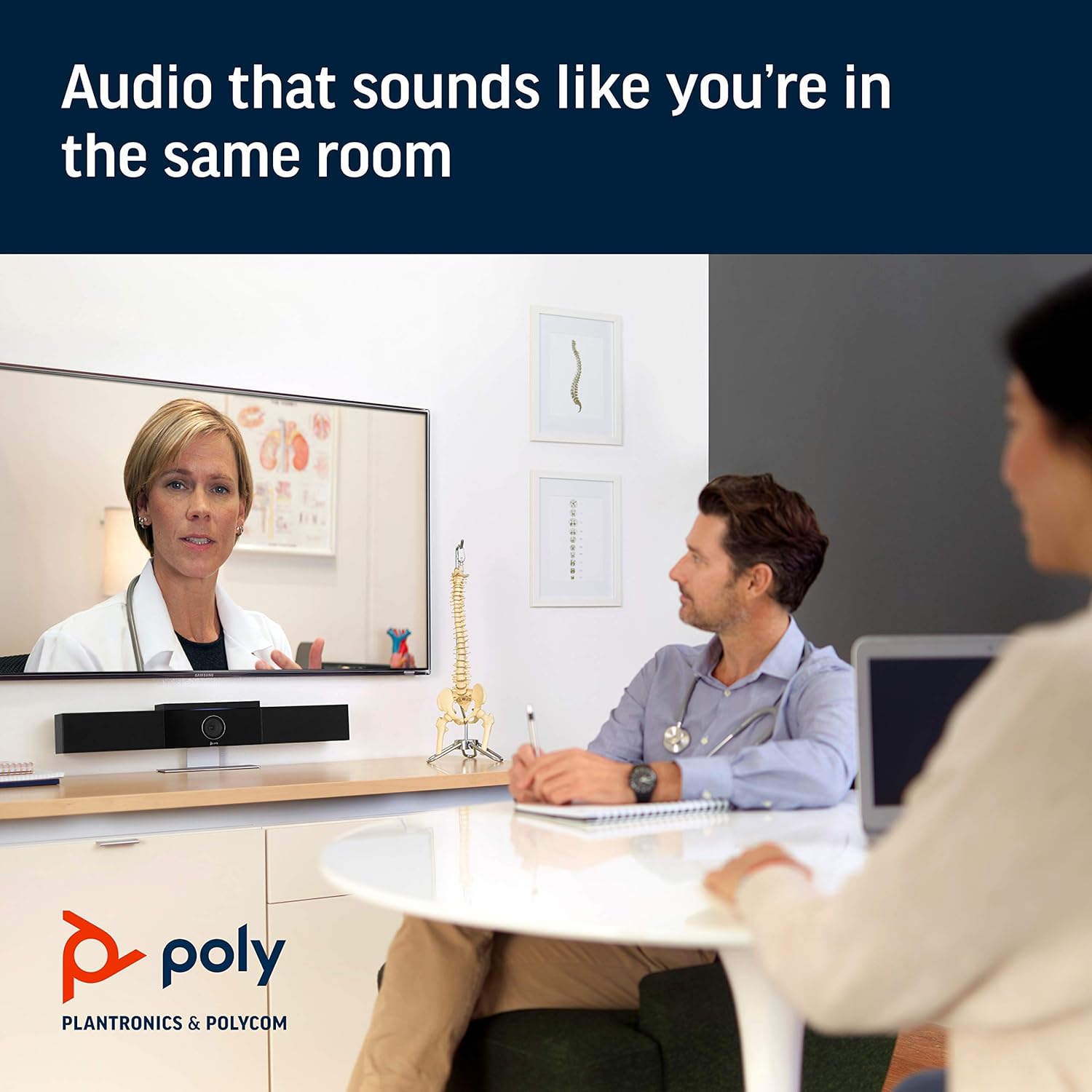
Image: Poly Studio in a meeting room, illustrating its capability to deliver clear audio for all participants.

Image: Poly Studio capturing vivid details and facial expressions of meeting participants.
4. Întreținere
To ensure optimal performance and longevity of your Poly Studio, regular maintenance is recommended:
- curatenie: Ștergeți ușor dispozitivul cu o cârpă moale și uscată. Evitați utilizarea substanțelor chimice dure sau a materialelor abrazive.
- Actualizări de software: Regularly check for and install software updates. These updates often include performance improvements, new features, and bug fixes. Poly Lens remote device management software can assist with this.
- Organizare de cabluri: Asigurați-vă că toate cablurile sunt organizate ordonat și nu sunt tensionate pentru a preveni deteriorarea.
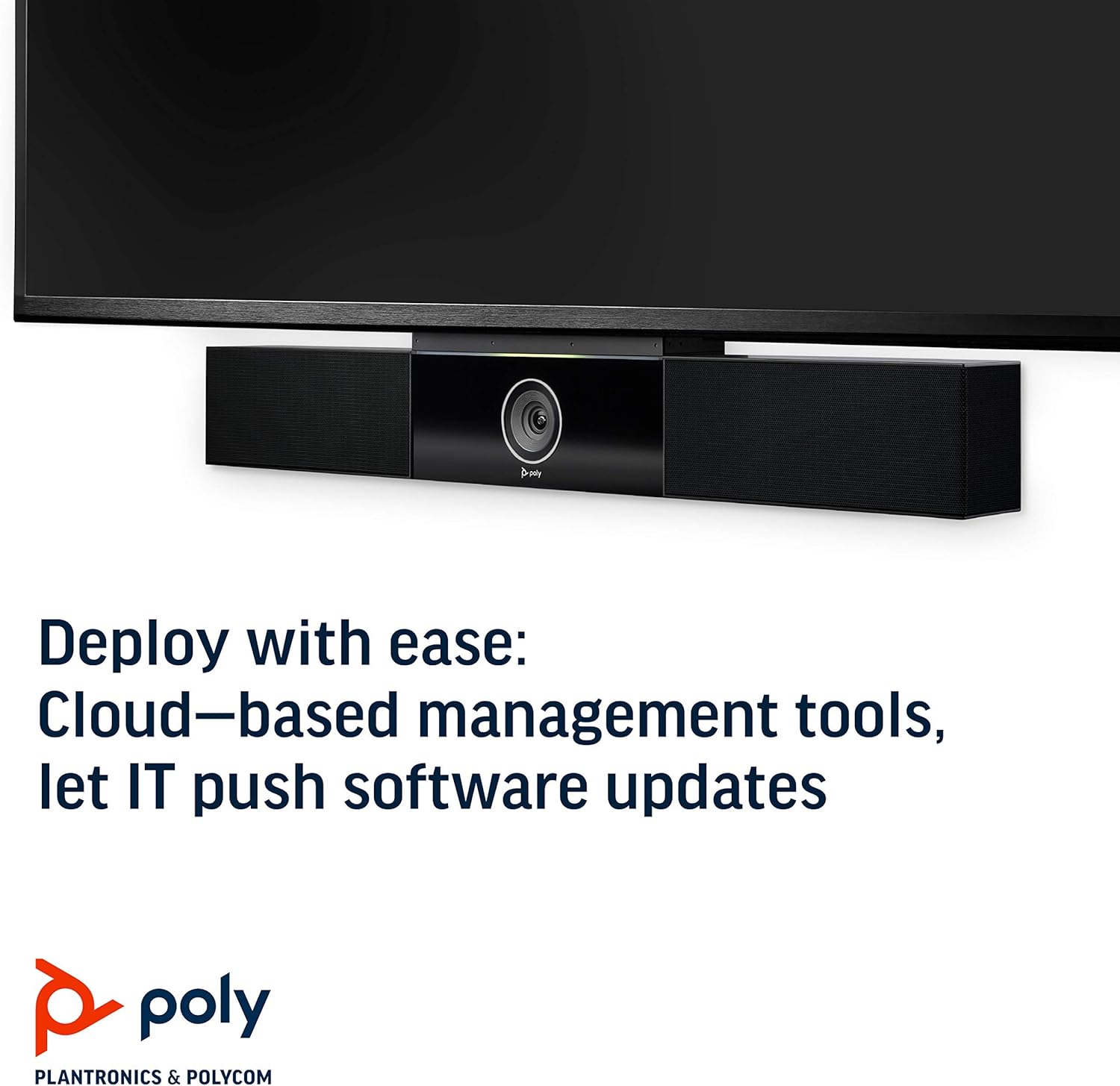
Image: Poly Studio, illustrating its compatibility with cloud-based management tools for easy software updates.
5. Depanare
If you encounter issues with your Poly Studio, try the following troubleshooting steps:
- Fără putere: Ensure the power cable is securely connected to both the device and the power outlet. Try a different outlet if necessary.
- Fără video/audio: Verify that the USB cable is securely connected to both the Poly Studio and your computer. Check your video conferencing application settings to ensure the Poly Studio is selected as the active camera, microphone, and speaker.
- Calitate slabă audio: Ensure the device is placed in a central location in the room. Check for any physical obstructions blocking the microphones or speakers. Update the device firmware via the Poly Lens app.
- Camera Not Tracking: Ensure the room is adequately lit. Check the Poly Lens app settings for camera tracking modes and adjust as needed.
- Dispozitiv nerecunoscut: Try connecting the USB cable to a different USB port on your computer. Restart your computer.
6. Specificații
| Caracteristică | Detaliu |
|---|---|
| Tip de montare | Suport de masă |
| Numele modelului | 649661882596 |
| Tip difuzor | Stereo |
| Caracteristica specială | Lumină scăzută |
| Utilizări recomandate pentru produs | video conferencing in home offices and small conference rooms |
| Dispozitive compatibile | Laptop |
| Configurare canal de sunet surround | 2.0 |
| Culoare | Negru |
| Componente incluse | camera, stereo speakers, microphones, control unit |
| Este rezistent la apă | FALS |
| Tip de garanție | Limitat |
| Număr de articole | 1 |
| Metoda de control | Voce |
| Tehnologia comunicațiilor fără fir | Fără tehnologie de comunicare wireless |
| Dimensiunea difuzorului | 21.59 de centimetri |
| Sursa de alimentare | Electric cu fir |
| Nivel de rezistență la apă | Nu este rezistent la apă |
| Tip de driver audio | Driver dinamic |
| Tehnologie de conectivitate subwoofer | Cablat |
| Utilizări specifice pentru produs | Home office, Small conference rooms, Video conferencing with Zoom and Microsoft Teams |
| UPC | 649661882596 |
| Utilizare în interior/exterior | De interior |
| Producător | Polycom Inc. |
| Formă | prismă dreptunghiulară |
| Dimensiunile produsului | 30 x 6 x 4 inci |
| Greutatea articolului | 10.58 lire sterline |
| ASIN | B091YCFF84 |
| Numărul modelului articolului | 649661882596 |
| Data primului disponibil | 7 aprilie 2021 |
| Marca | POLY |
| Putere maximă de ieșire difuzor | 40 wați |
| Raspuns in frecventa | 120 KHz |
| Tehnologia de conectivitate | USB |
| Mod ieșire audio | Stereo |
7. Garanție și asistență
Your Poly Studio Premium USB Video & Audio Conferencing System comes with a Garanție limitată. For specific details regarding the warranty period and coverage, please refer to the official Poly documentation or contact Poly support.
This product is also eligible for a Rambursare/înlocuire în 90 de zile policy under the Amazon Renewed Guarantee, as it is a renewed product. For support or to claim warranty/return, please contact the seller or refer to the product's official support channels.