
USHINING F200
USHINING F200 GSM Flip Phone User Manual
Model: F200 | Brand: USHINING
1. Introducere
Welcome to the user manual for your new USHINING F200 GSM Flip Phone. This device is designed for ease of use, featuring large buttons, a clear display, and essential functions for communication. Please read this manual carefully to understand how to operate your phone safely and efficiently.
2. Conținutul pachetului
Vă rugăm să bifați căsuța pentru următoarele elemente:
- 1 x USHINING F200 Mobile Phone
- 1 x Setul cu cască
- 1 x încărcător Micro USB
- 1 x 800 mAh Battery
- 1 x SIM Card Adapter
- 1 x Manual de utilizare

Image: Contents of the USHINING F200 package, including the phone, charger, headset, battery, SIM adapter, and user manual.
3. Sunați la telefonview
The USHINING F200 features a classic flip design, protecting the screen and keypad when closed. It is equipped with a clear 1.77-inch color display and large, easy-to-press buttons for straightforward navigation and dialing.
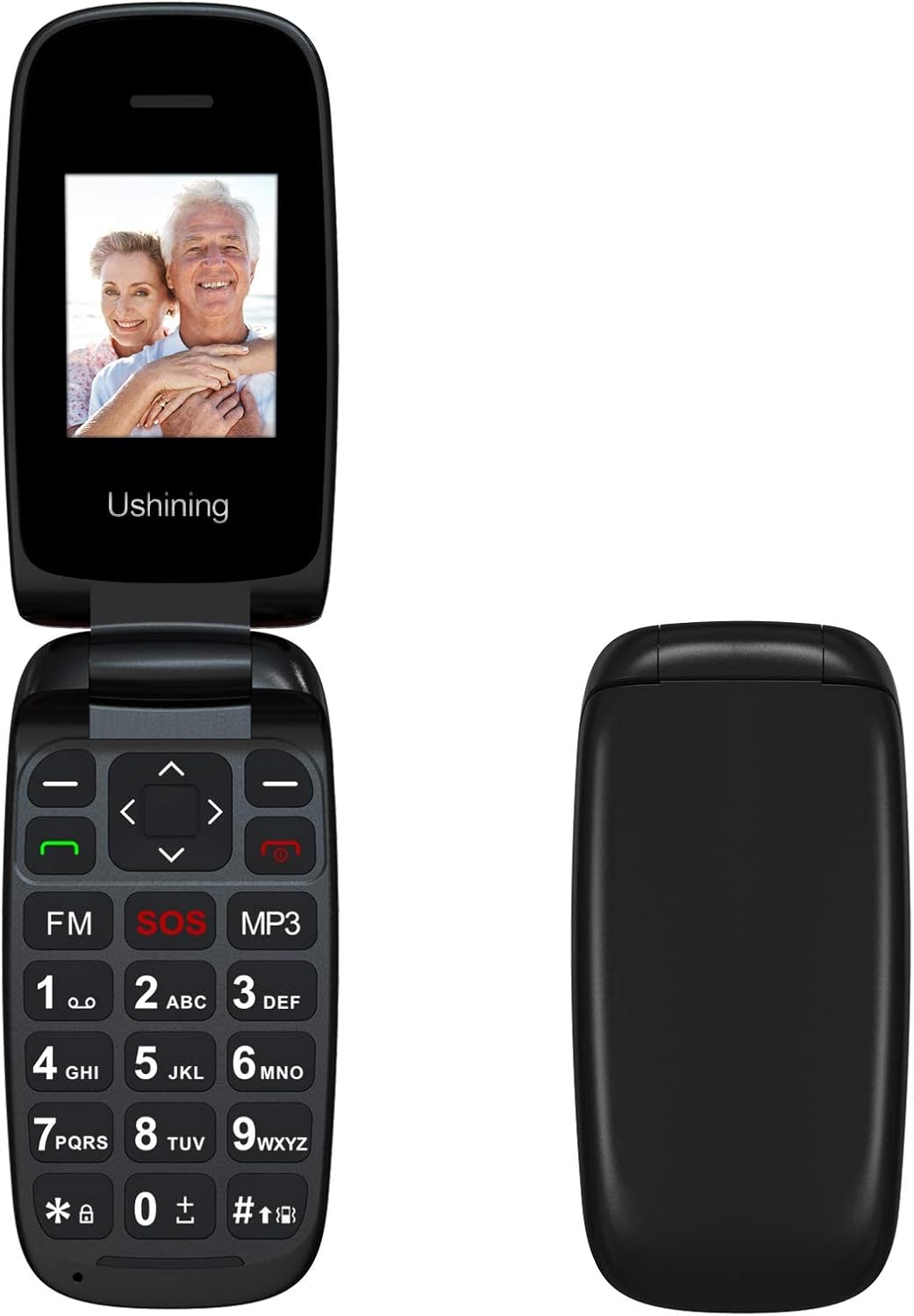
Imagine: față view of the USHINING F200 flip phone in both open and closed positions, highlighting its compact design.

Imagine: Înclinată view of the USHINING F200 flip phone, open to reveal the large keypad and the prominent red SOS button.
4. Configurare
4.1. Introducerea cartelei (cartelelor) SIM
- Deschideți cu grijă capacul din spate al telefonului.
- Locate the SIM card slot(s). The phone supports dual SIM cards.
- Insert your SIM card(s) into the designated slot(s) with the gold contacts facing down, ensuring they are securely in place.
- If using a MicroSD card for expandable memory (up to 32GB), insert it into the dedicated memory card slot.

Image: The phone's screen displaying a prompt to insert the SIM card, indicating readiness for network connection.

Image: The USHINING F200 phone with its battery and two SIM cards, illustrating the components involved in initial setup.
4.2. Introducerea bateriei
- After inserting the SIM card(s), place the 800 mAh battery into its compartment, aligning the contacts.
- Puneți la loc capacul din spate, asigurându-vă că se fixează în siguranță cu un clic.
4.3. Încărcarea telefonului
- Connect the micro USB charger to the charging port on the side or bottom of the phone.
- Conectați încărcătorul la o priză. Indicatorul bateriei de pe ecran va afișa starea de încărcare.
- Lăsați telefonul să se încarce complet înainte de prima utilizare.
4.4. Pornire/Oprire
- Pentru a porni: Țineți apăsat butonul roșu Încheiere apel/Pornire/Oprire butonul până când ecranul se aprinde.
- Pentru a opri: Țineți apăsat butonul roșu Încheiere apel/Pornire/Oprire button until the power-off options appear, then confirm.
5. Instrucțiuni de utilizare
5.1. Funcții de apel de bază
- Efectuarea unui apel: Enter the phone number using the keypad and press the green Apel buton.
- Răspunsul la un apel: Când sună telefonul, apăsați butonul verde Apel buton.
- Încheierea unui apel: Apăsați pe roșu Terminați apelul buton.
5.2. Trimiterea de mesaje SMS
- Navigați la Mesaje meniu.
- Selecta Scrie mesaj.
- Introduceți mesajul folosind tastatura.
- Enter the recipient's phone number or select from contacts, then send.
5.3. Funcția de urgență SOS
The SOS button is a critical safety feature. It allows you to quickly contact pre-set emergency numbers.
- Configurarea contactelor SOS: Du-te la Setări > Setări SOS. Add up to 5 emergency contact numbers.
- Activarea SOS: In an emergency, press and hold the red SOS button on the keypad for a few seconds. The phone will automatically call and send an SMS to your pre-set emergency contacts in sequence until one is answered.
5.4. Contacte
- Adăugarea unui contact: Du-te la Contacte > Adăugați un contact nou. Enter the name and number.
- Apelare rapida: Assign frequently called numbers to specific keys (e.g., 2-9) for quick dialing. Refer to the phone's menu for specific instructions on setting up speed dial.
5.5. Funcții multimedia
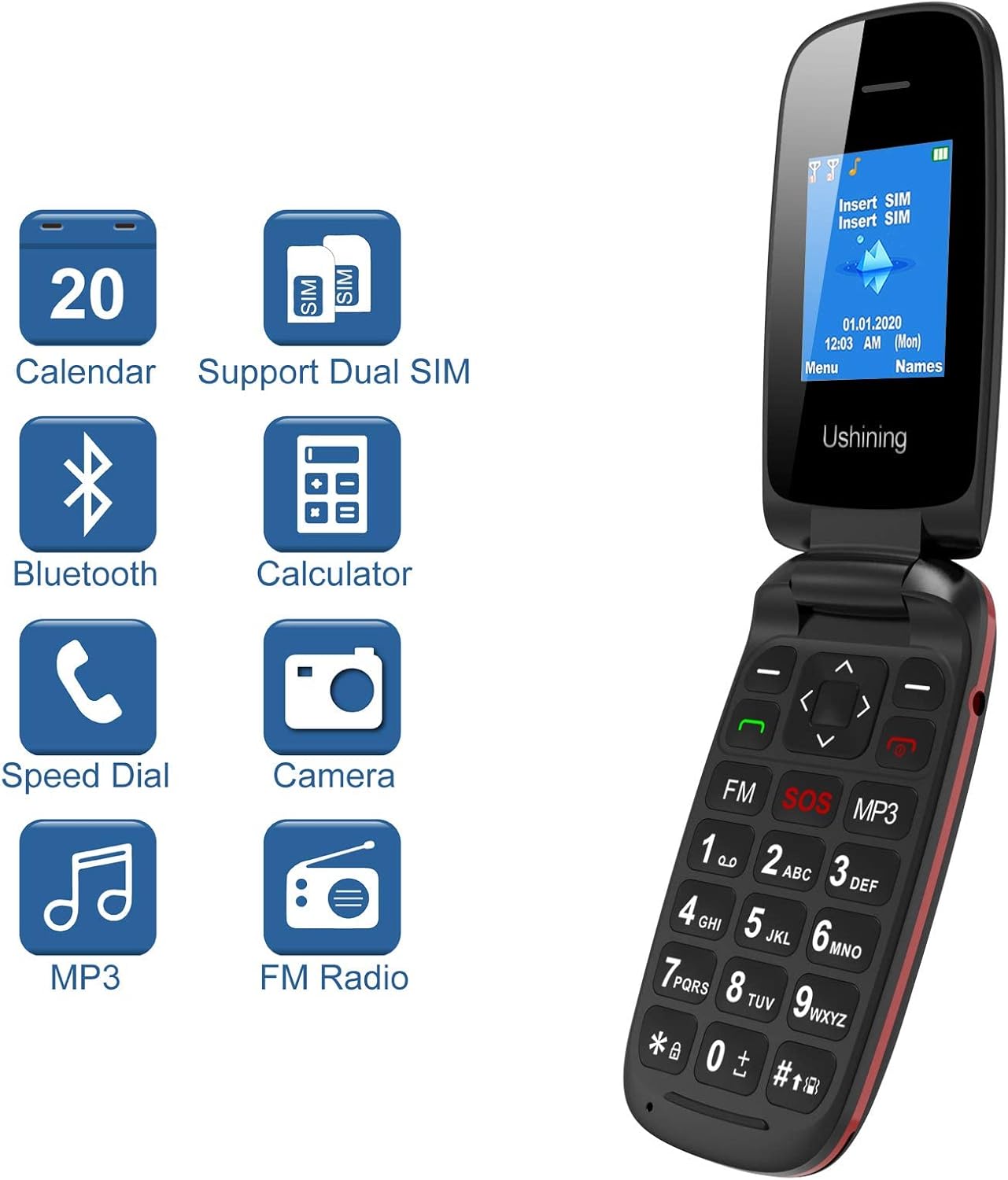
Image: The USHINING F200 display showing icons for Calendar, Dual SIM, Bluetooth, Calculator, Speed Dial, Camera, MP3, and FM Radio, indicating available features.
- Mp3 player: Access the MP3 player from the main menu to play audio filesunt stocate pe cardul de memorie.
- Radio FM: Plug in the headset (which acts as an antenna) and access the FM Radio from the menu to listen to local stations.
- Camera: The phone includes a basic camera. Access it from the menu to take photos.
5.6. Setări
Customize your phone through the Setări meniu.
- Limbă: Select your preferred language (English, Spanish, French, Italian, German).
- Data și ora: Setați data și ora curente.
- Bluetooth: Enable Bluetooth to connect to compatible devices like headsets.
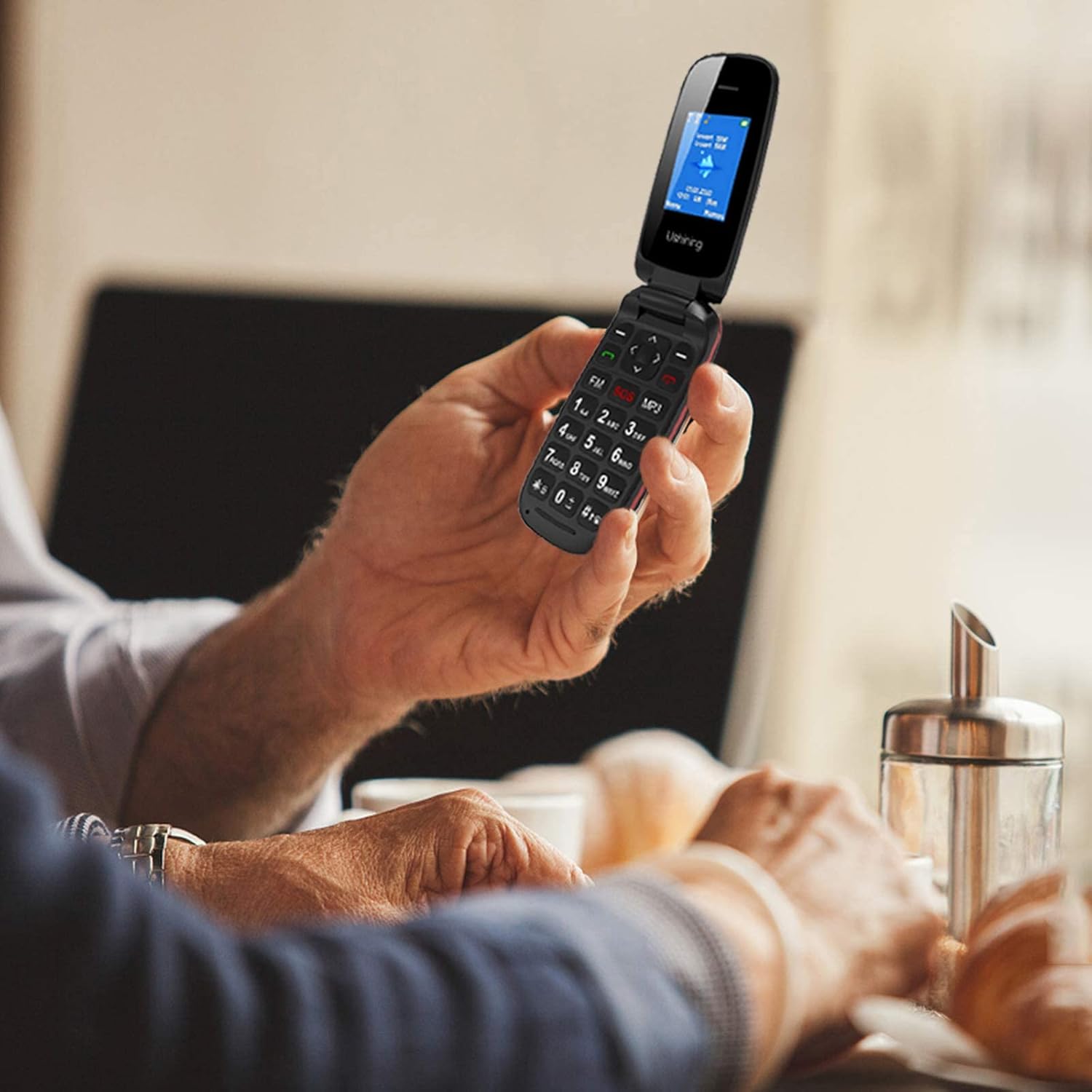
Image: A person holding the USHINING F200 flip phone, illustrating its comfortable grip and large buttons during use.
6. Întreținere
- curatenie: Folosește o lavetă moale și uscată pentru a curăța exteriorul telefonului. Evită detergenții lichizi.
- Îngrijirea bateriei: To prolong battery life, avoid exposing the phone to extreme temperatures. Do not allow the battery to fully discharge frequently.
- Depozitare: Depozitați telefonul într-un loc răcoros și uscat atunci când nu îl utilizați pentru perioade lungi de timp.
7. Depanare
| Problemă | Soluție posibilă |
|---|---|
| Telefonul nu pornește | Asigurați-vă că bateria este introdusă și încărcată corect. Conectați încărcătorul și încercați din nou. |
| Fără semnal de rețea | Check if the SIM card is properly inserted. Ensure you are in an area with GSM network coverage. Contact your service provider if the issue persists. |
| Nu pot efectua sau primi apeluri | Verify network signal. Check if the SIM card is active. Ensure no call barring is enabled in settings. |
| Bateria nu se încarcă | Verificați încărcătorul și cablul de încărcare pentru eventuale deteriorări. Asigurați-vă că portul de încărcare este curat. Încercați o altă priză. |
| Butonul SOS nu funcționează | Ensure emergency contacts are correctly set up in SOS settings. Test the function in a non-emergency situation. |
8. Specificații
| Caracteristică | Detaliu |
|---|---|
| Model | F200 |
| Marca | USHINING |
| Tip de produs | Flip Phone |
| Culoare | Negru |
| Sistem de operare | KaiOS (Basic Feature Phone OS) |
| Dimensiunea ecranului | 1.77 inchi |
| Benzile de rețea | GSM Quad Band (850/900/1800/1900 MHz) |
| Suport SIM | SIM dual |
| Memoria internă | 4MB RAM + 4MB ROM |
| Stocare extensibilă | Up to 32GB (MicroSD card not included) |
| Capacitatea bateriei | 800 mAh Litiu-ion |
| Timp de vorbire | Până la 240 de minute |
| Timp de așteptare | Până la 160 ore |
| Conectivitate | USB, Bluetooth |
| Caracteristici speciale | SOS Button, Large Buttons, FM Radio, MP3 Player, Camera, Calendar, Alarm Clock, Calculator, Speed Dial |
| Limbi | Spanish, English, French, Italian, German |
9. Garanție și asistență
USHINING provides two years of technical service and customer support for this product from the date of purchase. Please note that this warranty does not cover artificial damage.
For technical assistance or customer service inquiries, please contact your retailer or refer to the contact information provided with your purchase documentation.
Ask a question about this manual
Ask about setup, troubleshooting, compatibility, parts, safety, or missing instructions. Manuals+ will review the question and use this page’s manual context to help answer it.