
1. Introducere
Mulțumesc pentru achizițieasing the JAM Retro Classic+ Bluetooth Speaker. This manual provides essential information for setting up, operating, and maintaining your speaker. Please read it thoroughly before use to ensure optimal performance and longevity of your device.
2. Conținutul pachetului
Verificați dacă toate articolele sunt prezente în colet:
- JAM Retro Classic+ Bluetooth Speaker
- Cablu de încărcare USB
- Ghid de pornire rapidă
3. Configurare
3.1 Încărcarea difuzorului
Before first use, fully charge the speaker. Connect the provided USB charging cable to the speaker's USB port and the other end to a USB power adapter (not included) or a computer's USB port.
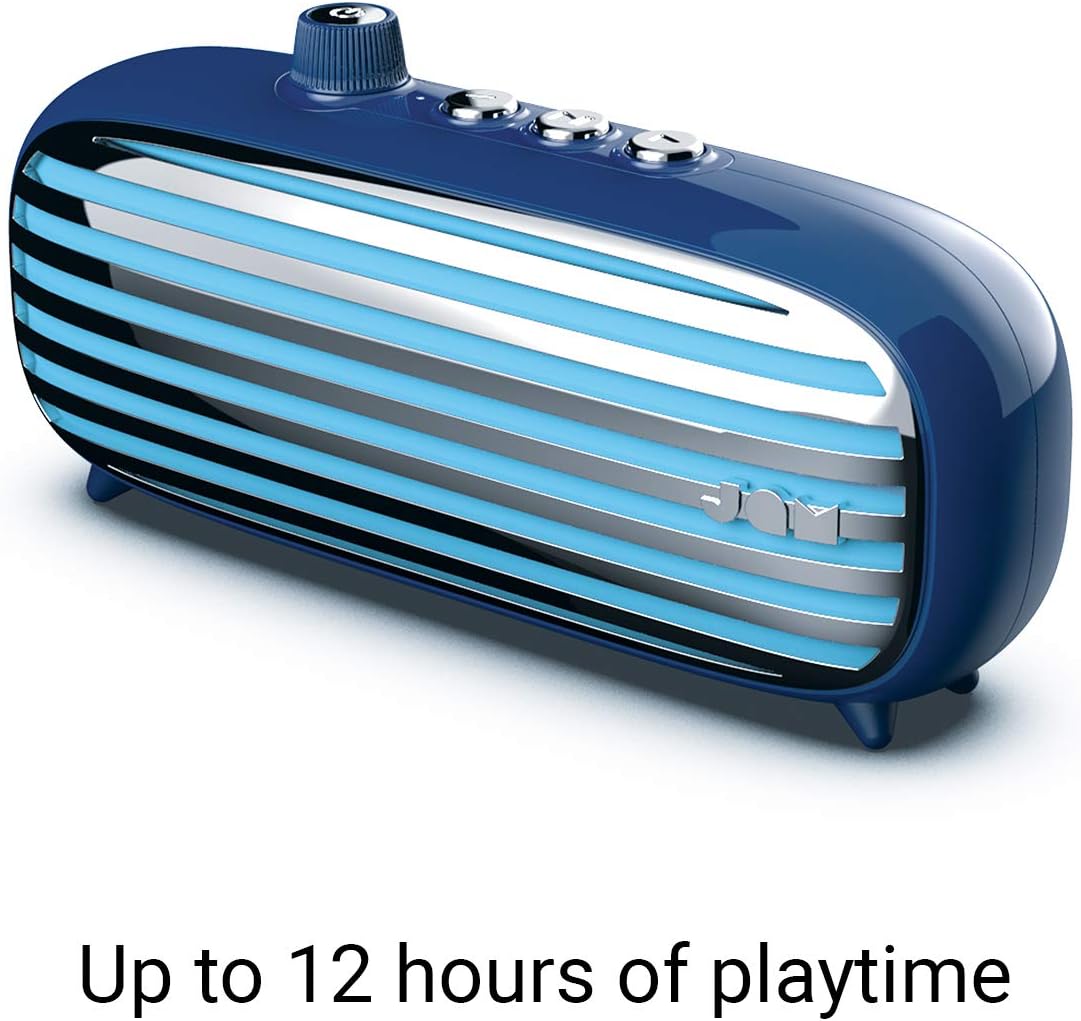
Image: The JAM Retro Classic+ Bluetooth Speaker in blue, with a USB charging cable connected to its side port, indicating the charging process.
3.2 Pornire/Oprire
To power on the speaker, press and hold the button located in the center of the volume dial on the front for approximately 4 seconds. The dial will light up in neon blue, and an audible sound will confirm it is powered on. To power off, press and hold the same button again.

Image: A blue JAM Retro Classic+ Bluetooth Speaker with its volume dial illuminated in blue, indicating it is powered on.
3.3 Asociere Bluetooth
Once powered on, the speaker will automatically enter Bluetooth pairing mode. On your device (smartphone, tablet, computer), enable Bluetooth and search for "JAM Vintage" in the list of available devices. Select it to pair. An audible confirmation will sound upon successful pairing.
4. Funcționare
4.1 Redarea muzicii
- Redare/Pauză: Press the central play/pause button on the top of the speaker.
- Următoarea piesă: Press the forward button (right arrow) on the top.
- Pista anterioară: Press the back button (left arrow) on the top.
- Controlul volumului: Rotate the large dial on the front of the speaker to adjust the volume.
4.2 Funcționalitatea difuzorului
When connected via Bluetooth to your smartphone, the speaker can be used as a speakerphone:
- Răspunde la apel: Apăsați butonul de redare/pauză o dată.
- Terminare apel: Apăsați butonul de redare/pauză o dată în timpul unui apel.
- Respinge apelul: Apăsați și mențineți apăsat butonul de redare/pauză.
4.3 Conexiune Aux-in
For non-Bluetooth devices, connect an audio cable (not included) from your device's headphone jack to the Aux-in port on the side of the speaker. The speaker will automatically switch to Aux-in mode.
5. Caracteristici cheie
- Design retro: Aesthetic inspired by classic vintage radiouri.
- Timp de joacă 12 ore: Bucură-te de redare muzicală extinsă cu o singură încărcare.
- Conectivitate Bluetooth: Streaming audio wireless fără întreruperi.
- Port de intrare auxiliară: Wired connection option for various devices.
- Încărcare USB: Convenient charging via standard USB.
- Difuzor: Microfon integrat pentru apeluri hands-free.
- Asociere stereo: Connect two Classic+ speakers for enhanced stereo sound.
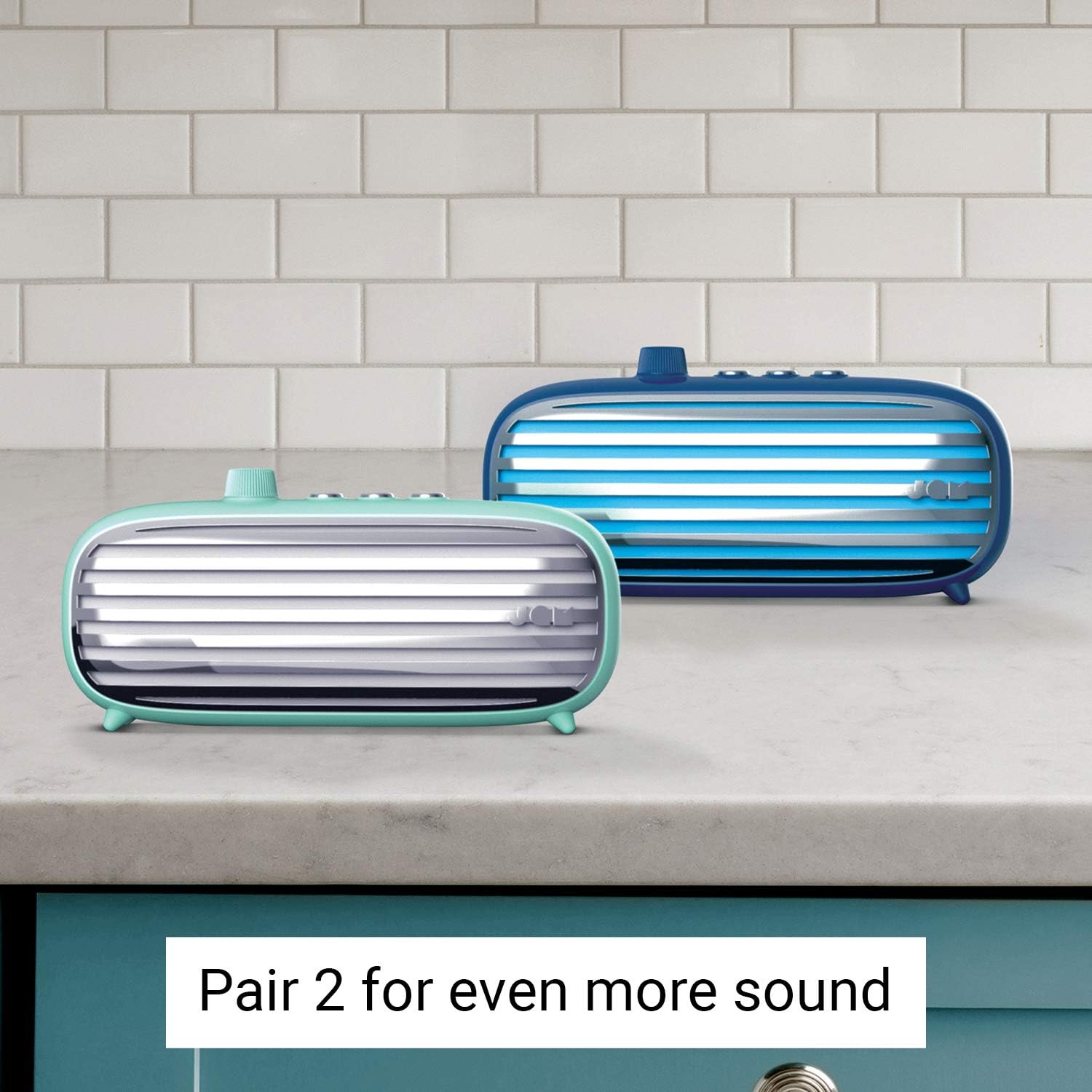
Image: Two JAM Retro Classic+ Bluetooth Speakers, one in blue and one in mint green, positioned side-by-side on a kitchen counter, demonstrating the stereo pairing feature.
6. Întreținere
- curatenie: Folosiți o lavetă moale și uscată pentru a curăța difuzorul. Nu utilizați substanțe de curățare abrazive sau solvenți.
- Depozitare: Depozitați difuzorul într-un loc răcoros și uscat, ferit de lumina directă a soarelui și de temperaturi extreme.
- Rezistenta la apa: Acest vorbitor este nu waterproof. Avoid exposure to water or moisture.
7. Depanare
| Problemă | Soluţie |
|---|---|
| Difuzorul nu pornește. | Ensure the speaker is fully charged. Press and hold the power button for 4 seconds. |
| Nu se poate conecta prin Bluetooth. | Make sure Bluetooth is enabled on your device and the speaker is in pairing mode. Ensure no other devices are currently connected to the speaker. Try restarting both devices. |
| Nici un sunet. | Check the volume levels on both the speaker and your connected device. Ensure the correct input mode (Bluetooth or Aux-in) is selected. |
| Calitate slabă a sunetului. | Mutați difuzorul mai aproape de dispozitivul Bluetooth pentru a reduce interferențele. Asigurați-vă că sursa audio este de bună calitate. |
8. Specificații
- Număr de model: HX-P425-BL
- Marca: Jam Audio
- Conectivitate: Bluetooth, auxiliar, USB
- Putere de ieșire difuzor: 6 wați
- Mod de ieșire audio: Stereo
- Durata de viață a bateriei: Până la 12 ore
- Metoda de control: Atingere
- Sursa de alimentare: Alimentat cu baterie (1 baterie litiu-ion inclusă)
- Culoare: Albastru
- GTIN/UPC: 031262097576
9. Garanție și asistență
For warranty information and customer support, please refer to the official Jam Audio website-ul lor web sau contactați direct serviciul lor de asistență pentru clienți. Păstrați bonul fiscal pentru reclamații în garanție.
Oficial Website: www.jamaudio.com