
Introducere
The Poly Savi 7210 Office is a DECT wireless headset designed for seamless communication in office environments. It offers extended wireless range, long talk time, and compatibility with a wide range of desk phones, enhancing productivity and flexibility for users.
Ce este în cutie
- Căști
- Baza
- Adaptor de alimentare
Înființat
1. Connect the Base
Connect the base unit to your desk phone and power source. Ensure all cables are securely plugged in.
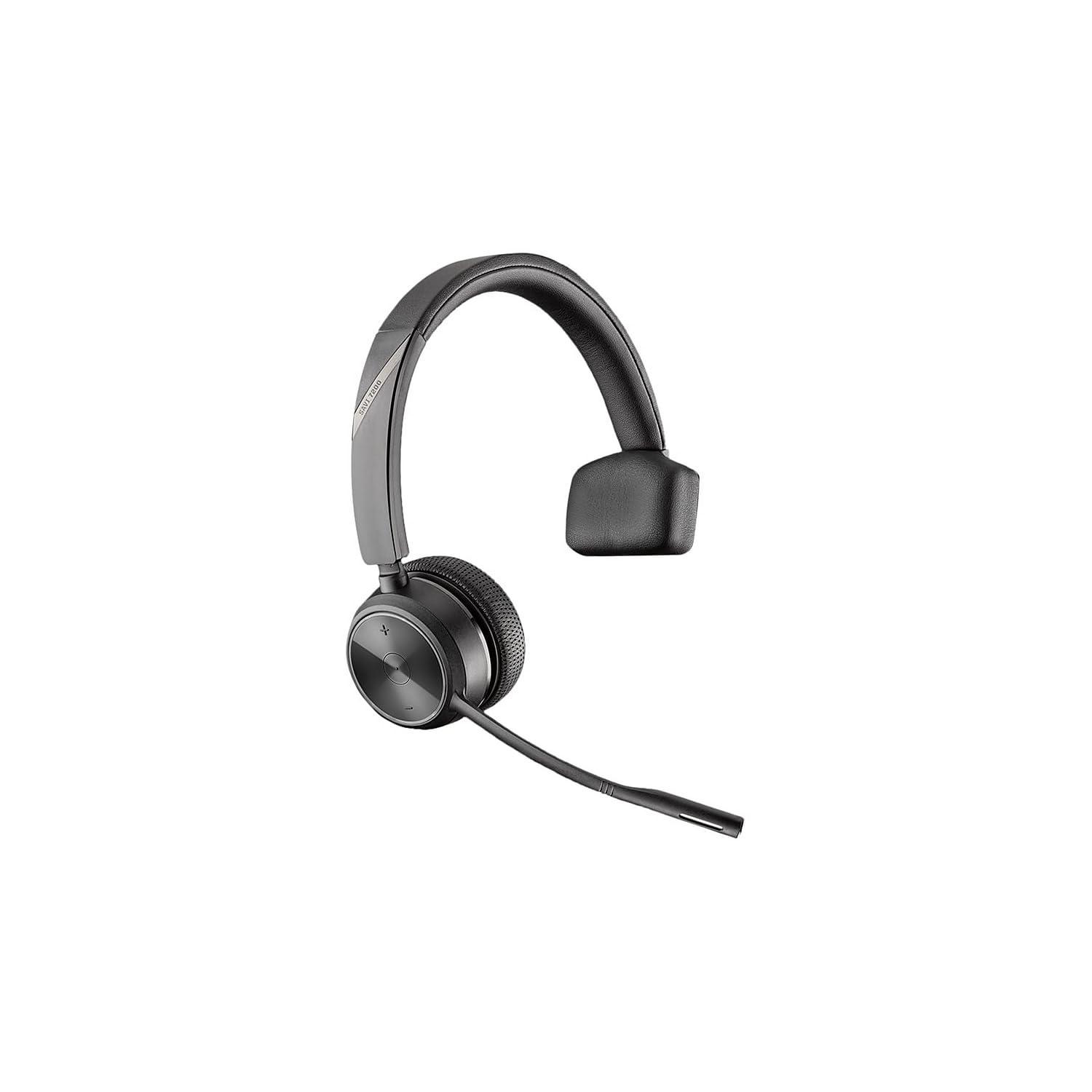
Image: Poly Savi 7210 Office headset resting on its charging base, connected to power and a desk phone (not fully visible).
2. Împerecherea inițială a căștilor
The headset and base are typically pre-paired. If pairing is lost or you are pairing a new headset, follow these steps:
- Place the headset into the charging cradle on the base.
- The headset should automatically begin the pairing process. The indicator light on the base will turn solid green when successfully paired.
3. Alternative Pairing Methods
If initial pairing fails, try these methods:
Method A: Power Cycle the Base
- Remove the power cable from the charging base.
- Wait for approximately 5-30 seconds for the power to fully discharge.
- Plug the power cable back into the base.
- Wait until the base indicator light turns solid.
- Place the headset into the charging cradle.
- Press the Call Control button on the headset until the desk phone icon on the base lights up green.
Method B: Over-the-Air Pairing (Subscription)
- Ensure the headset is off and removed from the cradle.
- Press and hold the Volume Up button on the headset until the green LED lights on the side of the headset turn on.
- Press the Link button on the back of the charging base. The link icon on the base display will flash for about 3 seconds.
- Once the link icon on the base turns solid, the headset is paired.
Video: Plantronics Savi 7220 Office Headset Pairing Guide
This video demonstrates the pairing process for the Plantronics Savi 7220 Office headset, including initial pairing and troubleshooting steps for re-establishing connection with the charging base.
Utilizarea setului cu cască
Stiluri de purtare
The Savi 7210 headset offers multiple wearing styles for comfort and preference:
- Deasupra capului: The standard headband style provides stability and comfort for extended use.
- Supraauricular: An earloop option allows the headset to be worn over a single ear.
- În spatele gâtului: A neckband accessory provides an alternative wearing style.
The microphone boom is flexible and can be adjusted to either the left or right side, ensuring optimal voice pickup.
Comenzi de apel
Setul cu cască dispune de comenzi intuitive pentru gestionarea apelurilor:
- Răspundeți/Terminați apelul: Press the dedicated button on the headset to answer or end a call.
- Controlul volumului: Use the volume dial or buttons to adjust the listening volume.
- Dezactivați/Activați sunetul: Press the mute button to temporarily silence your microphone.
Wireless Range and Battery Life
- Raza wireless: Enjoy freedom of movement with a wireless range of up to 400 feet (120 meters) from the base in direct line of sight. In a typical office environment, the range is approximately 180-250 feet.
- Durata de viață a bateriei: The headset provides up to 12 hours of talk time on a single charge, ensuring full-day communication without interruption.
Întreţinere
Încărcare
Place the headset in the charging cradle when not in use to ensure it is always ready. A full charge provides up to 12 hours of talk time.
Curatenie
Regularly clean the headset and base with a soft, dry cloth. Avoid using harsh chemicals or abrasive materials.
Îngrijirea bateriei
To prolong battery life, avoid fully discharging the headset frequently. Charge it regularly, especially overnight, to maintain optimal performance.
Depanare
No Audio or Microphone Not Working
- Ensure the headset is powered on and properly paired with the base.
- Check the volume settings on both the headset and your desk phone.
- Verificați dacă microfonul nu este dezactivat.
- Confirm that the base is correctly connected to your desk phone.
Calitate slabă a sunetului
- Adjust the wideband/narrowband settings on the base (refer to the base's physical controls, typically on the underside). Wideband offers higher clarity but may consume more battery.
- Ensure the headset is within the optimal wireless range of the base.
- Verificați dacă există interferențe potențiale de la alte dispozitive wireless.
Specificații
| Caracteristică | Detaliu |
|---|---|
| Numele modelului | Savi 7210 Office |
| Marca | POLY |
| Tehnologia de conectivitate | RF |
| Tehnologia comunicațiilor fără fir | Dec |
| Controlul zgomotului | Anularea activă a zgomotului |
| Microfon | Noise-canceling with flexible boom |
| Durata de viață a bateriei (timp de convorbire) | Până la 12 ore |
| wireless Range | Până la 400 de picioare (120 metri) |
| Dispozitive compatibile | Deskphones (over 800 analog and IP models) |
| Greutatea articolului | 8 uncii |
| Dimensiunile produsului | 6 x 6 x 1 inci |
| Componente incluse | Base, Headset, Power Adapter |
Garanție și suport
Your Poly Savi 7210 Office headset is covered by a manufacturer's warranty. For detailed warranty information, technical support, or service inquiries, please refer to the official Poly website-ul lor sau contactați direct serviciul de asistență pentru clienți. Păstrați bonul fiscal pentru reclamații în garanție.
Online resources and FAQs may also be available on the Poly support portal.