
1. Instrucțiuni importante de siguranță
Vă rugăm să citiți cu atenție toate instrucțiunile înainte de instalare și utilizare. Păstrați acest manual pentru referințe ulterioare.
Siguranța generală
- Asigurați-vă că sursa de alimentare este deconectată înainte de instalare, întreținere sau curățare.
- Acest aparat nu este destinat utilizării de către persoane (inclusiv copii) cu capacități fizice, senzoriale sau mentale reduse sau cu lipsă de experiență și cunoștințe, cu excepția cazului în care acestea au fost supravegheate sau instruite cu privire la utilizarea aparatului de către o persoană responsabilă pentru siguranța lor.
- Copiii trebuie supravegheați pentru a se asigura că nu se joacă cu aparatul.
Siguranța electrică
- All electrical connections must be made by a qualified electrician and conform to local codes and regulations.
- Asigurați-vă că voltage and frequency of your power supply match the specifications of the fan.
- The fan must be properly grounded to prevent electric shock.
Siguranța instalării
- Mount the fan to a ceiling structure capable of supporting a minimum of 15 kg (33 lbs).
- Ensure there is adequate clearance between the fan blades and any obstacles (walls, furniture) and the floor. A minimum distance of 2.3 meters (7.5 feet) from the floor to the blades is recommended.
- Do not install the fan in a location where it can be easily reached by children or pets.
2. Produs terminatview
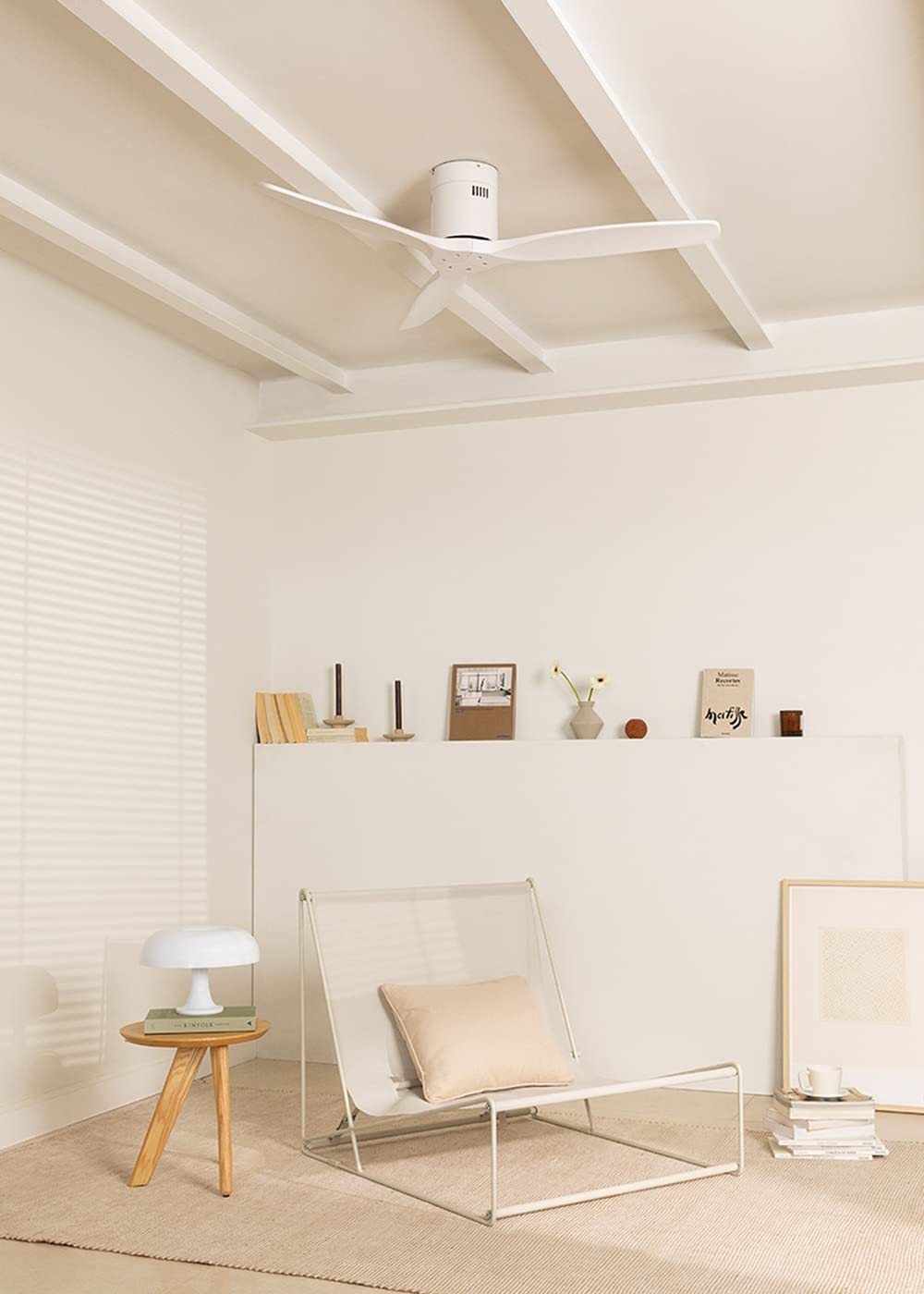
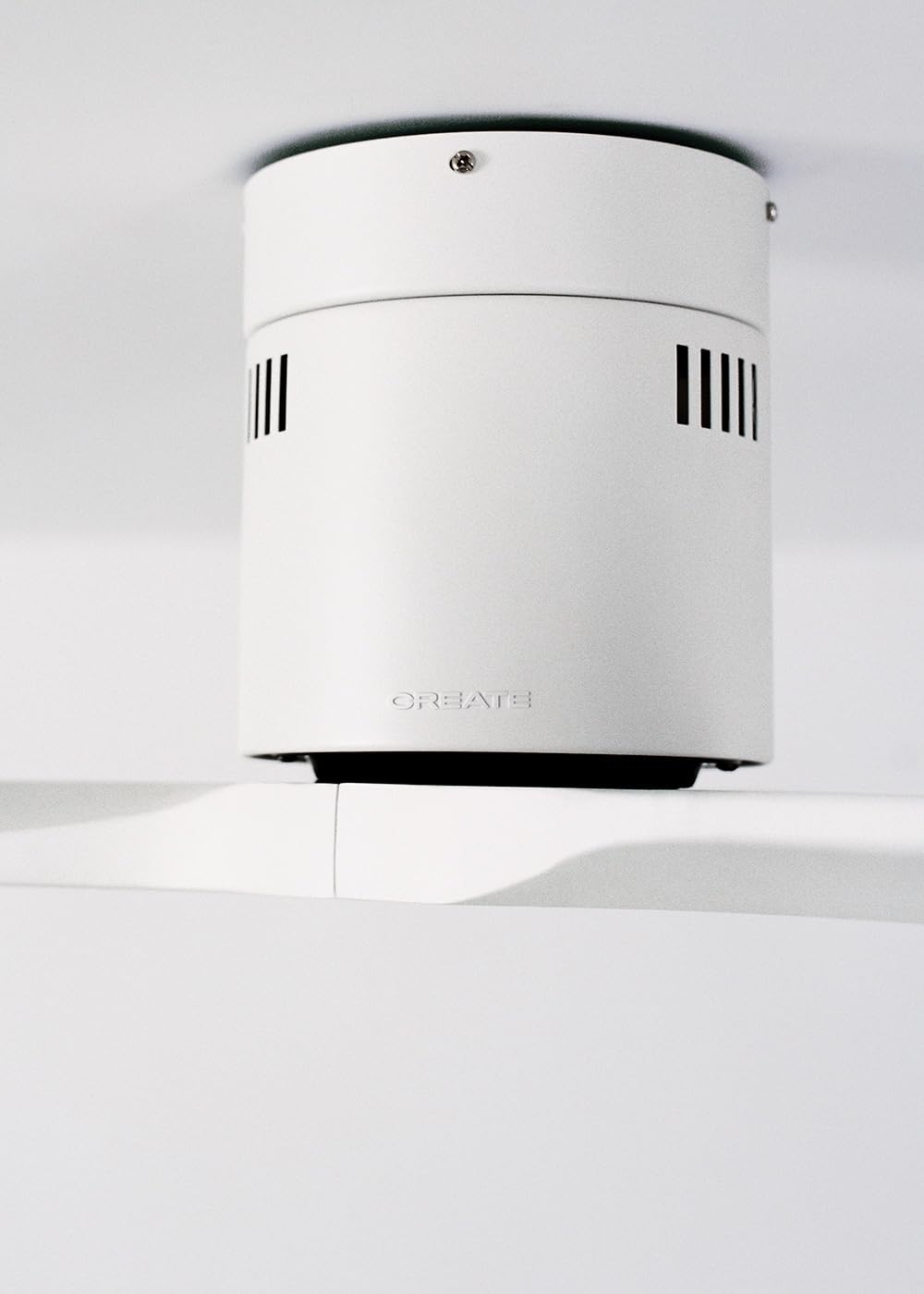
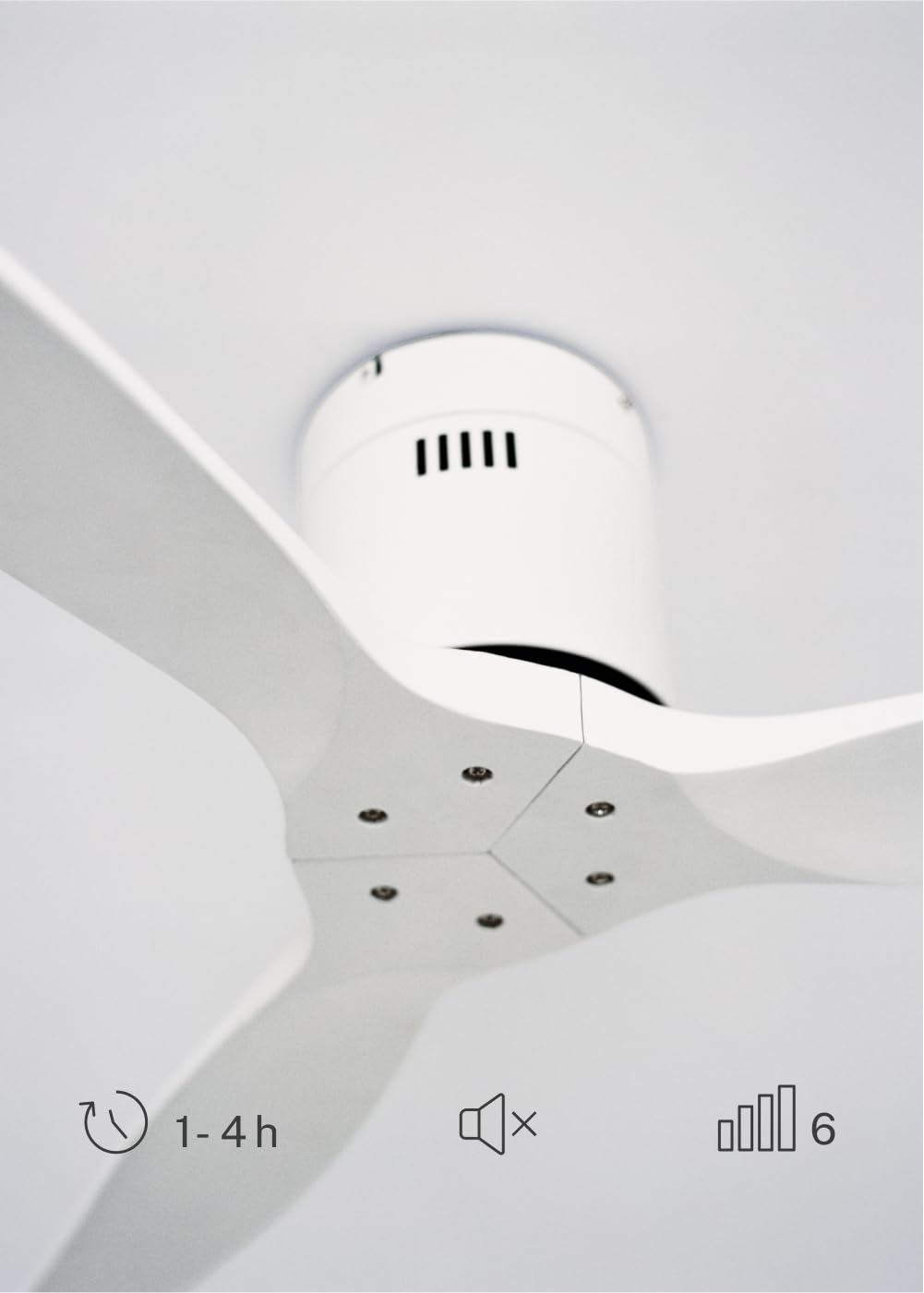
The CREATE WINDCALM DC Ceiling Fan is designed for efficient and quiet air circulation in various indoor spaces. It features a durable aluminum body, a silent DC motor, and three lightweight blades, ensuring minimal noise operation. The fan offers 6 adjustable speeds and a programmable timer for convenience.

3. Specificatii tehnice
| Caracteristică | Caietul de sarcini |
|---|---|
| Marca | CREA |
| Numărul de model | 43479_88375 |
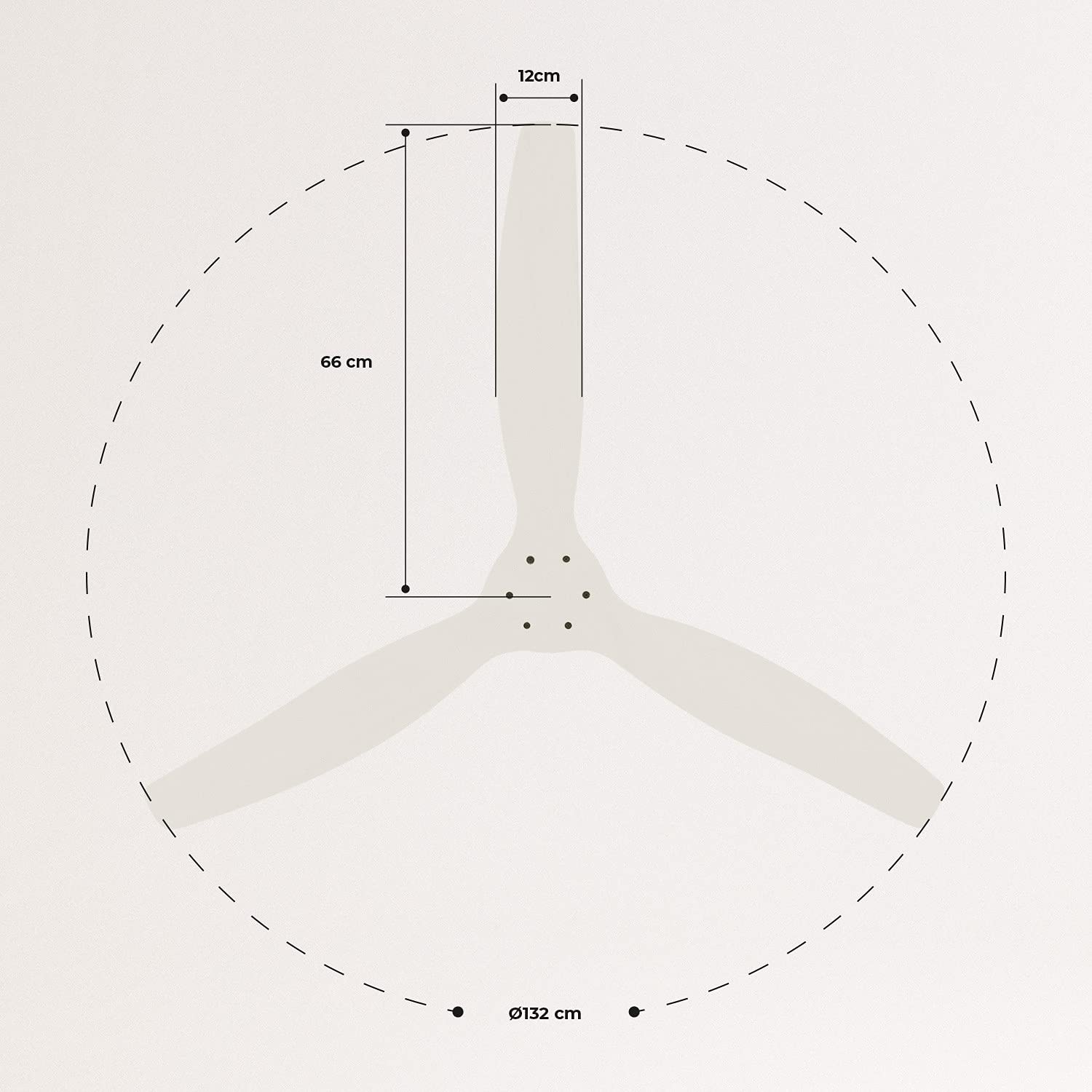
| Dimensiuni (L x l x H) | 132 x 132 x 29 cm |
| Greutate | 6.38 kg |
| Design ventilator | Ceiling Fan |
| Sursa de alimentare | Cablu electric |
| Caracteristica specială | High Speed, Silent DC Motor, Timer, Summer/Winter Function |
| Utilizare recomandată | Ventilare |
| Tip de cameră | Living Room (suitable for 13m² to 25m² rooms) |
| Culoare | White Blades |

4. Ghid de instalare
Proper installation is crucial for the safe and efficient operation of your ceiling fan. It is highly recommended that installation be performed by a qualified electrician.
Verificări înainte de instalare
- Despachetați toate componentele și verificați-le în funcție de lista de ambalare.
- Ensure the ceiling joist or support structure is strong enough to hold the fan's weight.
- Turn off power at the main circuit breaker before starting any electrical work.
Montarea ventilatorului
- Secure the mounting bracket to the ceiling outlet box using appropriate screws and washers.
- Ridicați cu grijă ansamblul motorului ventilatorului și atașați-l la suportul de montare.
Conexiuni de cablare
Connect the electrical wires according to the wiring diagram provided in the separate detailed installation manual (not included in this general overview). Ensure all connections are secure and insulated.
Atașarea lamelor
Attach the fan blades to the motor hub using the provided screws. Ensure all screws are tightened securely.

5. Instrucțiuni de utilizare
Your CREATE WINDCALM DC Ceiling Fan comes with a remote control for convenient operation of all its functions.
Funcții de control de la distanță
Telecomanda vă permite să:
- Pornire/Oprire: Porniți sau opriți ventilatorul.
- Reglarea vitezei: Select from 6 different fan speeds to control airflow intensity.
- Setare cronometru: Program the fan to automatically turn off after 1, 2, or 4 hours.
- Mod vară/iarnă: Change the direction of blade rotation to optimize air circulation for different seasons.
Modul de vară
In summer mode, the fan blades rotate counter-clockwise, pushing air downwards. This creates a cooling breeze effect, helping to dissipate heat and refresh the room.

Modul de iarnă
In winter mode, the fan blades rotate clockwise, drawing air upwards. This helps to circulate warm air that accumulates near the ceiling, distributing it evenly throughout the room and improving heating efficiency.
6. Întreținere și îngrijire
Întreținerea regulată asigură longevitatea și performanța optimă a ventilatorului dumneavoastră de tavan.
Curatenie
- Opriți întotdeauna alimentarea ventilatorului de la întrerupătorul de circuit înainte de curățare.
- Folosiți un moale, damp o lavetă pentru a șterge palele ventilatorului și carcasa motorului. Nu utilizați produse de curățare abrazive sau solvenți, deoarece acestea pot deteriora finisajul.
- Asigurați-vă că ventilatorul este complet uscat înainte de a reporni alimentarea cu energie electrică.
Verificări regulate
- Periodically check all screws and fasteners on the mounting bracket and blade attachments to ensure they are secure. Tighten if necessary.
- Listen for any unusual noises during operation, which may indicate a loose part or an issue with the motor.
7. Depanare
If you encounter any issues with your fan, refer to the following common problems and their solutions:
| Problemă | Cauza posibila | Soluţie |
|---|---|---|
| Ventilatorul nu pornește | Fără alimentare Conexiunea cablajului slab Bateria telecomenzii este descărcată | Verificați întrerupătorul de circuit și întrerupătorul de perete Verify all wiring connections are secure (consult electrician) Înlocuiți bateriile telecomenzii |
| Ventilatorul face zgomot excesiv | Șuruburi slăbite pe lame sau pe suport Lama îndoită Problema motorului | Strângeți toate șuruburile Check blades for damage and replace if necessary Contactați asistența pentru clienți |
| Telecomanda nu funcționează | Bateria descărcată Obstacol între telecomandă și receptor Telecomanda nu este asociată (dacă este cazul) | Înlocuiți bateriile Asigurați-vă linia de vedere clară Refer to detailed manual for pairing instructions |
| Ventilatorul se clătină | Suport de montare slăbit Lame dezechilibrate | Asigurați-vă că suportul de montare este fixat în siguranță Check blade balance and use balancing kit if needed |
8. Garanție și asistență
For warranty information, technical support, or replacement parts, please contact CREATE customer service. Keep your purchase receipt as proof of purchase.
You can find more information and contact details on the official CREATE website: www.create-store.com