
1. Introducere
Thank you for choosing the ZIPRO Boost Exercise Bike. This manual provides essential information for the safe and effective assembly, operation, and maintenance of your new fitness equipment. Please read this manual thoroughly before first use and keep it for future reference.
2. Informații de siguranță
- Consultați un medic înainte de a începe orice program de exerciții fizice.
- Asigurați-vă că toate piesele sunt fixate în siguranță înainte de fiecare utilizare.
- Țineți copiii și animalele de companie departe de echipament în timpul funcționării.
- Așezați bicicleta de exerciții pe o suprafață plană și stabilă.
- Purtați îmbrăcăminte și încălțăminte adecvate pentru exerciții fizice.
- Nu depășiți capacitatea maximă de greutate a utilizatorului de 120 kg.
- Opriți imediat exercițiile fizice dacă simțiți leșin, amețeli sau durere.
3. Conținutul pachetului
Înainte de asamblare, verificați dacă toate componentele sunt prezente și nedeteriorate:
- Cadru principal
- Stabilizatoare față și spate
- Pedale (stânga și dreapta)
- Tijă de șa și șa
- Ghidon și tijă de ghidon
- Calculator de exerciții
- Elemente de asamblare (șuruburi, șaibe, piulițe)
- Unelte de asamblare (chei, chei Allen)
- Manual de utilizare
4. Instructiuni de asamblare
Follow these steps for proper assembly. It is recommended to have two people for certain steps.
- Atașați stabilizatoarele: Fixați stabilizatoarele față și spate pe cadrul principal folosind șuruburile și șaibele furnizate. Asigurați-vă că sunt strânse ferm.
- Instalați pedale: Identify the left (L) and right (R) pedals. The left pedal screws counter-clockwise, and the right pedal screws clockwise. Tighten securely.
- Montarea tijei de șa și a șeii: Insert the seat post into the main frame and adjust to the desired height. Attach the saddle to the seat post and secure it.
- Atașați tija ghidonului: Insert the handlebar post into the main frame.
- Install Handlebars and Computer: Attach the handlebars to the handlebar post. Connect the sensor wires from the main frame to the exercise computer. Mount the computer onto the handlebar post.

Figure 4.1: Detailed assembly diagram for the ZIPRO Boost Exercise Bike.

Figura 4.2: Explodat view of the exercise bike components, illustrating how parts fit together during assembly.
5. Instrucțiuni de utilizare
5.1 Reglarea rezistenței
The ZIPRO Boost features an 8-level magnetic resistance system. To adjust the resistance, turn the tension control knob located below the computer display. Turn clockwise to increase resistance (harder) and counter-clockwise to decrease resistance (easier).

Figure 5.1: The resistance adjustment knob, showing levels 1 through 8.
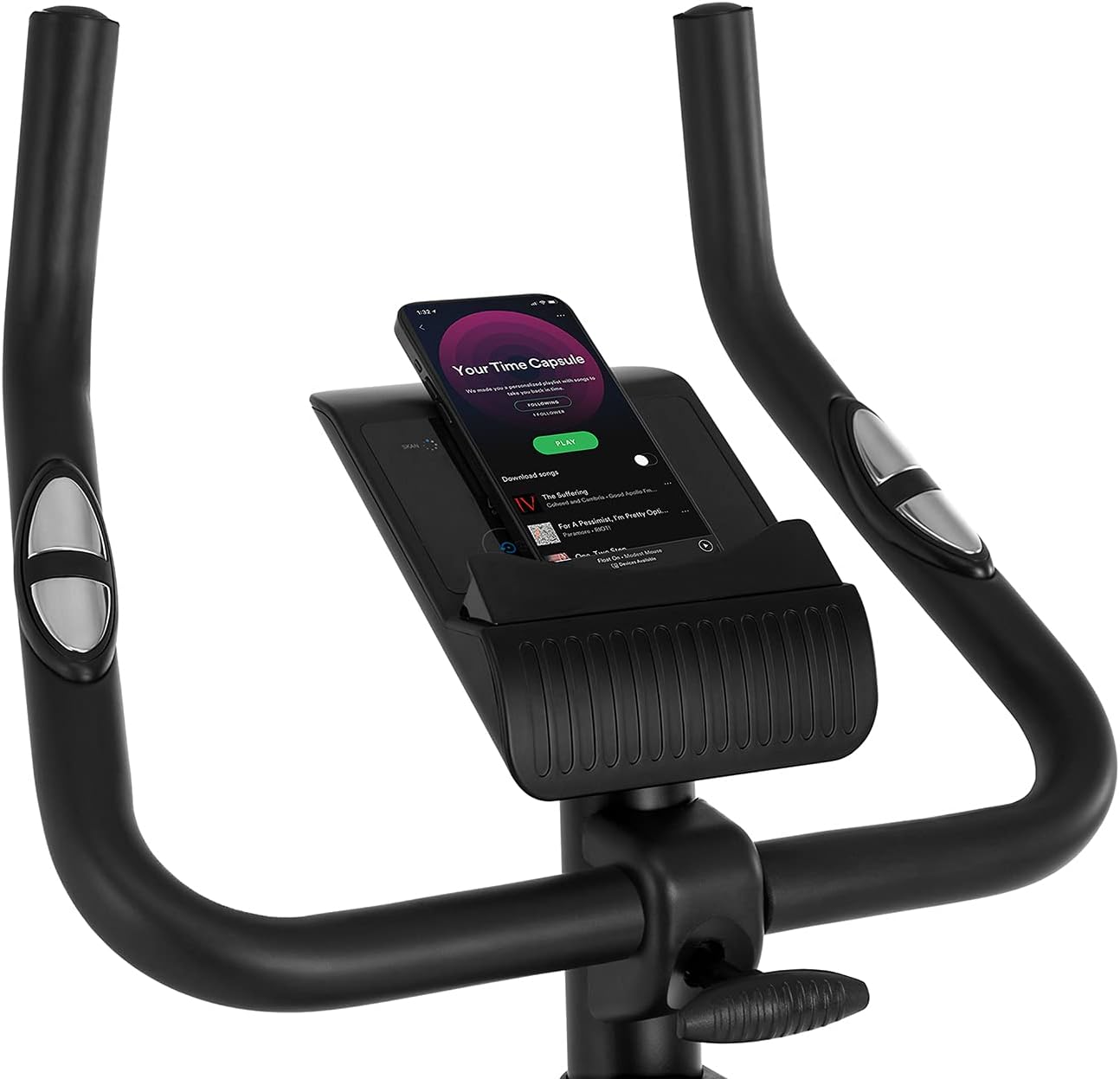
Figure 5.2: Demonstrating how to adjust the magnetic resistance using the tension control knob.
5.2 Saddle and Handlebar Adjustments
Proper adjustment of the saddle and handlebars ensures comfort and effective training.
- Înălțimea șeii: Loosen the adjustment knob on the seat post, raise or lower the saddle to your desired height (ensure a slight bend in your knee at the bottom of the pedal stroke), and tighten the knob securely.
- Saddle Horizontal Position: Loosen the knob beneath the saddle to slide it forward or backward for optimal positioning relative to the pedals. Tighten securely.
- Înălțimea ghidonului: Loosen the adjustment knob on the handlebar post, raise or lower the handlebars to a comfortable position, and tighten the knob securely.
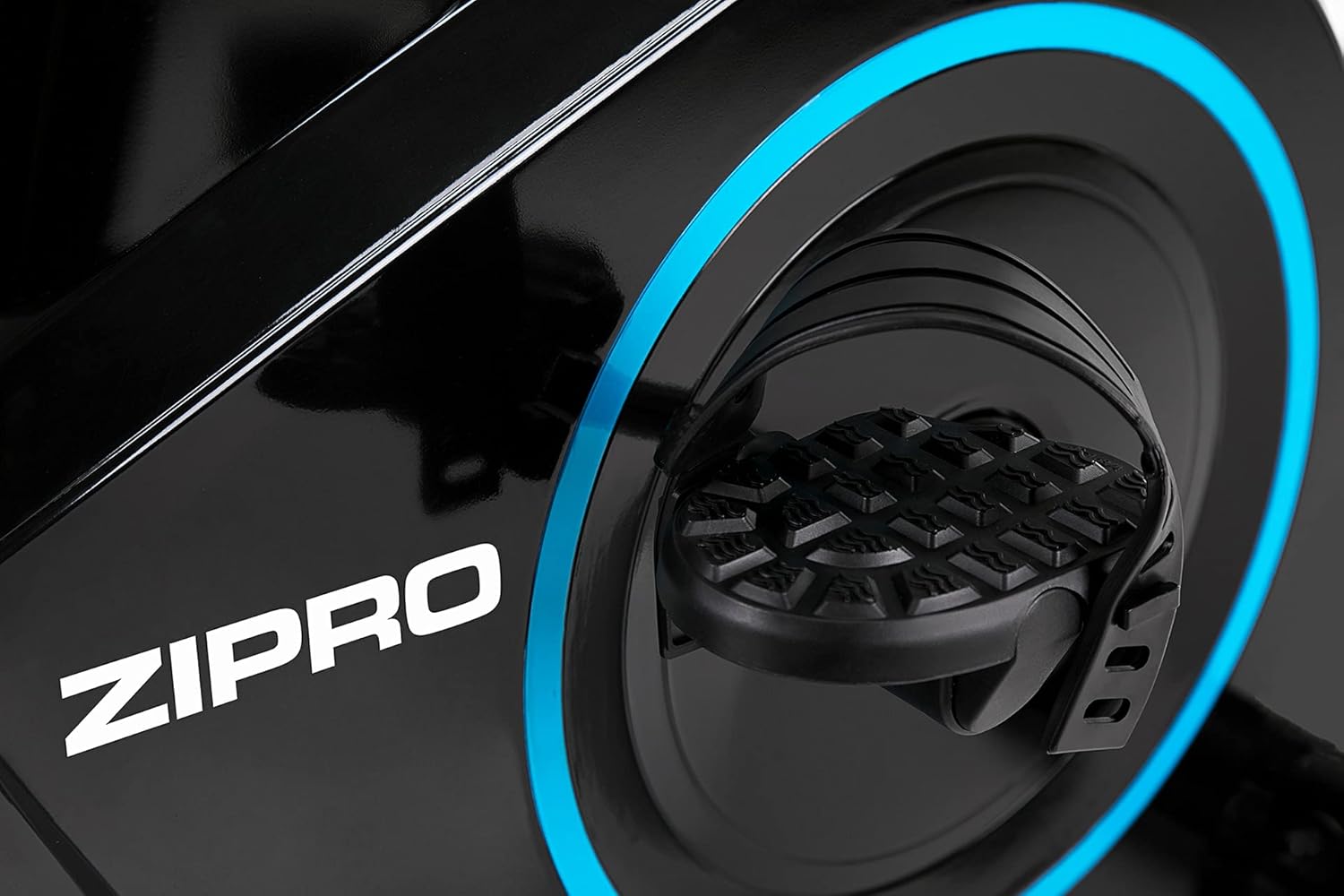
Figure 5.3: Adjusting the saddle's vertical position for user comfort.
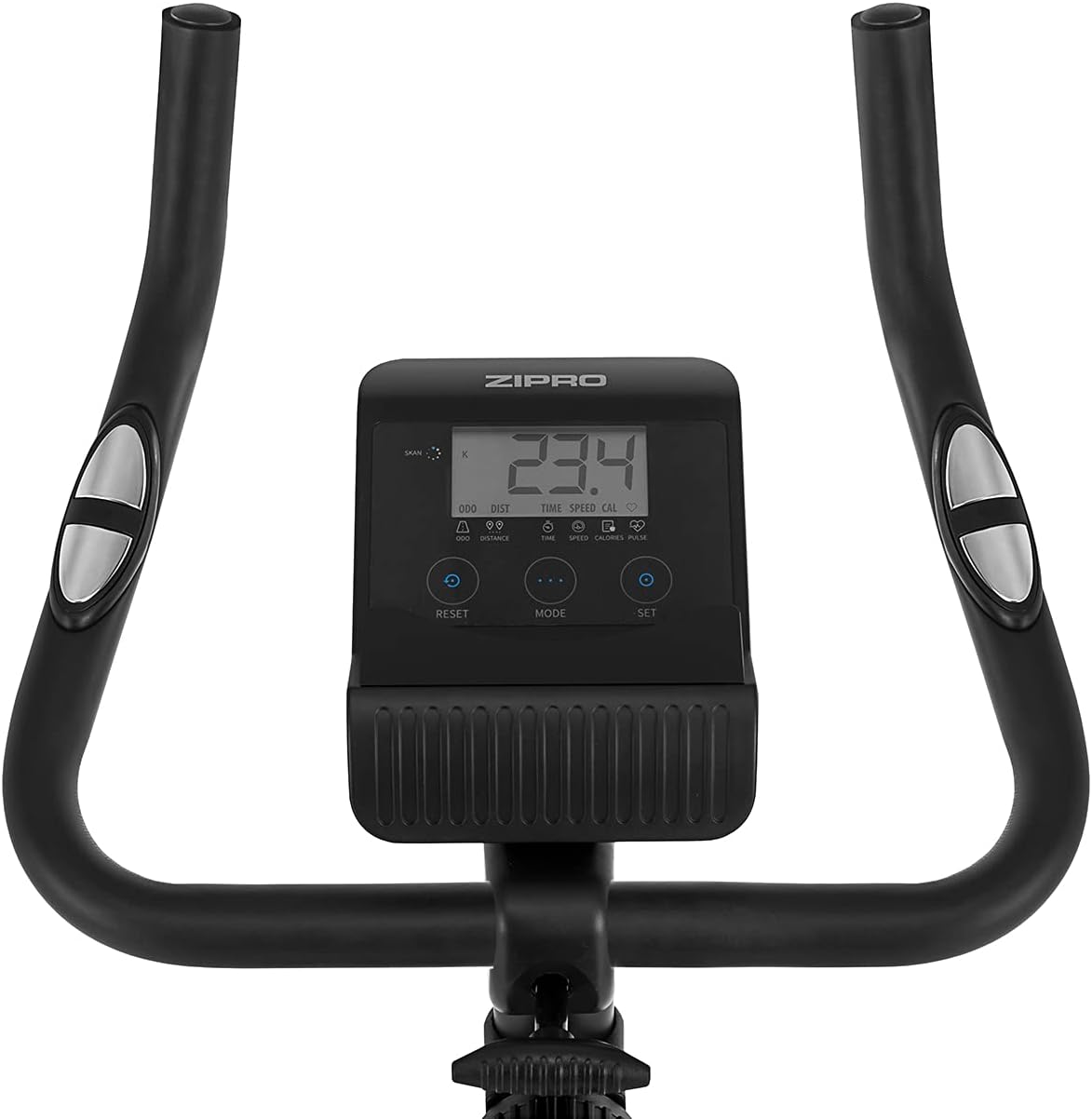
Figure 5.4: Adjusting the saddle's horizontal position for optimal riding posture.
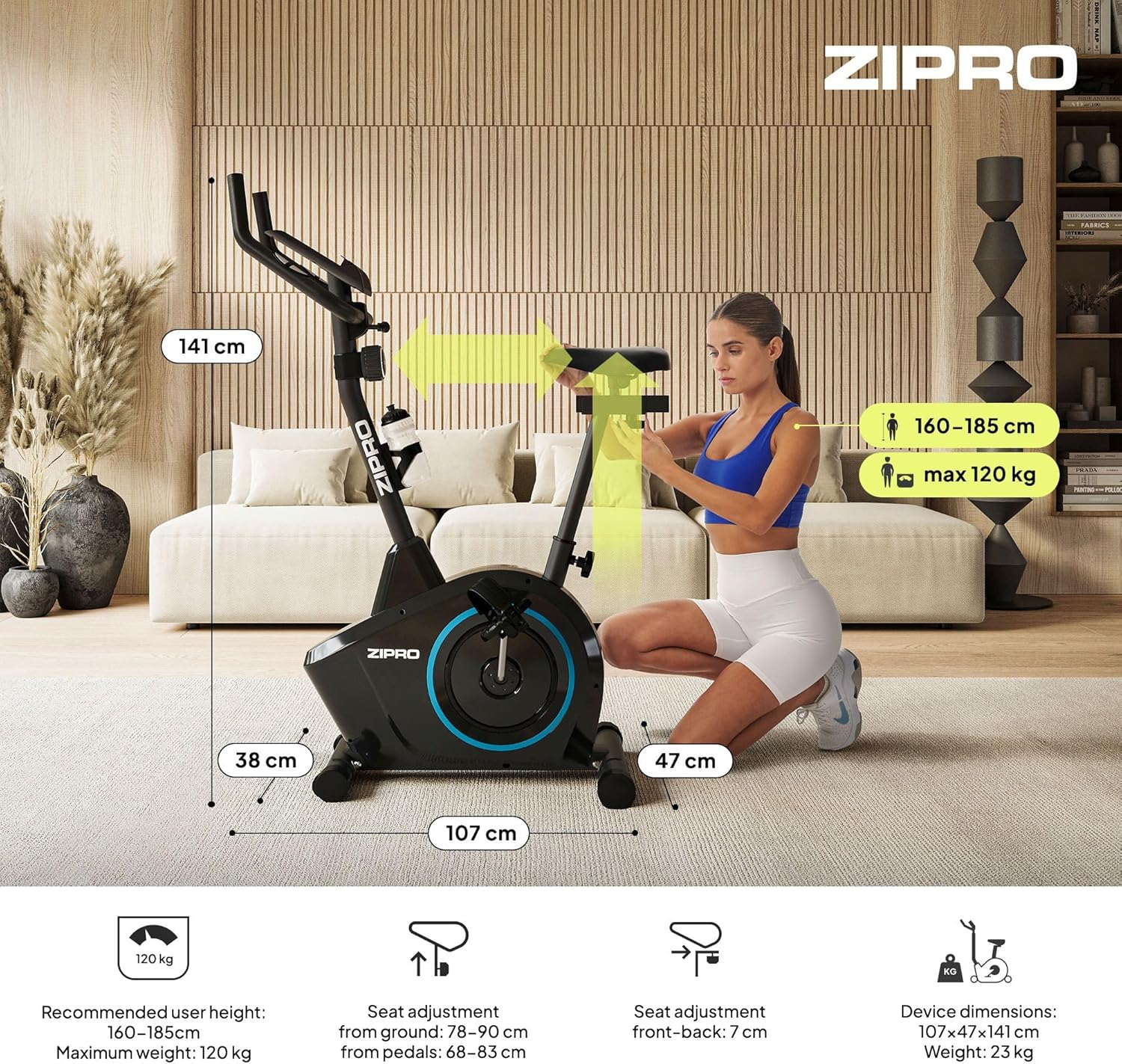
Figure 5.5: Adjusting the handlebar height to suit different user preferences and workout styles.
5.3 Computer Functions
The integrated computer tracks your workout data. It measures time, distance, speed, calories burned, and pulse (via sensors in the handlebar). The SCAN function cycles through all data alternately on the screen.
- Butonul MOD: Press to select the display function (Time, Speed, Distance, Calories, Odometer, Pulse).
- Butonul de resetare: Press and hold to clear all current workout data (Time, Distance, Speed, Calories).
- Buton SET: Used to set target values for Time, Distance, or Calories.
- Senzori de puls: Grip the metal plates on the handlebars to measure your heart rate.
- Mobile Device Shelf: A convenient shelf is provided above the computer for your smartphone or tablet.

Figure 5.6: The exercise computer display with MODE, RESET, and SET buttons.

Figura 5.7: Pesteview of the computer display and integrated pulse sensors.

Figure 5.8: The integrated shelf designed to hold a mobile device like a tablet during workouts.
6. Întreținere
Întreținerea regulată asigură longevitatea și funcționarea în siguranță a bicicletei dumneavoastră de fitness.
- curatenie: Ștergeți bicicleta cu reclamăamp ștergeți o lavetă după fiecare utilizare pentru a îndepărta transpirația și praful. Nu folosiți produse de curățare abrazive.
- Verificați conexiunile: Verificați periodic toate șuruburile, piulițele și șuruburile pentru a vă asigura că sunt strânse. Strângeți dacă este necesar.
- Lubrifiere: The magnetic resistance system is generally maintenance-free. If you notice any squeaking from moving parts (e.g., pedal axles), apply a small amount of silicone-based lubricant.
- Depozitare: When not in use, store the bike in a dry, cool place away from direct sunlight. The integrated transport wheels allow for easy movement.

Figure 6.1: The exercise bike features transport wheels for easy relocation after use.
7. Depanare
| Problemă | Cauza posibila | Soluţie |
|---|---|---|
| Ecranul computerului nu funcționează | Loose cable connection; Dead batteries | Check all cable connections to the computer; Replace batteries (if applicable). |
| Fără modificare a rezistenței | Cablul de rezistență deconectat sau deteriorat | Check the resistance cable connection to the tension knob and the main unit. |
| Zgomot de scârțâit sau măcinare | Loose parts; Lack of lubrication | Check and tighten all bolts and nuts; Apply silicone lubricant to moving parts if necessary. |
| Instabil în timpul utilizării | Bike not on a level surface; Loose stabilizers | Ensure the bike is on a flat surface; Adjust leveling caps on stabilizers; Tighten stabilizer bolts. |
8. Specificații
| Caracteristică | Caietul de sarcini |
|---|---|
| Model | 979536 |
| Dimensiuni (L x l x H) | 73 x 48 x 137 cm |
| Greutatea produsului | 23 kg |
| Greutatea maximă a utilizatorului | 120 kg |
| Sistem de rezistență | Magnetic, 8-level manual adjustment |
| Sistemul de acționare | centura |
| Funcții computer | Time, Distance, Speed, Calories, Pulse (Heart Rate) |
| Tip material | Plastic, Metal |
| Power Source (Computer) | Alimentat cu baterie |
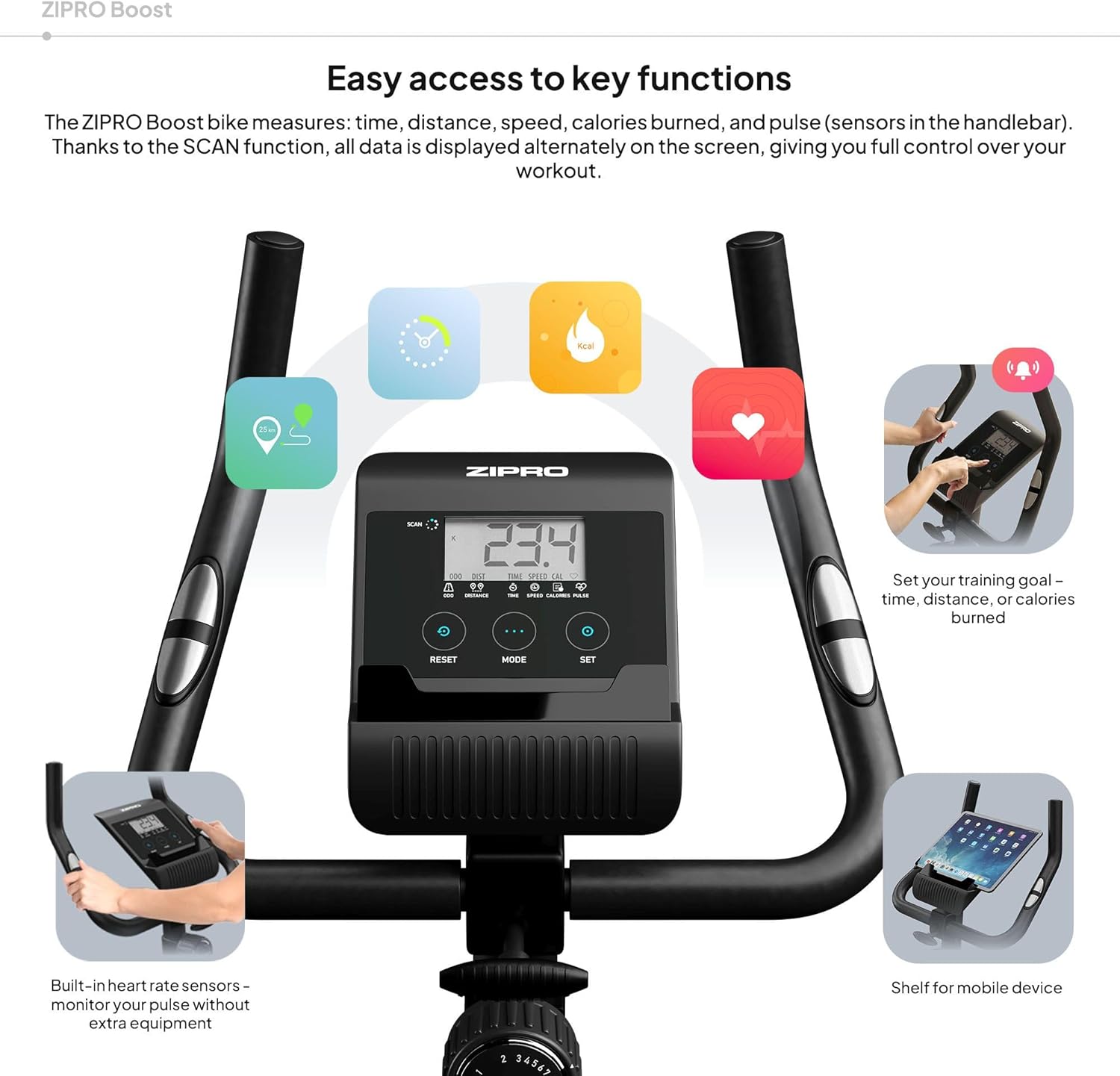
Figure 8.1: Key dimensions and user specifications for the exercise bike.
9. Garanție și asistență
Your ZIPRO Boost Exercise Bike comes with a standard manufacturer's warranty. Please refer to the warranty card included in your package for specific terms and conditions. For technical support, spare parts, or any inquiries not covered in this manual, please contact ZIPRO customer service through their official website-ul sau comerciantul de unde ați achiziționat produsul.