
1. Introducere
The Benetech GM610 is a portable digital wood moisture meter designed for quick and accurate measurement of moisture content in various wood types. It also provides environmental temperature and humidity readings. This manual provides detailed instructions for the proper use, setup, operation, and maintenance of your device to ensure optimal performance and longevity.
2. Caracteristicile produsului
- Adjustable for 4 different wood species groups.
- Data hold function to lock readings.
- Automatic temperature compensation for varying environmental conditions.
- Review function for maximum moisture reading.
- Backlight on/off switch for improved visibility.
- Utilizes CPU technology for precise measurements.
- Powered by 2 AAA batteries with a battery icon indicator on the display.
- Large LCD display for clear readability.
- Automatic power-off after 120 seconds of inactivity; manual power-off is also available.
- Capable of measuring environmental humidity and temperature.
3. Produs terminatview

Figura 1: Față view of the Benetech GM610 Wood Moisture Meter with the protective cap removed, displaying the LCD screen and control buttons.

Figure 2: The Benetech GM610 Wood Moisture Meter held in hand, demonstrating the illuminated LCD display with current readings.
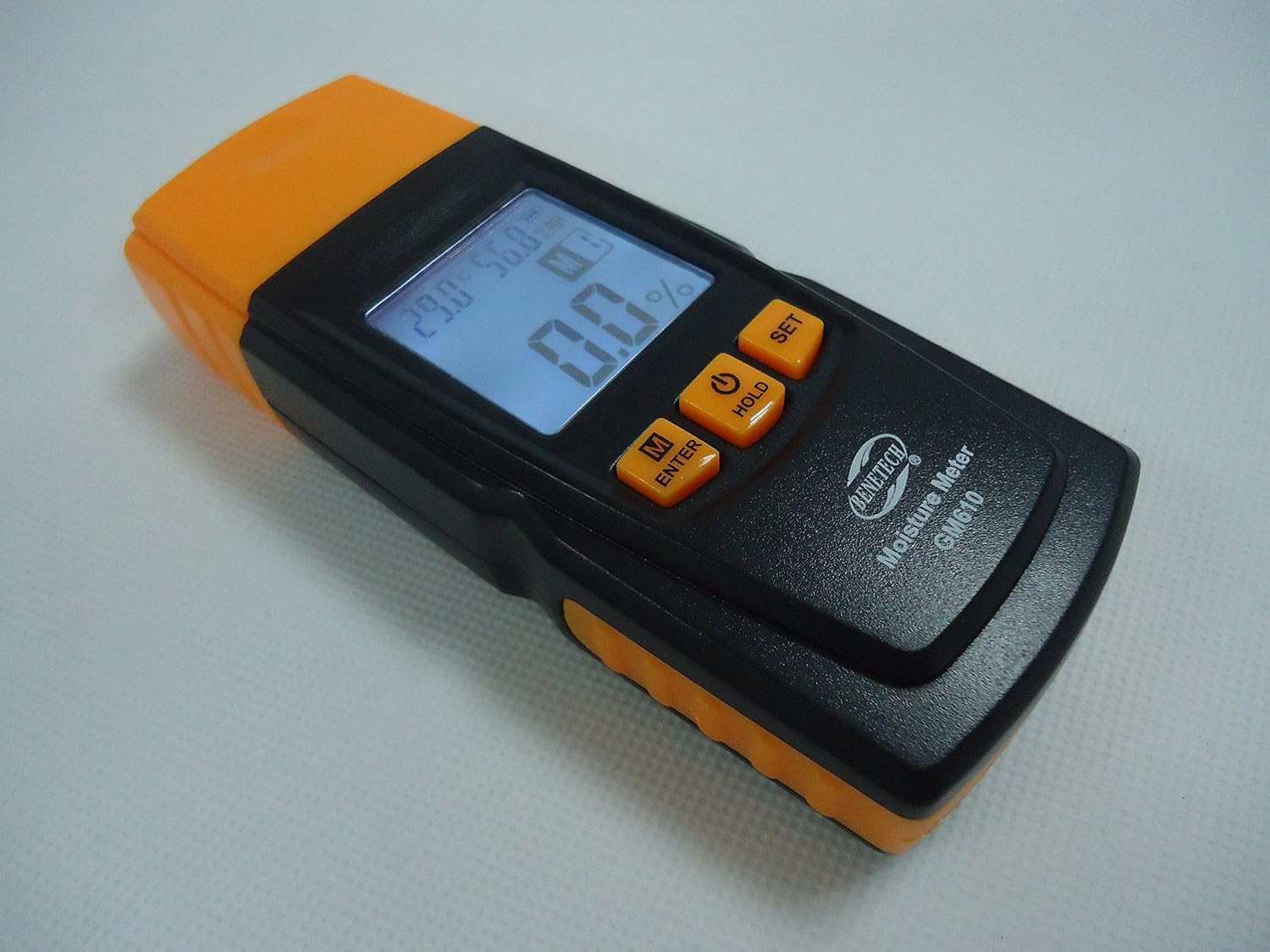
Figura 3: Un unghi view of the Benetech GM610, showing the top measurement pins and the side profile a dispozitivului.

Figure 4: The Benetech GM610 Wood Moisture Meter presented in its open retail packaging, with the orange protective cap positioned next to it.
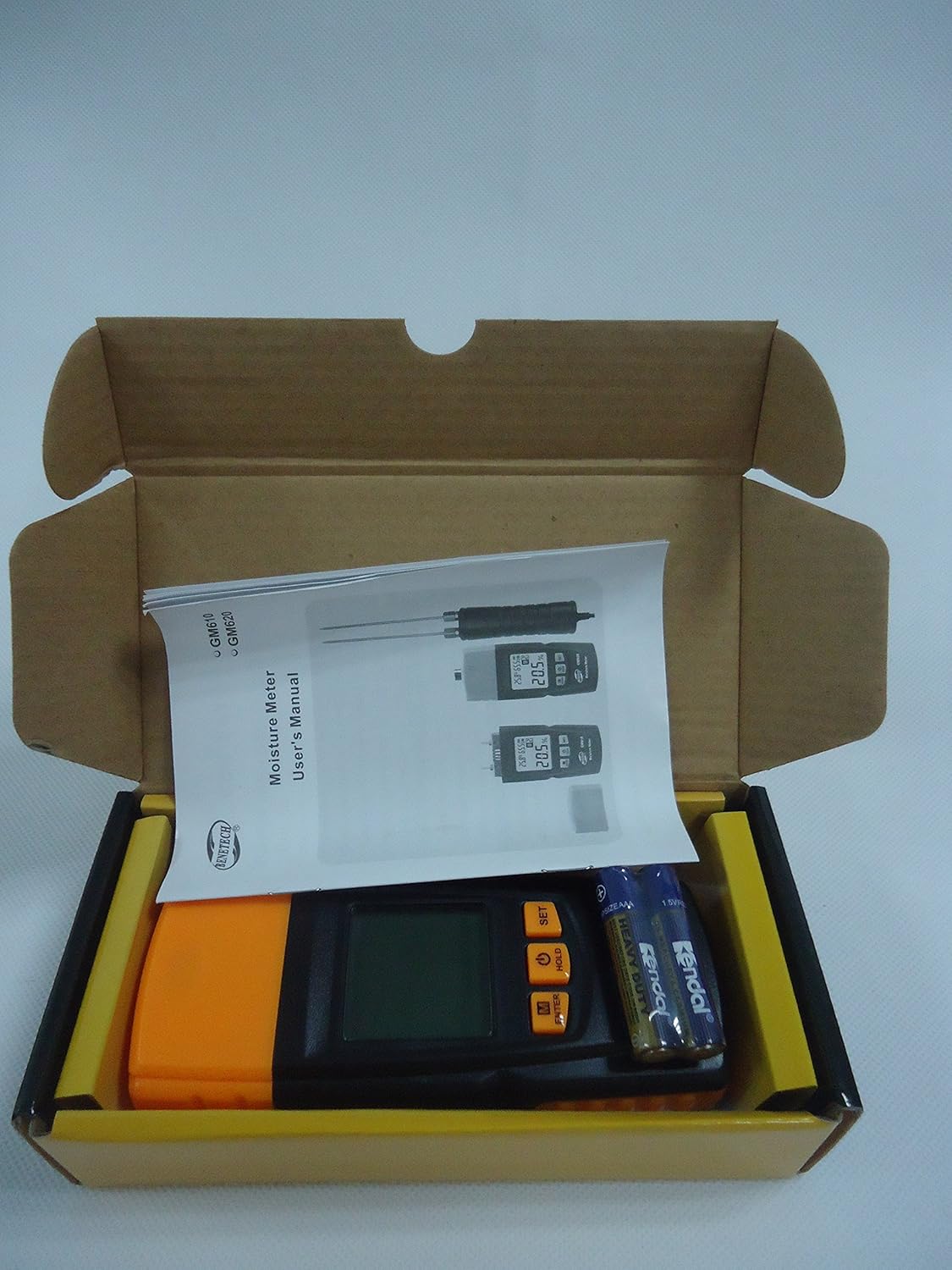
Figure 5: Contents of the Benetech GM610 package, including the moisture meter, user manual, and AAA batteries.
4. Configurare
4.1 Instalarea bateriei
- Localizați capacul compartimentului bateriei pe spatele dispozitivului.
- Glisați sau desfaceți capacul pentru a deschide compartimentul.
- Introduceți două (2) baterii AAA de 1.5 V, asigurându-vă că polaritatea este corectă (+/-).
- Puneți bine capacul compartimentului bateriei.
Notă: Bateriile nu sunt de obicei incluse și trebuie achiziționate separat.
5. Instrucțiuni de utilizare
5.1 Pornire/Oprire
- Pentru a porni dispozitivul, apăsați tasta ȚINE button (power symbol).
- To manually power off the device, press and hold the ȚINE butonul pentru aproximativ 2 secunde.
- Dispozitivul se va opri automat după 120 secunde de inactivitate pentru a economisi bateria.
5.2 Measuring Wood Moisture
- Scoateți capacul de protecție de pe știfturile de măsurare.
- Gently push the measurement pins into the wood surface to be tested. Ensure both pins are fully inserted and make good contact with the wood.
- The moisture content percentage va fi afișat pe ecranul LCD.
- După măsurare, scoateți cu grijă știfturile și puneți la loc capacul de protecție.
5.3 Selecting Wood Species Group
The GM610 allows adjustment for 4 different wood species groups to ensure accurate readings. Refer to the wood species chart (usually provided in a separate document or on the device itself) to determine the correct group for your wood type.
- Apăsați tasta M/ENTER button to cycle through the wood species groups (M1, M2, M3, M4).
- Select the group that corresponds to the wood you are measuring.
5.4 Funcția de păstrare a datelor
Pentru a îngheța citirea curentă pe afișaj:
- While a measurement is being taken, briefly press the ȚINE button. The reading will be held on the screen.
- Apăsați tasta ȚINE Apăsați din nou butonul pentru a elibera citirea și a relua măsurarea în timp real.
5.5 Control iluminare de fundal
To turn the display backlight on or off:
- Apăsați tasta SET button to toggle the backlight.
5.6 Environmental Measurement
The device also displays the ambient temperature and relative humidity on the upper part of the LCD screen.
- The temperature unit (Celsius or Fahrenheit) can typically be switched by pressing and holding the SET button (refer to specific device instructions if this differs).
6. Întreținere
6.1 Curățare
- Ștergeți dispozitivul cu o cârpă moale și uscată.
- Nu utilizați agenți de curățare abrazivi sau solvenți.
- Ensure the measurement pins are clean and free of debris after each use.
6.2 Depozitare
- Puneți întotdeauna capacul de protecție peste pinii de măsurare atunci când nu îl utilizați, pentru a preveni deteriorarea și accidentarea.
- Depozitați dispozitivul într-un loc răcoros și uscat, ferit de lumina directă a soarelui și de temperaturi extreme.
- Dacă depozitați pentru o perioadă lungă de timp, scoateți bateriile pentru a preveni scurgerile.
6.3 Înlocuirea bateriei
When the battery indicator on the LCD shows low power, replace the batteries as described in the Setup section (4.1 Battery Installation).
7. Depanare
| Problemă | Cauza posibila | Soluţie |
|---|---|---|
| Dispozitivul nu pornește. | Baterii descărcate sau descărcate; instalare incorectă a bateriilor. | Înlocuiți bateriile cu altele noi, asigurând polaritatea corectă. |
| Citiri inexacte ale umidității. | Incorrect wood species group selected; pins not fully inserted; pins dirty or damaged. | Verify wood species group; ensure pins are fully inserted; clean or inspect pins for damage. |
| Afișajul este întunecat sau pâlpâie. | Putere scăzută a bateriei. | Înlocuiți bateriile. |
| Auto-off function not working. | Device is actively being used or buttons pressed. | Ensure no interaction for 120 seconds. If issue persists, contact support. |
8. Specificații
| Parametru | Valoare |
|---|---|
| Moisture Measurement Range | 2% to 70% (specific ranges for wood types: 2~40%/50%/60%/70%) |
| Moisture Measurement Error | ±1% |
| Interval de temperatură | -10℃ la 60℃ (14℉ la 140℉) |
| Intervalul de umiditate | 20% HR până la 90% HR |
| Alimentare electrică | 2 baterii AAA de 1.5 V |
| Oprire automată | După 120 de secunde de inactivitate |
| Greutate | 107.7g (cu excepția bateriilor) |
| Dimensiuni | 135.6 mm x 55 mm x 29.4 mm |
9. Garanție și asistență
This Benetech GM610 Wood Moisture Meter is covered by a standard manufacturer's warranty against defects in materials and workmanship. Please refer to your purchase documentation for specific warranty terms and duration.
For technical support, troubleshooting assistance, or warranty claims, please contact the retailer or manufacturer directly using the contact information provided at the time of purchase.