
1. Introducere
Thank you for choosing the Flexispot EB2B Electric Height-Adjustable Desk Frame. This manual provides essential information for the safe and efficient assembly, operation, and maintenance of your new desk frame. Please read this manual thoroughly before installation and keep it for future reference.
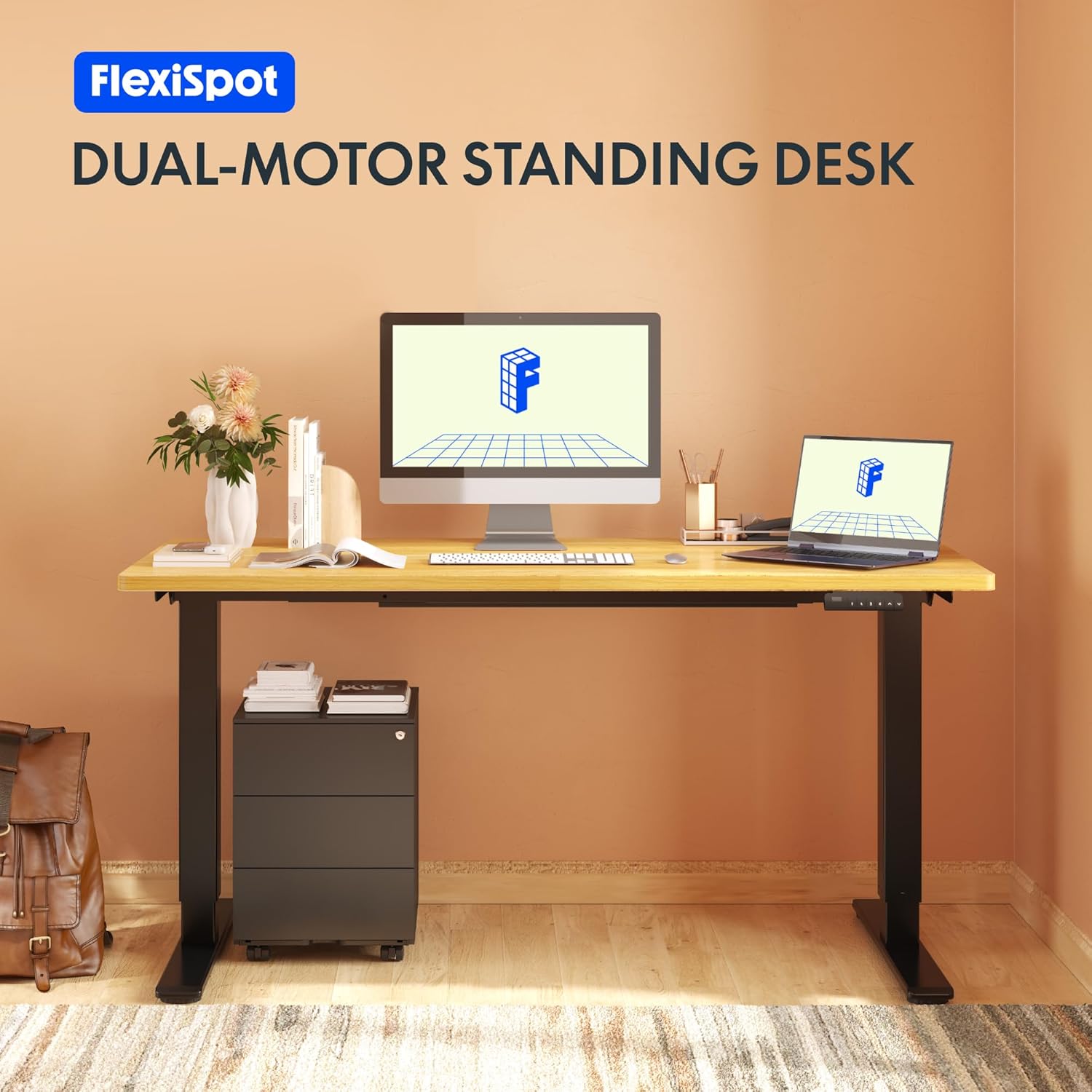
Image: The Flexispot EB2B desk frame supporting a complete desk setup, highlighting its dual-motor design.
2. Informații de siguranță
Pentru a asigura o funcționare în siguranță și a preveni deteriorarea, vă rugăm să respectați următoarele măsuri de siguranță:
- Asigurați-vă că toate componentele sunt bine fixate înainte de utilizare.
- Nu depășiți capacitatea maximă de greutate de 100 kg (220 lbs).
- Țineți copiii și animalele de companie departe de birou în timpul funcționării pentru a preveni accidentările cauzate de piesele în mișcare.
- Ensure there are no obstructions in the desk's path when adjusting height. The anti-collision system is designed to prevent damage, but manual vigilance is always recommended.
- Do not disassemble or modify the desk frame or its electrical components. Contact qualified personnel for repairs.
- Deconectați alimentarea cu energie electrică înainte de curățare sau efectuarea oricărei operațiuni de întreținere.

Image: Visual representation of the anti-collision system, showing the desk rebounding upon detecting an obstruction.
3. Conținutul pachetului
Vă rugăm să verificați dacă toate piesele sunt prezente înainte de a începe asamblarea:
- Picioare de birou (2)
- Picioare (2)
- Bară transversală (1)
- Suporturi laterale (2)
- Caseta de control (1)
- Handset/Control Panel (1)
- Adaptor de alimentare (1)
- Cablu de alimentare (1)
- Cleme pentru gestionarea cablurilor (4)
- Elemente de asamblare (șuruburi, chei Allen etc.)

Image: All main components of the Flexispot EB2B desk frame, including the dual legs, crossbar, and control panel.
4. Configurare și asamblare
Follow these steps to assemble your Flexispot EB2B desk frame. It is recommended to have two people for assembly.
- Pregătiți zona: Clear a spacious area for assembly. Lay down a soft cloth or cardboard to protect the desk frame and your floor.
- Attach Feet to Legs: Securely attach the feet to the bottom of each desk leg using the provided screws.
- Assemble the Crossbar: Connect the two desk legs to the adjustable crossbar. Ensure the crossbar is extended to the desired width to accommodate your tabletop (Min: 110cm, Max: 180cm).
- Instalați suporturile laterale: Attach the side brackets to the top of the desk legs, which will support your tabletop.
- Mount the Control Box: Secure the control box to the designated area under the crossbar.
- Cabluri de conectare: Connect the motor cables from each leg to the control box. Connect the handset cable to the control box. Finally, connect the power adapter to the control box and the power cord to the adapter.
- Atașați blatul de masă: Carefully place your tabletop (not included) onto the assembled frame. Ensure it is centered and aligned. Secure the tabletop to the frame using appropriate screws (ensure screws are not too long to penetrate the tabletop surface). The frame is compatible with tabletops from 110 cm to 180 cm wide and 50 cm to 80 cm deep.
- Organizare de cabluri: Use the provided cable management clips to organize and secure all cables, preventing them from dangling or getting caught.

Image: A diagram illustrating the adaptable desktop sizes (width and depth) that the Flexispot EB2B desk frame can accommodate.
5. Instrucțiuni de utilizare
The Flexispot EB2B features a user-friendly control panel for height adjustment and memory functions.
5.1. Reglarea de bază a înălțimii
- Ridicați biroul: Țineți apăsat butonul SUS (^) buton pentru a ridica biroul la înălțimea dorită.
- Biroul inferior: Țineți apăsat butonul JOS (v) buton pentru a coborî biroul la înălțimea dorită.
- The LED display will show the current height in centimeters. The desk operates smoothly and quietly, with a noise level below 50 dB and a lifting speed of 3.2 cm/sec.
5.2. Presetări de memorie
The control panel allows you to save up to four preferred height settings.
- Adjust the desk to your desired height using the UP/DOWN buttons.
- Apăsați tasta „M.” button (or 'S' depending on the model) followed by the desired preset number (1, 2, 3 sau 4). The display will show 'S-' then the number, indicating the height has been saved.
- To recall a saved height, simply press the corresponding preset number (1, 2, 3 sau 4Biroul se va muta automat în poziția salvată.
5.3. Sedentary Reminder System
The advanced control panel includes a sedentary reminder system to encourage healthy work habits. Consult your specific control panel's instructions for activating and setting reminder intervals.
5.4. Anti-Collision System
The desk is equipped with an anti-collision system. If the desk encounters an obstruction during height adjustment, it will automatically stop and reverse slightly to prevent damage. You can adjust the sensitivity of this system (refer to the detailed control panel manual for specific steps).

Imagine: O imagine detaliată view of the control panel, showing the LED display, up/down buttons, and four memory preset buttons.
6. Întreținere
Regular maintenance ensures the longevity and optimal performance of your desk frame.
- curatenie: Ștergeți cadrul biroului cu o lavetă moale șiamp cloth. Avoid using harsh chemicals or abrasive cleaners. Ensure the desk is unplugged before cleaning.
- Inspecţie: Verificați periodic toate șuruburile și conexiunile pentru a vă asigura că sunt strânse. Strângeți-le din nou dacă este necesar.
- Verificare cablu: Asigurați-vă că toate cablurile sunt conectate corect și nu prezintă deteriorări.
- Lubrifiere: The lifting mechanism is designed for maintenance-free operation. Do not apply lubricants unless specifically instructed by Flexispot support.
7. Depanare
If you encounter issues with your Flexispot EB2B desk frame, refer to the following common problems and solutions:
| Problemă | Cauza posibila | Soluţie |
|---|---|---|
| Biroul nu se mișcă. | Cablul de alimentare este deconectat; eroare cutia de control. | Check all cable connections. Unplug and replug the power cord. Perform a reset (see below). |
| Biroul se mișcă neuniform sau face zgomote neobișnuite. | Loose connections; uneven weight distribution. | Check all screws and ensure they are tight. Redistribute weight evenly on the tabletop. |
| Error code on display (e.g., E01, E02). | System error; overload; motor issue. | Refer to the specific error code in the detailed control panel manual. Often, a reset can resolve these. |
| Anti-collision system triggers too often. | High sensitivity setting. | Adjust the anti-collision sensitivity via the control panel settings (refer to control panel manual). |
7.1. Procedura de resetare
If the desk is not functioning correctly, a reset may resolve the issue:
- Țineți apăsat butonul JOS (v) button until the desk reaches its lowest position and slightly rebounds. Continue holding for approximately 5-10 seconds until the display shows 'RST' or 'RESET'.
- Release the button. The desk will then move slightly up and down to calibrate. Once the display shows the lowest height (e.g., 71.0), the reset is complete.
8. Specificații
| Caracteristică | Detaliu |
|---|---|
| Numărul de model | EB2B (E2B-DE / EB2B-EU) |
| Height Range (without tabletop) | 71 cm - 119 cm (27.9" - 46.8") |
| Frame Width (extensible) | 110 cm - 180 cm (43.3" - 70.8") |
| Compatible Tabletop Width | 110 cm - 180 cm (43.3" - 70.8") |
| Compatible Tabletop Depth | 50 cm - 80 cm (19.7" - 31.5") |
| Capacitate maximă de încărcare | 100 kg (220 lbs) |
| Viteza de ridicare | 3.2 cm/sec (1.26"/sec) |
| Nivel de zgomot | < 50 dB |
| Motoare | Dual-motor system |
| Panoul de control | Advanced all-in-one keyboard with 4 memory presets and sedentary reminder. |
| Sistem anti-coliziune | Da |
| Material | Oțel aliat |
| Culoare | Negru |

Image: The Flexispot EB2B frame demonstrating its large height adjustment range (70-119 cm) and anti-collision feature.
9. Garanție și asistență
Flexispot stands behind the quality of its products.
- Garanția cadrului: The desk frame is covered by a 5 an garanție.
- Motor and Controller Warranty: The motors and controllers are covered by a 3 an garanție.
For warranty claims, technical support, or any questions not covered in this manual, please contact Flexispot customer service through their official website or your point of purchase. Please have your model number (EB2B) and purchase information ready.

Image: Visual representation of the warranty terms: 5 years for the desk frame and 3 years for controllers and motors.