
Introducere
This manual provides instructions for the proper setup, operation, and maintenance of your Targus W600 Wireless Optical Mouse. Please read this manual thoroughly before using the device to ensure optimal performance and longevity.
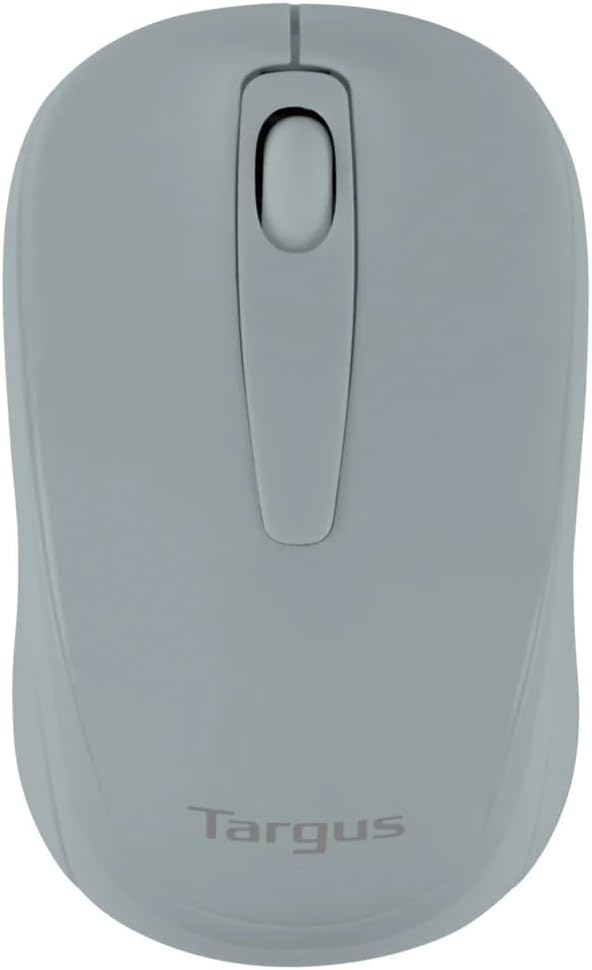
Figure 1: Targus W600 Wireless Optical Mouse (Quarry Gray)
Conținutul pachetului
Asigurați-vă că toate articolele sunt prezente în colet:
- Targus W600 Wireless Optical Mouse
- Receptor USB
- Manual de utilizare (acest document)
Note: 1 AA battery is required and sold separately.
Caracteristicile produsului
- 2.4 GHz Wireless Technology for reliable connection
- 1600 DPI Optical Sensor for precise tracking
- Design ergonomic pentru utilizare confortabilă
- Compatibil cu sistemele de operare Windows și Mac
- Integrated USB receiver storage compartment
Înființat
1. Instalarea bateriei
- Turn the mouse over to locate the battery compartment cover.
- Gently slide the cover off.
- Introduceți o (1) baterie AA, asigurându-vă că polaritatea este corectă (+/-).
- Înlocuiți capacul compartimentului bateriei.
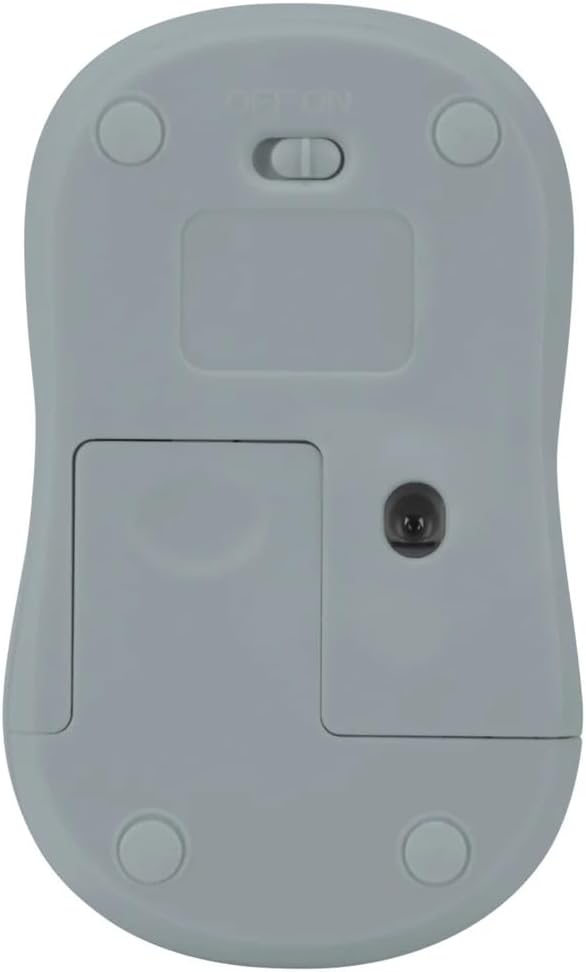
Figura 2: De jos view of the mouse with battery compartment and power switch.
2. Conectarea receptorului USB
- Locate the USB receiver, typically stored inside the mouse's battery compartment or a dedicated slot.
- Conectați receptorul USB la un port USB disponibil de pe computer.
- Calculatorul dumneavoastră ar trebui să detecteze și să instaleze automat driverele necesare. Acest lucru poate dura câteva momente.
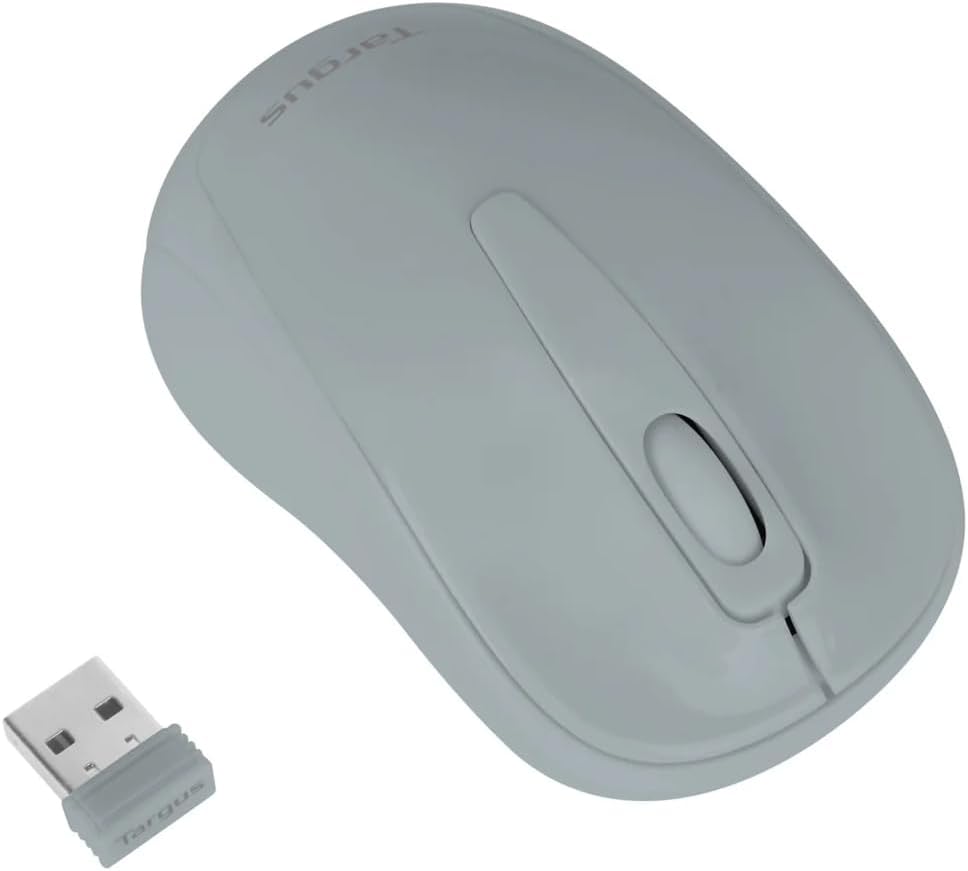
Figure 3: Targus W600 mouse and its USB receiver.

Figure 4: USB receiver plugged into a laptop, with the mouse nearby.
3. Pornirea mouse-ului
On the bottom of the mouse, slide the ON/OFF switch to the "ON" position. The mouse is now ready for use.
Operarea mouse-ului
The Targus W600 Wireless Optical Mouse functions like a standard 3-button mouse. It features a left button, a right button, and a scroll wheel that also acts as a middle button.
- Click stânga: Primary action, selection, opening items.
- Click dreapta: Deschide meniuri contextuale.
- Rotiță de defilare: Derulează documente și web pages vertically. Pressing the scroll wheel acts as a middle click, often used for opening links in new tabs or specific application functions.
The 1600 DPI optical sensor provides smooth and accurate cursor control on most surfaces. For best performance, use on a mouse pad or a non-reflective, uniform surface.
Întreţinere
Curatenie
Pentru a curăța mouse-ul, ștergeți ușor suprafața cu o lavetă moale șiamp cloth. Avoid using harsh chemicals or abrasive cleaners, as these can damage the finish or internal components. Ensure no liquid enters the mouse.
Înlocuirea bateriei
When the mouse performance degrades or stops responding, it may be time to replace the battery. Follow the steps outlined in the "Installing the Battery" section to replace the AA battery. Dispose of used batteries responsibly according to local regulations.
Depanare
| Problemă | Soluţie |
|---|---|
| Șoarecele nu răspunde |
|
| Mișcare neregulată a cursorului |
|
| Raza wireless scurta |
|
Specificații
| Numărul de model | AMW60006AP-55 |
| Conectivitate | Wireless 2.4 GHz (receptor USB) |
| Tehnologia senzorilor | Optic |
| DPI | 1600 DPI |
| Numărul de butoane | 3 (Stânga, Dreapta, Rotiță de derulare/Clic mijloc) |
| Sursa de alimentare | 1 x baterii AA (nu sunt incluse) |
| Sisteme de operare compatibile | Windows, Mac |
Notă: Specificațiile pot fi modificate fără notificare prealabilă.
Garanție și suport
For warranty information and technical support, please refer to the official Targus website-ul lor web sau contactați serviciul lor de asistență pentru clienți. Păstrați bonul fiscal ca dovadă a achiziției pentru reclamațiile în garanție.
Targus Official Website: www.targus.com


