
Introducere
This manual provides essential information for the proper installation, operation, and maintenance of the SIMPLEX 4010-9818 Wired Network Media Card. Please read these instructions thoroughly before proceeding with any installation or handling procedures to ensure safe and correct usage.

Figure 1: SIMPLEX 4010-9818 Wired Network Media Card as packaged, including the anti-static bag, ferrite bead kit, and the installation instruction sheet.
Informații de siguranță
CITIȚI ȘI SALVĂȚI ACESTE INSTRUCȚIUNI.
This section outlines critical safety precautions and regulatory information. Adherence to these guidelines is mandatory to prevent damage to the product, ensure personal safety, and maintain compliance.
- Integritatea produsului: Do not install any SIMPLEX product that appears damaged. If damage is apparent, immediately file a claim with the shipping carrier and notify your local SIMPLEX product supplier.
- Pericol electric: Disconnect electrical field power when making adjustments or repairs to avoid electric shock. Only qualified personnel should perform these tasks.
- Static Hazard: Static electricity can damage sensitive electronic components. Handle the product as follows:
- Ground yourself before opening or installing the product.
- Keep the product in its static-shielded bag until it is ready for installation.

Figure 2: The product is enclosed in a static-shielded bag, indicated by the "ATTENTION Static Sensitive" label. Handle with care to prevent electrostatic discharge damage.
- Eye Safety Hazard: Under certain fiber optic application conditions, the optical output of this device may exceed eye safety limits. Do not use magnifying optical devices (e.g., microscopes or other viewing equipment) when viewla ieşirea acestui dispozitiv.
- FCC Rules and Regulations - Part 15: Acest echipament a fost testat și s-a constatat că respectă limitele pentru un dispozitiv digital de clasă A, în conformitate cu Partea 15 din Regulile FCC. Aceste limite sunt concepute pentru a oferi o protecție rezonabilă împotriva interferențelor dăunătoare atunci când echipamentul este utilizat într-un mediu comercial.
Configurare și instalare
The SIMPLEX 4010-9818 Wired Network Media Card is designed for internal installation within compatible systems. Follow these steps carefully for proper setup.
1. Despachetarea și inspecția
Carefully remove the network media card from its packaging. Inspect the card for any visible signs of damage. Ensure all components, including the ferrite bead installation kit, are present.

Figure 3: The product is typically shipped in a protective cardboard box, labeled with the product description "WIRED NETWORK MEDIA CARD" and part number 0742100.
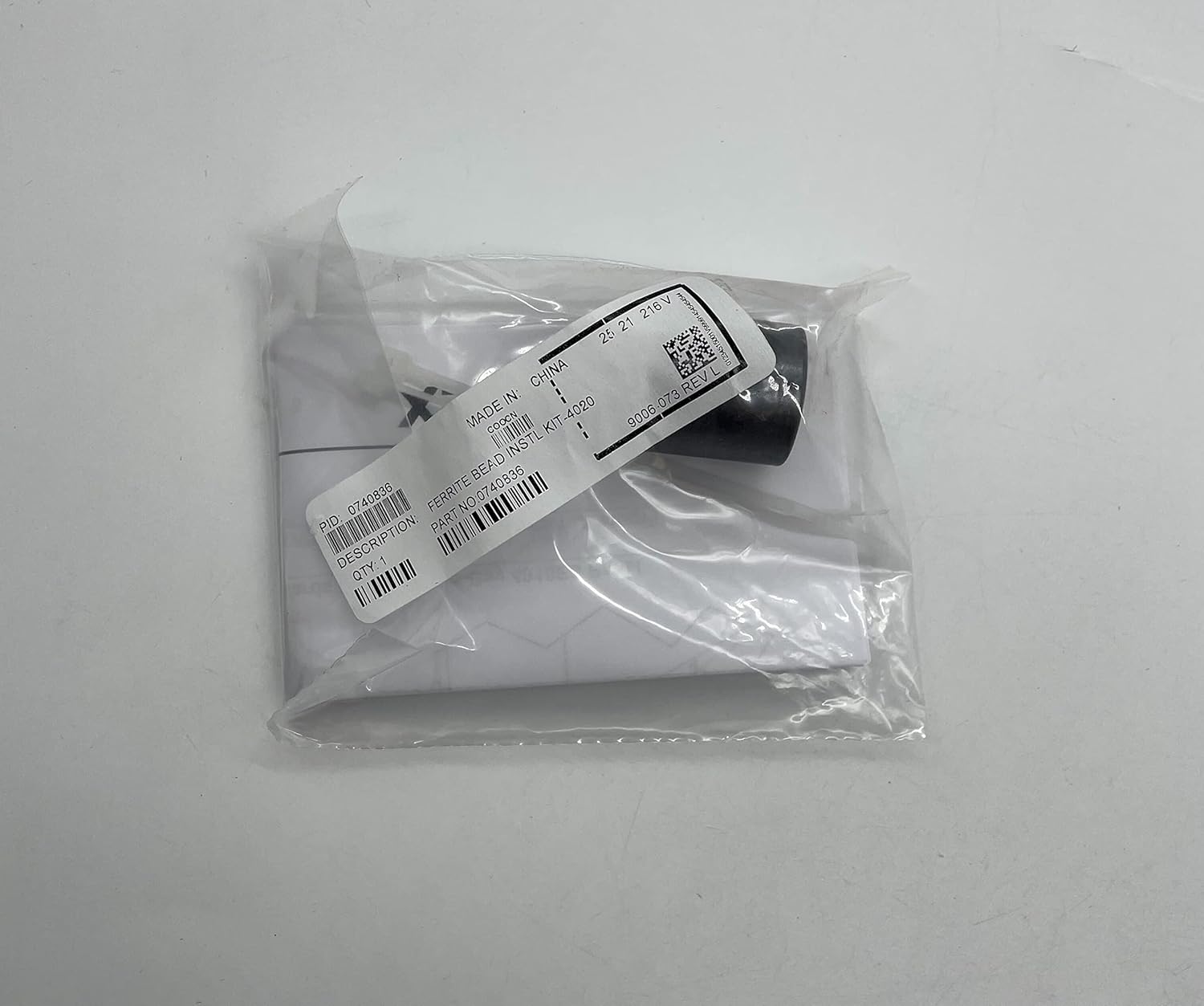
Figure 4: The ferrite bead installation kit, part number 9006-073 REV L, is included for proper electromagnetic interference suppression.
2. Pregătirea pentru instalare
- Ensure the host system (Desktop or Laptop) is powered off and disconnected from all power sources.
- Open the computer case to access the internal component slots.
- As per safety guidelines, ground yourself to dissipate any static electricity before handling the card.
3. Card Installation
- Carefully remove the SIMPLEX 4010-9818 card from its static-shielded bag.
- Align the card with an available compatible internal slot (e.g., PCI, PCIe, depending on the card's interface).
- Gently but firmly press the card into the slot until it is fully seated. Do not force the card.
- Secure the card with any retaining clips or screws provided by your computer case.

Figure 5: The reverse side of the anti-static bag confirms the product as a "WIRED MEDIA MODULE," model number 4010-9818.
4. Ferrite Bead Installation (if applicable)
Refer to the specific instructions provided with the ferrite bead kit for proper installation. Ferrite beads are typically installed on cables to reduce electromagnetic interference.
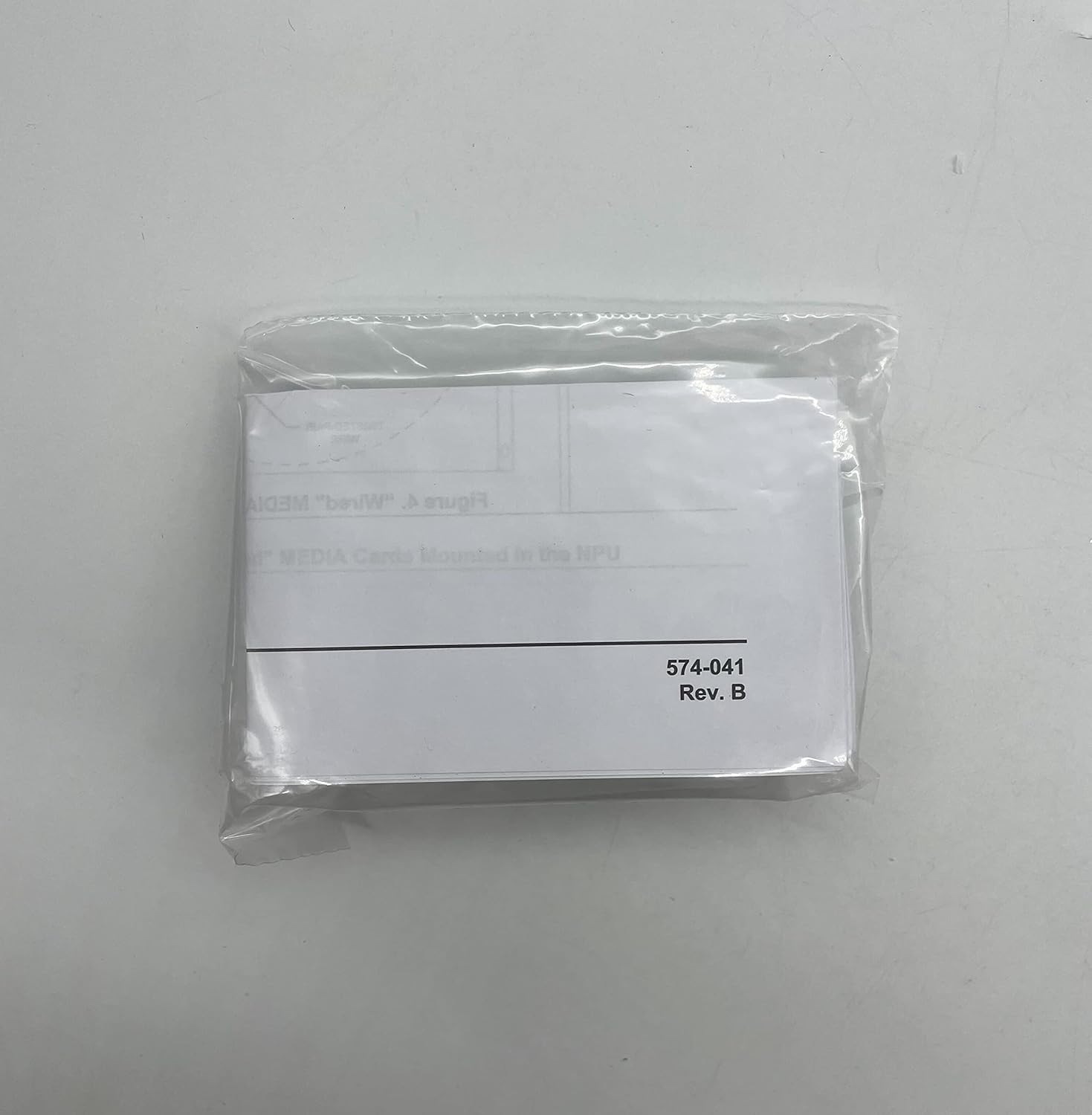
Figure 6: A small plastic bag containing additional components, possibly related to installation or specific configurations, labeled "574-041 Rev. B."
5. Closing the System
Once the card is securely installed, close the computer case and reconnect all peripherals and power cables.
Instrucțiuni de operare
After successful installation, the SIMPLEX 4010-9818 Wired Network Media Card will function as an integral part of your system's network capabilities.
- Pornire: Power on your computer system. The operating system should detect the new hardware.
- Instalare driver: In most modern operating systems, drivers for standard network cards are automatically installed. If prompted, follow the on-screen instructions for driver installation. If automatic installation fails, refer to your system's documentation or the SIMPLEX support website pentru descărcări de drivere specifice.
- Conexiune retea: Connect an Ethernet cable to the network port on the SIMPLEX 4010-9818 card and to your network router or switch.
- Configurare: Configure network settings (IP address, DNS, etc.) through your operating system's network settings interface as required by your network environment.
Întreţinere
The SIMPLEX 4010-9818 Wired Network Media Card is designed for long-term, reliable operation with minimal maintenance. However, periodic checks can help ensure optimal performance.
- Îndepărtarea prafului: Periodically, when the system is powered off and unplugged, open the computer case and gently remove any accumulated dust from the card and surrounding components using compressed air or a soft brush. Dust buildup can impede airflow and lead to overheating.
- Conexiuni prin cablu: Ensure all network cable connections to the card are secure and free from damage.
- Actualizări ale driverului: While not frequently required, occasionally check the SIMPLEX support website for updated drivers that may offer performance improvements or bug fixes.
Depanare
If you encounter issues with your SIMPLEX 4010-9818 Wired Network Media Card, consider the following common troubleshooting steps:
- Fără conectivitate la rețea:
- Verify that the Ethernet cable is securely connected to both the card and the network device (router/switch).
- Check the network status lights on the card and the network device. Refer to your network device's manual for light indications.
- Reporniți computerul și echipamentele de rețea.
- Ensure network drivers are correctly installed and updated in your operating system's Device Manager.
- Viteză redusă a rețelei:
- Verificați dacă există alte dispozitive care consumă lățime de bandă în rețeaua dvs.
- Ensure your Ethernet cable is not damaged and is rated for the appropriate speed (e.g., Cat5e or Cat6 for Gigabit Ethernet).
- Update network card drivers.
- Card nedetectat:
- Ensure the card is fully seated in its slot. Power off the system, open the case, and re-seat the card.
- Check your system's BIOS/UEFI settings to ensure the PCI/PCIe slot is enabled.
- Test the card in a different compatible slot if available.
If issues persist after attempting these steps, contact SIMPLEX customer support for further assistance.
Specificații
Key technical specifications for the SIMPLEX 4010-9818 Wired Network Media Card:
| Atribut | Detaliu |
|---|---|
| Producător | SIMPLEX |
| Numărul piesei | S40109818 |
| Greutatea articolului | 2 lire sterline |
| Dimensiunile produsului | 6 x 6 x 6 inci |
| Cantitate Pachet Articol | 1 |
| Interfață hardware | Ethernet |
| Dispozitive compatibile | Desktop, Laptop |
| UPC | 647358696747 |
| Data primului disponibil | 7 septembrie 2016 |
Garanție și suport
For warranty information, technical support, or any inquiries regarding your SIMPLEX 4010-9818 Wired Network Media Card, please contact SIMPLEX customer service.
SIMPLEX is committed to providing dedicated customer service to assist with any questions regarding their products and orders.
Please refer to the official SIMPLEX webConsultați site-ul web sau documentația de achiziție pentru cele mai recente informații de contact și termenii de garanție detaliați.