
1. Introducere
The Crenova XPE650 HD Home Projector is designed for an immersive home entertainment experience. This model is an upgraded version of the XPE600, featuring an enhanced native resolution of 1280x768 pixels and a brightness of 2800 lumens. It supports a wide range of multimedia connections and offers a large screen display for private home theater use.
Caracteristici cheie:
- Upgraded Resolution: Native 1280x768 pixels, supporting 1080P HD display for clear visuals. Optimized for home entertainment in darker environments.
- Multi-Media Connectivity: Compatible with PC, Laptop, USB drive, TV, DVD Player, Game Console, Tablets, and Smartphones.
- Advanced LCD Color Technology: Supports LCD 24-bit color (True color) providing 1.67 million colors for vivid and stunning images.
- Wider Screen Experience: Projects screen sizes from 60 to 120 inches.
- Protecția ochilor: Offers a wider and adjustable screen, which is safer for eyes compared to traditional TV screens due to reduced brightness and radiation.
- Eficient din punct de vedere al costurilor: Provides a large display experience at a more affordable cost compared to large-screen televisions.
2. Produs terminatview
Familiarize yourself with the components and interfaces of your Crenova XPE650 HD Projector.
Componente pentru proiector

Imagine: față view of the Crenova XPE650 HD Projector, showcasing designul și lentila sa neagră elegantă.

Image: Contents of the Crenova XPE650 HD Projector package, including the projector, remote control, VGA cable, HDMI cable, AV cable, and power cable.
Interfețe de intrare / ieșire

Image: Rear panel of the Crenova XPE650 HD Projector, highlighting the various input and output ports including HDMI, USB, VGA, and RCA (AV).
- Porturi HDMI (x2): For connecting high-definition devices such as Blu-ray players, game consoles, and computers.
- Porturi USB (x2): Pentru conectarea unităților USB pentru redarea de fișiere media files direct.
- Port VGA: Pentru conectarea computerelor sau laptopurilor mai vechi.
- AV (RCA) Ports: For connecting devices with composite video and stereo audio output.
- Interfață de alimentare: Pentru conectarea cablului de alimentare.
3. Configurare
Plasarea
Position the projector on a stable, flat surface. Ensure there is adequate ventilation around the unit to prevent overheating. The optimal projection distance for an 80-inch screen is approximately 2.6 meters.
Putere de conectare
- Connect the power cable to the projector's power interface.
- Conectați celălalt capăt al cablului de alimentare la o priză electrică adecvată.
Conectarea dispozitivelor de intrare
The Crenova XPE650 supports multiple input sources. Choose the appropriate cable for your device:
- HDMI: Use an HDMI cable to connect devices like laptops, game consoles (PS3, PS4), or Blu-ray players to either HDMI 1 or HDMI 2 port.
- VGA: Use a VGA cable to connect older computers or laptops.
- USB: Insert a USB drive into one of the USB ports to play media directly.
- DE: Use the provided AV cable to connect devices with composite video and stereo audio output.
- Smartphone-uri/tablete: To connect smartphones or tablets, a Wi-Fi display dongle (not included) is required. For MacBook/MacBook Pro, an HDMI adapter (not included) is needed.
4. Instrucțiuni de utilizare
Pornire/Oprire
Apăsați butonul de alimentare de pe proiector sau de pe telecomandă pentru a porni sau opri unitatea.
Adjusting Image Focus and Keystone

Image: Close-up of the Crenova XPE650 HD Projector's lens and keystone correction dial, showing the manual adjustment mechanisms.
- Focus: Rotate the lens ring to achieve a clear and sharp image.
- Corecție trapezoială: Use the keystone adjustment dial (located on the rear panel, often near the VGA port) to correct trapezoidal distortion if the projector is not perfectly perpendicular to the screen. The XPE650 supports ±12° vertical keystone correction.
Selectarea sursei de intrare
Use the "Source" button on the remote control or the projector's control panel to cycle through available input sources (HDMI 1, HDMI 2, VGA, USB, AV).
Ieșire audio
The projector has a built-in speaker. For enhanced audio, connect external speakers to your source device (e.g., computer, game console) rather than directly to the projector, as this often provides better sound quality.
5. Întreținere
Curățarea lentilei
Ștergeți ușor lentila proiectorului cu o lavetă moale, fără scame. Evitați utilizarea de produse de curățare abrazive sau forța excesivă, care pot zgâria lentila.
Ventilatie si racire
Ensure the projector's ventilation ports are clear of obstructions to maintain proper airflow. The internal cooling fan operates to extend the lifespan of the bulb by keeping the unit at an optimal temperature. A slight fan noise is normal during operation. Placing the projector at least 1 meter away can reduce perceived noise levels.
6. Depanare
This section addresses common issues you might encounter with your Crenova XPE650 HD Projector.
Probleme comune și soluții:
- Fără imagine sau calitate slabă a imaginii:
- Check all cable connections (HDMI, VGA, AV) to ensure they are secure.
- Verificați dacă este selectată sursa de intrare corectă pe proiector.
- Reglați inelul de focalizare de pe obiectiv până când imaginea este clară.
- Ensure the projection surface is suitable and the room is sufficiently dark for optimal viewing.
- If the image appears "red heavy" or colors are inaccurate, check the projector's picture mode settings. Some users have reported needing to adjust custom settings for accurate colors.
- Fără sunet sau calitate audio slabă:
- Verificați setările de volum atât pe proiector, cât și pe dispozitivul sursă conectat.
- If playing video from a USB drive and there's no audio, it might be due to Dolby audio effects not supported by the projector. In such cases, connect the USB drive to a PC, play the file on the PC, and connect the PC to the projector via VGA, using the PC's audio output.
- For better audio, connect external speakers directly to your source device.
- Dust Spots on Projection:
- Dust can sometimes accumulate inside the projector. If persistent, contact customer support for assistance.
- Projector Not Powering On:
- Asigurați-vă că cablul de alimentare este conectat corect atât la proiector, cât și la o priză funcțională.
- If a specific port (e.g., HDMI 1) is not functioning, try another port or contact customer support.
- Zgomot ventilator:
- A certain level of fan noise is normal due to the cooling system. To minimize perceived noise, ensure the projector is placed at least 1 meter away from the viewzona de ing.
7. Specificații
Detailed technical specifications for the Crenova XPE650 HD Projector.
| Caracteristică | Detaliu |
|---|---|
| Rezoluție nativă | WXGA / 1280x768 Pixels |
| Rezoluție suport | WUXGA (1280x768), 1080P |
| Luminozitate | 2800 lumeni |
| Raport de contrast | 1000:1 |
| Corecție corecție | ±12° pe verticală |
| Dimensiunea imaginii | 26 - 120 inci |
| Distanța de proiecție | 1M - 6M |
| Tehnologia de conectivitate | HDMI, USB, VGA, AV |
| Dimensiunile produsului | 12.99 x 11.22 x 7.87 inci |
| Greutatea articolului | 7.93 lire sterline |
| Lamp Viaţă | 20,000 de ore |
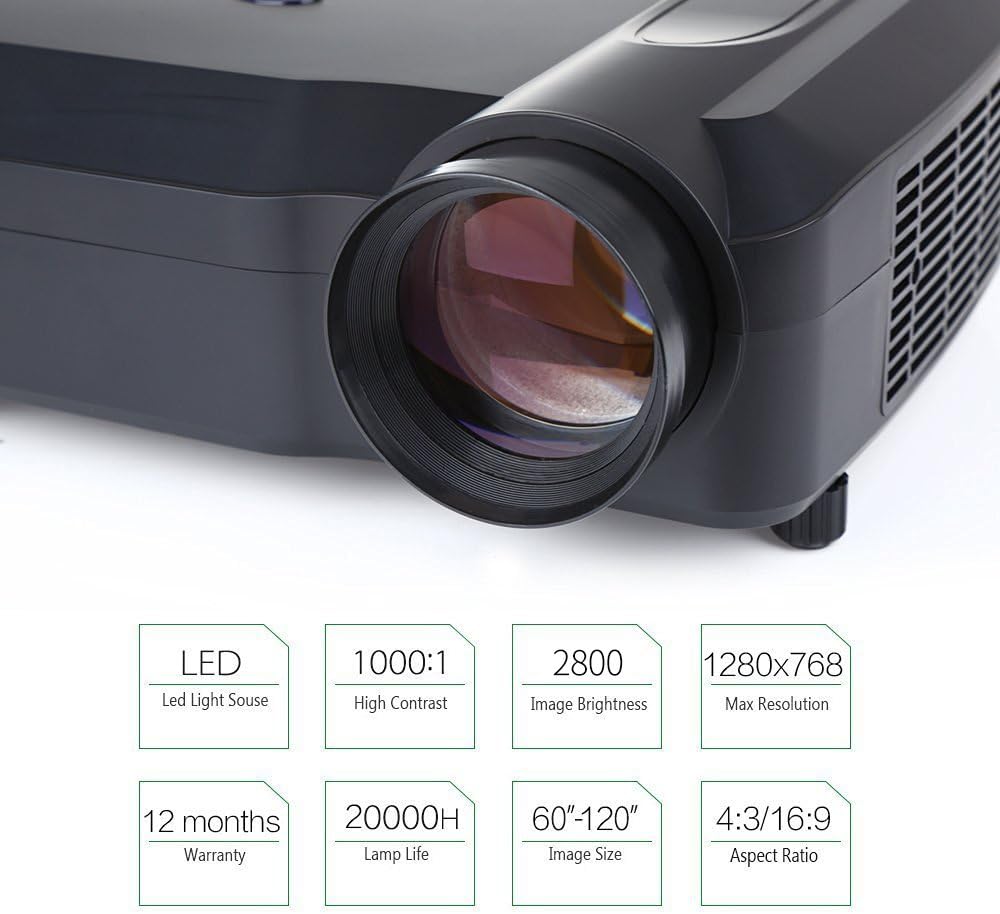
Image: Infographic summarizing key specifications of the Crenova XPE650 HD Projector, including LED light source, 1000:1 contrast, 2800 lumens brightness, 1280x768 max resolution, 12 months warranty, 20000H lamp life, 60"-120" image size, and 4:3/16:9 aspect ratio.

Image: Visual comparison demonstrating the difference between 800x480 resolution (jagged edge) and 1280x768 resolution (vivid and clear image) on a projected flower image.
Image: Illustration of 24-bit color displaying 1.67 million colors, comparing it to an ordinary LCD display, with a tip on checking color fidelity.
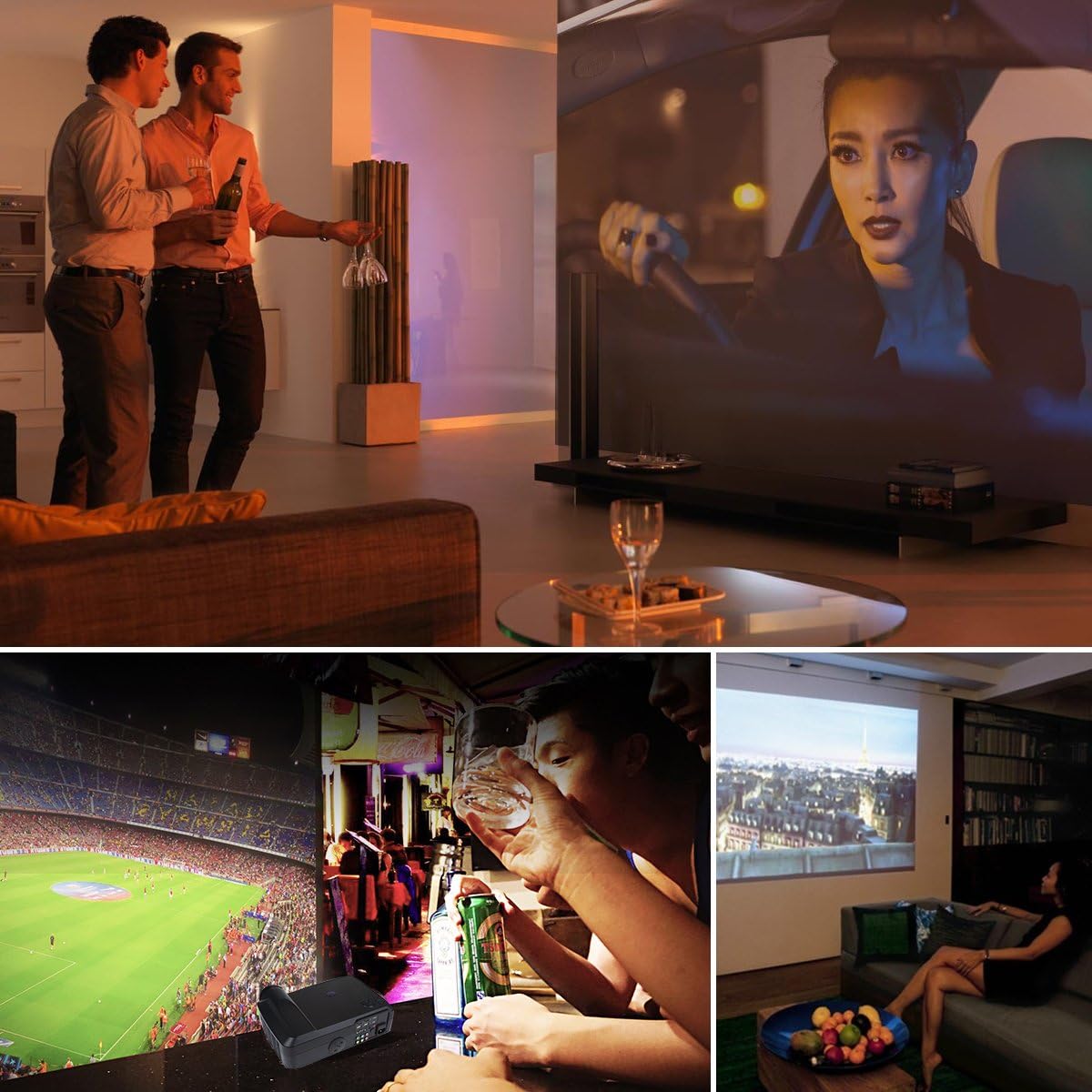
Image: Collage showing various usage scenarios for the Crenova XPE650 HD Projector, including watching movies, sports, and social gatherings.
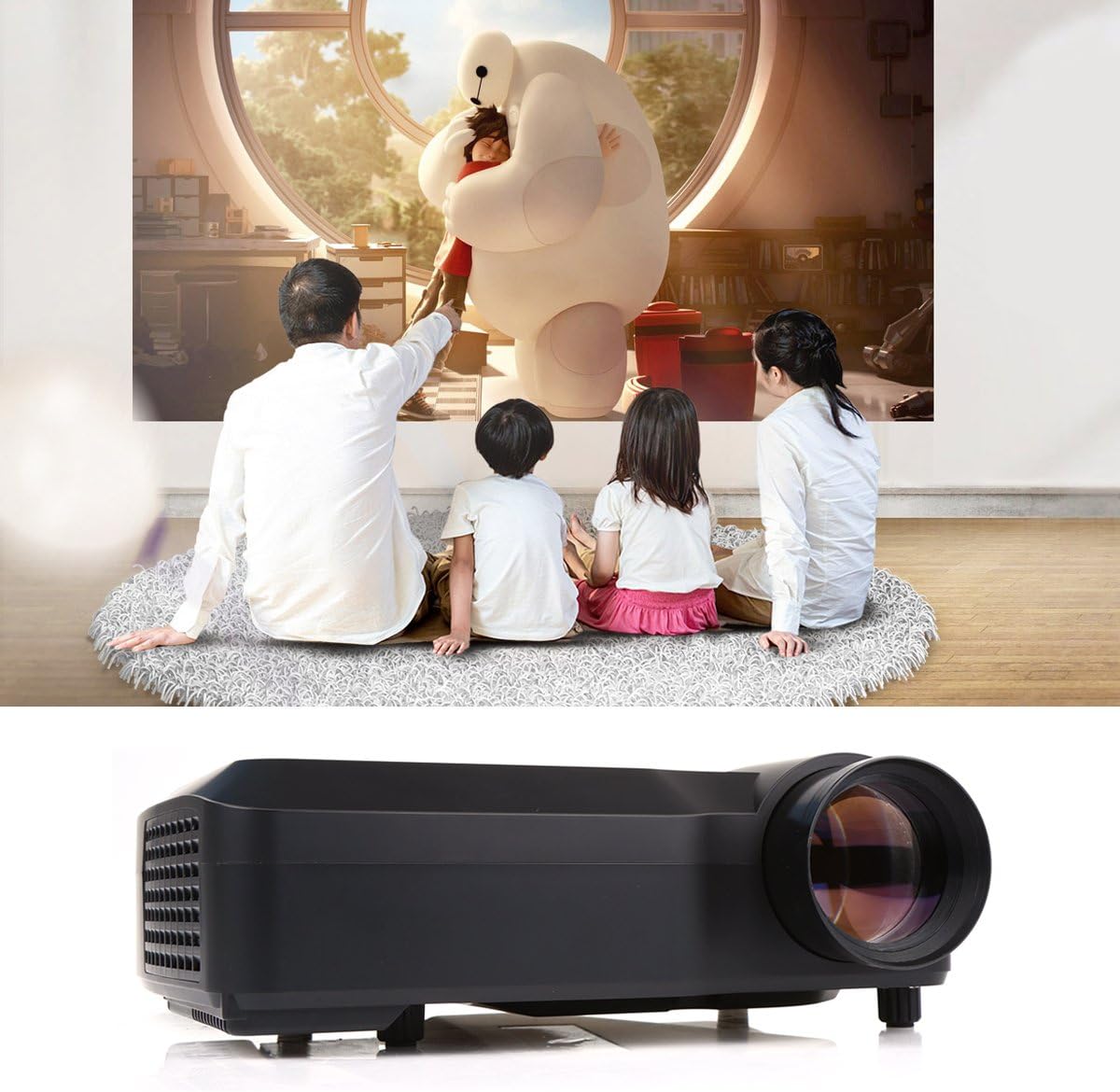
Image: A family watching a movie projected by the Crenova XPE650 HD Projector in a home setting.
Image: Diagram illustrating various devices that can be connected to the Crenova XPE650 HD Projector, including computers, tablets, smartphones, TVs, and USB drives.
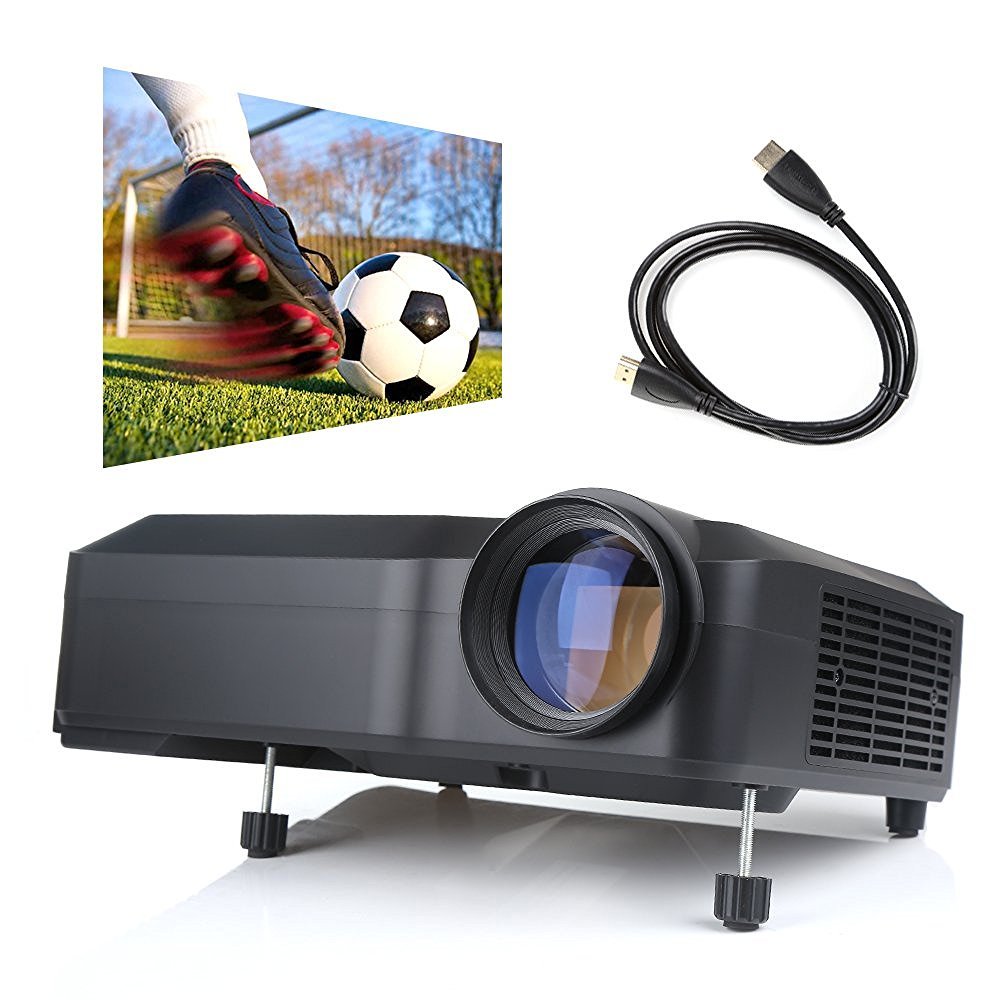
Image: Comparison table showing advantages of a projector (60"-120" adjustable size, low light contrast, low power consumption, cost-effective) over a TV (40" unadjustable size, high light contrast, high power consumption, expensive). Below the table, an image illustrates the large projection size compared to a smaller TV.
8. Garanție și asistență
The Crenova XPE650 HD Projector comes with a 12 luni garantie de la data cumpărării.
For any concerns, issues, or technical support, please contact Crenova customer service. While some support channels may include social media platforms like Facebook, direct customer service contact is recommended for prompt assistance.