
Ikea 40250855
Ikea LILLHULT USB Type C to USB Cable User Manual
Model: 40250855
Introducere
This user manual provides essential information for the safe and efficient use of your Ikea LILLHULT USB Type C to USB cable. Please read this manual carefully before using the product and retain it for future reference.
Instrucțiuni de configurare
The Ikea LILLHULT cable is designed for connecting devices with a USB Type C port to a power source or another device with a standard USB-A port for charging and data transfer.
- Identificați conectorii: Locate the USB Type C connector (smaller, reversible) and the standard USB-A connector (larger, rectangular).
- Conectați-vă la dispozitiv: Insert the USB Type C connector into the compatible port on your smartphone, tablet, or other USB-C enabled device. Ensure it is fully seated.
- Conectați la sursa de alimentare/date: Insert the USB-A connector into a compatible USB wall adapter, power bank, computer USB port, or other USB-A enabled charging/data port.
- Verificați conexiunea: Confirm that your device indicates it is charging or connected for data transfer.
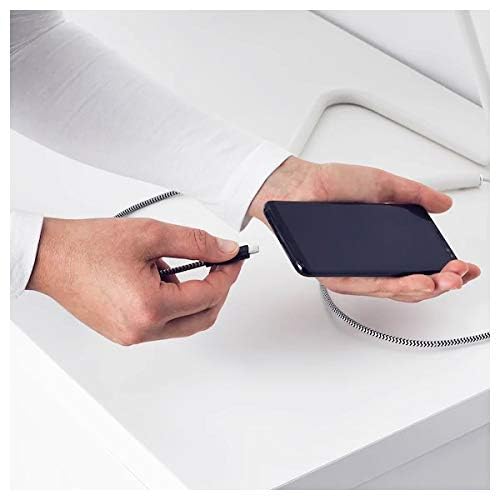
Image: A person connecting the USB Type C end of the cable to a smartphone. This illustrates the initial connection step.
Instrucțiuni de operare
Dispozitive de încărcare
Once properly connected to a power source, the cable will facilitate charging of your USB Type C device. Charging speed may vary depending on the power adapter and the device's charging capabilities.
Transfer de date
This cable supports data transfer at speeds up to 0.48 Gigabits Per Second. To transfer data, connect the USB-A end to a computer's USB port and the USB Type C end to your device. Your device may prompt you to select a connection mode (e.g., "File Transfer" or "MTP").
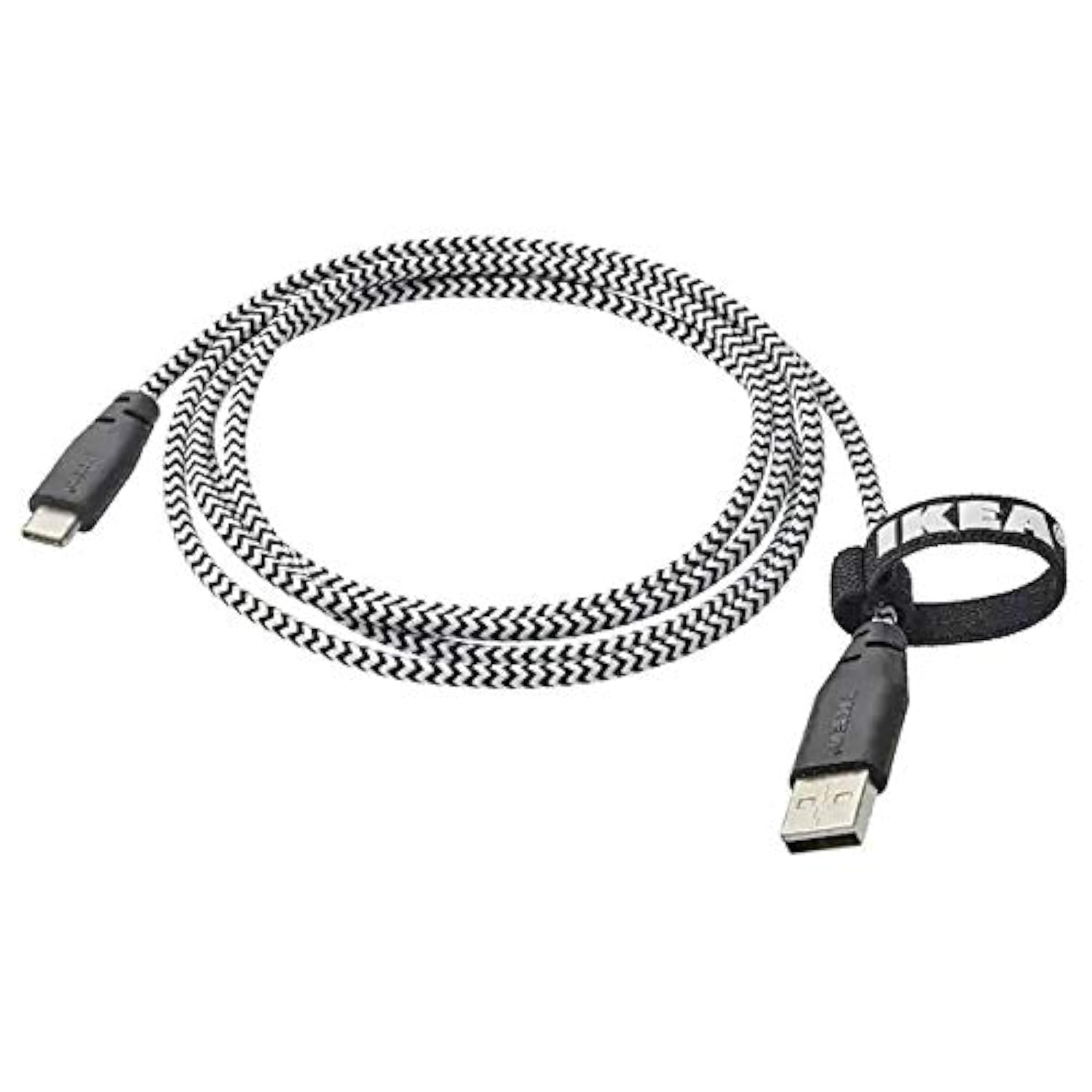
Image: The Ikea LILLHULT cable in use, connecting a smartphone to a charging base, with a laptop in the background. This demonstrates the cable's function in a typical setup.
Întreținere și îngrijire
- curatenie: Wipe the cable with a dry, soft cloth. Avoid using harsh chemicals or abrasive cleaners.
- Depozitare: When not in use, coil the cable loosely. Avoid sharp bends or kinks, especially near the connectors, to prevent internal wire damage. The integrated cable tie can be used for neat storage.
- Manipulare: Prindeți întotdeauna carcasa conectorului atunci când conectați sau deconectați cablul, în loc să trageți de cablu în sine.
- Mediu: Țineți cablul departe de temperaturi extreme, lumina directă a soarelui și umiditate.
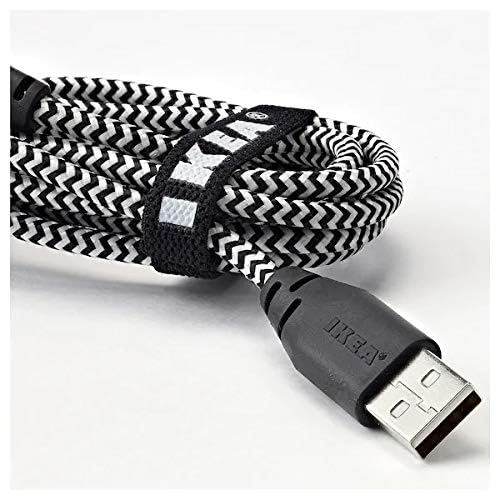
Imagine: Un prim-plan view of the coiled Ikea LILLHULT cable, secured with its integrated cable tie, showing the durable braided design and the USB-A connector with the Ikea logo. This highlights the cable's design for easy storage and durability.
Depanare
| Problemă | Cauza posibila | Soluţie |
|---|---|---|
| Dispozitivul nu se încarcă. | Loose connection, faulty power adapter, incompatible device. | Ensure both ends of the cable are securely connected. Try a different power adapter or USB port. Verify device compatibility. |
| Încărcare lentă. | Low-power USB port, power adapter not sufficient, background apps on device. | Utilizați o putere mai maretage power adapter. Close unnecessary applications on your device. Ensure the USB port provides adequate power. |
| Transferul de date nu funcționează. | Incorrect device settings, driver issues on computer, loose connection. | Check your device's USB connection settings (e.g., select "File Transfer"). Ensure computer drivers are up to date. Reconnect the cable firmly. |
Specificații
- Marca: Ikea
- Model: 40250855
- Tip conector: USB Type C to USB-A
- Tip cablu: USB
- Lungime: 1.5 meters (4 feet 11 inches)
- Dispozitive compatibile: Charging Adapter, USB Type C enabled devices
- Caracteristica speciala: Design împletit durabil
- Rata de transfer de date: Până la 0.48 gigabiți pe secundă
- Culoare: Negru
- Forma articolului: Rundă
- Producător: Ikea
Garanție și suport
For information regarding warranty, returns, or customer support, please refer to the purchase documentation or visit the official Ikea webPăstrați dovada achiziției pentru orice reclamații în garanție.
Resurse online:
- Ikea oficial Website: www.ikea.com
- Product Support Page (if available): Refer to the Ikea website pentru pagini specifice de asistență pentru produse.
Ask a question about this manual
Ask about setup, troubleshooting, compatibility, parts, safety, or missing instructions. Manuals+ will review the question and use this page’s manual context to help answer it.