
Introducere
The Rocketek FBA_RT-CR7 is a versatile USB 3.0 7-in-1 multi-memory card reader designed for efficient data transfer from various memory card types to your computer. It supports simultaneous reading and writing of up to 5 cards, offering high-speed performance and broad compatibility across multiple operating systems.
Caracteristicile produsului
- Cititor de carduri 7 în 1: Supports CF, XD, MS, SD, and Micro SD card types.
- Citire/Scriere simultană: Capable of reading and writing to 5 different memory cards concurrently.
- USB 3.0 SuperSpeed: Achieves data transfer speeds up to 5Gbps, significantly faster than USB 2.0.
- Compatibilitate largă: Works with Mac OS, Linux, Chrome OS, and Windows XP/Vista/7/8/8.1/10.
- Plug & Play: Nu sunt necesare drivere pentru instalare.
- Design compact: Portable and easy to carry, ideal for travel.
- Protecție încorporată: Features over-current, over-voltage, și protecție la scurtcircuit.
- Indicator LED: A blue LED light indicates connection and data activity.
Conținutul pachetului
- 1 x Rocketek FBA_RT-CR7 USB 3.0 7-in-1 Multi Memory Card Reader
- 1 x USB 3.0 Cable (with USB-C to USB-A adapter)
Instrucțiuni de configurare
- Conectați cititorul de carduri: Plug the USB 3.0 cable from the card reader into an available USB port on your computer. If your computer has a USB-C port, use the provided USB-C to USB-A adapter.
- Indicator de alimentare: The blue LED indicator on the card reader will light up when successfully connected to your computer.
- Introduceți cardul de memorie: Carefully insert your memory card into the corresponding slot on the card reader. Ensure the card is inserted correctly according to its orientation. The LED indicator will flicker during data transfer.
- Date de acces: Your computer will automatically detect the card reader and the inserted memory card. You can then access the card's contents through your file explorer (Windows) or Finder (Mac OS).

Figura 1: Pesteview of card reader slots and supported card types.
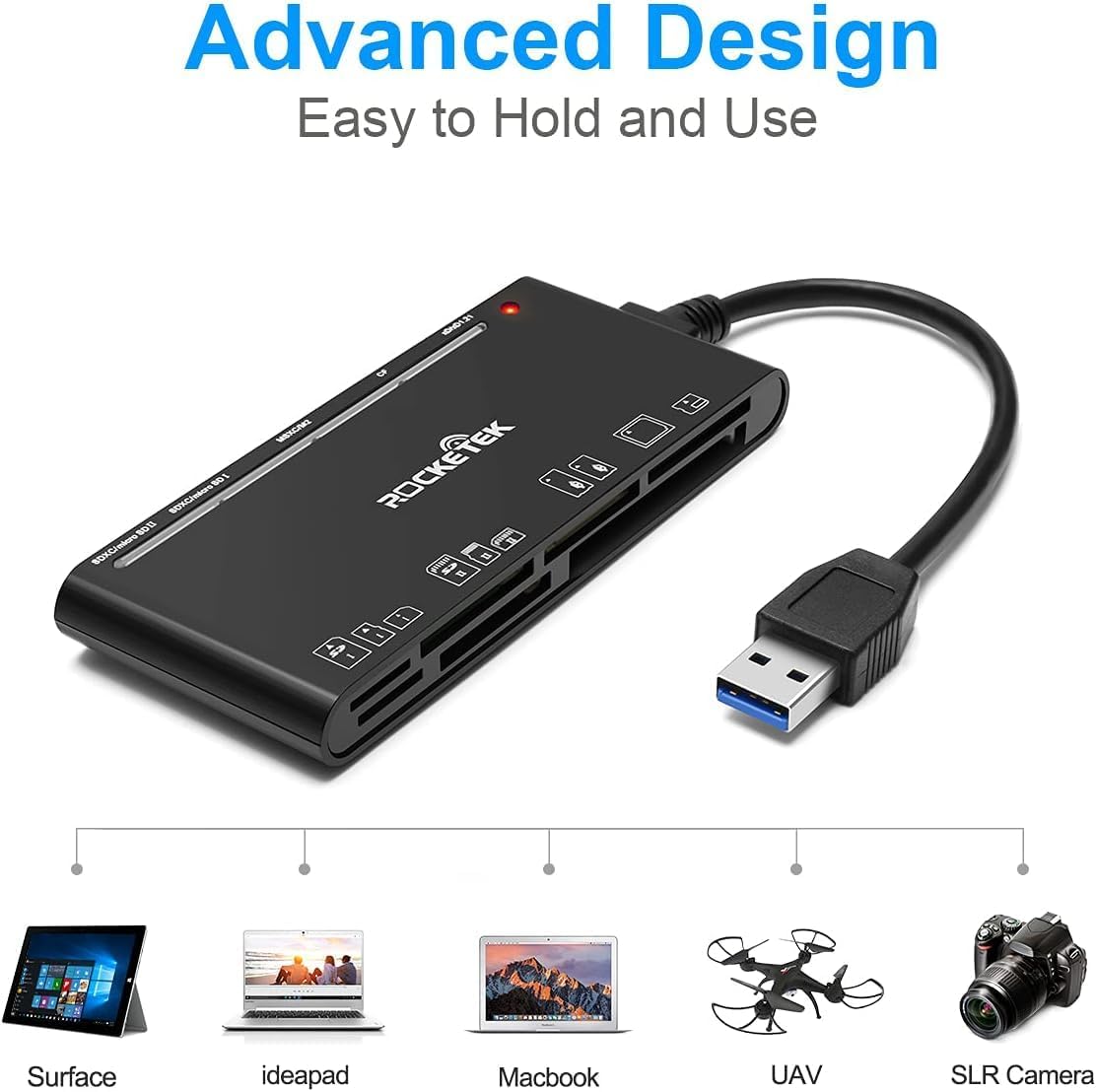
Figure 2: Card reader connected to a laptop, showing operating system compatibility.
Video 1: Demonstration of the Rocketek 7-in-1 Multi Memory Card Reader, showcasing its various card slots, USB 3.0 connectivity, and LED indicator light during operation.
Instrucțiuni de operare
- Introducerea cardurilor: Gently push the memory card into the appropriate slot until it clicks into place. Do not force the card.
- Citirea/Scrierea datelor: Once the card is inserted and detected, you can drag and drop files to and from the card. The blue LED indicator will blink during active data transfer.
- Utilizare simultană: The card reader supports reading and writing to multiple cards simultaneously. Ensure proper file management to avoid data conflicts.
- Ejectarea cărților: Before removing a memory card, always safely eject it from your computer's operating system to prevent data corruption.

Figure 3: Multiple memory cards inserted into the reader, demonstrating simultaneous access.
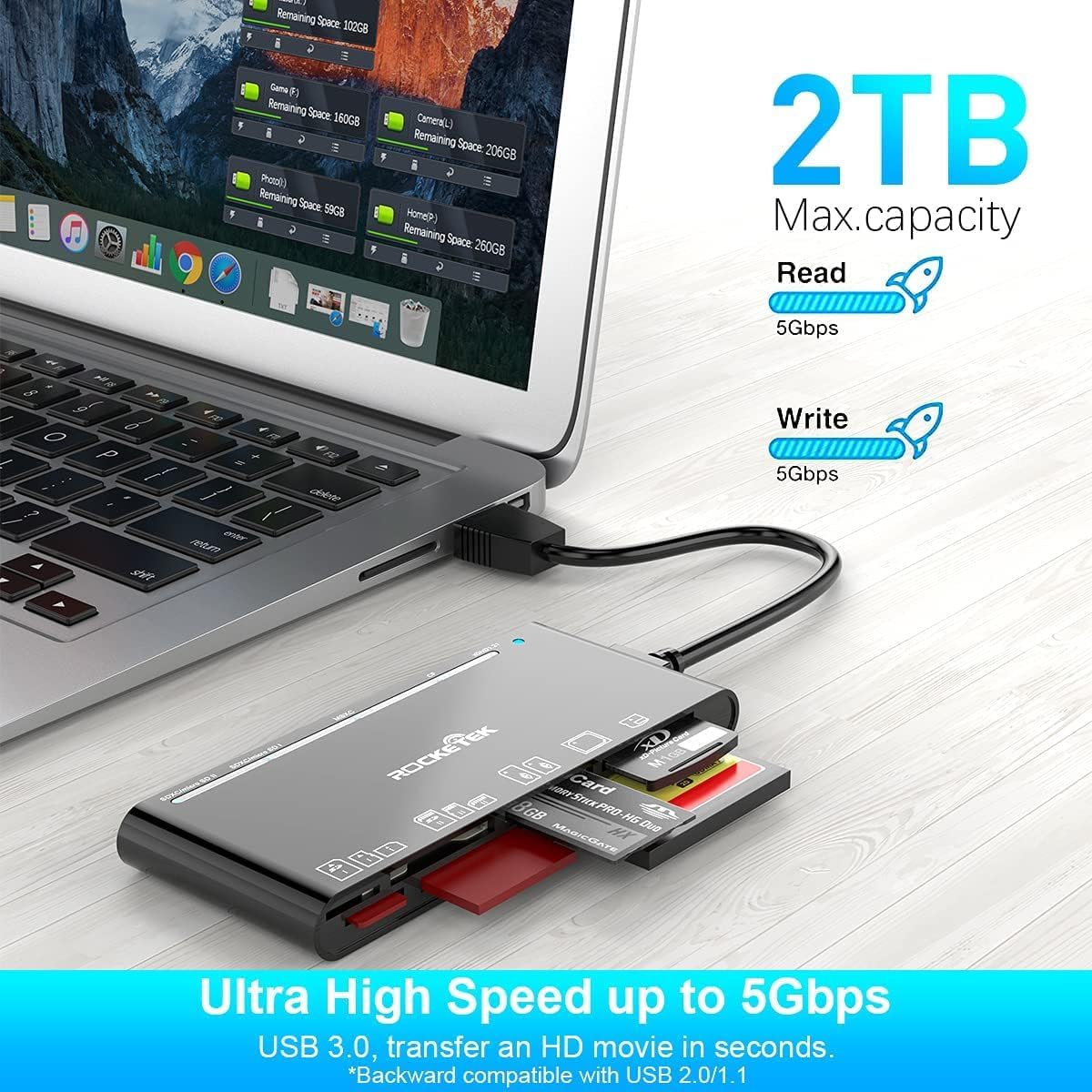
Figure 4: Highlighting the 5Gbps data transfer speed and 2TB maximum capacity.
Compatibilitate
Sisteme de operare acceptate:
- Windows XP / Vista / 7/8 / 8.1 / 10
- Mac OS (including MacBook Pro/Air)
- Linux
- Sistemul de operare Chrome
Tipuri media acceptate:
- CompactFlash (CF card, high-speed CF UDMA)
- SD Card (SD, SDXC up to 2TB, SDHC, RS-MMC, miniSD)
- Micro SD (Micro SD, Micro SDXC, Micro SDHC)
- Memory Stick (MS, M2, MSXC, Memory Stick PRO Duo, Memory Stick Pro)
- xD Picture Card
Specificații
| Marca | Rocketek |
| Numele modelului | FBA_RT-CR7 |
| Tehnologia de conectivitate | USB tip A |
| Interfață hardware | USB 3.0 |
| Rata de transfer de date | 5 Gbps |
| Slot Count | 7 (supporting 5 simultaneous reads/writes) |
| Culoare | Negru |
| Dimensiuni articol (L x l x H) | 6.1 cm x 2.9 cm x 0.4 cm |
| Greutatea articolului | 9.07 g |
Întreținere și îngrijire
- curatenie: Folosiți o lavetă moale și uscată pentru a curăța exteriorul cititorului de carduri. Evitați utilizarea de produse de curățare lichide sau solvenți.
- Depozitare: Depozitați cititorul de carduri într-un loc răcoros și uscat, ferit de lumina directă a soarelui și de temperaturi extreme.
- Manipulare: Avoid dropping the device or subjecting it to strong impacts. Do not bend or twist the cable excessively.
- Protecția portului: Keep the card slots free from dust and debris.
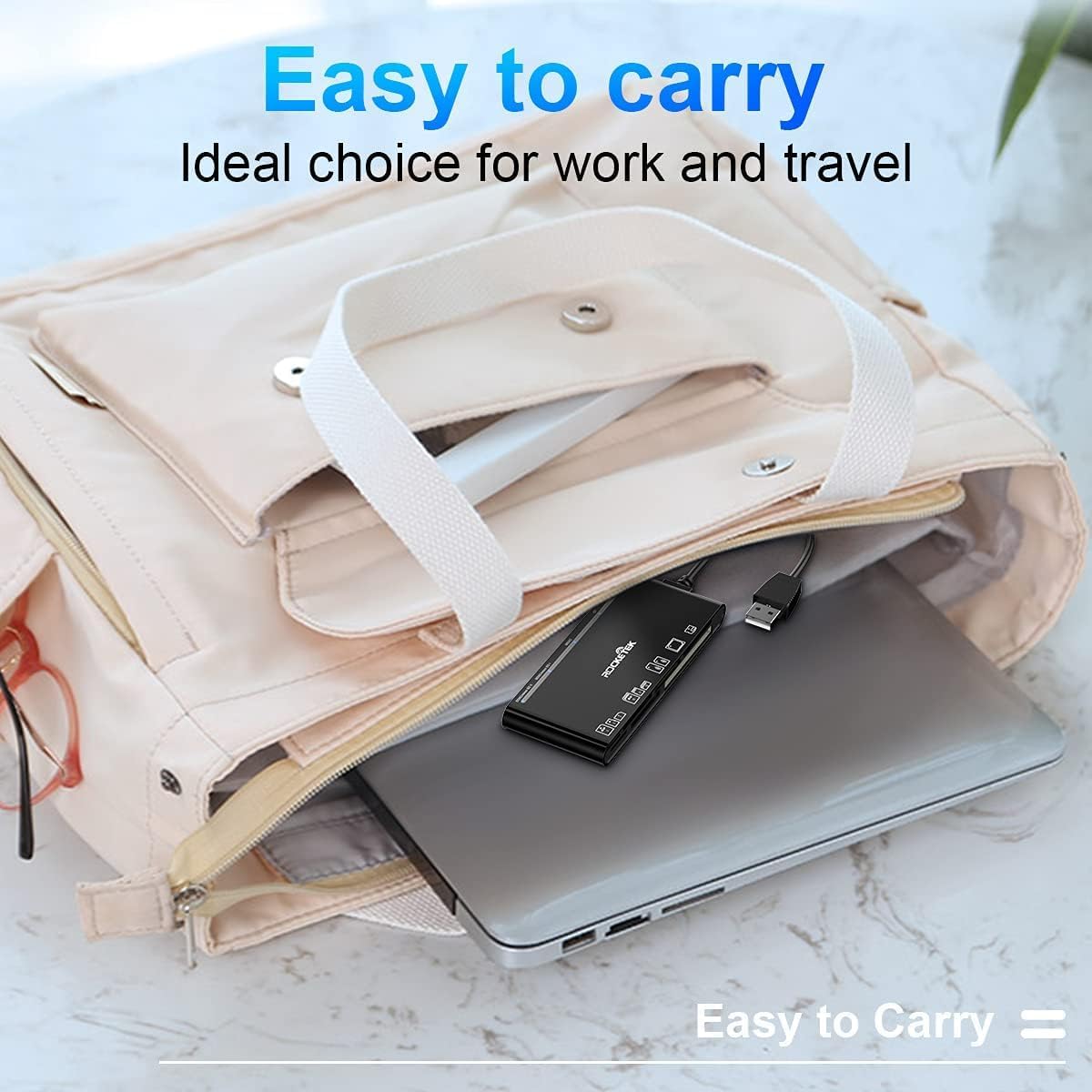
Figure 5: The card reader's compact size, suitable for portability.
Depanare
- Dispozitiv nedetectat:
- Ensure the USB cable is securely connected to both the card reader and your computer.
- Încercați să vă conectați la un alt port USB de pe computer.
- Reporniți computerul.
- Card de memorie nerecunoscut:
- Verify that the memory card is fully inserted into the correct slot.
- Verificați dacă cardul de memorie este deteriorat sau corupt. Încercați cu un alt dispozitiv, dacă este posibil.
- Asigurați-vă că sistemul dumneavoastră de operare este compatibil cu file sistemul cardului de memorie.
- Transfer lent de date:
- Ensure the card reader is connected to a USB 3.0 port on your computer for optimal speed.
- Verify that your memory card itself supports high-speed data transfer.
- Evitați rularea mai multor aplicații solicitante în perioadele de mare amploare file transferuri.
- Indicatorul LED nu se aprinde:
- Confirm the card reader is properly connected to a powered USB port.
- If using a USB hub, ensure it is powered.
Garanție și suport
The Rocketek FBA_RT-CR7 USB 3.0 7-in-1 Multi Memory Card Reader comes with a 2 ani garanție de la data achiziției. Această garanție acoperă defectele de fabricație și asigură că produsul funcționează conform descrierii în condiții normale de utilizare.
For technical support, warranty claims, or any inquiries regarding your product, please contact Rocketek customer service through the retailer's platform or visit the official Rocketek website pentru informații de contact.