
1. Produs terminatview
The BUFFALO DriveStation Ultra is a high-performance, high-capacity direct attached storage (DAS) solution designed for demanding data transfer needs, such as high-resolution video editing. This 10-drive desktop model offers a 40 TB storage capacity and features multi-interface support for both Mac and PC systems.
Caracteristicile cheie includ:
- Industry-leading throughput: Up to 972 MB/s Read and 737 MB/s Write speeds.
- Multi-interface support: Thunderbolt 2 for Mac, and eSATA/USB 3.0 for Windows.
- Advanced data protection: Supports RAID 6 configurations, allowing for up to two drive failures without data loss.
- Equipped with enterprise or NAS hard drives for continuous operation.
1.1 Ce se află în cutie
- DriveStation™ Ultra unit
- Cablu Thunderbolt
- Cablu USB 3.0
- cablu eSATA
- Ghid de instalare rapidă
- Declaratie de garantie
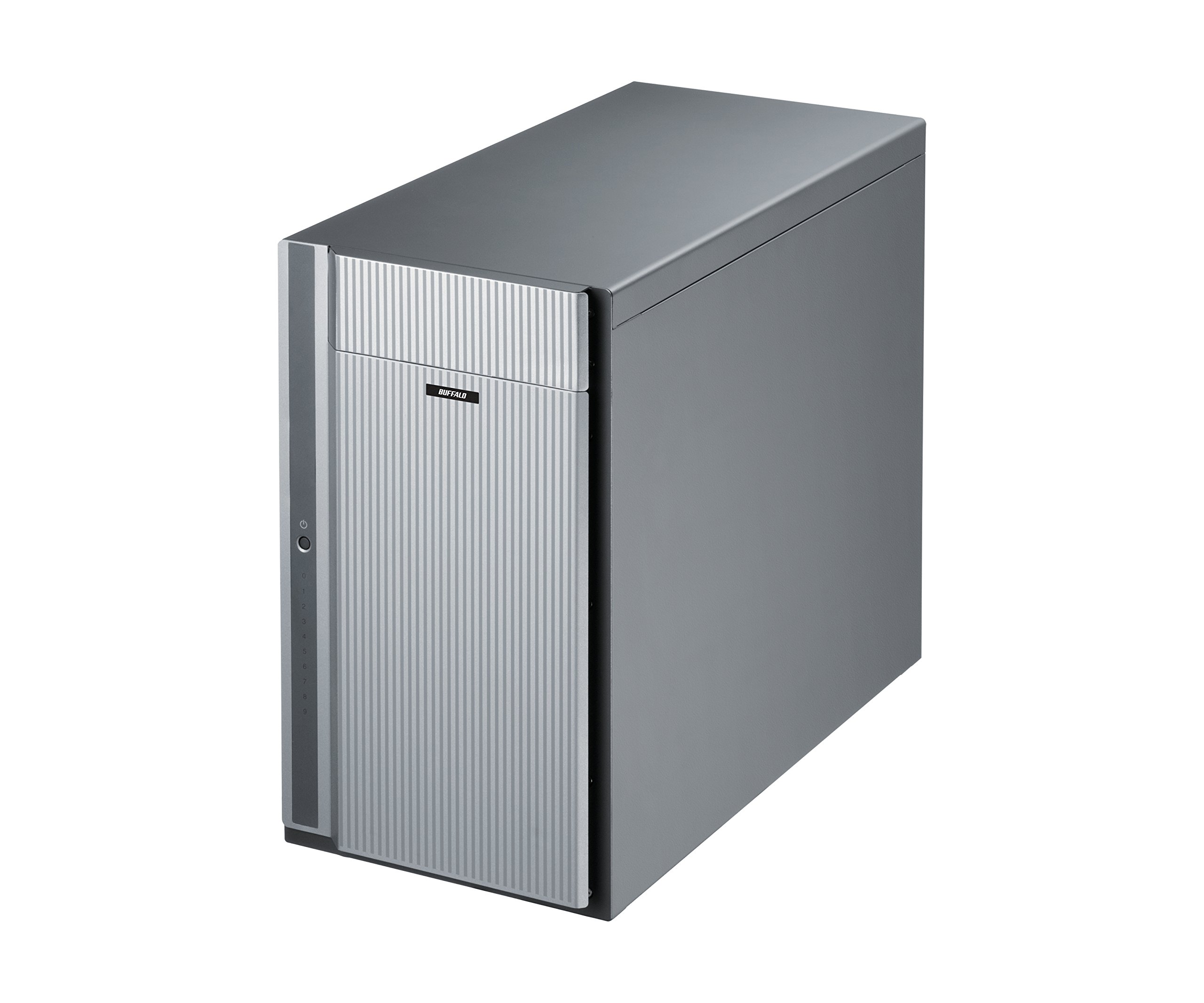
Figura 1: Față view of the BUFFALO DriveStation Ultra unit.
2. Instrucțiuni de configurare
Follow these steps to set up your DriveStation Ultra:
- Despachetați dispozitivul: Carefully remove the DriveStation Ultra and all accessories from its packaging.
- Poziționați dispozitivul: Place the unit on a stable, flat surface with adequate ventilation. Ensure no vents are obstructed.
- Conectare alimentare: Connect the power cable to the unit and then to a power outlet. Do not power on the device yet.
- Conectare la computer: Alegeți una dintre următoarele metode de conectare:
- Thunderbolt 2 (Mac): Use the provided Thunderbolt cable to connect the DriveStation Ultra to your Mac's Thunderbolt port.
- USB 3.0 (PC/Mac): Use the provided USB 3.0 cable to connect the DriveStation Ultra to your computer's USB 3.0 port.
- eSATA (PC): Use the provided eSATA cable to connect the DriveStation Ultra to your computer's eSATA port.
- Pornire: Once connected, press the power button on the DriveStation Ultra. The device will initialize.
- Instalarea driverului (dacă este necesar): Your operating system should automatically detect the device. If prompted, install any necessary drivers from the included software or BUFFALO's support website-ul.
- Configurație RAID: The DriveStation Ultra comes pre-configured. For advanced RAID configurations (e.g., changing from default RAID 6), refer to the detailed software manual available on the BUFFALO support website-ul.

Figura 2: Spate view of the DriveStation Ultra, highlighting Thunderbolt, USB 3.0, and eSATA ports.
3. Instrucțiuni de utilizare
Once the DriveStation Ultra is set up and recognized by your computer, it functions as an external storage device. You can access it like any other connected drive.
- Transfer de date: Trageți și plasați files to and from the DriveStation Ultra. For optimal performance, use the Thunderbolt 2 connection on Mac systems or USB 3.0/eSATA on PC systems.
- Performanţă: Expect high-speed data transfers, particularly with large files, due to the optimized hardware and RAID configuration.
- Îndepărtare sigură: Always safely eject the DriveStation Ultra from your operating system before disconnecting the cables or powering down the unit to prevent data corruption.
- Gestionare a energiei: The device is designed for continuous operation. If you need to power it off, use the power button on the unit after safely ejecting it from your computer.
4. Întreținere
Proper maintenance ensures the longevity and reliability of your DriveStation Ultra:
- curatenie: Folosiți o lavetă moale și uscată pentru a curăța exteriorul unității. Nu utilizați substanțe de curățare lichide sau aerosoli direct pe dispozitiv.
- Ventilare: Asigurați-vă că orificiile de ventilație sunt lipsite de praf și obstacole pentru a preveni supraîncălzirea.
- Actualizări firmware: Verificați periodic suportul BUFFALO website for firmware updates. Keeping the firmware updated can improve performance and stability.
- Backup de date: While the DriveStation Ultra offers RAID 6 for data protection, it is always recommended to maintain separate backups of critical data.
- Sănătatea conducerii: Monitor the health of the drives using the included utility software or your operating system's disk management tools.
5. Depanare
If you encounter issues with your DriveStation Ultra, try the following steps:
- Dispozitiv nedetectat:
- Asigurați-vă că cablul de alimentare este conectat corect și că unitatea este pornită.
- Verify that the data cable (Thunderbolt, USB, or eSATA) is firmly connected to both the DriveStation Ultra and your computer.
- Try connecting to a different port on your computer or using a different cable.
- Restart your computer and the DriveStation Ultra.
- Performanță lentă:
- Ensure you are using the correct high-speed interface (Thunderbolt 2, USB 3.0, or eSATA) and compatible cables.
- Check for background processes on your computer that might be consuming resources.
- Verify that the DriveStation Ultra has adequate ventilation to prevent thermal throttling.
- Drive Failure Indication:
- The DriveStation Ultra's RAID 6 configuration provides protection against up to two drive failures. Consult the detailed manual or BUFFALO support for drive replacement procedures.
- Do not attempt to replace drives without proper guidance to avoid data loss.
- Alte probleme: If the problem persists after trying these steps, refer to the comprehensive user manual on the BUFFALO support website sau contactați asistența tehnică.
6. Specificații
| Caracteristică | Detaliu |
|---|---|
| Capacitate hard disk | Hard disk mecanic de 40 TB |
| Marca | BIVOL |
| Serie | DriveStation Ultra |
| Numărul de model | HD-DN040T/R6 |
| Platformă hardware | Mac, PC |
| Greutatea articolului | 39.7 lire sterline |
| Dimensiunile produsului (Lxlxh) | 15.24 x 7.48 x 12.6 inci |
| Culoare | Argint |
| Interfață pentru hard disk | eSATA |
| Viteza de rotație a hard diskului | 7200 RPM |
| Tehnologia de conectivitate | Thunderbolt, USB, eSATA |
| Tip de instalare | Hard disk extern |
| Prima dată disponibilă | 22 iulie 2015 |
7. Informații despre garanție
The BUFFALO DriveStation Ultra 10-Drive Thunderbolt Desktop DAS 40 TB (Model HD-DN040T/R6) comes with a Garanție limitată de 3 ani.
For detailed terms and conditions of the warranty, please refer to the warranty statement included in your product packaging or visit the official BUFFALO website-ul.
8. Suport
For technical assistance, additional documentation, or to download the latest drivers and firmware, please visit the official BUFFALO support website-ul.
You can typically find support resources by searching for your product model (HD-DN040T/R6) on the BUFFALO support portal.
Contact information for customer service may also be available on the BUFFALO website sau în ghidul de configurare rapidă al produsului.