
Introducere
This manual provides detailed instructions for the installation, operation, and maintenance of the URMET Synthesi CCD + MHP 1T Video Module, model 1745/21. This video module is designed for 4+N cable systems and features an integrated micro-HP amplifier, two call buttons, manual adjustment capabilities, and infrared illumination for enhanced visibility.
Produs terminatview
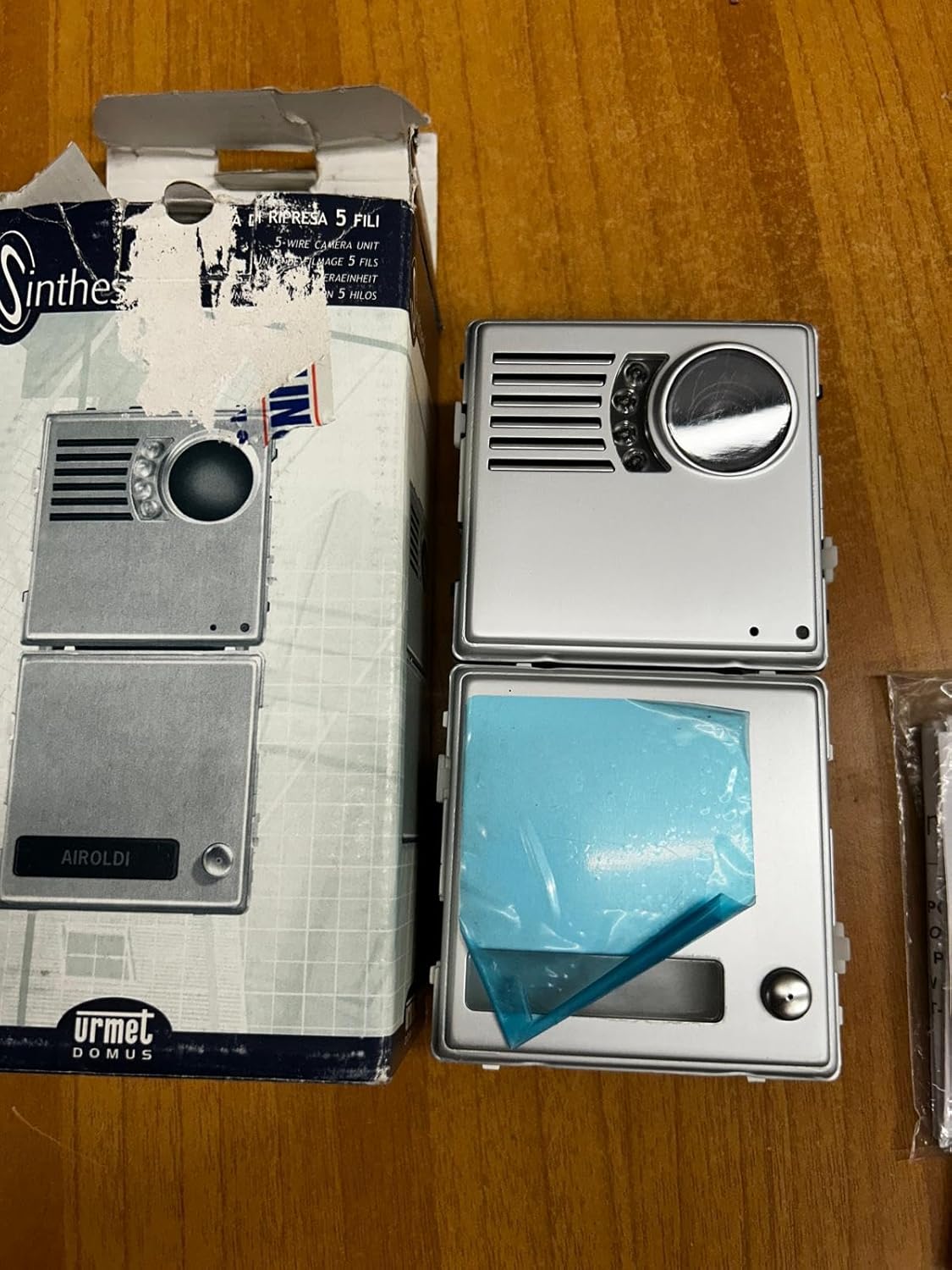
Figura 1: URMET Synthesi Video Module 1745/21 as supplied in its original packaging, showing the front panel design.
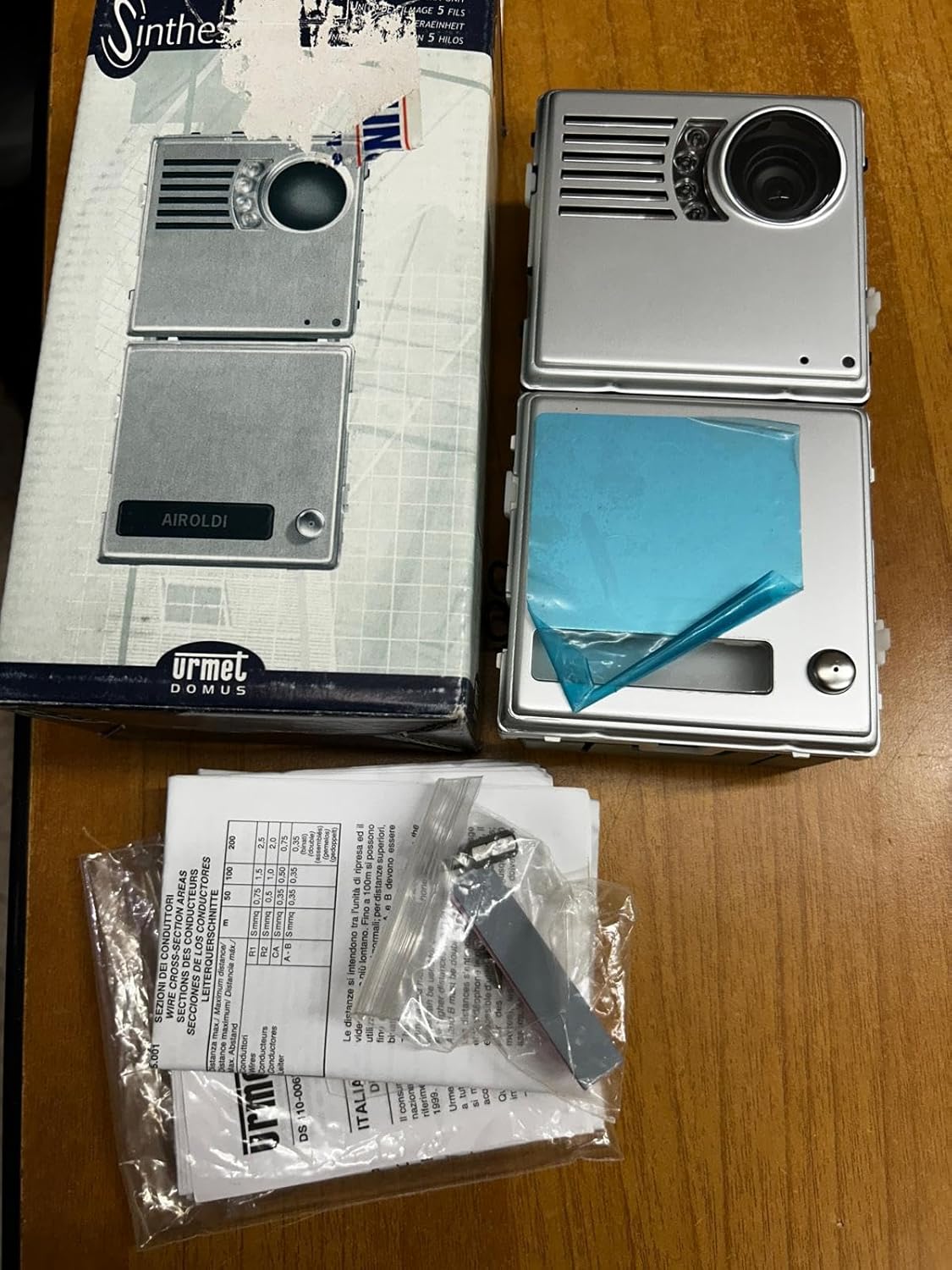
Figura 2: Contents of the URMET Synthesi Video Module package, including the module, wiring accessories, and instruction leaflets.
Configurare și instalare
The URMET Synthesi 1745/21 video module is designed for 5-wire installations without the need for a coaxial cable. Proper installation is crucial for optimal performance. It is recommended that installation be performed by a qualified technician.
Identificarea componentelor
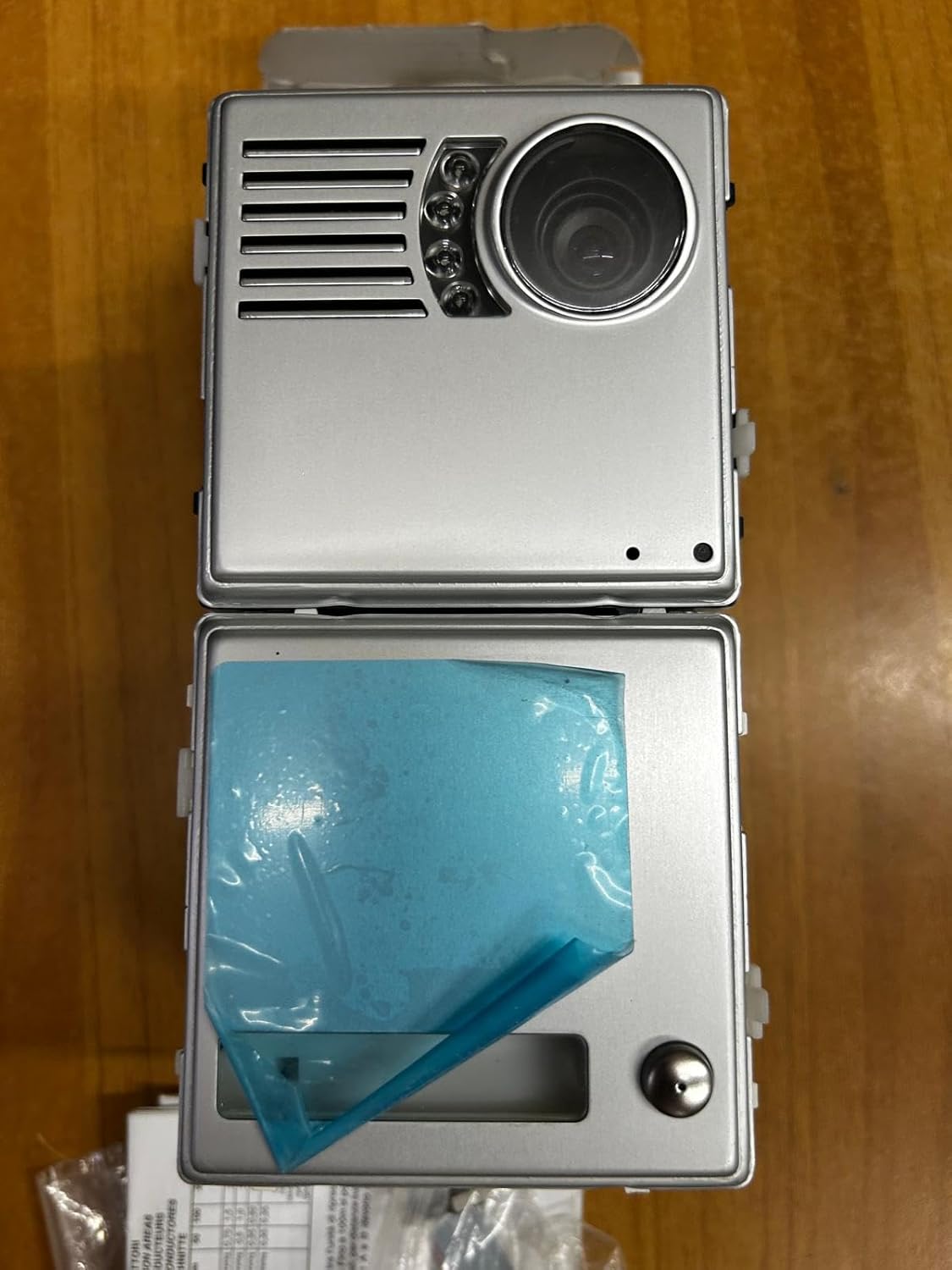
Figura 3: Front panel of the video module, highlighting the CCD camera lens, infrared illumination LEDs, microphone/speaker grille, and two call buttons.

Figura 4: Spate view of the video module, displaying the terminal block for wiring connections and potentiometers for manual adjustments (e.g., audio levels, camera focus).
Instrucțiuni de cablare
Connect the module using a 4+N cable system. Refer to the detailed wiring diagram provided in the separate installation guide (typically included with the product or available from URMET). Ensure all connections are secure and correctly polarized. The module integrates a micro-HP amplifier, simplifying audio connections.
Montare
Mount the module securely in the designated Synthesi frame. Ensure it is protected from direct weather exposure if installed outdoors, or use an appropriate weather-resistant housing.
Instrucțiuni de operare
The URMET Synthesi 1745/21 video module provides visual and audio communication for your intercom system.
Efectuarea unui apel
Press one of the two call buttons on the front panel (refer to Figure 3) to initiate a call to the corresponding indoor unit. The integrated micro-HP amplifier ensures clear audio transmission.
Video and Audio Communication
Once a call is established, the CCD camera provides video feed to the indoor monitor. The integrated microphone and speaker facilitate two-way audio communication. Infrared illumination automatically activates in low-light conditions to ensure clear video even at night.
Ajustări
The module features manual adjustment options, typically accessible via potentiometers on the rear (refer to Figure 4). These adjustments may include camera focus, video brightness, and audio volume levels. Consult the detailed wiring and adjustment guide for specific procedures.
Întreţinere
Regular maintenance ensures the longevity and optimal performance of your URMET Synthesi video module.
Curatenie
- Gently wipe the front panel, especially the camera lens and infrared LEDs, with a soft, damp pânză.
- Do not use abrasive cleaners, solvents, or harsh chemicals, as these can damage the surface or optical components.
- Ensure no moisture enters the module's internal components.
Inspecții
- Verificați periodic toate conexiunile cablurilor pentru strângerea și prezentarea semnelor de coroziune.
- Ensure the module is securely mounted and that its housing is intact.
Depanare
If you encounter issues with your URMET Synthesi video module, refer to the following common problems and solutions:
| Problemă | Cauza posibila | Soluţie |
|---|---|---|
| No video on indoor monitor |
|
|
| Fără sunet sau calitate audio slabă |
|
|
| Call buttons not responding |
|
|
| Calitate slabă a imaginii noaptea |
|
|
For issues not listed here or if troubleshooting steps do not resolve the problem, please contact URMET technical support.
Specificații
| Caracteristică | Detaliu |
|---|---|
| Producător | URMET |
| Numărul piesei | 1745/21 |
| Dimensiunile produsului | 0.03 x 0.03 x 0.03 cm; 9.07 g |
| ASIN | B00LPDRU7M |
| Bateriile necesare | Nu |
| Prima dată disponibilă | 21 februarie 2020 |
| Compatibilitatea sistemului | 4+N Cable System, 5-wire installation (no coaxial cable) |
| Caracteristici | Integrated micro-HP amplifier, 2 call buttons, manual adjustment, infrared illumination |
Garanție și suport
For warranty information, please refer to the documentation provided with your purchase or contact URMET directly. URMET provides technical support for their products.
For technical assistance, spare parts, or further inquiries, please visit the official URMET website or contact their customer service department. Ensure you have your product model number (1745/21) and purchase details available when seeking support.