
1. Introducere
This manual provides instructions for the installation, operation, and maintenance of the Emerson F145RF-1600 Wireless Remote Temperature Sensor. This sensor is designed to work with the Emerson BLUE Wireless Easy Install Universal Wireless Thermostat System to enhance temperature control and reduce hot and cold spots within your home.
Caracteristici cheie:
- Reduces temperature inconsistencies in various areas.
- Supports up to four wireless remote sensors with the Emerson BLUE Wireless Easy Install Thermostat System.
- Designed for easy installation and pairing.
2. Informații de siguranță
Please read and understand all instructions before installing or operating this device. Failure to follow these instructions could result in property damage or personal injury.
- Always turn off power to the thermostat system before performing any installation or maintenance.
- Do not expose the sensor to extreme temperatures, direct sunlight, or moisture.
- Folosiți doar tipul de baterie specificat (2 baterii AA).
- Aruncați bateriile vechi în mod responsabil, conform reglementărilor locale.
- A nu se lăsa la îndemâna copiilor.
Avertisment privind Propunerea 65: Acest produs poate conține substanțe chimice despre care statul California știe că pot cauza cancer și malformații congenitale sau alte probleme reproductive.
3. Produs terminatview
The Emerson F145RF-1600 is a compact, battery-powered wireless sensor designed to monitor ambient temperature. It communicates wirelessly with a compatible Emerson BLUE thermostat system.
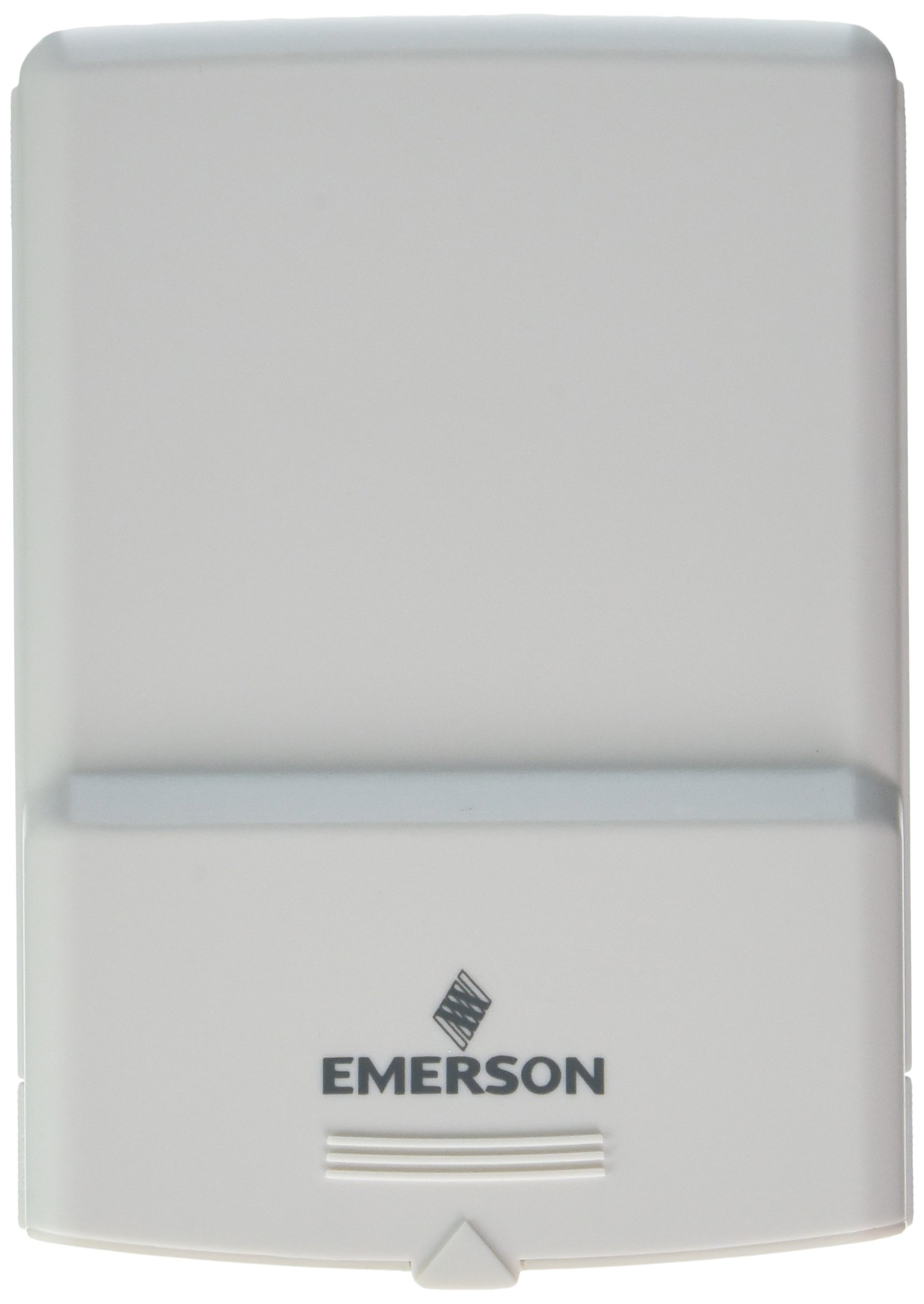
Figura 1: Emerson F145RF-1600 Wireless Remote Temperature Sensor. The image displays the sensor in a hand, indicating its approximate height of 4.8 inches (12 cm). The sensor is light-colored, likely white or light grey, with the 'EMERSON' logo visible at the bottom front.
4. Configurare
4.1. Instalarea bateriei
- Localizați compartimentul bateriei pe spatele senzorului.
- Deschideți capacul compartimentului bateriei.
- Introduceți două (2) baterii alcaline AA, asigurându-vă că polaritatea este corectă (+/-).
- Închideți bine capacul compartimentului bateriei.
4.2. Pairing with Thermostat System
Refer to your Emerson BLUE Wireless Easy Install Universal Wireless Thermostat System manual for detailed pairing instructions. Generally, the process involves:
- Placing the thermostat system into pairing mode.
- Activating the sensor's pairing function (often a button press or battery insertion).
- Confirming successful pairing on the thermostat display.
Up to four F145RF-1600 sensors can be paired with a single Emerson BLUE Wireless Easy Install system.
4.3. Plasarea senzorului
Proper placement is crucial for accurate temperature readings and effective system operation.
- Plasare în interior:
- Place the sensor in a central location within the area you wish to monitor.
- Avoid placing near heat sources (lamps, appliances, direct sunlight) or cold drafts (windows, vents).
- Ensure it is not obstructed by furniture or curtains.
- Outdoor Placement (if applicable):
- Mount the sensor in a shaded area, away from direct sunlight, which can cause inaccurate readings.
- Protect it from direct rain and snow.
- Ensure it is easily accessible for battery replacement.
5. Instrucțiuni de utilizare
Once successfully paired and placed, the F145RF-1600 sensor will automatically transmit temperature data to your Emerson BLUE Wireless Easy Install Thermostat System. The thermostat system will then use this data to optimize heating and cooling, helping to maintain a more consistent temperature throughout your home.
- The sensor operates continuously, sending updates to the main thermostat.
- The thermostat system will display the temperature readings from the remote sensors and use them for its control logic.
- No direct user interaction is typically required with the sensor after setup, other than battery replacement.
6. Întreținere
6.1. Înlocuirea bateriei
The sensor requires two (2) AA batteries. When batteries are low, your Emerson BLUE thermostat system may indicate a low battery warning for the sensor. Replace batteries promptly to ensure continuous operation.
- Deschideți compartimentul bateriei.
- Scoateți bateriile vechi.
- Insert new AA batteries, observing polarity.
- Închideți compartimentul.
6.2. Curatenie
Wipe the sensor's exterior with a soft, dry cloth as needed. Do not use liquid cleaners or abrasive materials, as these can damage the device.
7. Depanare
| Problemă | Cauza posibila | Soluţie |
|---|---|---|
| Sensor not reporting temperature / No signal |
|
|
| Citiri inexacte ale temperaturii |
|
|
8. Specificații
| Numărul de model | F145RF-1600 |
| Producător | White-Rodgers (Emerson) |
| Sursa de alimentare | Alimentat cu baterie |
| Bateriile necesare | 2 baterii AA |
| Greutatea articolului | 3.2 uncii |
| Dimensiunile produsului | 3.5 x 2.5 x 5.25 inci |
| Material | Plastic |
| Culoare | Albastru (Note: Product image shows light grey/white) |
| Cantitate Pachet Articol | 1 |
9. Informații despre garanție
Specific warranty details for the Emerson F145RF-1600 Wireless Remote Temperature Sensor are typically provided with the product packaging or can be found on the official Emerson/White-Rodgers website. Vă rugăm să păstrați dovada achiziției pentru reclamații în garanție.
Pentru termenii și condițiile detaliate ale garanției, vă rugăm să vizitați Oficial Emerson website-ul sau contactați asistența pentru clienți.
10. Suport
If you encounter issues not covered in this manual or require further assistance, please contact Emerson customer support.
- Suport online: Vizitați Emerson Support Page for FAQs, documentation, and contact options.
- Asistență telefonică: Refer to your product packaging or the Emerson website cu cele mai recente numere de telefon ale serviciului clienți.