
1. Instrucțiuni importante de siguranță
Read all instructions before using the shredder. Keep this manual for future reference.
- Keep hands, jewelry, and loose clothing away from the paper entry slot.
- Keep hair away from the paper entry slot.
- Țineți copiii și animalele de companie departe de tocător în orice moment.
- Deconectați distrugătorul de documente atunci când nu îl utilizați sau înainte de curățare.
- Nu utilizați produse cu aerosoli, lubrifianți pe bază de petrol sau alte produse inflamabile pe sau în apropierea tocătorului.
- Nu mărunțiți obiecte metalice, hârtie umedă sau materiale adezive.
- The shredder is equipped with SafeSense Technology, which automatically disables the shredder when hands touch the paper opening.
2. Produs terminatview
The Fellowes Powershred 79Ci is a heavy-duty crosscut paper shredder designed for office and home use. It features 100% Jam-Proof technology and SafeSense protection for enhanced safety and efficiency.
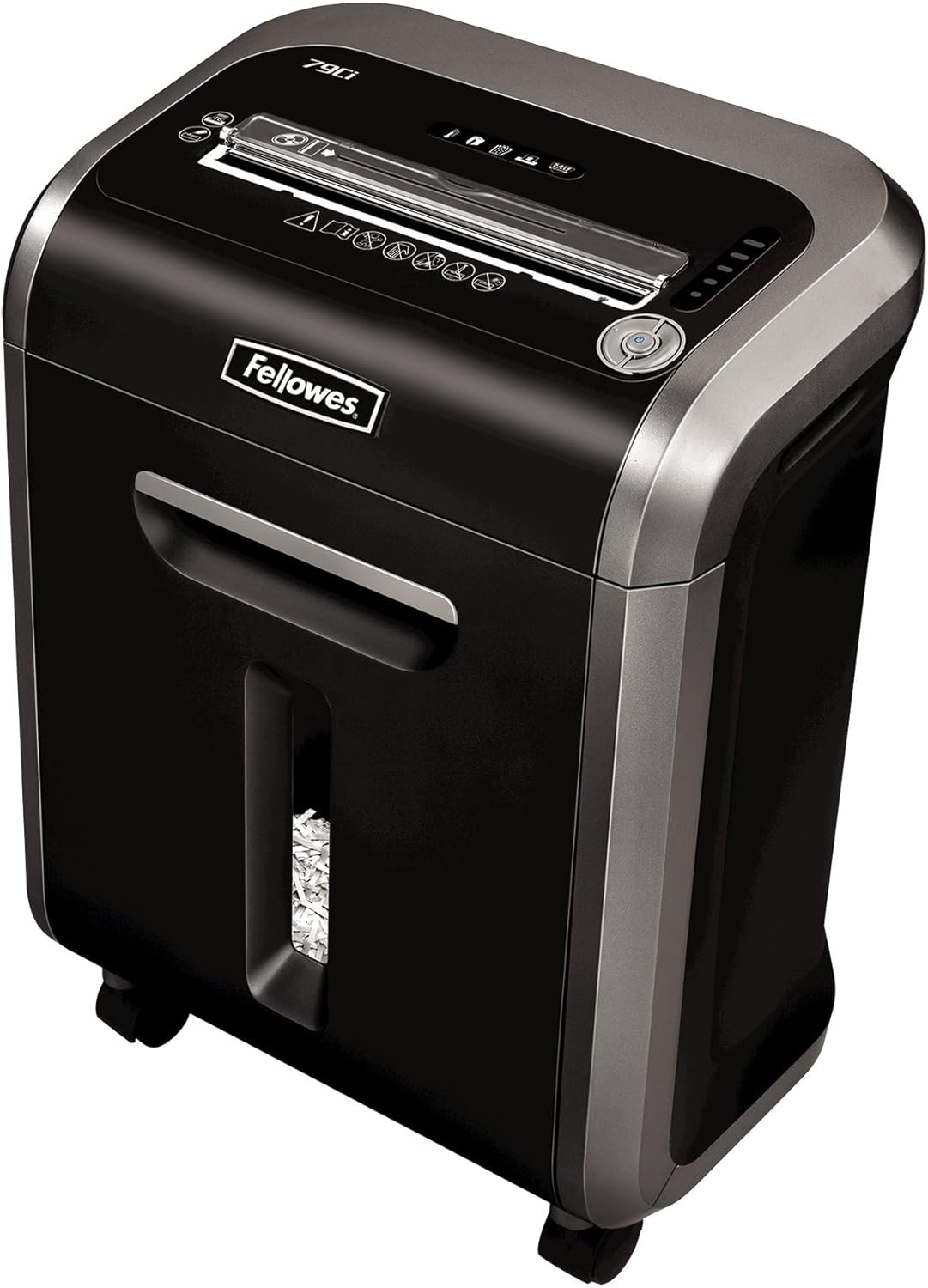
Figure 1: Fellowes Powershred 79Ci Crosscut Paper Shredder.
3. Configurare
- Despachetarea: Scoateți cu grijă tocătorul de documente din ambalaj. Păstrați ambalajul pentru transport sau depozitare ulterioară.
- Plasare: Place the shredder on a flat, stable surface. Ensure adequate ventilation around the unit. The shredder dimensions are approximately 13.8 x 18.5 x 23.1 inches.
- Conexiune de alimentare: Conectați cablul de alimentare la o priză cu împământare.

Figure 2: The Fellowes Powershred 79Ci is designed to fit conveniently in various office and home environments.
4. Funcționare
4.1 Pornire/Oprire
Locate the power switch on the control panel. Set it to the 'ON' position to activate the shredder. The shredder will enter standby mode when not actively shredding.
4.2 Încărcarea documentelor
Insert materials into the paper entry slot. The shredder will automatically detect the material and begin shredding.
- Hârtie: The 79Ci can shred up to 16 sheets of 20lb bond paper per pass. Do not exceed this capacity to prevent jams.
- Alte materiale: This shredder is capable of shredding staples, credit cards, paper clips, CDs/DVDs, and junk mail. Insert these items into the designated entry slot if separate, or directly into the main paper entry if indicated by the machine.

Figure 3: The 79Ci can handle a variety of materials for comprehensive security.
4.3 Jam-Proof Technology (SafeSense)
The 79Ci features 100% Jam-Proof technology, which automatically detects and powers through tough jobs to prevent jams. Additionally, SafeSense Technology automatically stops shredding when hands or paws touch the paper opening, enhancing user safety.

Figure 4: SafeSense Technology provides immediate shutdown upon contact with the paper entry.
4.4 Continuous Run Time
The shredder can operate continuously for up to 20 minutes before requiring a cool-down period. This allows for efficient handling of multiple shredding tasks.

Figure 5: The shredder's efficient design supports extended operation.
4.5 Funcționare silențioasă
The 79Ci is designed for ultra-quiet operation, making it suitable for shared workspaces without causing significant disruption.
4.6 Nivel de securitate
This crosscut shredder provides Level P-4 security, tearing paper into 5/32 x 1-1/2 inch particles for enhanced data protection.
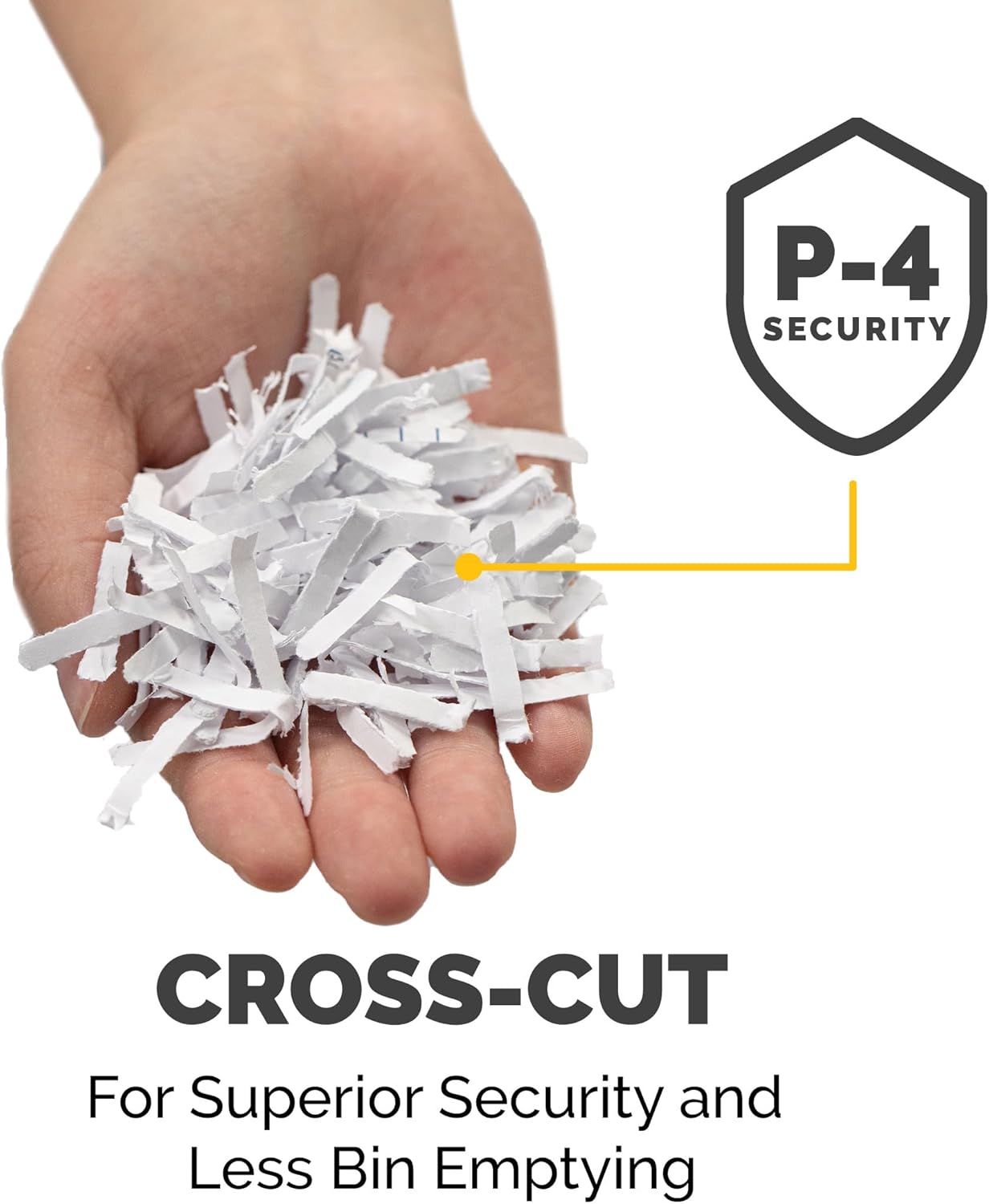
Figure 6: Cross-cut particles offer superior security and reduce bin emptying frequency.
4.7 Video produs
Video 1: Final oficialview of the Fellowes 79Ci Cross Cut Shredder, demonstrating its features and operation.
5. Întreținere
5.1 Golirea coșului de gunoi
The shredder features a 6-gallon pull-out waste bin. An LED bin-full indicator will illuminate when the bin needs to be emptied. Pull out the bin, dispose of the shredded material, and slide the bin back into place until it clicks securely.

Figure 7: The 6-gallon bin holds a significant volume of shredded material.
5.2 Ungerea tocătorului
To maintain optimal performance and extend the life of the shredder, it is recommended to oil the cutting blades regularly. Apply a small amount of shredder oil (or vegetable oil) across the paper entry slot and then run the shredder in forward mode for a few seconds. This should be done after emptying the waste bin or after approximately 30 minutes of cumulative shredding.
6. Depanare
- Blocaj de hârtie: If a paper jam occurs, the 100% Jam-Proof technology will attempt to clear it automatically. If the jam persists, use the reverse function to back out the paper, remove the excess material, and then re-feed a smaller quantity.
- Supraîncălzire: If the shredder runs for its maximum continuous run time (20 minutes) or is overloaded, it may overheat and automatically shut down. Allow the shredder to cool down for approximately 30 minutes before resuming operation.
- Indicator Bin plin: If the LED bin-full indicator is illuminated, empty the waste bin as described in the Maintenance section.
- Indicator ușă deschisă: Ensure the waste bin is fully inserted and the shredder head is properly seated. The shredder will not operate if the bin is not correctly closed.
7. Specificații
| Caracteristică | Caietul de sarcini |
|---|---|
| Dimensiunile produsului | 13.8 x 18.5 x 23.1 inci |
| Greutatea articolului | 28.2 lire sterline |
| Numărul de model | 3227919 |
| Tip de tăiere | Tăiere încrucișată |
| Capacitate foi | 16 de coli |
| Capacitatea recipientului | 6 de galoane |
| Nivel de securitate | P-4 |
| Timp de funcționare continuă | 20 minute |
| Shreds Materials | Paper, Staples, Credit Cards, Paper Clips, CDs/DVDs, Junk Mail |
8. Garanție și asistență
The Fellowes Powershred 79Ci is backed by a 2-year product and service warranty, and a lifetime warranty on the cutters. For warranty claims, technical support, or further assistance, please refer to the contact information provided on your product packaging or visit the official Fellowes website-ul.